


- Adobe and Anthropic released the ‘Adobe for creativity’ Claude connector on April 28, 2026 — Claude can now orchestrate multi-step workflows across 50+ pro-grade Adobe tools spanning Photoshop, Lightroom, Premiere, Illustrator, Firefly, Express, InDesign, and Stock.
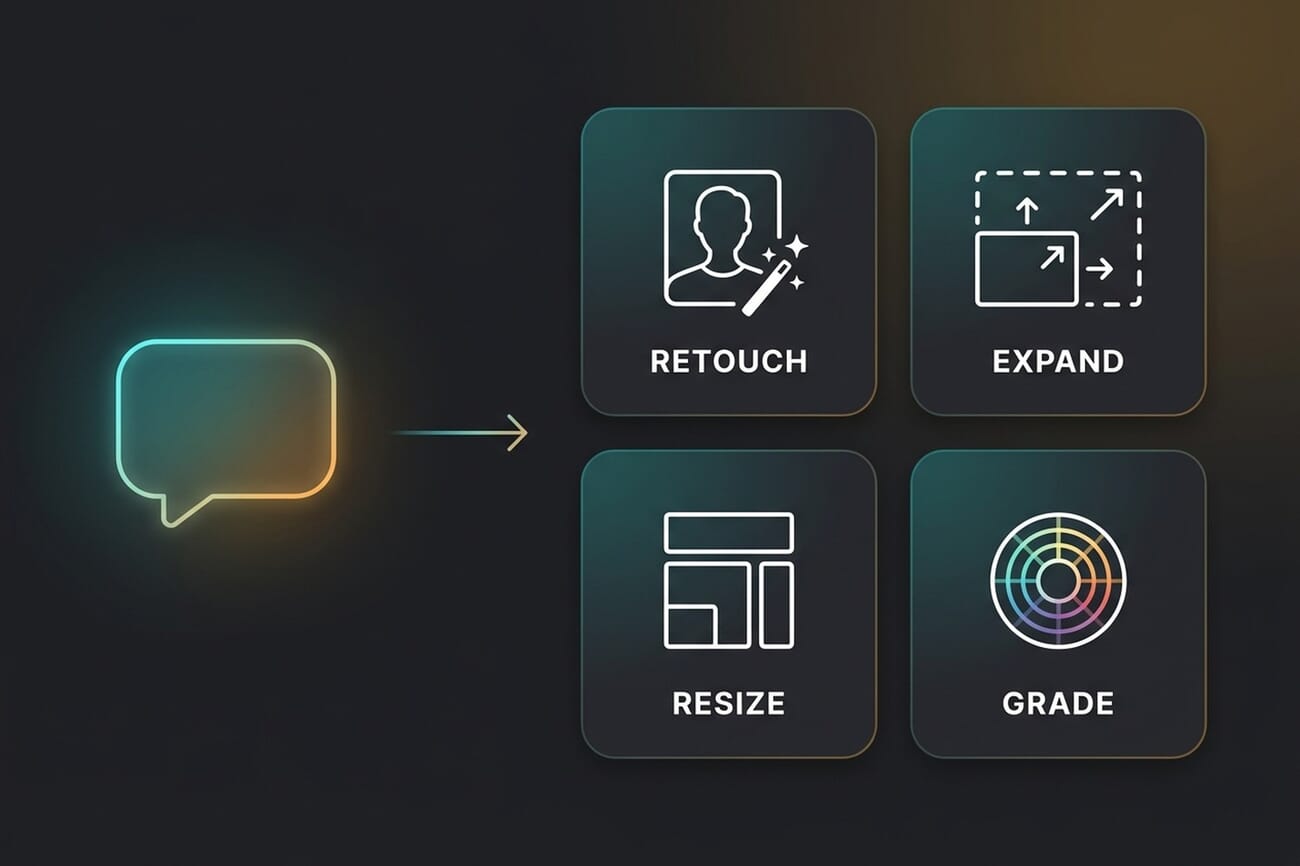
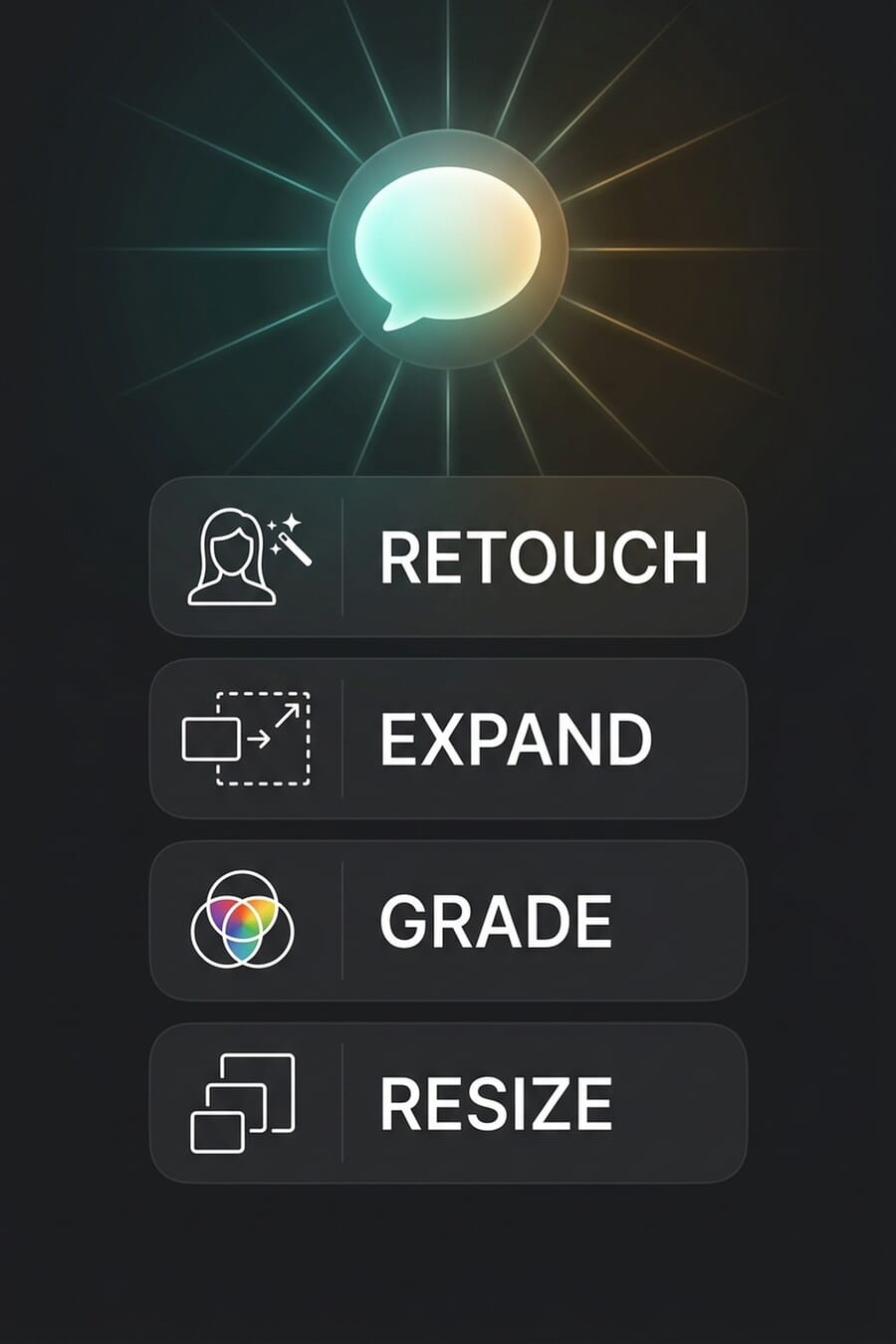
- Photographers can describe tasks in plain language — retouch a portrait, expand a frame, regrade colour, resize for Instagram Reels — and Claude executes the steps across the relevant Adobe apps without the user opening any of them.
- It is part of a wider 9-connector launch covering Blender, SketchUp, Autodesk Fusion, Ableton, Splice, Resolume Arena, Resolume Wire, and Affinity by Canva — Anthropic’s first serious push into agentic creative workflows.
- Adobe’s positioning is hybrid, not replacement — the connector handles orchestration, photographers still finish in the apps. But for routine social-asset work and bulk retouching, the productivity delta is real and the workflow disruption starts now.
Adobe and Anthropic just made the Photoshop workflow a single sentence. On April 28, 2026, the two companies launched the “Adobe for creativity” Claude connector — a system-level integration that lets Claude orchestrate 50+ pro-grade tools across Adobe’s full Creative Cloud stack. Photoshop, Lightroom, Premiere, Illustrator, Firefly, Express, InDesign, and Adobe Stock now respond to natural-language prompts inside Claude itself.
The launch tweet from @ErickSky caught fire (302K impressions, 2,604 likes, 2,425 bookmarks at time of writing) with a stark framing: “Adobe just signed the death certificate of a lot of people.” That’s overstated, but the underlying observation is real — for a class of routine creative tasks that photographers and designers have been billing 1–3 days for, the new normal is going to be a single chat prompt and a five-minute output. Claude is no longer just a writing assistant. It is now an editing pipeline.
What Photographers Can Actually Orchestrate
The connector is built around four core photographer use cases, all confirmed in Adobe’s launch blog and PetaPixel’s coverage:
- Portrait retouching — apply balanced lighting, background blur, auto-straighten, and portrait crop to headshots in a single prompt. The Photoshop and Lightroom retouching toolset is invoked on the back end; the user never sees the layers panel.
- Generative expand / outpaint — drag a tightly-cropped image’s edges outward via Claude prompt, with Adobe’s Firefly model invented new pixel content that matches the original scene.
- Multi-format resizing — convert horizontal video clips into YouTube Shorts (9:16), Instagram Reels (9:16), or other platform aspect ratios with intelligent crop-and-keyframe behaviour, all routed through Premiere automatically.
- Social media asset design — describe a campaign brief, and Claude pulls Express templates, edits the headlines and colours, and animates them for export. Adobe Stock can be tapped for additional imagery during the same prompt cycle.
For volume photographers — wedding shooters processing 1,200-image deliverables, e-commerce shooters running large product catalogues, or social-media-led editorial outlets producing bulk graphic assets — the productivity jump is going to be material. The lift is smaller (but still real) for fine-art and editorial photographers whose workflow already lives in deep, hand-tuned edits.
How Setup Actually Works
Setup is three steps, all on the Claude side. First, photographers open Claude and install the Adobe for creativity connector directly from Claude’s connector library. Second, they enable the relevant Adobe Skills via the developer portal at developer.adobe.com/adobe-for-creativity/. Third, they sign in with their Adobe account, which unlocks higher usage limits, the full set of pro tools, and cross-session saving so the same project can be picked up across multiple chats.
The connector is available globally for Claude users with an Adobe Creative Cloud subscription. Adobe hasn’t published a separate price for the connector — the implication is that an active CC subscription plus a Claude account is the working baseline. Anthropic hasn’t broken out which Claude tiers (Free, Pro, Max, Team, Enterprise) are required, which is the next disclosure worth watching.
A 9-Connector Launch — and Why Adobe Is the Headline
The Adobe connector ships alongside eight others as part of Anthropic’s biggest agentic-creative push to date. The full lineup, per 9to5Mac’s coverage: Adobe (50+ tools), Blender (3D modelling via Python API), Autodesk Fusion (parametric 3D), SketchUp (architectural 3D), Ableton (music production), Splice (royalty-free samples), Resolume Arena (live visuals), Resolume Wire (AV production), and Affinity by Canva (batch image work).
For photographers, Adobe is the only one of the nine that materially changes the daily workflow. The others matter for adjacent disciplines — 3D, music, live visuals — but Adobe owns the photo and design pipeline most photographers actually live in. Anthropic’s stated framing in its launch announcement: “Today, with a coalition of partners including Blender, Autodesk, Adobe, Ableton, and Splice, we’re releasing a set of connectors that let Claude work alongside software creative professionals rely on.”
What This Actually Means for Photographer Workflows
The honest read: routine, repeatable photo work just got materially commoditised — and any photographer or retoucher whose deliverable is “clean up these 200 product shots and deliver them in three formats” will see Claude eating that slice within months. The same applies to junior retouchers paid hourly to do the standard portrait pass: skin smoothing, eye sharpening, background cleanup, crop, export. That’s now a single sentence.
What doesn’t change: the parts of photography that aren’t routine. Concept work, lighting design, on-location decision-making, fine retouch on luxury beauty or fashion, archival/restoration work that requires per-pixel attention. None of that gets cheaper because Claude can now drive Photoshop. What changes is the floor — the baseline competent edit is now a chat prompt, which means the value floor for photographers shifts upward toward the work that genuinely requires human judgement.
This is the same dynamic that played out with stock photography after Unsplash, with photo retouching after Topaz Photo AI (see our Topaz review), and with consumer-AI image tools after the ChatGPT/Gemini wave (covered in our ChatGPT Images 2.0 vs Gemini Nano Banana 2 hands-on). The Adobe + Claude integration is the most consequential of the three because it’s the first one that orchestrates the entire pro toolchain rather than swapping out a single step in it.
The Limits — What Won’t Work Yet
Three real constraints. RAW workflows are not the use case. The Adobe blog’s example workflows all imply the source files are already in a Creative Cloud-readable form (PSD, JPEG, MP4, etc.) — there’s no detail on how Claude handles a Sony ARW or Canon CR3 round-trip through Lightroom for tone-curve work. Until that’s clarified, treat the connector as a JPEG/PSD-side tool, not a RAW pipeline replacement.
Hybrid finishing is the design intent, not full automation. Adobe is explicit that the connector works “alongside Creative Cloud, rather than replace it.” The intended workflow is Claude does the orchestration and the rough pass; the photographer finishes in Photoshop or Lightroom for the parts that need attention. That’s a meaningful framing — it suggests the connector is positioned as a productivity layer, not a tool replacement, and the prompts you’ll write should reflect that.
Provenance and authenticity are still open questions. Adobe has been one of the most forward-leaning companies on Content Credentials and C2PA metadata for AI-generated and AI-edited images. Whether the Claude connector preserves or appends provenance signals when it executes Generative Expand or AI retouching steps hasn’t been spelled out. For photographers working in journalism, documentary, or anywhere AI-edit disclosure matters, the next item on the watchlist is whether Adobe’s Content Credentials chain stays intact through Claude-driven workflows.
Where This Fits Alongside iOS 27, Lightroom AI, and Topaz
This is the third major AI-photo announcement in 14 days. The other two — covered in our iOS 27 AI photo features post and our DaVinci Resolve 21 coverage — both moved AI editing closer to where photographers already work. The Adobe + Claude connector is the most consequential of the three because it’s the only one that operates across the entire pro toolchain rather than inside a single app.
The buyer’s framing for photographers right now: iOS 27 is the floor (free, on-device, casual edits inside Photos). Topaz Photo AI and the consumer-AI photo tool stack are the discrete-task tier (best for one-off problems like denoise, upscale, organisation). Lightroom Mobile + the slider-based Lightroom AI suite are the manual-edit tier (Generative Remove, Lens Blur, Denoise — all controllable, all surfaced in the UI). And Adobe + Claude is the new orchestration tier, sitting on top of Lightroom and Photoshop and routing the prompt across them. They aren’t substitutes — they’re a stack.
FAQ
Do I need a Creative Cloud subscription to use the Claude connector?
An Adobe account is required to unlock higher usage limits, the full set of tools, and cross-session saving. Adobe hasn’t formally stated whether a paid Creative Cloud subscription is mandatory or whether free Adobe accounts get a limited tier — the implication from Adobe’s blog is that an active CC subscription is the working baseline, especially for Photoshop, Lightroom, and Premiere routing.
Does Claude run Photoshop locally on my machine?
The connector orchestrates Adobe’s cloud-side and app-side tooling — exact architecture details haven’t been published. The user-side experience is entirely inside Claude; the heavy work happens through Adobe’s APIs. You don’t need Photoshop visibly running on your machine for the basic prompts to work.
Will Claude touch my RAW files?
The published example workflows are all PSD/JPEG/MP4 jobs. Adobe hasn’t disclosed how the connector handles native RAW formats (ARW, CR3, NEF, RAF). Treat the connector as a JPEG/PSD-side productivity layer for now and keep your RAW workflow in Lightroom/Capture One until Adobe clarifies the round-trip.
Will my Claude-edited images carry Content Credentials / C2PA metadata?
Not yet confirmed. Adobe has been one of the most active companies on the C2PA standard for Photoshop and Firefly outputs, but whether the Claude connector preserves the same provenance chain when orchestrating multi-app workflows is an open question. For journalism or documentary use, treat outputs as unsigned until Adobe publishes the metadata behaviour.
Bottom Line
The Adobe + Claude connector is the largest single workflow change in pro creative software since Lightroom shipped on the iPad in 2017. For photographers whose deliverables are routine and repeatable, the productivity gain is going to be substantial — and the competitive pressure on junior retouchers and high-volume editors is going to be uncomfortable. For photographers whose work depends on judgement, lighting decisions, on-location problem-solving, and fine retouch, the connector becomes a useful layer above the existing toolchain rather than a replacement for it.
The right call right now: install the connector, throw your most boring repeatable workflow at it, and see how close it gets in 15 minutes. That’s a more useful exercise than reading another piece about the future of creative AI — including this one.
Featured image and infographics: PhotoWorkout editorial illustrations.
Primary Coverage
- Adobe Blog — Adobe for creativity connector announcement – Adobe's official launch announcement for the Claude connector, with the use-case examples and setup steps (Apr 28, 2026).
- 9to5Mac — Anthropic releases 9 new Claude connectors for creative tools – Coverage of the full 9-connector launch including the complete partner list and Anthropic's framing.
- PetaPixel — Claude AI can orchestrate creative workflows across Adobe apps – Photographer-focused coverage emphasising the hybrid (orchestration + manual finishing) intent of the connector.
Background
- Anthropic — Claude for Creative Work – Anthropic's broader announcement of Claude's creative-tool integration push.
- Adobe — Firefly AI Assistant launch (April 15, 2026) – Context on Adobe's own in-app orchestration agent — the precursor to opening the same capability to third-party AIs like Claude.
- @ErickSky — viral launch tweet (Spanish) – The X post that drove a 302K-impression spike in launch-day discussion of the connector's workflow implications.



