


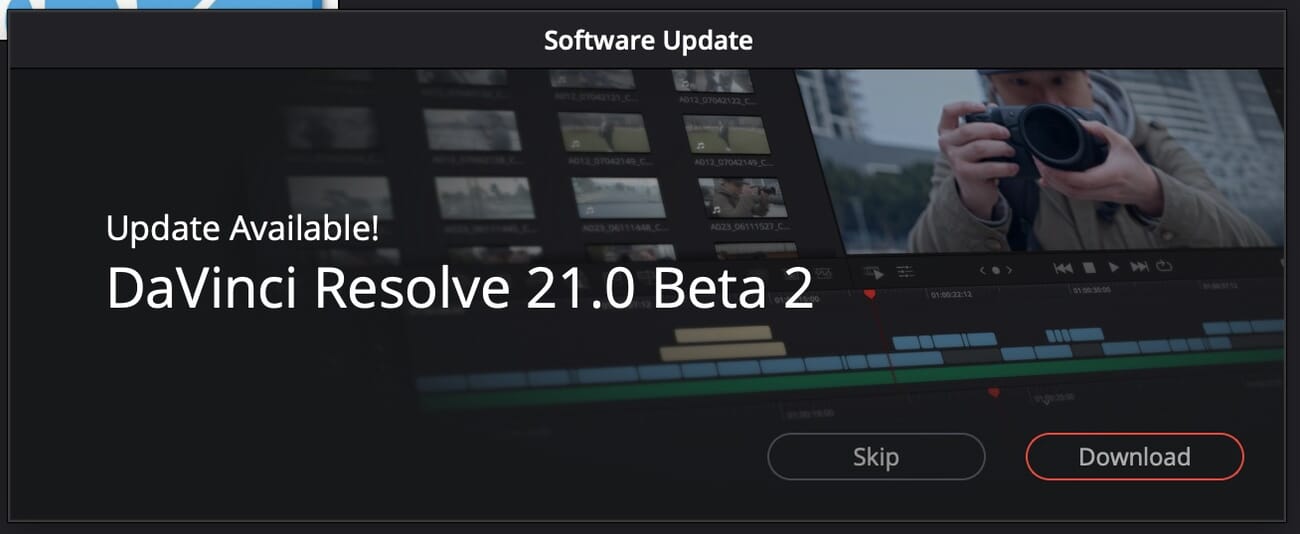
- Blackmagic Design released DaVinci Resolve 21 Beta 2 on April 27, just 13 days after the public beta debut — and the changelog is heavily skewed toward photographers.
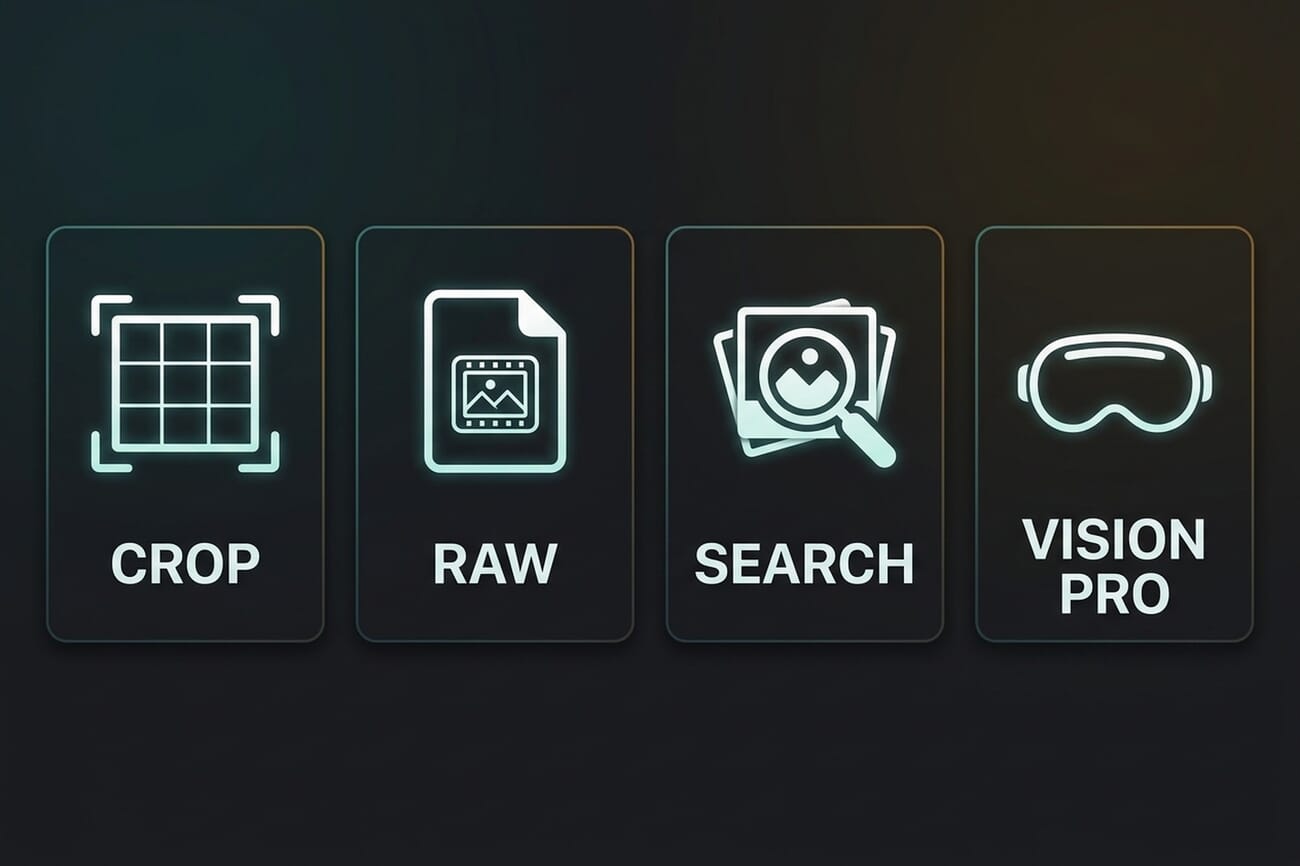
- Photo crop, flip, and rotate actions are now consistent across the Photo and Color pages, crop resolution metadata is handled correctly, and stills can finally export under their original file names.
- RAW decoding has been widened to cover Fujifilm RAF files and 12-bit Nikon NEF — two formats that were rough or missing in the first beta.
- IntelliSearch is faster and more accurate, and DaVinci Resolve Studio adds foveated streaming and rendering for Apple Vision Pro immersive workflows.
Blackmagic Design just pushed DaVinci Resolve 21 Beta 2 on April 27 — only 13 days after the original public beta dropped at NAB 2026. The changelog reads like a direct response to early-beta photographer feedback: smoother crop behaviour, wider RAW decoding, and a meaningfully faster IntelliSearch. Foveated streaming and rendering for Apple Vision Pro is along for the ride for Studio users.
The original Beta 1 was already an aggressive product move — see our breakdown of the new Photo page for the full picture of what shipped at NAB. Beta 2 is the iteration test: how fast can Blackmagic close the rough edges that early adopters flagged in 13 days, and is that pace something Adobe’s Lightroom team can realistically match?
When you buy through links on our site, we may earn a commission at no cost to you. We evaluate products independently. Commissions do not affect our evaluations.
What Beta 2 Adds for Photographers
The headline change is the photo crop tool. According to the Beta 2 release notes, Resolve now applies more consistent crop, flip, and rotate actions for still images across the Photo and Color pages, and handles crop resolution metadata correctly when stills move between pages. Beta 1 testers reported edge cases where a crop set on the Photo page would render at a different aspect ratio when the same image was opened on the Color page — that round-trip is the bit that’s been tightened.
Two smaller workflow fixes also matter for anyone batch-processing real shoots. Stills can now be exported using their original file names — a small thing, but Lightroom users will recognise it as the difference between a clean export folder and a rename script. And retime curves get improved default ease profiles, which is more relevant on the Edit and Color pages than on Photo, but speaks to the same theme of polishing rough edges.
Wider RAW Support: Fujifilm RAF and 12-bit Nikon NEF
Beta 2 widens the RAW decoder. Fujifilm RAF files and 12-bit Nikon NEF images now decode reliably on the Photo page. In the original beta, RAF support was uneven — some files opened, others showed colour casts or refused to load — and 12-bit NEF wasn’t formally supported even though Nikon Z bodies routinely write that bit depth.
That’s a meaningful expansion. Resolve already handled Sony ARW, Canon CR3, and the more common Nikon NEF profiles. Adding RAF brings Fujifilm X and GFX shooters into the room — a constituency Lightroom has owned for a decade. The catch: the Blackmagic support page still lists certain Fujifilm models as “in progress,” so anyone with a niche body should test their own files before committing to a workflow shift.
Faster IntelliSearch for Photo Libraries
IntelliSearch — the AI-powered media search that lets photographers and editors find photos by describing what’s in them — gets “speed and quality improvements” in Beta 2 (Studio only). The original Beta 1 implementation was cautious: search across a 10,000-image album took meaningfully longer than browsing the LightBox view manually. Blackmagic hasn’t published benchmarks, but the company explicitly called out faster analysis as a Beta 2 priority on its official announcement.
For photographers, this is the AI feature with the broadest practical reach. Magic Mask is powerful but situational. AI Face Reshaper is a niche retouching tool. IntelliSearch, by contrast, is the kind of feature that quietly changes the catalog-management workflow once it’s fast enough to feel instant. If Blackmagic gets it to Lightroom-search latency, the “why am I still in Lightroom” calculation moves a real notch.
Apple Vision Pro: Foveated Streaming and Rendering
Beta 2 adds foveated rendering controls for Apple Vision Pro workflows in DaVinci Resolve Studio. Foveated rendering matches what the eye actually does in immersive headsets — it renders the area the user is directly looking at in full resolution, and the peripheral regions at lower fidelity. The result is materially less GPU load for the same perceived sharpness inside the headset.
This is mostly a video-side feature aimed at editors finishing immersive 8K and Apple Immersive Video projects. But it has a thread for photographers too: the same Vision Pro pipeline is what photographers will eventually use to review stills in spatial environments — and Blackmagic adding production-grade foveated streaming is a hint that the Photo page may pick up Vision Pro review workflows in a future build.
Is Resolve Closing the Lightroom Gap Faster Than Expected?
Thirteen days from public beta to Beta 2 is fast — particularly for a feature category Blackmagic had never shipped before. Adobe’s Lightroom release cadence is closer to quarterly major drops with monthly minor patches, and the patches rarely add new RAW format support outside of new-camera-launch windows. Beta 2’s additions — RAF decoding, 12-bit NEF, original-filename exports — are the kind of items that would normally land on the Lightroom roadmap rather than in a same-month patch.
That said, the underlying gap hasn’t changed. Lightroom still has Clarity, broader tethered camera support, AI masking in the base subscription rather than behind a $295 Studio paywall, and a slider-first interface that’s genuinely faster for casual editing than Resolve’s node graph. Beta 2 doesn’t close any of those — it polishes the parts of the Photo page that already exist. The question is whether Blackmagic keeps this iteration speed all the way to a stable 21.0 release, or whether the velocity is just an early-beta sprint.
When Stable Hits
Blackmagic hasn’t published a date for the stable DaVinci Resolve 21.0 release. The company’s historical pattern with major version updates has been a 6–10 week public beta window before the stable point release. If that holds, photographers can expect a finished 21.0 to land somewhere in late May or June 2026. Both the free and Studio versions of the public beta are available now from the Blackmagic Design support site.
For photographers evaluating whether to install Beta 2 on a working machine: the Photo page is still labelled public beta, which means it’s not under the same QA umbrella as Resolve’s Edit, Color, and Fairlight pages. Treat it like a parallel evaluation install — point it at a copy of the catalog, not the master — and watch for the next beta to confirm the iteration pace is real.
FAQ
How do I get DaVinci Resolve 21 Beta 2?
Both the free version of DaVinci Resolve and the paid DaVinci Resolve Studio (a $295 one-time purchase) have a Beta 2 build available from the Blackmagic Design support site. Existing Studio licence holders don’t pay anything to update to the public beta — it runs alongside Resolve 20.x without overwriting the stable install.
Is the Photo page stable enough for paid client work yet?
Not yet. It’s a public beta, which by Blackmagic’s own labelling means “use at your own risk.” Beta 2 fixes meaningful Photo page bugs but the workflow is still moving target. Photographers wanting to evaluate it should run it on a copy of their catalog rather than committing live shoot deliveries to it.
Does Beta 2 improve the Lightroom catalog import?
The release notes don’t call out specific Lightroom-import improvements in Beta 2. The catalog-import feature shipped in Beta 1 and brings across albums, metadata, and organisational structure — but how completely individual develop settings translate is still under-documented. Test on a copy of your catalog before relying on it.
Will the Photo page get more features before stable 21.0?
Blackmagic hasn’t committed to specific additions, but the company’s past beta cadence — and the pace of Beta 2 itself — suggests that more photographer-facing fixes are likely before the stable point release. Items frequently flagged by early testers, including a Clarity-equivalent slider and broader tethered camera support, would be the natural next targets.
Bottom Line
DaVinci Resolve 21 Beta 2 is a polish release, not a feature drop — and that’s exactly what early-stage betas should be. The crop fixes, wider RAW support, and faster IntelliSearch each remove a specific friction that early Beta 1 testers hit. The Vision Pro additions hint at a broader spatial-computing roadmap. Most importantly, the 13-day turnaround signals that Blackmagic is actually iterating on photographer feedback, which is the variable that determines whether the Photo page becomes a real Lightroom alternative or a one-time NAB headline.
Featured image and infographics: PhotoWorkout editorial illustrations.
Beta 2 Coverage
- Blackmagic Design (X) — DaVinci Resolve 21 Beta 2 announcement – Official Blackmagic announcement of Beta 2 features and bug fixes (Apr 27, 2026).
- Newsshooter — DaVinci Resolve 21 Beta 2 – Detailed Beta 2 release notes and photographer-relevant changes.
- Redshark News — Beta 2 bug fixes and Fusion improvements – Coverage including RAF and 12-bit NEF decoder additions and original-filename exports.
Background
- Blackmagic Design — DaVinci Resolve 21 press release – Original DaVinci Resolve 21 announcement at NAB 2026.
- Blackmagic Design — DaVinci Resolve & Fusion downloads – Official download page for the public beta of DaVinci Resolve 21.


