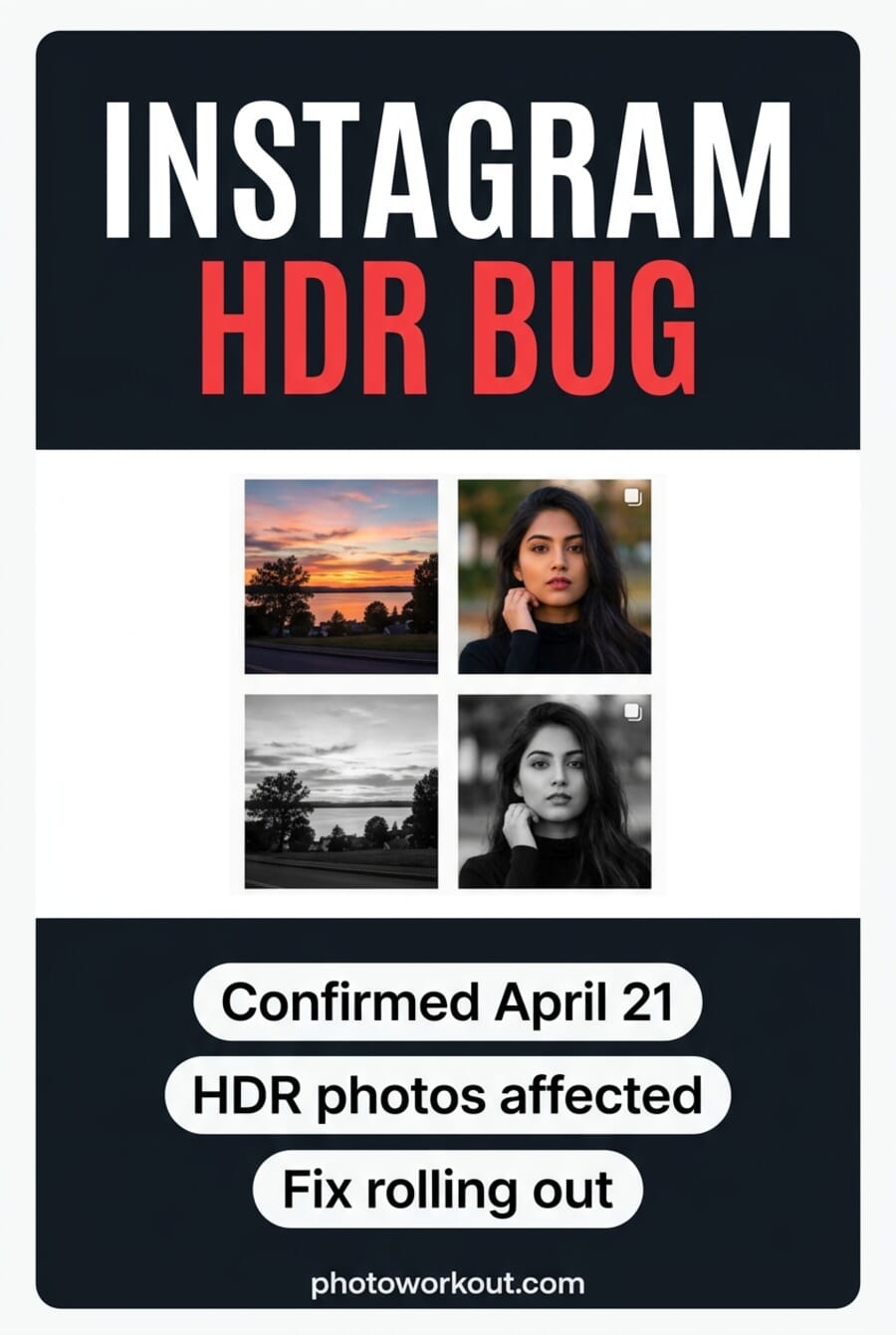
- Instagram confirmed on April 21, 2026 that a bug caused some HDR photos to appear incorrectly as black-and-white — the issue started April 18–19, 2026.
- Only HDR-tagged posts were affected. Standard sRGB JPEGs untouched. Reports focused on Feed posts; Stories and Reels coverage is unconfirmed.
- Meta’s statement: “Earlier today, a technical issue caused some HDR photos to appear incorrectly as black-and-white for a subset of accounts.” Fix pushed, affected posts revert automatically over the following hours.
- How to tell: open your profile grid. Any recent post that’s mono when it should be color is a candidate. Desktop browsers sometimes render HDR correctly even when mobile does not.
- The bigger takeaway: Instagram’s HDR pipeline is still fragile two years into launch. Many pros now export as sRGB JPEG before uploading to sidestep these incidents entirely.
Instagram has a color problem. On April 21, 2026, Meta confirmed to Engadget that a technical bug caused some HDR photos to render as black-and-white for a subset of users — complaints had been building since April 18. The fix is already rolling out, and affected posts should revert to color automatically over the following hours.
But the story under the story is what this keeps happening. Instagram’s HDR pipeline has been shaky since Meta added support in 2024, and photographers have been hitting color shifts, faded uploads, and now full desaturation on a regular cadence. This explainer covers what happened, how to tell if any of your posts are affected, and whether shooting HDR for Instagram is even worth it in 2026.
What happened
Reports started surfacing on April 18 and 19, 2026 — photographers and casual users opening the Instagram app to find their recent HDR posts rendering in grayscale. The bug was selective: standard sRGB JPEGs looked normal, but posts tagged as HDR (most commonly uploads from iPhone and Pixel phones that shoot HDR by default) showed as desaturated.
Meta’s full statement to Engadget:
Earlier today, a technical issue caused some HDR photos to appear incorrectly as black-and-white for a subset of accounts. We apologize for any inconvenience.
The key phrasing: “a subset of accounts.” Not everyone hit the bug. Which accounts triggered it and why wasn’t disclosed, but the pattern from user threads suggests the bug was server-side rather than client-side — users who saw black-and-white posts in the feed were seeing them across devices, not just on one phone.
How to tell if your photos were affected
Open your profile grid. Scroll back to posts from April 18–20 that should be in color. Any recent upload appearing in grayscale when you know the original was color is a candidate.
Quick cross-checks:
- Desktop browser test: Open instagram.com and view the same post. The desktop web renderer sometimes handles HDR correctly even when the mobile app does not — if the post looks color on web and monochrome on mobile, the bug affected you.
- Story and Reel cross-check: If you posted the same photo to both a Feed post and a Story, compare them. Story and Reel uploads reportedly rendered normally during this incident.
- Source file check: Pull up the original in your Camera Roll or Lightroom. If the source is color and the Instagram post is mono, you’re seeing the bug — not an accidental filter.
- Friend test: Ask a friend on a different device and account to view the post. If they see mono too, it’s server-side.
Meta says the fix is propagating automatically over the following hours. If a post is still showing mono 24+ hours after the April 21 confirmation, delete and re-upload — ideally as a standard sRGB JPEG (see next section).
Is shooting HDR for Instagram even worth it in 2026?
Short answer: not really, not yet.
Instagram added HDR photo support in 2024 with the promise of more vivid highlights on capable displays (mostly OLED phones). Two years later, the pipeline is still fragile. Incidents like this one, chronic color shifts, and Reels going dark on HDR upload are all common enough that the Greg Benz Photography HDR guide has had to be updated multiple times per quarter.
The pragmatic workflow most working photographers have landed on:
- Shoot whatever format you want — ProRAW on iPhone, RAW on Pixel, full RAW on mirrorless. HDR capture is always fine.
- Edit in your editor of choice — Lightroom, Capture One, or Photomator. Use HDR tools for your own archive and large-screen output.
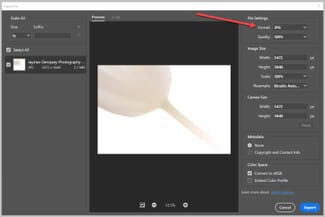
- Export specifically for Instagram as sRGB JPEG — 2048px long edge, quality 80–85, standard color space. This bypasses Instagram’s HDR interpretation layer entirely.
- Upload with “Upload at highest quality” enabled in Instagram’s Settings → Data usage and media quality. Prevents Instagram from recompressing your file further.
The reward for shooting HDR on Instagram in 2026 — slightly more vivid highlights on OLED phones — is not worth the risk of your work rendering in grayscale during a platform-side incident. Until Meta ships a substantially more reliable HDR pipeline, export sRGB for Instagram and keep the HDR version for your own archive and editing workflow.
What to do if you’re still seeing black-and-white posts
Meta says the fix will reach all accounts within a few hours of the April 21 confirmation, but caching behavior on Instagram’s CDN means some users may see stale mono renders longer. Options, in order of least to most invasive:
- Wait 24 hours. The automated revert Meta described should propagate to all CDN edges within a day.
- Force-refresh the app cache. Close Instagram completely (swipe away, not just background), clear app cache if your phone supports it, then reopen.
- View on desktop web. Confirms the bug vs a local render issue.
- Delete and re-upload. If after 24 hours a post is still mono, delete it and re-upload as a standard sRGB JPEG. You’ll lose likes and comments but guarantee correct color rendering.
Frequently Asked Questions
Did Instagram confirm the bug?
Yes. On April 21, 2026, Meta told Engadget that “a technical issue caused some HDR photos to appear incorrectly as black-and-white for a subset of accounts” and apologized for the inconvenience. The fix is already rolling out.
Which Instagram posts are affected?
Only HDR-tagged Feed posts uploaded around April 18–19, 2026. Standard sRGB JPEG uploads were untouched. Stories and Reels coverage wasn’t mentioned by Meta and user reports focus on Feed.
Do I need to re-upload my photos?
Usually no — Meta says the fix will automatically revert affected posts over the following hours. Wait 24 hours and check. If a post is still monochrome after that, delete and re-upload as a standard sRGB JPEG.
How do I stop this from happening again?
Export your photos as sRGB JPEG (not HDR) before uploading. This bypasses Instagram’s HDR interpretation pipeline entirely. You can keep HDR versions for your own archive, Apple Photos, or Lightroom — just serve the platform what it handles reliably.
Is HDR on Instagram worth the hassle in 2026?
For most photographers, no. The visual upside (slightly more vivid highlights on OLED phones) doesn’t outweigh the recurring pipeline issues. Use HDR in your own workflow; export sRGB for Instagram.
Featured image and pin: editorial illustrations by PhotoWorkout.
Sources for this article:
Primary reporting
- Engadget — Instagram says a bug turned your photos black and white – Initial reporting with Meta's confirmation statement
- Meta Engineering — Bringing HDR photo support to Instagram and Threads – Meta's 2024 technical overview of HDR photo support on Instagram
Workflow references
- Greg Benz Photography — How to share HDR photos on Instagram – Practical workflow guide, updated regularly as Instagram's HDR pipeline changes
- Social Media Today — Meta brings HDR Dolby Vision to Instagram – Coverage of Meta's Dolby Vision HDR rollout on Instagram