

- Apple announced the MacBook Air M5 on March 3, 2026, with pre-orders starting March 4 and availability from March 11 — starting at $1,099 (13-inch) and $1,299 (15-inch).
- The M5 chip brings a faster CPU, next-gen GPU, and Neural Accelerator cores that significantly speed up AI-powered editing tools like Lightroom Denoise, Affinity Photo processing, and Photoshop Generative Fill.
- Double the base storage (now 512GB), configurable up to 4TB, Wi-Fi 7 via Apple’s N1 chip, and support for two external displays make this a strong all-around laptop for photography workflows.
- Compared to the budget MacBook Neo, the Air M5 is the better choice for serious photo editing — wider P3 color gamut, more RAM headroom, and significantly faster processing.
Apple announced the new MacBook Air with M5 on March 3, 2026, positioning it as the biggest performance leap for the world’s most popular laptop in years. For photographers, the upgrade hits several pain points at once: doubled base storage, faster AI-accelerated editing, and support for two external displays — all in the same thin, fanless design.
The new MacBook Air with M5 is available for pre-order since March 4, with units arriving to customers and Apple Stores starting March 11, 2026. Both 13-inch and 15-inch models come in sky blue, midnight, starlight, and silver.
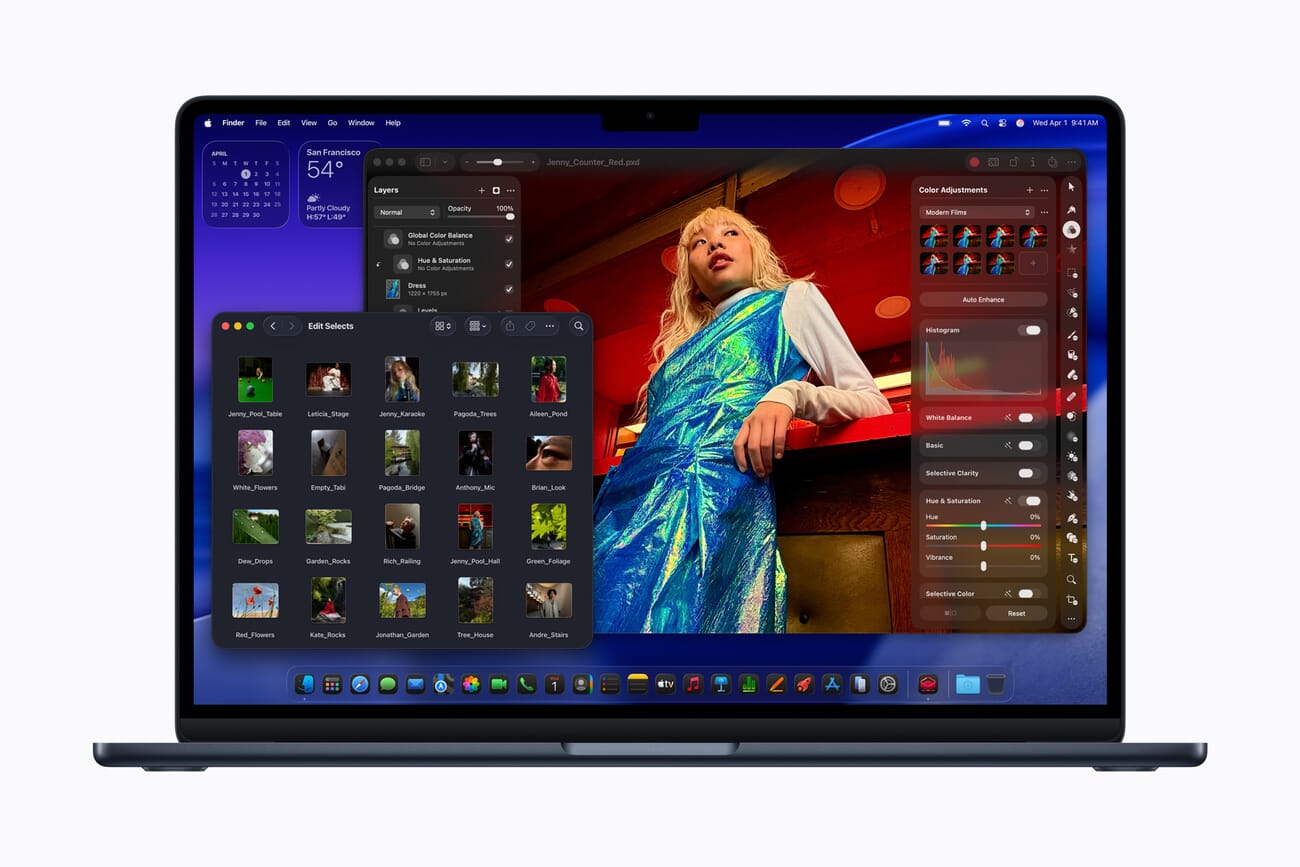
M5 Chip: What Photographers Get
The M5 chip is the centerpiece of this update. Apple claims up to 2.7x faster image processing in Affinity Photo compared to the M1-era MacBook Air, and up to 1.5x faster than last year’s M4 model. For Lightroom and Photoshop users, the gains come from two directions: raw CPU/GPU speed for exports and batch processing, plus a new Neural Accelerator built into each GPU core that turbocharges AI-powered editing tools.
Key performance numbers Apple highlighted:
- 2.7x faster image processing in Affinity vs. MacBook Air M1 (1.5x vs. M4)
- 6.9x faster AI video enhancement in Topaz Video vs. M1 (1.9x vs. M4)
- 6.5x faster 3D rendering with ray-tracing in Blender vs. M1 (1.5x vs. M4)
- Up to 2x faster on demanding tasks vs. Intel Core Ultra X7-based PC laptops
For photographers specifically, the Neural Accelerator means tools like Lightroom Denoise, Enhance Details, and Photoshop Generative Fill run faster without hammering the CPU — leaving headroom for multitasking while AI processes run in the background.
512GB Base Storage — Finally
One of the most practical upgrades: the MacBook Air M5 now starts at 512GB instead of 256GB, using faster SSD technology. Configurations go up to 4TB — enough to keep a massive Lightroom catalog, previews, and years of RAW files on a single machine.
For photographers who’ve been managing their storage anxiety with external drives, this is a meaningful change. A 512GB base means you can comfortably hold a working catalog plus a healthy buffer without immediately running out of space. And for those who configure up to 2TB or 4TB, you might finally ditch the external drive shuffle entirely — at least for on-the-go work.
Display and Connectivity for Photo Workflows
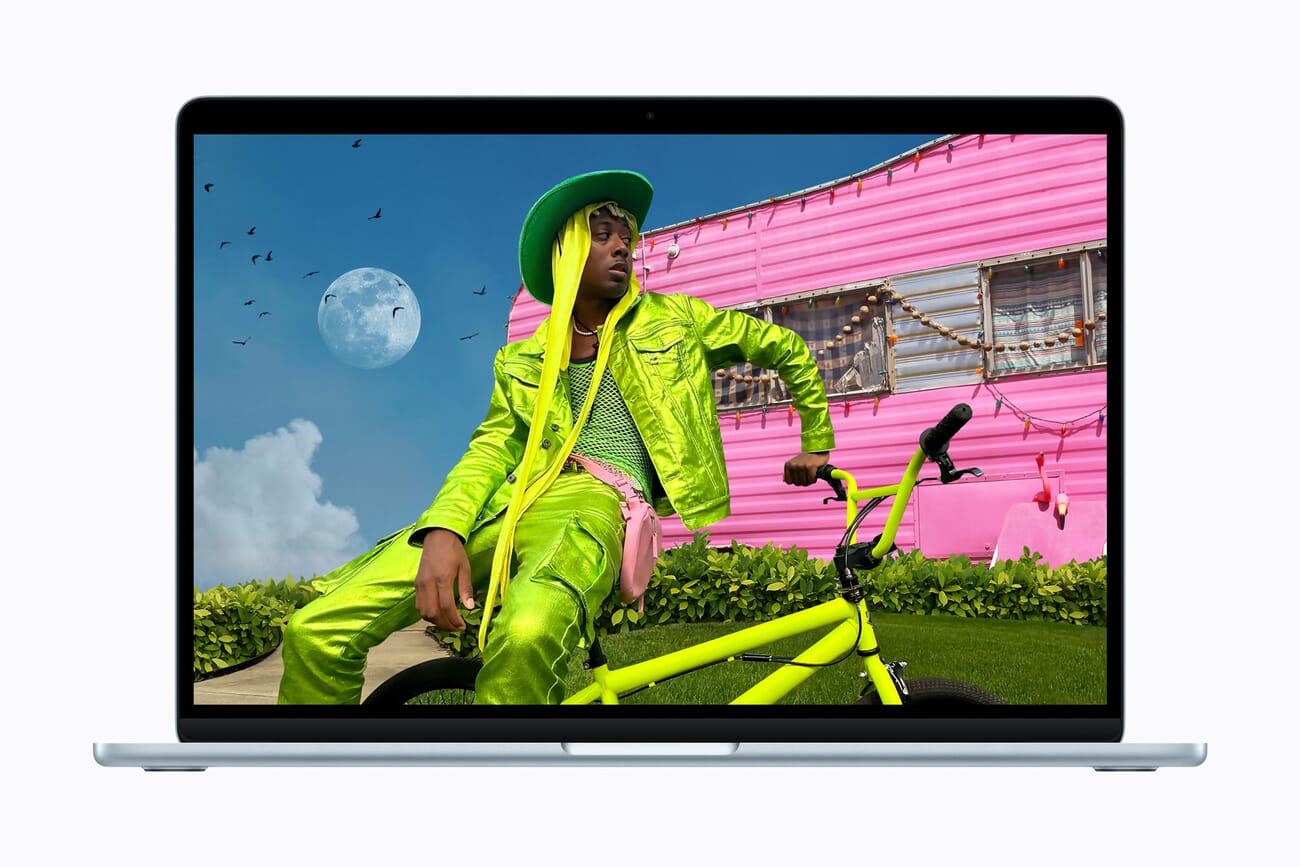
The MacBook Air M5 retains the Liquid Retina display — 13.6 inches on the smaller model, 15.3 inches on the larger — with 500 nits of brightness and support for 1 billion colors. The display covers the P3 wide color gamut, which is critical for photographers who need accurate color beyond sRGB for print-destined work.
This is one area where the Air M5 clearly separates itself from the budget MacBook Neo. The Neo’s display covers sRGB but only partially reaches into P3 territory. If color accuracy matters for your editing — and if you’re printing or delivering to clients, it should — the Air M5’s P3-calibrated panel is worth the price difference.
Connectivity upgrades matter for photographers too:
- Two Thunderbolt 4 ports — fast transfers to external NVMe drives, supports two external displays simultaneously
- Wi-Fi 7 via Apple’s N1 chip — faster cloud backups and uploads, plus Bluetooth 6
- MagSafe charging — keeps both Thunderbolt ports free for storage and display connections
The dual-display support is a notable win. Photographers can run a calibrated external monitor for editing while using the built-in display for Lightroom’s Library module, Finder, or reference images — without needing a dock or adapter.
MacBook Air M5 vs. MacBook Neo: Which One for Photography?
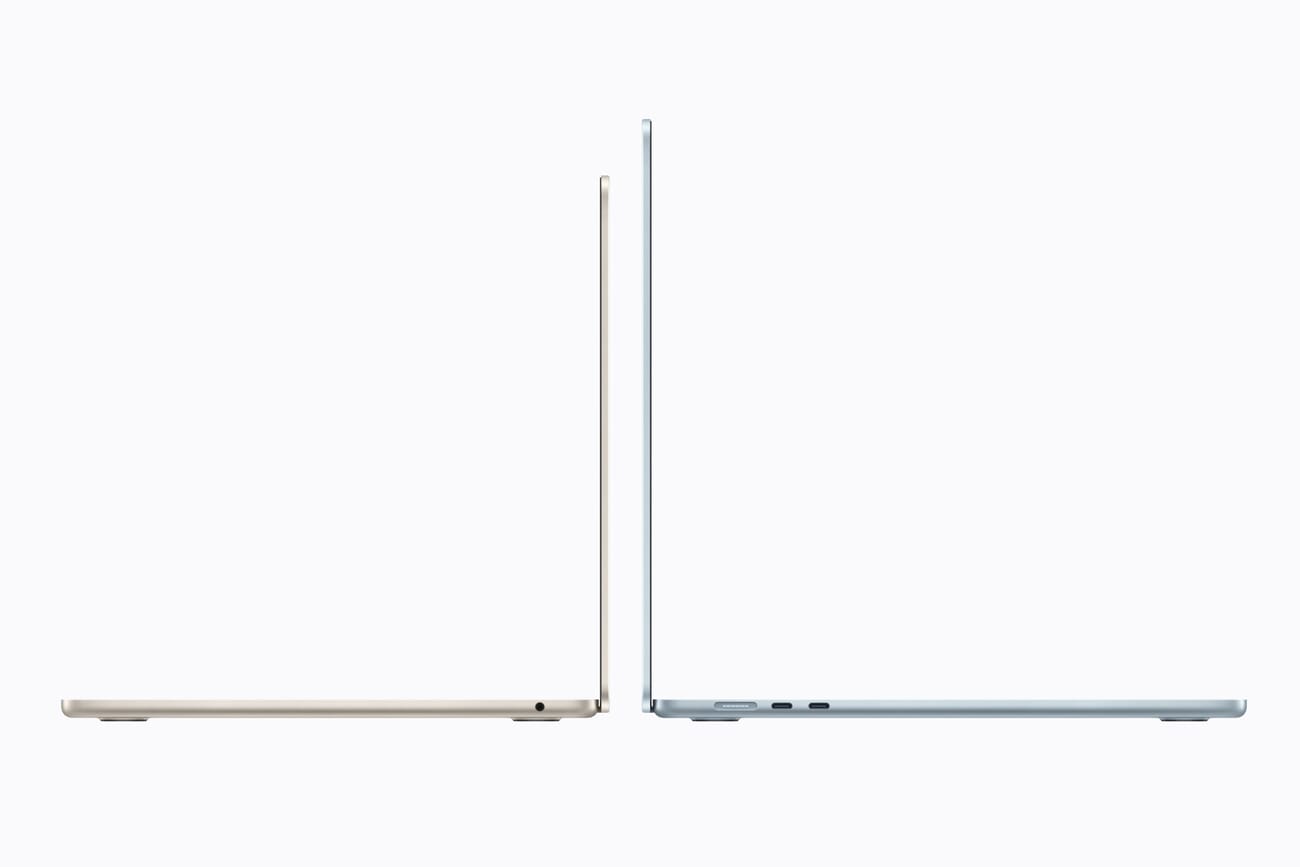
Apple now has two “affordable” laptops targeting different photographers. Here’s how they compare for photo editing:
| Feature | MacBook Air M5 | MacBook Neo |
|---|---|---|
| Starting Price | $1,099 (13″) / $1,299 (15″) | $599 / $499 education |
| Chip | M5 (desktop-class) | A18 Pro (phone-derived) |
| Base Storage | 512GB (up to 4TB) | 256GB (up to 512GB) |
| Display Gamut | P3 wide color | sRGB (partial P3) |
| External Displays | Up to 2 | 1 |
| Ports | 2x Thunderbolt 4 + MagSafe | USB-C + MagSafe |
| Battery Life | Up to 18 hours | Up to 16 hours |
| Best For | Serious hobbyists, semi-pros, daily editing | Casual editors, students, travel backup |
The MacBook Neo is an excellent entry point at $599, but the Air M5 is the better photography laptop. The P3 display, Thunderbolt 4 ports, and significantly more powerful M5 chip make it the machine that won’t hold back your editing workflow as your skills grow.
What About the MacBook Pro?
The MacBook Pro with M5 Pro or M5 Max remains the choice for professional photographers with demanding workflows — those regularly processing hundreds of RAW files, running tethered shooting sessions, or editing 4K/8K video alongside their stills work. The Pro adds an SD card slot, more Thunderbolt ports, brighter XDR display with ProMotion, and higher RAM ceilings.
But for the majority of photography enthusiasts and even working pros who primarily edit stills, the Air M5 hits a sweet spot. The performance gap between the base M5 and M5 Pro has narrowed enough that most Lightroom and Photoshop workflows won’t feel constrained on the Air — especially with the Neural Accelerator handling AI-heavy tasks.
Windows Alternatives for Photographers
On the Windows side, the closest competitors for photographer-oriented laptops at this price include the ASUS Vivobook S16 (Ryzen AI 7 350) and various Dell options with large displays and ample storage. However, Apple’s advantage in display calibration, unified memory architecture, and the tight Lightroom/macOS optimization gives the Air M5 an edge that’s hard to match spec-for-spec.
Windows laptops do win on expandability — some models offer user-upgradeable RAM and dual M.2 SSD slots. If you need 64GB of RAM or want to swap in a larger drive later, a Windows machine might be the smarter buy. But for out-of-the-box color accuracy and a seamless editing experience, the Air M5 is tough to beat.
The Photographer’s Verdict
The MacBook Air M5 is arguably the best laptop for photography enthusiasts in 2026. It delivers the display quality, processing power, and storage capacity that serious photo editing demands — without the weight, fan noise, or price tag of a MacBook Pro.
The key upgrades that matter for photographers:
- 512GB base storage with up to 4TB configurable — room for catalogs and RAW files
- Neural Accelerator in every GPU core — AI editing tools like Denoise and Generative Fill run faster
- P3 wide-color Liquid Retina display — accurate color for both screen and print work
- Two external displays — run a calibrated monitor plus the built-in screen
- 18 hours of battery life — edit through a full day of travel or on-location work
- Wi-Fi 7 — faster cloud backups for large photo libraries
At $1,099 for the 13-inch model ($999 education), it’s not cheap — but it’s meaningfully less than a MacBook Pro while delivering 90% of the editing performance most photographers actually need. If you’re upgrading from an Intel-era Mac or looking for a capable laptop to pair with a desktop setup, the Air M5 should be at the top of your list.
Pricing and Availability
- 13-inch MacBook Air M5: Starting at $1,099 ($999 education)
- 15-inch MacBook Air M5: Starting at $1,299 ($1,199 education)
- Colors: Sky blue, midnight, starlight, silver
- Pre-order: March 4, 2026
- Availability: March 11, 2026 — in stores and from Apple Authorized Resellers
Frequently Asked Questions
Is the MacBook Air M5 good enough for professional photo editing?
For most professional stills workflows — editing in Lightroom, retouching in Photoshop, batch exporting — yes. The M5 chip and P3 display handle these tasks well. Only photographers doing extremely heavy compositing, tethered shooting, or simultaneous 4K+ video editing should look at the MacBook Pro instead.
How much storage should photographers configure?
The 512GB base is fine for photographers who keep their archive on external drives and only load active projects locally. If you prefer everything on one machine, configure 1TB or 2TB. The 4TB option is overkill for most but ideal for travel photographers who want their entire library portable.
Should I buy the MacBook Air M5 or wait for the MacBook Pro M5?
The MacBook Pro M5 is already available (announced earlier). If you need an SD card slot, ProMotion XDR display, or more than two Thunderbolt ports, go Pro. For photographers who primarily edit stills and value portability and battery life, the Air M5 delivers excellent value at a lower price.
Is the MacBook Air M5 better than the MacBook Neo for photography?
Significantly. The Air M5 has a P3 wide-color display (vs. sRGB on the Neo), far more powerful M5 chip (vs. A18 Pro), double the base storage, Thunderbolt 4 ports, and support for two external displays. The Neo is great for casual editing on a budget, but the Air M5 is the better investment for anyone serious about photo editing.
Sources used for this article:
Featured image: Apple press photo. Image credit: Apple Newsroom.
Related Posts
Get the Weekly Photography News Digest
Join photographers who get our top stories delivered every Monday morning. No spam, unsubscribe anytime.
