

- Photo Shortcuts is a recipe-style photography course — 58 lessons across 10 modules providing quick, actionable formulas for specific photo situations.
- Taught by Mark Hemmings, with a unique cookbook approach: each lesson is a self-contained formula you can follow to get a specific type of photo.
- Covers 7 instant shot recipes, light techniques, travel photography, landscape/nature, portraits, fundamentals, Lightroom basics, and 8 creative trick photography techniques.
- At ~$49-$99, includes 8 downloadable photography cheat sheets and lifetime access. Best for photographers who want quick, practical techniques rather than theory.
Photo Shortcuts takes a different approach from every other IPS course. Instead of building knowledge progressively, it delivers 58 self-contained photography formulas across 10 categories. Think of it as a photography cookbook — each lesson is a recipe for a specific shot type that you can follow immediately.

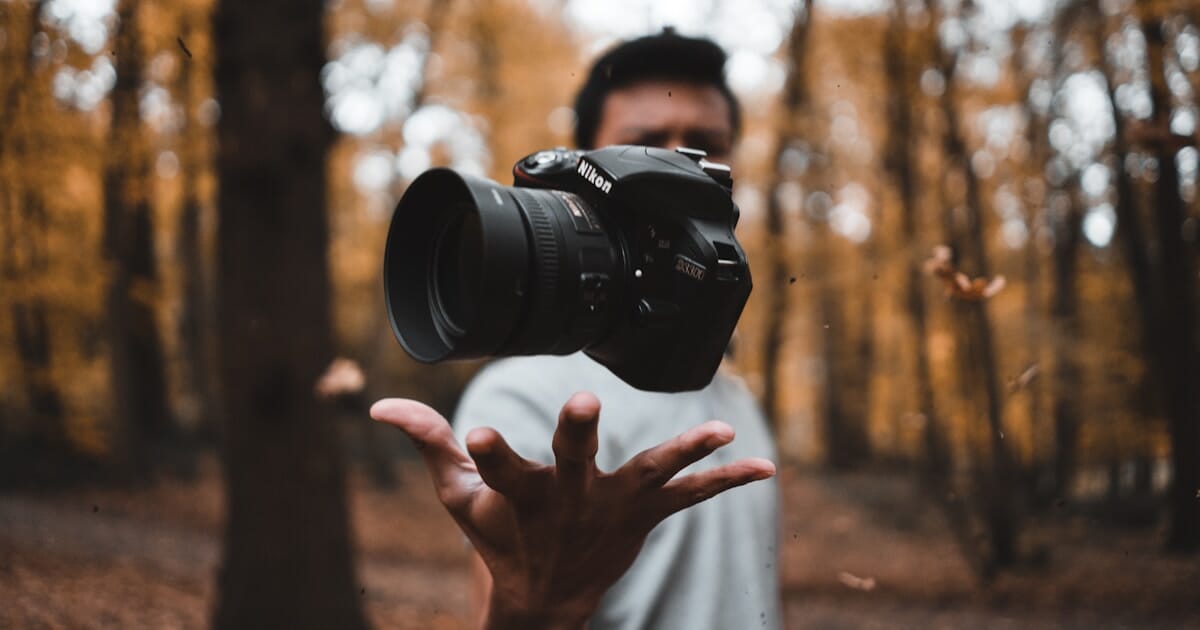
A recipe-style photography course by Mark Hemmings with 58 lessons (5h 15m) organized as practical formulas for specific photo situations. Covers 7 instant shots, light techniques, travel photography, landscape/nature, portraits, fundamentals, Lightroom basics, and trick photography. Includes 8 downloadable cheat sheets.
Normal Price: ~$199 Discounted: ~$49-$99 USD- Immediately actionable — every lesson gives you a specific formula you can try within minutes.
- Broad coverage across 10 photography categories makes it a versatile reference guide.
- Landscape and nature module is surprisingly comprehensive at over an hour of content.
- 8 downloadable cheat sheets provide quick reference cards you can keep on your phone while shooting.
- Formula approach sacrifices depth — you learn what to do but not always why, which limits your ability to adapt techniques.
- Content overlap with Digital Camera Mastery — students who own both courses will find repeated fundamentals.
- Trick photography section feels gimmicky compared to the solid practical content in earlier modules.
Course Overview
Photo Shortcuts contains 58 lessons across 10 modules totaling 5 hours and 15 minutes:
- 7 Stunning Shots You Can Take Today – 9 lessons (25 min) of quick-win formulas
- Using Light for Extraordinary Photos – 6 lessons (35 min) on light techniques
- Creative Travel Photography – 9 lessons (31 min) on travel-specific shortcuts
- Landscape and Nature – 7 lessons (62 min) — the deepest module
- Portrait Photography – 6 lessons (15 min) on people shots
- Photography Fundamentals – 6 lessons (50 min) covering core concepts
- Lightroom Editing – 5 lessons (32 min) on basic editing
- Trick Photography – 8 lessons (59 min) with creative techniques
- Bonus: 8 Cheat Sheets – Downloadable reference cards
Who Is This Course For?
Beginners who want quick results rather than lengthy theory. Hobbyists looking for a reference guide of techniques to try. Travelers preparing for a trip who want practical photography formulas. Not ideal for photographers seeking deep understanding of why techniques work.
Pricing and Value
Typically $49-$99. The recipe-format makes it useful as an ongoing reference rather than a one-time watch. Included in the All-Access Pass. 30-day money-back guarantee.
Final Verdict
Photo Shortcuts serves a specific niche: photographers who prefer practical formulas over theory. The cookbook approach works well for quick reference but limits deeper understanding. The landscape module and trick photography section are the standouts.
Rating: 3.5/5 — Practical, formula-based photography course that works as a quick reference guide. Best paired with a more comprehensive course for deeper learning.
Is Photo Shortcuts for iPhone or DSLR?
Both. Mark Hemmings teaches principles that work with any camera, though some techniques are better suited to cameras with manual controls.
How is this different from Digital Camera Mastery?
Digital Camera Mastery teaches photography systematically from basics to advanced. Photo Shortcuts provides quick, actionable formulas for specific situations. They complement each other but have some content overlap.
