


- Apple’s new Studio Display XDR ($3,299) brings 2,304 mini-LED dimming zones, 2,000-nit HDR, P3 + Adobe RGB color spaces, and 120Hz ProMotion — a serious contender for professional photo editing.
- The updated Studio Display ($1,599) adds Thunderbolt 5 but keeps the same 60Hz/600-nit panel — fine for general editing, but not a match for HDR or hardware-calibrated monitors.
- For photographers on a budget, the BenQ SW272U ($1,299) still offers hardware calibration and true Adobe RGB at a lower price — the XDR’s advantage is HDR and refresh rate.
- Pre-orders open March 4, shipping March 11. The old Pro Display XDR ($4,999) is officially discontinued.
Apple just overhauled its entire display lineup. The headliner for photographers: the Studio Display XDR, a 27-inch 5K monitor with mini-LED backlighting, 2,000 nits of peak HDR brightness, and native Adobe RGB support — all for $3,299. That’s $1,700 less than the Pro Display XDR it replaces.
Alongside it, the standard Studio Display gets a refresh with Thunderbolt 5 connectivity at its unchanged $1,599 price point. But it’s the XDR model that demands attention from anyone doing serious color work.
Here’s what matters for photo editing workflows — and whether it’s worth the upgrade over what you’re already using.
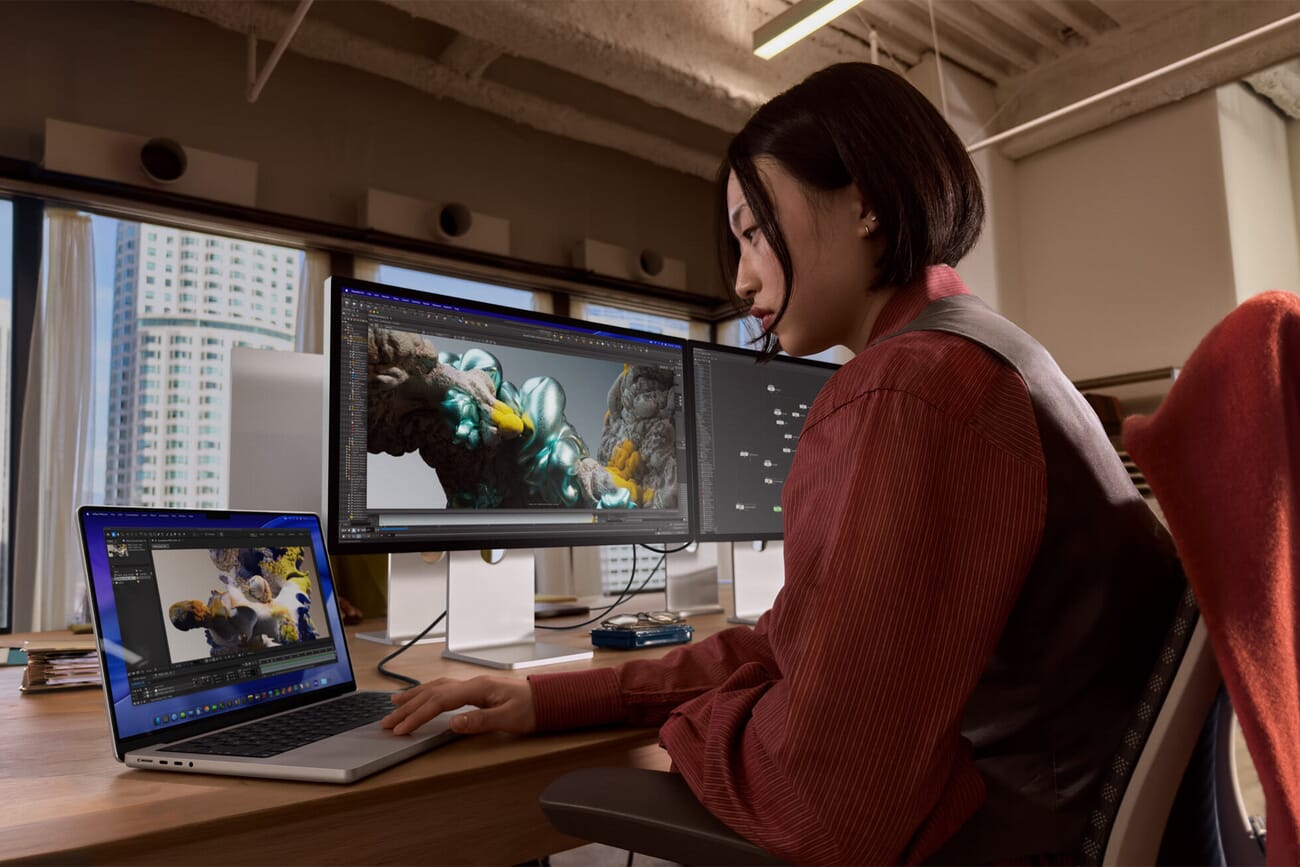
Studio Display XDR: The Specs That Matter for Photo Editing
The Studio Display XDR is built around a 27-inch 5K Retina panel (5120 × 2880 at 218 PPI) with mini-LED backlighting. Apple packed in 2,304 local dimming zones — the key spec that separates this from every other Apple display before it.
Those dimming zones enable a 1,000,000:1 contrast ratio, meaning deep blacks can sit right next to bright highlights without the halo effects that plague edge-lit displays. For photographers editing high-contrast scenes — think backlit portraits, night photography, or fine art prints with deep shadows — this is a significant upgrade.
The brightness specs are equally impressive:
- 1,000 nits sustained SDR brightness — nearly double the standard Studio Display’s 600 nits
- 2,000 nits peak HDR brightness — relevant for HDR photo workflows and video editors
- P3 wide color gamut — the standard for modern photo editing on Apple devices
- Adobe RGB support — critical for print photographers who need accurate CMYK previews
- DICOM presets — niche, but shows the panel’s accuracy extends to medical imaging standards
The 120Hz ProMotion refresh rate with Adaptive Sync is a welcome addition. While it won’t change how your exported photos look, it makes panning across large images in Lightroom and Photoshop noticeably smoother, and brush strokes in retouching feel more responsive.
Connectivity is Thunderbolt 5 across the board: one upstream port (with 140W pass-through charging for your MacBook Pro), one downstream for daisy-chaining or accessories, and two USB-C ports. The 140W charging is worth noting — it’s enough to fast-charge even the 16-inch MacBook Pro while you work.
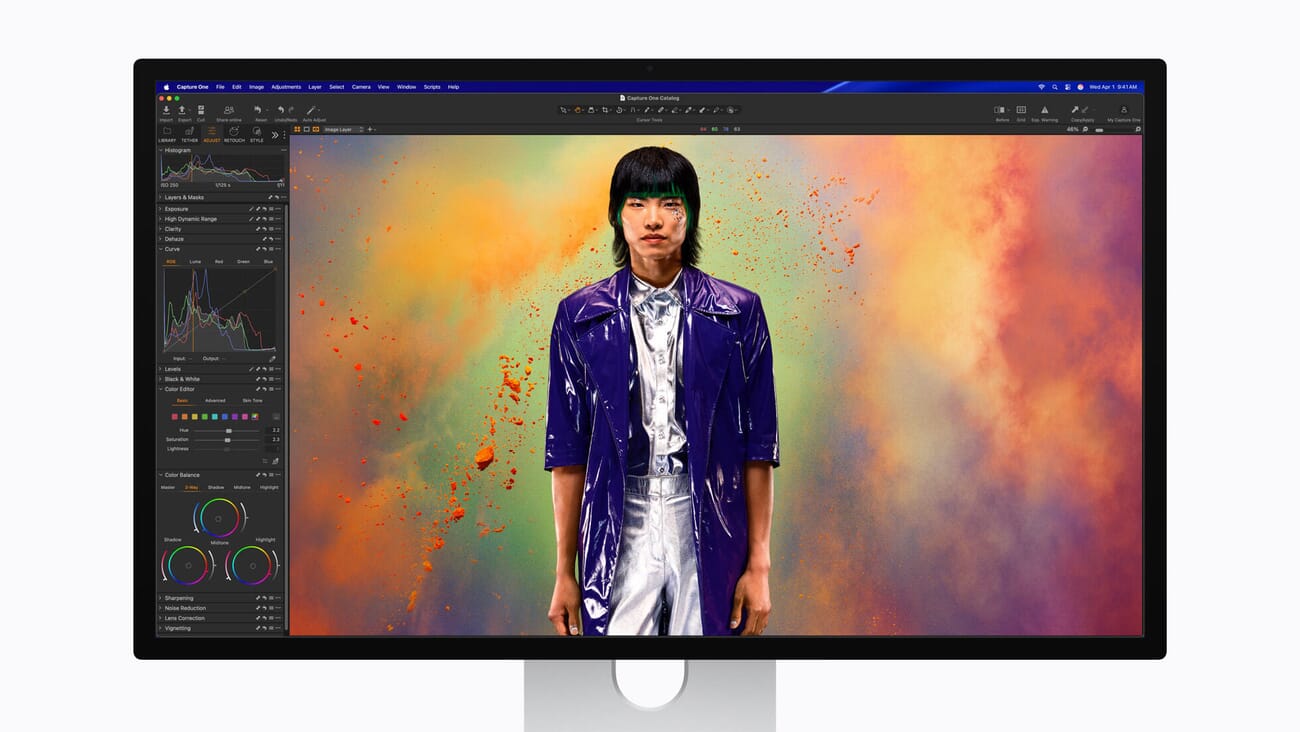
How It Compares: XDR vs Studio Display vs Pro Display XDR
Apple now sells two displays, and has discontinued a third. Here’s how they stack up for photography work:
Studio Display XDR ($3,299) — 27″ 5K, mini-LED, 2,304 dimming zones, 1,000 nits SDR / 2,000 nits HDR, 1,000,000:1 contrast, 120Hz, P3 + Adobe RGB, Thunderbolt 5 (140W charging). Nano-texture glass optional (+$300).
Studio Display ($1,599) — 27″ 5K, LED-backlit (no local dimming), 600 nits, 60Hz, P3 color, Thunderbolt 5 (96W charging). Good for general editing but lacks Adobe RGB and the contrast performance needed for critical color work.
Pro Display XDR (discontinued, was $4,999) — 32″ 6K, mini-LED, 576 dimming zones, 1,000 nits sustained / 1,600 nits peak HDR, 1,000,000:1 contrast, 60Hz, P3 + 10-bit. It was the reference standard for years, but the new XDR surpasses it in HDR brightness, dimming zone density, and refresh rate — at $1,700 less. The only thing you lose is screen size (27″ vs 32″) and resolution (5K vs 6K).
For photographers, the Studio Display XDR’s biggest advantage over the standard model is local dimming and Adobe RGB coverage. Without local dimming, the regular Studio Display can’t reproduce the deep blacks that make a difference when editing for print. And without Adobe RGB, print photographers are always guessing at how their CMYK conversions will look.
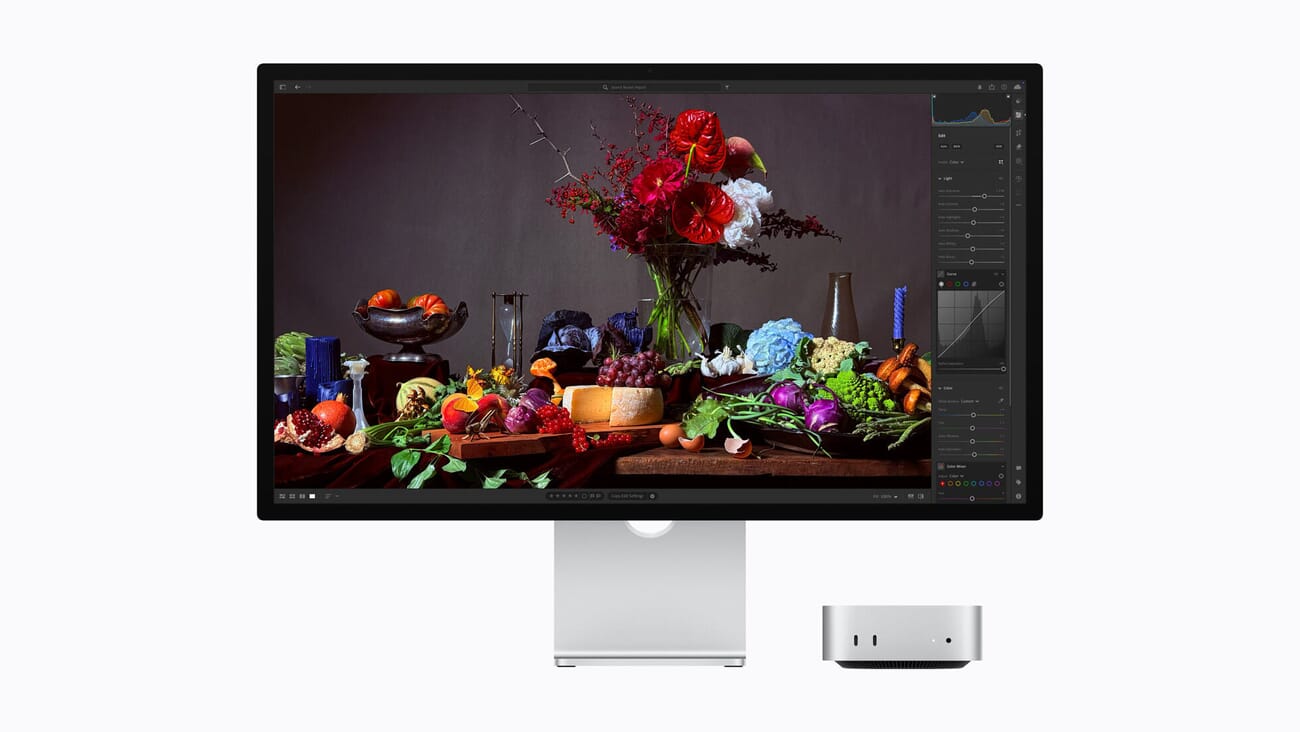
Third-Party Alternatives: BenQ SW272U and ASUS ProArt PA279CRV
Apple’s displays have never been the only game in town for photographers, and two monitors deserve mention in this conversation.
The BenQ SW272U (~$1,299) has been a favorite among print-focused photographers. It offers hardware calibration with a built-in calibration hood, 99% Adobe RGB and 99% DCI-P3 coverage, and a 27″ 4K IPS panel. It doesn’t match the XDR’s HDR performance or resolution, but it supports Pantone/CalMAN validation and comes with a uniformity report — features Apple doesn’t offer. For photographers who prioritize print accuracy over HDR, the BenQ remains a compelling choice at less than half the price.
The ASUS ProArt PA279CRV (~$450–550) is the budget contender. It covers 99% DCI-P3 and 99.5% Adobe RGB in a 27″ 4K IPS panel with factory-calibrated Delta E < 2. No hardware calibration, no HDR, and 4K instead of 5K — but for photographers who just need accurate colors on a tight budget, it's hard to beat at roughly one-seventh the XDR's price. Pair it with a good monitor calibrator and you’ll get surprisingly close to the color accuracy of monitors costing five times as much.
The fundamental question: do you need HDR and Apple ecosystem integration, or do you need hardware calibration and print proofing? The XDR excels at the former. BenQ and ASUS excel at the latter.
Who Should Buy What
Here’s a practical breakdown by budget and need:
$400–600: ASUS ProArt PA279CRV
Best for hobbyist photographers and those just getting into serious editing. Factory-calibrated 4K with wide gamut coverage. Pair it with a solid color management workflow and it’ll serve you well.
$1,299: BenQ SW272U
The print photographer’s monitor. Hardware calibration, calibration hood included, Pantone validation. If you sell prints or deliver files for commercial print production, this is purpose-built for your workflow.
$1,599: Apple Studio Display
Great for photographers who live in the Apple ecosystem, want a beautiful 5K display with excellent speakers and webcam, and don’t need hardware calibration or HDR. Good for Lightroom and Capture One editing, web-focused output.
$3,299: Apple Studio Display XDR
For photographers who want the best Apple display experience: HDR editing capability, mini-LED contrast, Adobe RGB coverage, 120Hz smoothness, and the convenience of Thunderbolt 5 with full laptop charging. It’s the first Apple display under $5,000 that genuinely competes with dedicated photography monitors on color gamut.
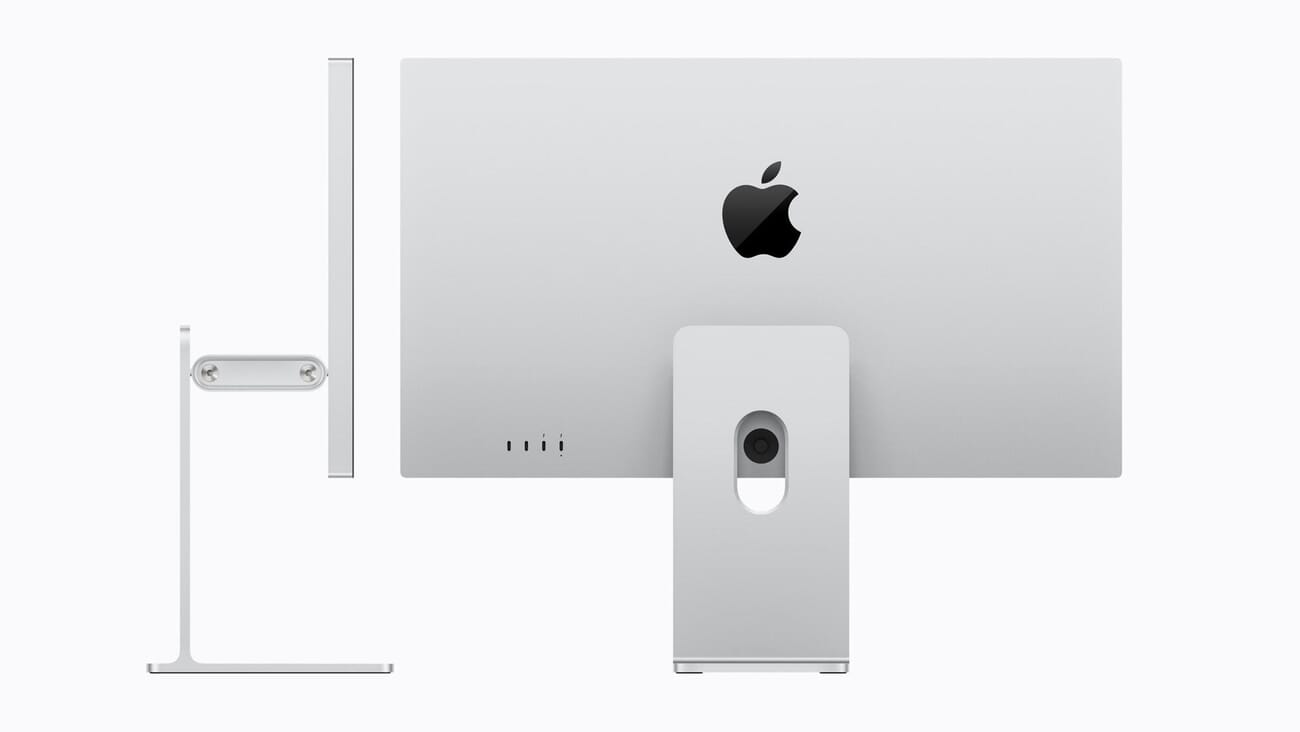
MacBook Pro M5: Relevant for Photographers
Apple also announced updated MacBook Pro models with M5 Pro and M5 Max chips. The headline spec for photographers: up to 128GB of unified memory on the M5 Max configuration.
That’s meaningful for anyone working with large catalogs in Lightroom, multi-layer Photoshop composites, or batch processing RAW files. Unified memory means the GPU and CPU share the same pool — so a 128GB M5 Max MacBook Pro paired with the Studio Display XDR creates a mobile-to-desktop editing setup where memory is unlikely to ever be the bottleneck.
The new MacBook Air with M5 was also announced, offering a more affordable entry point for photo editing setups when paired with an external display.
The Bottom Line
The Studio Display XDR is the most interesting Apple display for photographers since the Pro Display XDR launched in 2019 — and it’s meaningfully better in several ways while costing $1,700 less.
The addition of Adobe RGB support addresses a long-standing gap in Apple’s display lineup for print photographers. The 2,304 mini-LED dimming zones deliver the kind of contrast performance that matters when editing high-dynamic-range images. And 120Hz ProMotion makes the editing experience noticeably more fluid.
That said, it still lacks the hardware calibration tools that monitors like the BenQ SW272U provide out of the box. Photographers doing critical print proofing may still prefer a dedicated color-accurate monitor with a calibration hood — or use both, with the Apple display as their primary workspace and a calibrated BenQ for final proofing.
If you’re currently using the standard Studio Display and find yourself wanting better contrast and more accurate color reproduction for print work, the XDR is a substantial upgrade. If you’re on an older Pro Display XDR, you’re trading screen size for better HDR performance and a lower price. And if you’re on a budget, don’t overlook the ASUS ProArt PA279CRV — paired with a quality calibrator, it delivers more color accuracy per dollar than anything in Apple’s lineup.
Pre-orders open March 4. Shipping begins March 11. Both the Studio Display and Studio Display XDR are available with standard or nano-texture glass.
Does the Apple Studio Display XDR support hardware calibration?
Not in the traditional sense. The Studio Display XDR doesn’t include built-in hardware calibration tools like the BenQ SW272U. However, it supports Apple’s display calibration profiles and can be calibrated with external tools like the Calibrite ColorChecker Display Pro or Datacolor SpyderX. For critical print proofing, a dedicated hardware-calibrated monitor may still be preferred.
Is the Studio Display XDR worth upgrading from the standard Studio Display?
If you do print photography or HDR editing, yes. The XDR adds Adobe RGB coverage, 2,304 local dimming zones for dramatically better contrast, 1,000 nits SDR brightness (vs 600), and 120Hz ProMotion. For web-only work and general editing, the standard Studio Display at $1,599 remains a solid choice.
Can I use the Studio Display XDR with a non-Mac computer?
Technically, Thunderbolt 5 is an open standard, and some Windows laptops and desktops support it. However, Apple designs these displays primarily for Mac, and features like True Tone, Center Stage, and display profiles may not work fully on non-Apple hardware. For cross-platform use, the BenQ SW272U or ASUS ProArt PA279CRV are safer choices.
What happened to the Pro Display XDR?
Apple has discontinued the 32-inch 6K Pro Display XDR, which launched in 2019 at $4,999 (plus $999 for the stand). The Studio Display XDR replaces it with better HDR brightness, more dimming zones, and a 120Hz refresh rate — though in a smaller 27-inch, 5K form factor.
What’s the best monitor for photo editing under $500?
The ASUS ProArt PA279CRV (~$450) is the standout option. It offers 99% DCI-P3 and 99.5% Adobe RGB coverage, factory calibration with Delta E < 2, and a 27-inch 4K IPS panel. Pair it with a monitor calibrator for best results.
Sources used for this article:
All images courtesy of Apple.
Related Posts
Get the Weekly Photography News Digest
Join photographers who get our top stories delivered every Monday morning. No spam, unsubscribe anytime.