


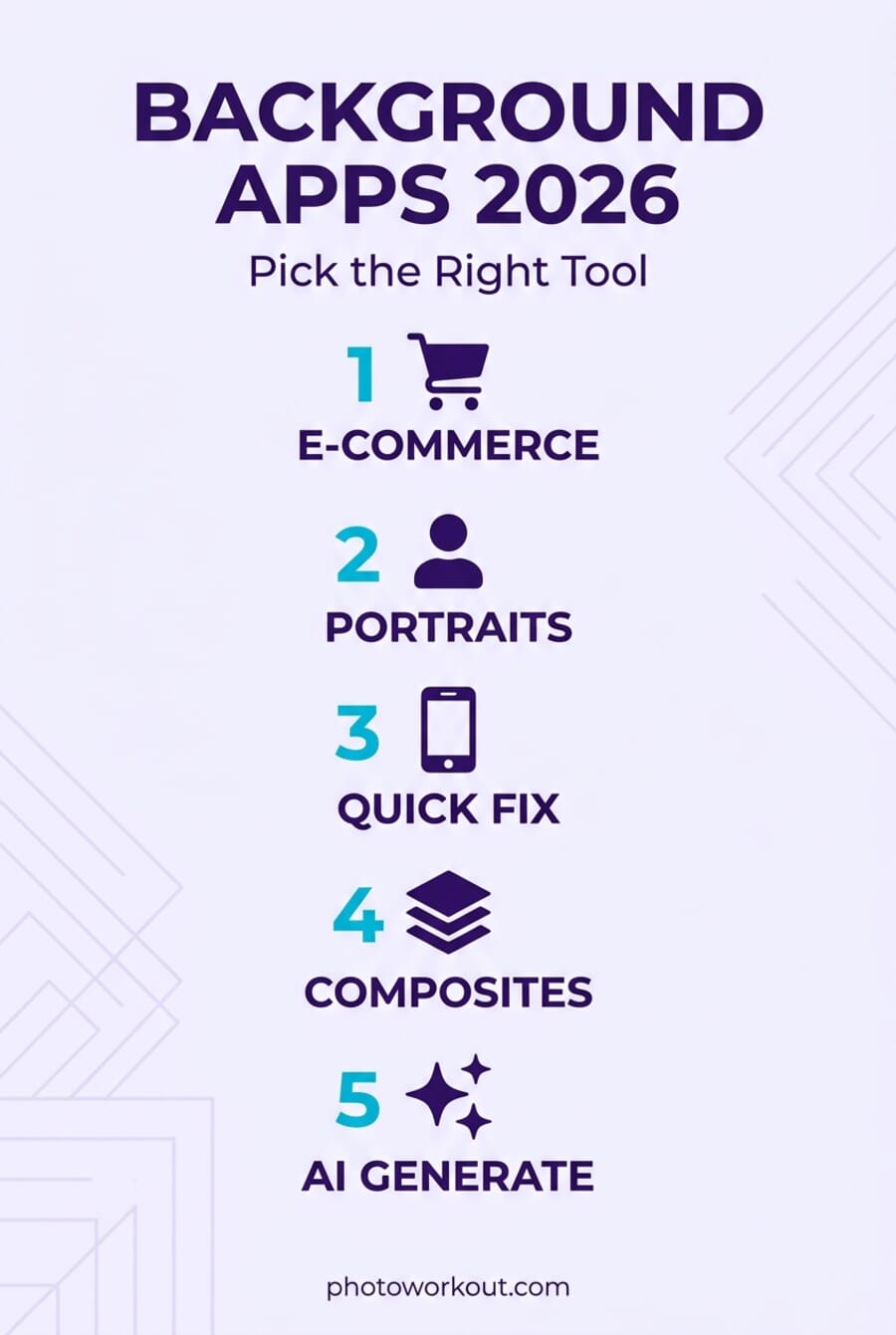
- The 2026 landscape moved past “remove and paste” — AI now generates new backgrounds from a text prompt in seconds, and both iPhone and Android ship native subject-lift tools built into the OS.
- Three apps dropped from this year’s list: Apowersoft (3.0-star rating, watermark complaints after paying), ClipDrop (no real native mobile app as of April 2026), and the generic “Background Eraser” entries that were too vague to download confidently.
- PhotoRoom remains best for e-commerce sellers — but the April 2026 update brought billing concerns worth knowing about before subscribing.
- Adobe Express is the strongest free option in 2026: unlimited background removal, no watermark on static images, and 100M+ Play Store installs under a trusted brand.
- Pixelcut has emerged as the most serious PhotoRoom alternative, with a watermark-free free tier and 10M+ installs.
- iPhone users often don’t need an app at all — iOS 16+ has Lift Subject built into Photos, and Google Pixel phones added Reimagine and Magic Editor for generative background replacement.
Background removal used to mean an hour in Photoshop with a tablet pen. In 2026, it takes one tap — and in the best apps, typing “sunset beach” as a prompt generates an entirely new photorealistic background behind the subject. The category has split cleanly into free native tools built into iOS and Android, mid-tier apps optimized for hobbyists, and pro-tier subscriptions aimed at e-commerce sellers and content creators.
Not every app in last year’s roundup survives this cycle. Apowersoft’s Play Store rating has slipped to 3.0 stars with documented complaints of watermarks persisting after paying. ClipDrop lost its Stability AI ownership in early 2024 and no longer has an official native mobile app on either store. Two other entries had names too generic for readers to reliably find the right app. The 2026 list drops those, keeps the three that still deliver, and adds four apps that have become category defaults since the last refresh.
When you buy through links on our site, we may earn a commission at no cost to you. We evaluate products independently. Commissions do not affect our evaluations.
Cross-Platform Picks: The Three to Beat
Three apps dominate the category across Android and iOS in 2026 — one best-in-class for e-commerce, one best free option, and one strong alternative to the leader.
1. PhotoRoom — Best for E-Commerce Sellers
PhotoRoom still delivers the most accurate edge detection and the deepest e-commerce feature set — 100M+ Play Store installs, Editors’ Choice on both stores, and actively updated in April 2026.


Free with watermark. Pro from $5.99/month. Check billing terms carefully before subscribing.
PhotoRoom still sets the accuracy bar for AI background removal. The edge detection handles hair, fur, and complex transparency better than any rival in hands-on comparisons from 2025-2026 roundups. The e-commerce feature set — batch editing, virtual models for clothing, marketplace templates for Amazon, Etsy, Shopify, and Poshmark — makes it the default tool for online sellers who spend real hours on product imagery.
The generative background feature deserves its own call-out. Describing a scene in text — “minimalist studio with white backdrop,” “sunset beach with palm trees,” “modern office with floor-to-ceiling windows” — and getting a photorealistic composite in seconds turns what used to be a full product-photography shoot into a five-second edit. Marketplace-specific templates push outputs to the exact pixel dimensions each platform prefers.
One important caveat before subscribing: several 2025-2026 Trustpilot and Reddit reports describe paid features being removed from plans mid-subscription, and some pre-trial charges appearing before advertised trial periods ended. The app still works; the billing practices have drawn enough complaints to warrant reading the subscription terms carefully and screenshotting the confirmation screen before committing to a paid plan.
2. Adobe Express — Best Free Option
The only mainstream app in 2026 that removes backgrounds unlimited times on the free tier without stamping a watermark on the output — backed by Adobe Firefly AI and a household-name brand.
Free tier is genuinely usable. Premium $9.99/month unlocks advanced generative features.
Adobe Express is the most important shift in the category since the last refresh of this guide. What used to be a lightweight social-graphics tool absorbed Adobe’s Firefly AI stack and now offers unlimited background removal on the free tier — with no watermark on the output. In a category defined by paywall traps, that’s a significant outlier.
The removal quality sits just below PhotoRoom’s — clean enough for blog posts, social media, product photos, and most commercial work. The Firefly generative backgrounds feature lets users type a prompt and replace the removed background with an AI-generated scene, similar to PhotoRoom’s Pro feature but available on the free tier with reasonable daily limits.
The friction is the Adobe account requirement and the fact that a few features (notably video background removal) moved to Premium in 2025. For 90% of static-image background work, the free tier handles it without compromise. For users who already have a Creative Cloud subscription, Express is already included — no additional cost.
3. Pixelcut — Best PhotoRoom Alternative

Pixelcut matches PhotoRoom’s e-commerce focus with a watermark-free free tier, AI background generation, and 70M+ claimed user base — often at a lower price point for paid plans.
Free tier available. Pro from $4.99/month. Annual plans up to $89.99/year.
Pixelcut positions itself directly against PhotoRoom and, for many users, delivers the better deal. The free tier exports without watermarks on static images, which alone sets it apart from 80% of the category. Quality sits in the same band as PhotoRoom for most subjects, and the e-commerce-focused template library covers the same marketplace needs.
The AI background generation feature uses text prompts similar to PhotoRoom and Adobe Express. Pixelcut has been iterating quickly on the product-photo use case: smart shadows, relight-the-subject controls, and auto-sized outputs for Amazon, Etsy, and eBay listings. Active monthly updates suggest the team is executing aggressively on the category’s 2026 direction.
The billing caveat here is milder than PhotoRoom’s but real: several App Store reviews report $97/year charges hitting after same-day cancellation attempts with difficulty securing refunds. As with PhotoRoom, reading the subscription terms carefully before committing is the sensible move.
Best for Android
4. LightX — Best Android All-in-One Editor
LightX combines competent AI background removal with a full photo-editing suite and a text-to-image background generator — 100M+ installs, actively maintained as of March 2026.
Free with 5 AI credits/day. Pro ~$3.99/month unlocks unlimited use.
LightX is the app to pick when a single install needs to cover both background work and general photo editing. It competes with Snapseed and Lightroom Mobile on the editing side while offering dedicated AI background tools that neither Google nor Adobe matches on Android in the same package.
The AI background generator accepts descriptive prompts — “cozy coffee shop with morning light,” “minimalist white studio,” “beach at golden hour” — and produces photorealistic scenes that composite cleanly with the removed subject. Beyond backgrounds, the app includes curves adjustment, color grading, magic eraser for object removal, AI avatars, and basic video editing. For users who want one app instead of three, it’s a strong default.
The free tier limits AI credits to five per day on iOS (Android is less strict), which is fine for casual users but restrictive for anyone doing batch work. The Pro subscription at around $3.99/month unlocks unlimited AI generation and removes the credit cap.
5. Google Photos Magic Editor (Reimagine) — Best Built-In Option
Pixel 8 and newer phones ship with Google’s Magic Editor and its Reimagine feature — generative background replacement driven by text prompts, built directly into the stock Google Photos app. The feature has been expanding to older Pixels and non-Pixel Android devices via Google One subscriptions throughout 2025-2026.
For Pixel owners, Reimagine is essentially free and requires no additional install. Tap the subject, type what should replace the background — “autumn park,” “rainy city street,” “indoor office” — and Google’s on-device model generates the scene. Output quality matches mid-tier app results and is usually sufficient for social media and casual sharing. For commercial product photography, the dedicated apps above still produce more consistent results, but for the “I just want to change this background” job on an Android phone, nothing beats the tool already on the device.
Best for iPhone
6. Superimpose X — Best iPhone Manual Compositor
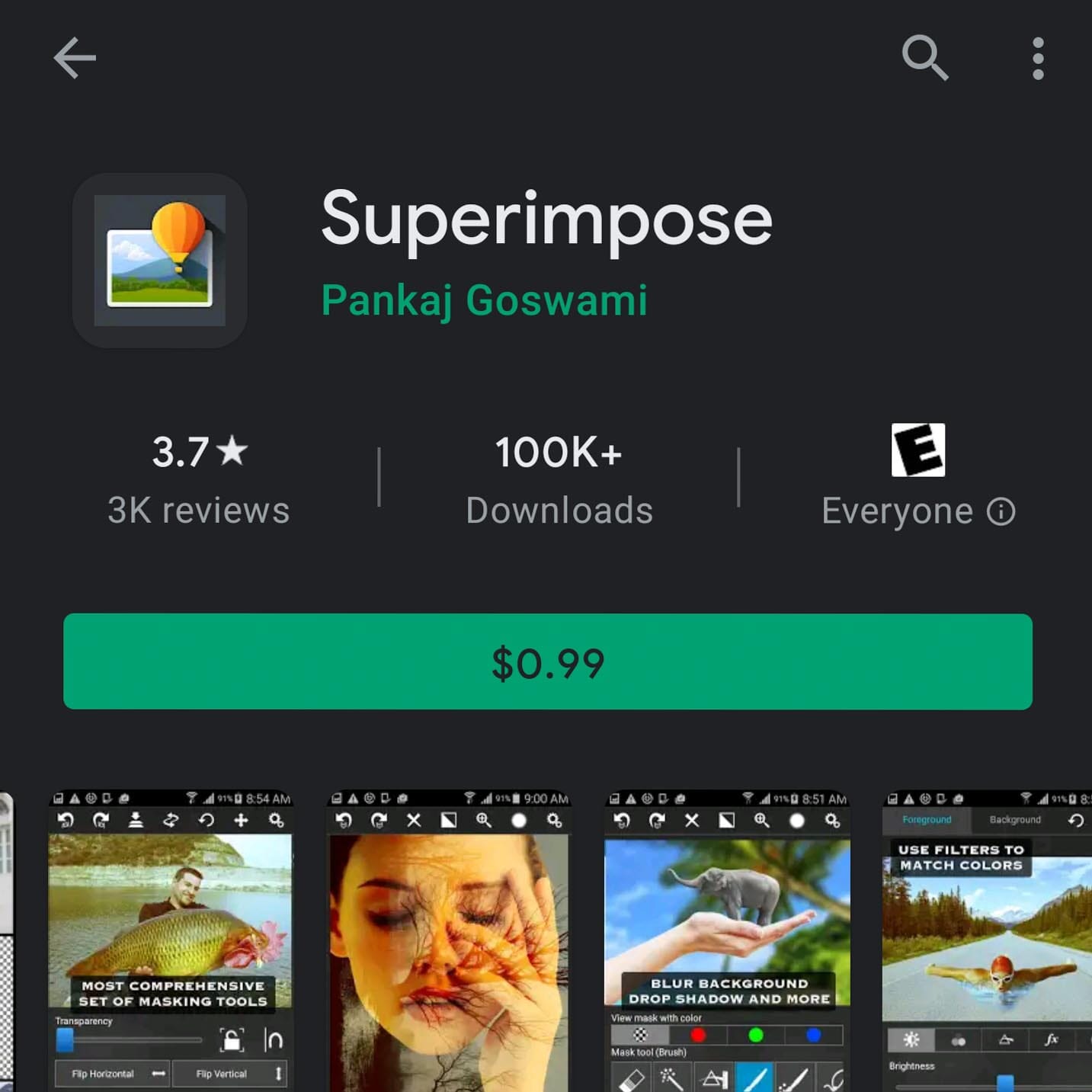
The closest thing to Photoshop-level layer control on iPhone — one-time $4.99 purchase (not a subscription trap), active updates through April 2026, and 4.7-star rating on the App Store.
$4.99 one-time purchase, optional Pro subscription for AI tools.
Superimpose X earns its spot on this list by being unusual in a category defined by predatory subscriptions — it’s a $4.99 one-time purchase from indie developer Pankaj Goswami, with optional AI-feature Pro subscriptions layered on top. For manual compositing work where realism matters more than speed, nothing else on iPhone comes close.
The layer-based workflow is the key differentiator. After placing a subject on a new background, each layer’s exposure, saturation, and color temperature can be adjusted independently — the detail that separates amateur composites from believable ones. The app also handles drop shadows, double exposure, and edge blending that make the final image actually look like a single photograph rather than an obvious cut-and-paste.
Superimpose X is the app to pick when quality and control outweigh speed. For quick one-tap removals, the apps above (PhotoRoom, Adobe Express, Pixelcut) are faster. For portrait work, product composites, or any image that has to look real rather than pasted, Superimpose X is the professional-grade choice on iOS.
7. Canva — Best If Already in the Canva Ecosystem

Over 1 billion Play Store installs and a 4.8 rating — for the tens of millions of users already on Canva Pro, the built-in background remover eliminates the need to install anything new.
Pro required — $14.99/month or $119.99/year. Free tier has no background removal.
Canva belongs on this list for a specific reason: tens of millions of users already have a Canva Pro subscription and don’t realize the built-in background remover is good enough that they never needed PhotoRoom or ClipDrop in the first place. If the subscription is already active, no additional app or workflow is necessary.
Quality sits in the same band as PhotoRoom and Pixelcut. The Magic Studio AI suite adds generative backgrounds, Magic Edit for in-image changes, and Magic Grab for isolating subjects — all accessible inside the existing Canva design workflow. For social media teams, presentations, or marketing work that lives in Canva anyway, the background remover is already there.
Canva is not the right pick for users buying a subscription just for background work — at $14.99/month, it costs more than PhotoRoom Pro, and Adobe Express handles basic removal for free. But for the large population already subscribed, the answer is “this tool you already pay for does this job.”
iPhone users: you might not need an app at all
Since iOS 16, every iPhone has Lift Subject built into the Photos app. Long-press any subject in a photo — a person, a pet, an object — and iOS extracts it from the background automatically. The extracted subject can be pasted into Messages, Notes, Pages, Keynote, or any other app that accepts images. Paired with Superimpose X or even Keynote for the new-background placement, this is the fastest free way to change a background on iPhone and requires no third-party install.
The iOS 18 update extended the feature to videos and expanded compatibility across apps. For anything more demanding than a casual background change — serious compositing, product photography, commercial work — the apps above still deliver better results. For a quick “cut me out, paste into a birthday message” job, the phone already does it.
When to Skip the App: Web and Desktop Tools
Three tools deserve mention that work better on the web or desktop than on a phone:
- Remove.bg (web) — the original AI background remover, still excellent for quick one-off edits from a laptop. Free preview quality, paid credits for HD downloads. The mobile app hasn’t been updated since March 2024 (Canva now owns the service and has shifted focus to the main Canva app), so stick to the web version.
- ClipDrop (web) — originally built by Stability AI, now owned by Jasper.ai. The web tool supports images up to 5000×5000 pixels and still produces clean results. Note that there is no official native mobile app as of April 2026 despite historical claims — any “ClipDrop” app on the Play Store is unrelated to the real service.
- Luminar Neo (desktop Mac/Windows) — the professional desktop option when AI phone apps hit their ceiling. Sky replacement, portrait background replacement, and relighting tools produce results that beat any mobile app for serious photography work.
Quick Pick: Which Background App for Which Job?
- Free, no watermark, general use → Adobe Express. The only mainstream app that delivers watermark-free removal on the free tier.
- Selling on Amazon, Etsy, Shopify → PhotoRoom (best quality) or Pixelcut (similar features, more affordable).
- Already pay for Canva Pro → Canva’s built-in Magic Studio. No new app needed.
- Realistic portrait composites, shadows, blending → Superimpose X (iPhone only) for manual control.
- Text-prompt AI background generation → LightX, PhotoRoom, Pixelcut, or Adobe Express (all four offer this now).
- Just want to lift a subject on iPhone, no app → iOS Lift Subject. Long-press in Photos.
- On a Pixel phone, no app → Google Photos Magic Editor / Reimagine. Built in.
- Serious desktop work → Luminar Neo (paid) or Remove.bg web (free preview tier).
Frequently Asked Questions
Is the free version of any app actually usable without a watermark?
Only a few. Adobe Express is the standout — unlimited background removal on free, no watermark on static images. Pixelcut also exports watermark-free on its free tier. iOS Lift Subject and Google Photos Magic Editor (on Pixel) are free and watermark-free because they’re native OS features. Most other apps in the category — PhotoRoom, LightX, Apowersoft, the older generic erasers — apply a watermark or cap resolution on free exports.
Which app handles hair and fur best in 2026?
PhotoRoom and Adobe Express lead on hair and pet fur, with Pixelcut close behind. The underlying AI models have converged to the point where hair quality is no longer a meaningful differentiator for 80% of subjects — the remaining gap shows up on transparent objects like glass, water, and fine mesh, which no app reliably solves yet. For tricky subjects, Superimpose X on iPhone gives manual refinement controls that automatic tools can’t match.
Do any of these apps support RAW or high-resolution (3000+ pixel) images?
Resolution support varies by tier. PhotoRoom, Pixelcut, and Canva Pro handle high-resolution exports on paid plans. Adobe Express free allows reasonable resolution but caps very high-megapixel exports on free. For RAW workflows, none of the mobile apps handle RAW natively — convert to JPEG or TIFF first, or use Luminar Neo on desktop for a full RAW-to-finished-edit workflow.
Are AI-generated backgrounds legal for commercial use?
For most commercial use, yes. PhotoRoom, Pixelcut, Canva Pro, and Adobe Express all grant commercial usage rights on outputs from their Pro tiers. Adobe Firefly’s training data is specifically licensed for commercial use, which gives Adobe Express the strongest legal posture. For regulated industries or high-stakes commercial campaigns, read the terms of service carefully — some free-tier outputs are licensed for personal use only.
Why did Apowersoft, ClipDrop, and a few other apps get dropped this year?
Apowersoft’s Play Store rating slipped to 3.0 stars with documented reports of watermarks persisting after subscription payment — a clear disqualifier. ClipDrop no longer has an official native mobile app (the service sold to Jasper.ai in 2024 and shut down mobile development); the Play Store app matching that name is unrelated. The “Automatic Background Changer” and generic “Background Eraser” entries were too vague or too small (under 10,000 installs) to recommend responsibly. Honest recommendations require trust signals, and those four entries no longer provided them.
What about Photoshop Mobile — isn’t that the answer?
Photoshop Express and the newer Photoshop Mobile (beta 2025-2026) are legitimate options, but both sit behind Adobe Creative Cloud subscriptions that most readers of a “best background change apps” guide aren’t looking to take on. Adobe Express — which is free, comes from the same company, and uses the same Firefly AI — covers the background-change use case for the audience this guide serves. Users already in Creative Cloud should check whether Photoshop on mobile is already included in their plan.
Research sources for this guide:
Image Sources:
- Background Apps 2026 infographic – Editorial infographic generated for PhotoWorkout.
- App icons – Official app icons from each app's Play Store / App Store listing.


Comments are closed.