


- Blackmagic Design has officially released DaVinci Resolve 21 (out of beta as of June 3, 2026), whose headline addition is a dedicated Photo page that brings Hollywood-grade color tools to still photography for the first time.
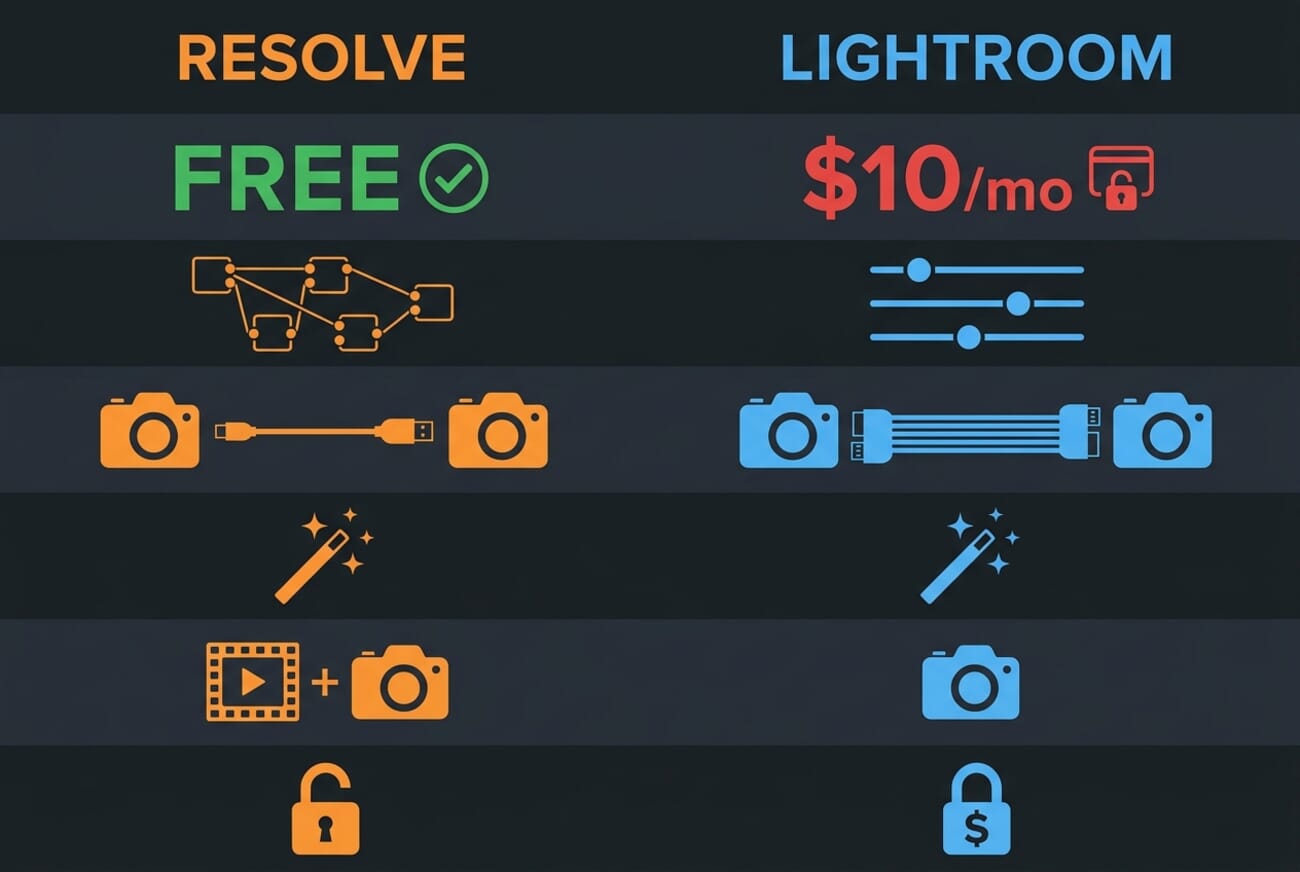
- The Photo page supports RAW file editing, node-based grading, AI Magic Mask, tethered shooting with Sony and Canon cameras, and can even import existing Lightroom catalogs.
- Most Photo page features are included in the free version of DaVinci Resolve — only AI Magic Mask and Film Look Creator require the $295 Studio upgrade.
- The final release is out now as a free download; the optional Studio version is a one-time $295 purchase, not a subscription.
Blackmagic Design has officially shipped one of its biggest updates in years. As of June 3, 2026, DaVinci Resolve 21 is out of beta — and its headline addition is a full Photo editing page. The update transforms what has long been the film and television industry’s go-to color grading suite into a direct competitor to Adobe Lightroom and Capture One — and most of it is free.
The Photo page is not a bolt-on filter tool. It gives photographers access to the same node-based color science that colorists use on feature films, applied to still images with full RAW support, nondestructive editing, and batch processing across entire albums.
When you buy through links on our site, we may earn a commission at no cost to you. We evaluate products independently. Commissions do not affect our evaluations.
What the Photo Page Actually Does
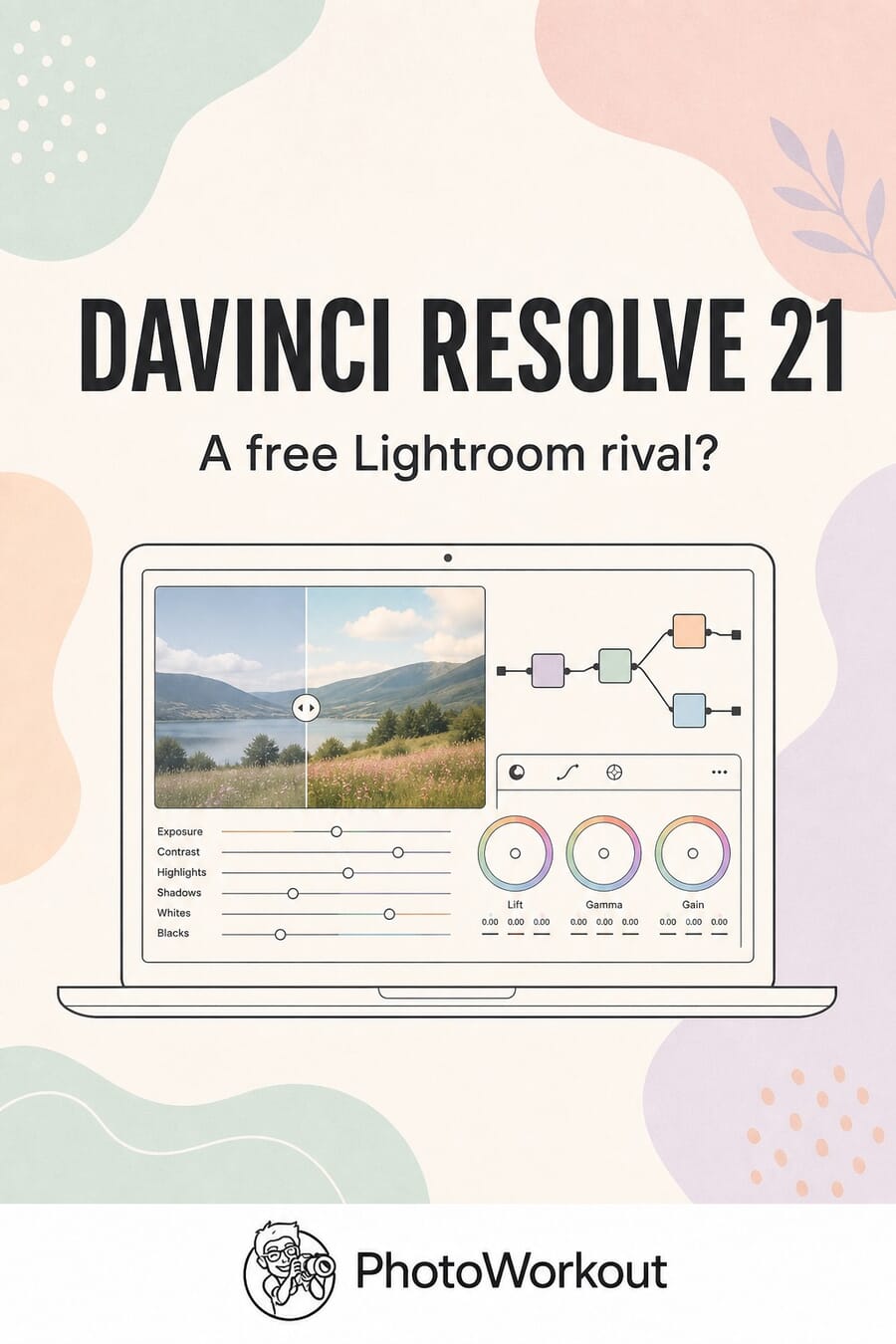
At its core, the Photo page lets photographers import RAW files and manage them in albums — similar to Lightroom’s catalog system. From there, images move to the Color page where DaVinci Resolve’s full grading toolset becomes available: primary color correction, curves, qualifiers, power windows, and a node editor that can stack adjustments in series or parallel.
That node-based workflow is where Resolve fundamentally differs from Lightroom. Instead of a fixed stack of sliders, photographers can build complex grading chains — applying different corrections to different parts of an image simultaneously. Shared nodes can apply the same look across an entire album at once, which is a significant time-saver for event and studio photographers processing large batches.
A LightBox view lets photographers browse full albums with grades applied in real time, with filters for edit status, star ratings, flags, and clip colors. Resolve FX and third-party Open FX plug-ins also work on the Photo page, along with full LUT support — meaning existing video LUTs can be applied to stills instantly.
Tethered Shooting and Camera Controls
DaVinci Resolve 21 introduces Camera Controls that allow photographers to tether Sony or Canon cameras directly to the software. Once connected, photographers can adjust ISO, exposure, and white balance from within Resolve, monitor a live view, and save capture presets to lock in a consistent look before a shoot.
Captured images save directly into project albums, eliminating the import step entirely. For studio photographers who already shoot tethered into Lightroom or Capture One, this is a notable addition — though the initial camera support is limited to two brands.
AI Tools for Photographers
Resolve 21 ships with eight new AI tools, several of which apply directly to the Photo page:
- AI Magic Mask: One-click object and person selection for targeted grading — similar to Lightroom’s AI masking but using Resolve’s more granular node-based approach. (Studio only.)
- AI UltraSharpen: Upscales low-resolution photos while adding detail. Useful for cropped images or older files.
- AI Face Age Transformer: Analyzes faces and applies realistic age adjustments — wrinkles, facial fullness, skin texture changes.
- AI Face Reshaper: Adjusts eyes, nose, mouth, eyebrows, and overall face shape with granular control.
- AI Blemish Removal: Reduces acne, discoloration, and pores while preserving natural skin texture.
- AI Motion Deblur: Recovers sharpness in shots softened by camera shake or subject movement — one of the most photographer-relevant of the eight new AI tools.
- AI IntelliSearch: Searches media for objects, dialog keywords, or specific faces — more video-focused but useful for managing large photo libraries.
The face-related AI tools position Resolve as a lightweight retouching option alongside its grading capabilities — territory that traditionally belongs to Photoshop rather than Lightroom.
The Lightroom Catalog Import
Perhaps the most strategically significant feature: DaVinci Resolve 21 can import existing Lightroom catalogs. For photographers who have spent years building organized libraries in Lightroom, this removes the single biggest barrier to switching. Albums, metadata, and organizational structure carry over — though it remains to be seen how completely edits and develop settings translate.
Free vs. Studio: What Costs Extra
Blackmagic has historically been generous with the free version of DaVinci Resolve, and that continues here. Most Photo page features — including RAW editing, node-based grading, album management, tethered shooting, and LUT support — are available in the free version.
The two notable exceptions are AI Magic Mask and Film Look Creator, which require DaVinci Resolve Studio at $295 — a one-time purchase, not a subscription.
Compare that to Adobe’s Photography Plan at $9.99/month ($120/year) or the Lightroom-only plan at $9.99/month. Over three years, the Adobe subscription costs $360 versus Resolve Studio’s one-time $295. And the free version of Resolve costs exactly nothing.
What Resolve Still Lacks
The Photo page is impressive for a first release, but it is not a complete Lightroom replacement — at least not yet. Early users have noted the absence of Lightroom’s Clarity tool, and the tethered shooting support is currently limited to Sony and Canon (Lightroom supports virtually every major camera brand). The AI masking, while powerful, sits behind the $295 paywall while Lightroom includes it in the base subscription.
There is also a learning curve. Lightroom’s slider-based interface is deliberately simple — almost anyone can start making adjustments immediately. Resolve’s node-based system is far more powerful but requires understanding a fundamentally different workflow. Photographers coming from Lightroom will need to invest time learning the node paradigm.
Why This Matters for Photographers
The real disruption here is not that DaVinci Resolve added photo editing — it is that DaVinci Resolve added free photo editing backed by the most respected color science in the film industry. For hybrid shooters who already use Resolve for video, the Photo page eliminates the need for a separate application entirely. And for photographers frustrated with Adobe’s subscription model, it offers a genuinely capable alternative with no monthly fee.
DaVinci Resolve 21 is available now as a final release — no longer a beta — as a free download from the Blackmagic Design website. It runs on macOS, Windows, and Linux.
FAQ
Is DaVinci Resolve 21 really free?
Yes. The core version of DaVinci Resolve 21, including most Photo page features like RAW editing, node-based grading, tethered shooting, and album management, is completely free. The Studio version costs a one-time fee of $295 and adds AI Magic Mask, Film Look Creator, and additional advanced features.
Can DaVinci Resolve replace Lightroom?
For many photographers, particularly hybrid photo-video shooters, it can. The Photo page handles RAW editing, batch grading, and catalog management. However, it currently lacks some Lightroom features like the Clarity slider and broad tethered camera support. Resolve’s node-based workflow also requires learning a different approach to editing.
Which cameras support tethered shooting in DaVinci Resolve 21?
The initial release supports tethered shooting with Sony and Canon cameras. Blackmagic has not yet announced plans to add support for Nikon, Fujifilm, or other brands, though the feature set may expand in future updates.
Can I import my Lightroom catalog into DaVinci Resolve?
Yes. DaVinci Resolve 21 includes a Lightroom catalog import feature that brings over albums, metadata, and organizational structure. This is designed to lower the barrier for photographers considering a switch from Adobe’s ecosystem.
What are the system requirements for DaVinci Resolve 21?
DaVinci Resolve 21 runs on macOS, Windows, and Linux. Blackmagic recommends a modern GPU for smooth performance, especially when working with RAW files and AI tools. The software is available as a free download from the Blackmagic Design website.
Image: Blackmagic Design
Sources and references for this article.
Official Sources
- Blackmagic Design — DaVinci Resolve 21 Press Release – Official announcement
- Blackmagic Design — DaVinci Resolve Photo Page – Product page with feature details
Press Coverage
- PetaPixel — DaVinci Resolve 21 Is Now a Lightroom Alternative – Detailed feature breakdown
- PetaPixel — DaVinci Resolve 21 Officially Released With New Photo Editing and AI Tools – Official release coverage (June 3, 2026)
- Engadget — Blackmagic Takes on Adobe Lightroom – Hands-on impressions and pricing analysis
- CineD — DaVinci Resolve 21 Announced – Technical feature overview
Image Sources
- Blackmagic Design — DaVinci Resolve Photo Page – Featured image screenshot



