


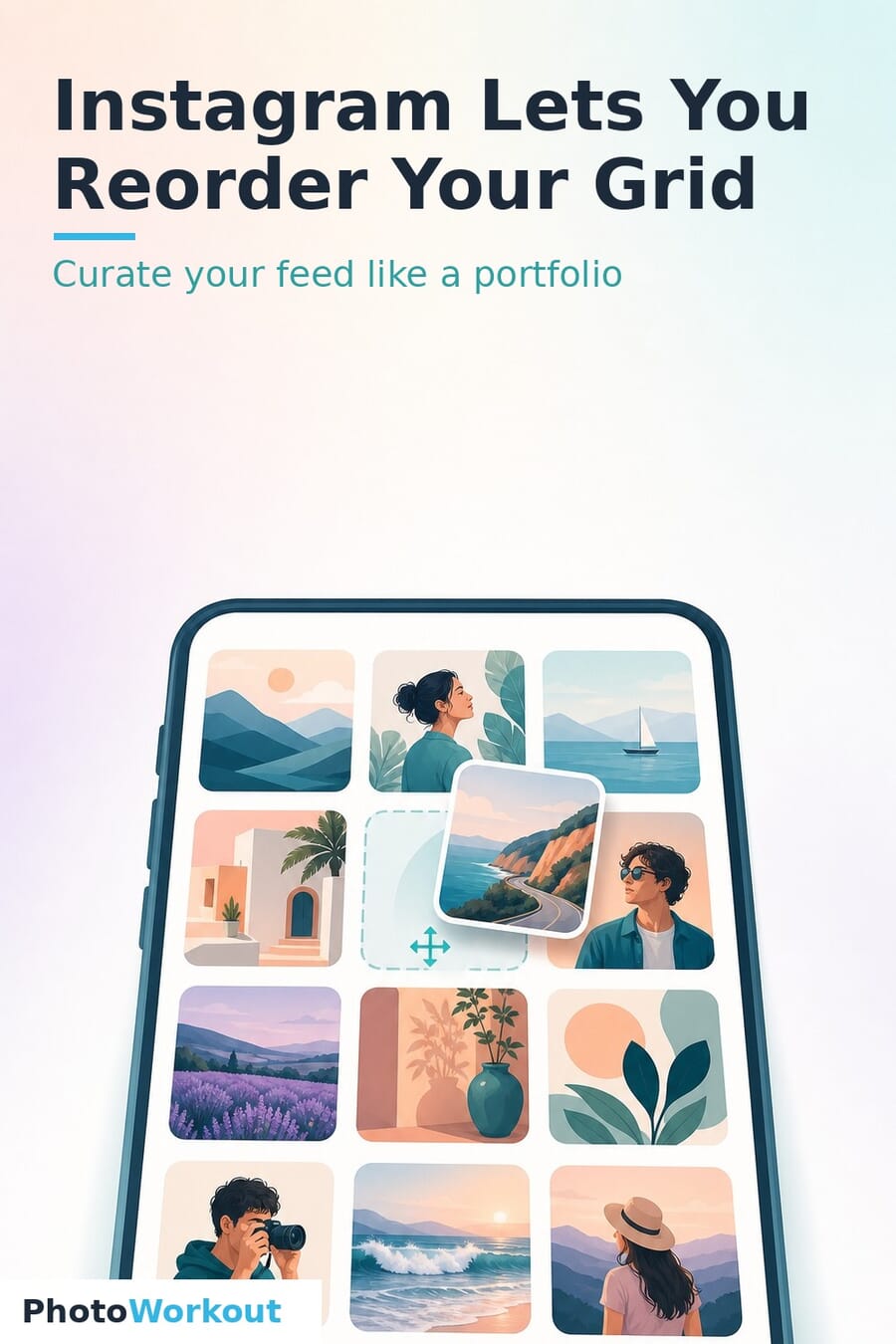
- Instagram has rolled out grid reordering globally — you can now drag your posts into any order on your profile, regardless of when they were published.
- It’s live now in the mobile app for everyone, not a beta or announcement — Meta calls it one of its most-requested features, almost a year after Adam Mosseri first teased it.
- How to do it: go to your profile, long-press any post, tap Reorder grid, then drag posts where you want them. Pinned posts stay locked at the top.
- For photographers, this finally separates your portfolio (how the grid looks) from your timeline (when you posted) — the constraint that made curating a feed so painful.
- The real win isn’t the drag-and-drop; it’s the strategy: a strong first nine, color flow, deliberate portrait/landscape rhythm, and consistent editing.
For years, the single most frustrating thing about using Instagram as a portfolio was that you couldn’t control the one thing that matters most — the order. Post a stunning landscape after a moody street frame and the grid clash was permanent. That’s over. Instagram has finally rolled out grid reordering to everyone, letting you drag posts into any arrangement you like no matter when you shot or published them. USA Today reports it’s rolling out globally starting now, with Meta saying it “wanted to take the time to get it right.” Here’s exactly how to use it — and, more importantly, how to curate a grid that actually works as a portfolio.
How to Reorder Your Instagram Grid
The feature lives in the Instagram mobile app and takes about ten seconds to find:
- Open the app and go to your profile.
- Long-press any post in your grid. A menu appears with options including “Pin to main grid” and “Archive.”
- Tap Reorder grid.
- In the reorder window, drag posts to move them anywhere you want. The change previews live as you go.
- When the grid looks right, confirm — your profile updates for everyone.
One thing to know: any post you’ve pinned stays locked at the top of your profile and appears blacked out in the reorder window, so you can’t accidentally move it. If you want a pinned post in the flow, unpin it first.
Why This Actually Matters for Photographers
Instagram is still the default portfolio surface for working and enthusiast photographers, and the grid — not any single post — is the first impression. Until now, that first impression was hostage to chronology: the only way to fix a jarring grid was to archive and re-upload posts in sequence, losing their likes, comments and dates in the process. Reordering severs that link. Your timeline (the order you posted) and your portfolio (the order people see) are finally two different things. That means you can lead with your strongest work, group a series together, or rebuild your whole aesthetic without nuking your back catalog. If you’ve been treating your feed like a curated photo library, you can now treat your public grid the same way.
How to Actually Curate Your Grid
Drag-and-drop is the easy part. A grid that looks intentional instead of random comes down to a few principles photographers and feed designers lean on:
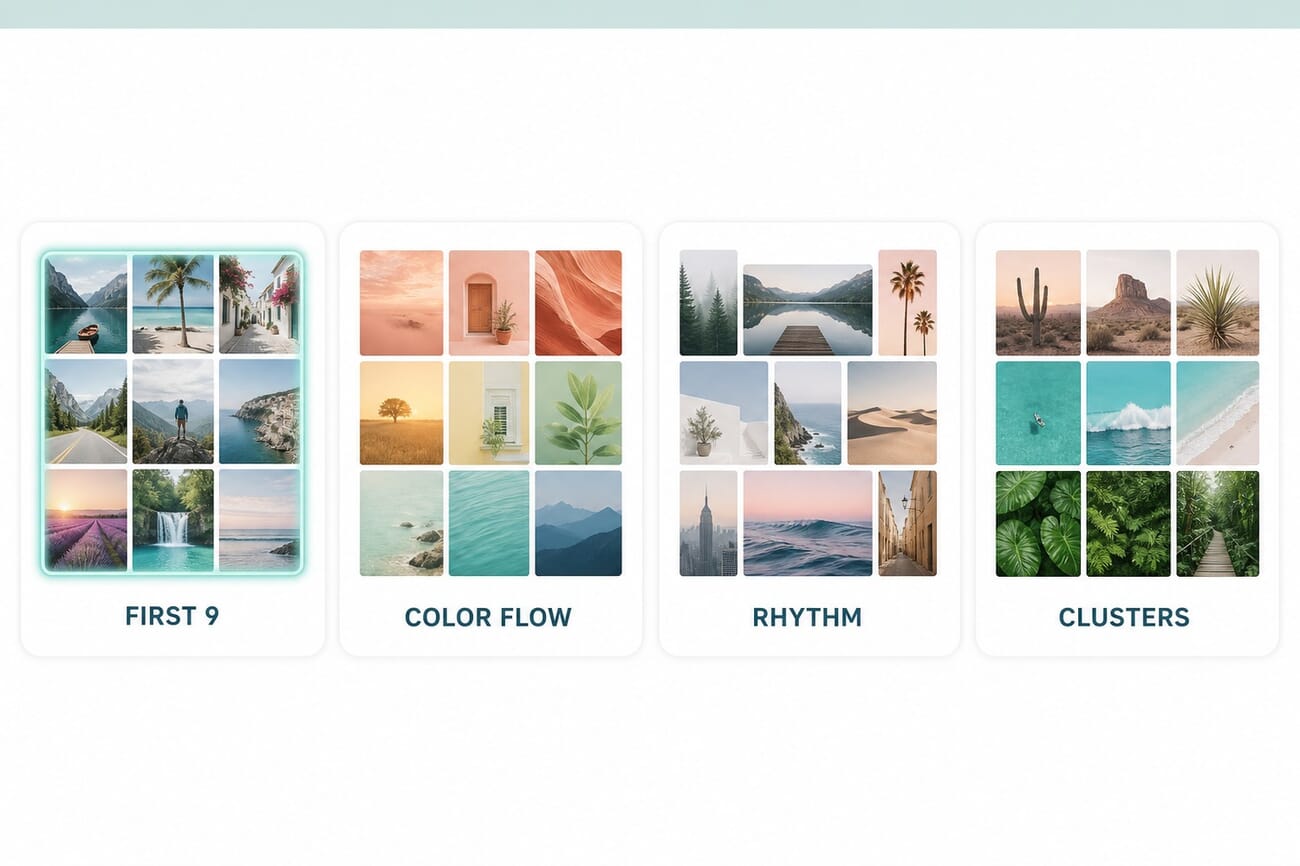
Nail the first nine
The top three rows — the nine images visible without scrolling — are your portfolio cover. Put your single best, most representative work here and make sure those nine hang together. Reordering exists primarily so you can perfect this block.
Design for color flow
Cohesive feeds usually share a palette. Move images so colors and tones transition smoothly rather than fighting — warm to warm, or a consistent muted/high-contrast treatment throughout. This is where {inter(‘photo-editing-for-beginners’,’consistent editing’)} pays off: a shared preset across your posts makes any arrangement look deliberate.
Build a portrait/landscape rhythm
Mixed orientations crop awkwardly in the square grid. Use reorder to create a rhythm — alternate orientations, or cluster similar crops — so the eye isn’t snagged by one oddly-framed thumbnail. A checkerboard of subject-then-detail is a classic, low-effort pattern that always reads as curated.
Cluster by subject or series
If you shoot distinct bodies of work — a travel set, a portrait series, a product run — group each into its own row or block. Visitors instantly understand your range, and a recruiter or client can scan straight to the work they came for.
Curating the grid is one piece of a bigger skill: building a feed that actually grows an audience. If you want a structured way to learn it, iPhone Photography School’s iPhone Instagram Academy is a course built specifically around planning a cohesive, engaging Instagram presence — our Instagram Academy review breaks down what’s inside and whether it’s worth the price.
A Few Cautions Before You Rearrange Everything
Reordering is purely visual — it doesn’t change post dates, captions, or engagement, and it doesn’t re-notify anyone. But two things are worth a thought. First, don’t over-optimize: a grid so perfectly themed that you’re afraid to post anything off-palette will quietly kill your posting consistency, which still matters more for reach than aesthetics. Second, remember the grid is now a designed surface, but the feed and Reels are where discovery actually happens — curate the portfolio, but don’t mistake a tidy grid for a growth strategy.
Frequently Asked Questions
How do I reorder my Instagram grid?
Go to your profile, long-press any post, tap “Reorder grid,” then drag posts into the order you want. The change applies to your public profile once you confirm.
Is the grid reorder feature available to everyone?
Yes. Instagram began rolling it out globally on June 8, 2026, in the mobile app, after calling it one of its most-requested features. If you don’t see it yet, update the app.
Does reordering change my post dates or engagement?
No. Reordering is purely visual — it doesn’t alter post dates, captions, likes or comments, and it doesn’t re-notify your followers. It only changes the order posts appear in on your profile grid.
What happens to pinned posts when I reorder?
Pinned posts stay locked at the top of your profile and appear blacked out in the reorder window, so you can’t move them. Unpin a post first if you want it in the reorderable flow.
Can I reorder my grid on the Instagram website?
The feature is built around the mobile app’s long-press menu. Use the iOS or Android app to access “Reorder grid.”
The Bottom Line
Grid reordering is a small feature with an outsized payoff for anyone who uses Instagram as a portfolio. For the first time, the order people see your work in is a deliberate design choice, not an accident of when you hit publish. Spend ten minutes perfecting your first nine, give the whole grid a consistent color and orientation rhythm, and you’ll have turned a chronological camera roll into something that actually looks like a body of work — which is the whole point.
Primary Coverage
- Engadget — Instagram finally lets you reorder posts on your grid – How the Reorder grid option works; global rollout
- USA Today — Instagram rolls out most-requested grid rearrange feature – Global rollout timing and Meta’s statement
Image Sources
- PhotoWorkout illustrations – The featured image, curation infographic and pin are original PhotoWorkout illustrations (no Instagram UI reused)
PhotoWorkout may earn a commission if you buy through the iPhone Instagram Academy link in this post, at no extra cost to you. It does not affect our recommendations.



