


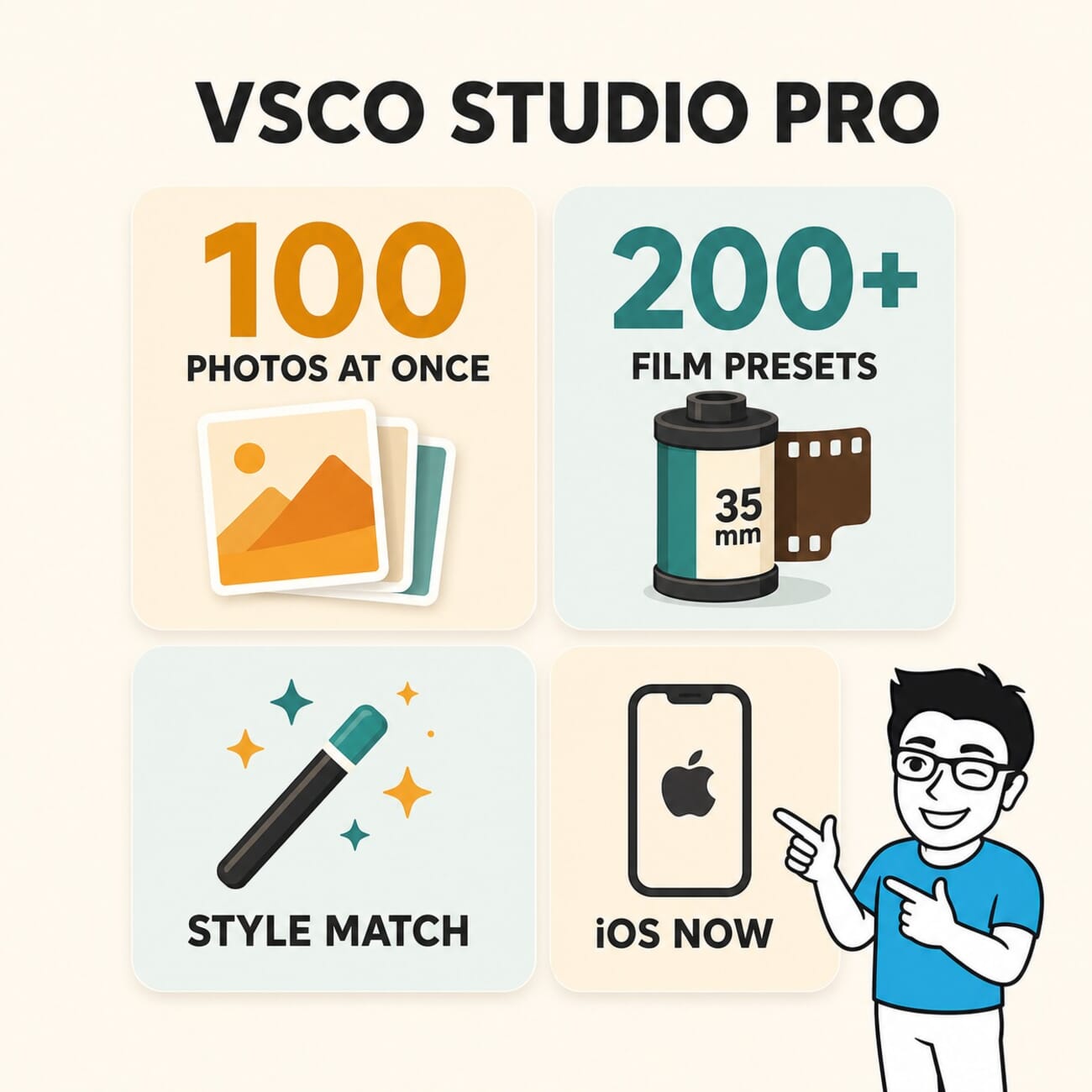
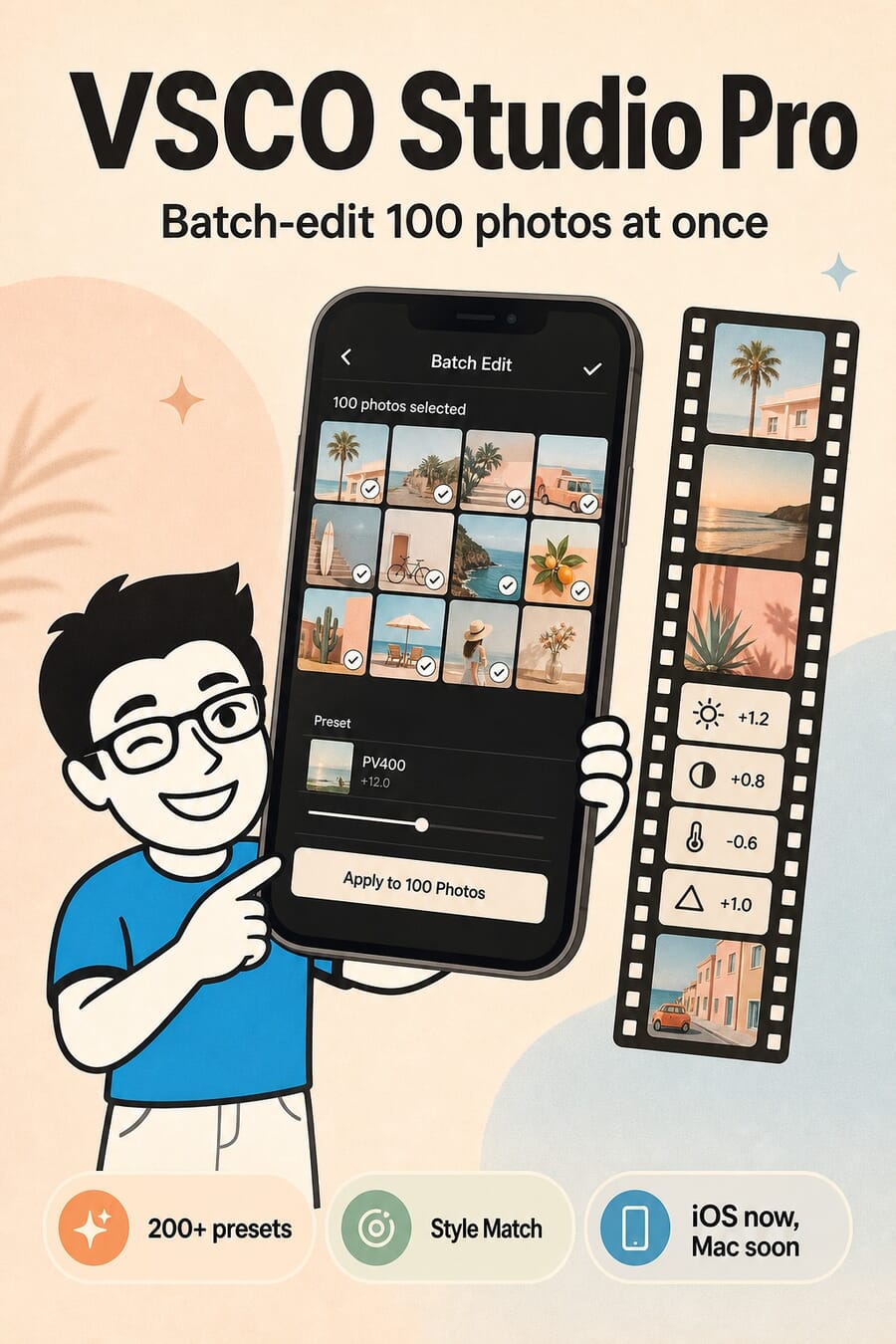
- VSCO has launched Studio Pro, a new standalone iOS app built for high-volume photographers — batch-edit up to 100 photos with a single tap using 200-plus film-inspired presets.
- An AI Style Match tool copies the colour, tone and mood of one reference photo across a whole set, and finished work delivers straight to clients through VSCO Galleries.
- The app is free to download, but the full preset library and pro tools require a VSCO membership (about $59.99/year, or $12.99/month).
- A macOS version is promised later in 2026. RAW editing, memory-card import, culling, star ratings and curves are not in the launch build yet — they are on the roadmap.
- It targets wedding, event, sports and school photographers who want a fast, repeatable look — not a full Lightroom Mobile replacement for deep RAW finishing.
VSCO has launched Studio Pro, a new professional editing app aimed at photographers who come home from a single shoot with hundreds of nearly identical frames — and need them all to look the same, fast. The first release went live on iOS on June 17, 2026, with a macOS version promised later in the year.
The pitch is simple: pick a look once, apply it to an entire batch, and deliver. Studio Pro ships with more than 200 of VSCO’s film-inspired presets, lets photographers edit up to 100 photos in a single tap, and adds an AI “Style Match” that copies the mood of one reference image across a whole set. It is squarely a workflow tool for weddings, portraits, events, sports and school photography.
The question worth answering for anyone already editing on a phone is whether this replaces Adobe’s Lightroom mobile app or sits beside it. The short version: Studio Pro is built for speed and consistency on high-volume work, not for deep, frame-by-frame RAW finishing. Who that suits depends entirely on the kind of shooting you do.
What VSCO Studio Pro Actually Does
Studio Pro is a separate app from the main VSCO editor, not a mode bolted onto it. Once a shoot is imported, photographers can select a large batch of selects and apply a preset, an exposure tweak or a full edit to every image at once. At launch the toolkit includes the 200-plus VSCO presets and a set of professional manual sliders: exposure, contrast, film grain, white balance, tone and sharpening.
If you have only ever used VSCO for one-off social edits, this is a different animal. The whole design assumes you are processing volume and want a repeatable house style, which is the same instinct behind a good set of Lightroom presets. For a primer on where mobile fits in a modern workflow, see our guide to photo editing for beginners, and our walkthrough of editing photos in Snapseed for a free mobile alternative.
Batch Editing and Style Match Are the Whole Point
Two features carry the app. The first is batch editing: tap once and the same look lands on up to 100 frames, which is the difference between an evening of repetitive work and a few minutes. The second is Style Match, an AI tool that analyses a reference photo and matches its colour, tone and mood across a selected set — a way to lock a consistent grade without hand-tuning every image.
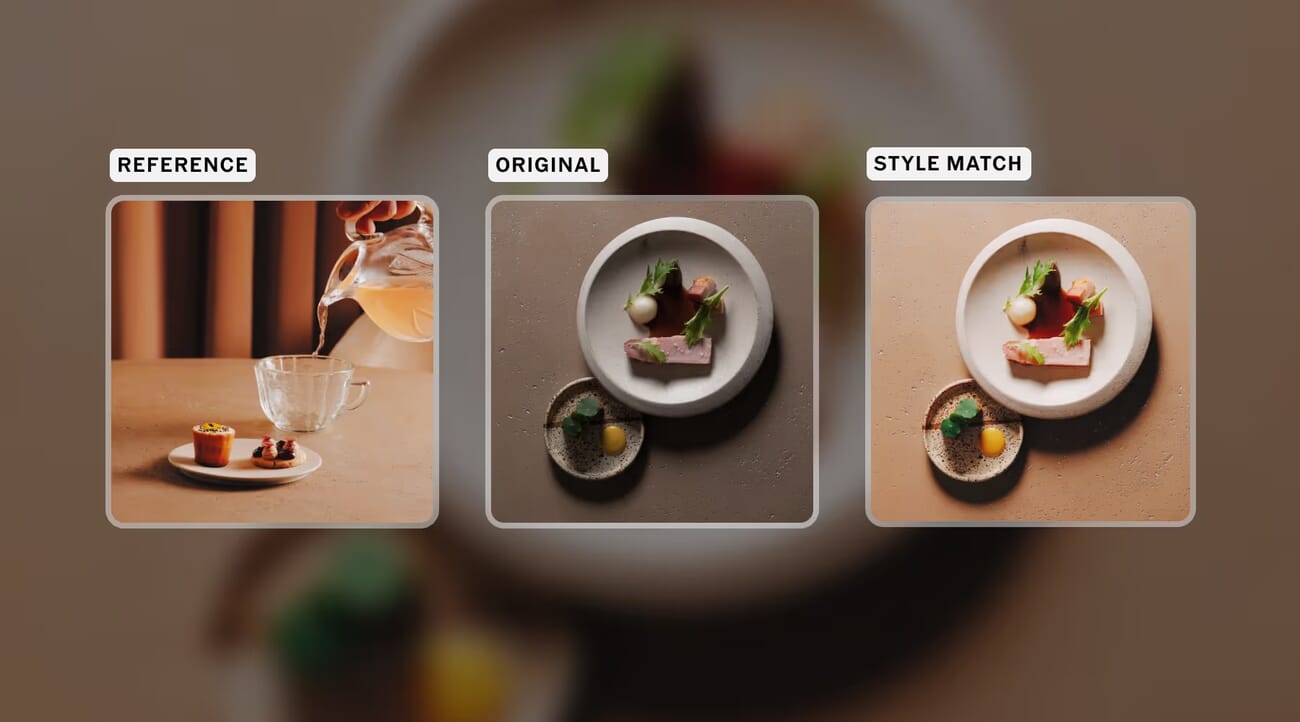
Finished galleries can be delivered to clients directly through VSCO Galleries, so the loop from import to hand-off stays inside one ecosystem. For wedding and event shooters in particular, that consistency-plus-delivery combination is the real sell — it is closer to a culling-and-finishing assistant than a creative darkroom. It also lands in the same conversation as tools like Aftershoot; see how a dedicated AI editor stacks up against Lightroom and Capture One.
VSCO Studio Pro vs Lightroom Mobile: Which One Are You?
This is the comparison most photographers will actually care about. Adobe’s Lightroom mobile app is the established all-rounder — RAW editing, masking, cloud sync and a deep toolset. Studio Pro is narrower and faster, optimised for stylistic consistency across big batches. Here is how they line up today:
| Feature | VSCO Studio Pro | Lightroom Mobile |
|---|---|---|
| Best for | High-volume shoots needing one consistent look | All-purpose editing and frame-by-frame control |
| Batch editing | Yes — up to 100 photos in one tap | Copy/paste settings; no large one-tap batch focus |
| Signature looks | 200+ film-inspired presets + AI Style Match | Adobe presets, profiles and community presets |
| RAW editing | Not at launch (on the roadmap) | Yes, full RAW |
| Local adjustments / masking | No | Yes — AI masking, brushes, gradients |
| Culling & ratings | Not at launch | Flags, ratings, organisation |
| Client delivery | Built-in via VSCO Galleries | Share/export; no native client galleries |
| Platforms | iOS now; macOS later in 2026 | iOS, Android, desktop, cloud sync |
| Price | Free app; VSCO membership ~$59.99/yr for full access | From ~$9.99/mo (Lightroom plan) |
Choose Studio Pro if you shoot high volume, edit on an iPhone, and value a fast, repeatable film look over granular control. Choose Lightroom Mobile if you need RAW, masking, cross-device cloud sync and a deeper toolkit. They are not really the same product — and for a lot of pros the honest answer is that Studio Pro handles the first 80% of a batch and a desktop editor finishes the keepers. If you are weighing which AI-driven tools are worth committing to, our guide on picking AI photo tools that will still exist next year is worth a read, as is our look at how Capture One, Lightroom and Topaz compare on AI features.
What’s Missing at Launch
Studio Pro arrives focused, which is a polite way of saying it is incomplete. Importing from memory cards, RAW editing, auto-leveling, curve adjustments, manual culling, star ratings, advanced export options and library organisation are all listed as future additions rather than launch features. In other words, today it is a fast finishing-and-look app, not a full digital-asset-management system.
That makes the promised macOS release the one to watch. Batch work and client delivery are far more comfortable on a large screen, and a desktop version with RAW support would turn Studio Pro from a clever mobile shortcut into a genuine part of a professional pipeline. VSCO says it is coming later in 2026.
Pricing and Availability
VSCO Studio Pro is free to download from the App Store, but the full preset library and pro tools sit behind a VSCO membership — roughly $59.99 per year (or about $12.99 per month), the same subscription that powers the main VSCO app. There is a free trial to test the workflow before committing. The macOS version is expected later in 2026; an Android release has not been announced for Studio Pro specifically, though the standard VSCO app remains available on Android and the web.
Frequently Asked Questions
Is VSCO Studio Pro free?
The app is free to download on iOS, but the full library of 200-plus presets and the pro editing tools require a VSCO membership — about $59.99 per year or $12.99 per month. A free trial is available.
Does VSCO Studio Pro work on Android or desktop?
At launch it is iOS-only. VSCO has promised a macOS version later in 2026. The standard VSCO app (not Studio Pro) is still available on Android and on the web.
Can VSCO Studio Pro edit RAW files?
Not at launch. RAW editing is on VSCO’s roadmap along with culling, star ratings, curves and memory-card import, but the initial release works best with finished JPEGs and applying consistent looks.
Is it better than Lightroom Mobile?
It depends on your work. Studio Pro is faster for applying one consistent look across a large batch and delivering to clients. Lightroom Mobile is the deeper, all-purpose editor with RAW, masking and cloud sync. Many pros will use both.
Can I deliver photos to clients from the app?
Yes. Finished edits can be sent to clients through VSCO Galleries, keeping the import-edit-deliver workflow inside one ecosystem.
The Bottom Line
VSCO Studio Pro is a sharp, deliberately narrow tool: a way for high-volume photographers to put a consistent, film-inspired look on a whole shoot from an iPhone and hand it off without ever opening a laptop. It is not trying to out-feature Lightroom — it is trying to be faster than Lightroom at one specific job. Whether that is enough depends on how much of your editing is “make these 300 frames match” versus “perfect this one frame.” For the batch crowd, it is an easy app to try; for everyone else, the macOS release later in 2026 is the moment to look again.
Reporting and reference for this story:
Image Sources
- VSCO Studio Pro app interface (batch select) and Style Match comparison — official VSCO press images – Featured image and in-body Style Match screenshot, courtesy VSCO
- “VSCO Studio Pro at a glance” infographic and vertical pin — stylized PhotoWorkout illustrations – Created in-house



