


- The DIGITNOW 35mm Slide Viewer (USB) is the best overall pick — 3x magnification, bright LED, and USB or battery power for under 30 dollars.
- For brand-name reliability, the KODAK 35mm Slide Viewer is the safe choice at around 40 dollars.
- If you need to sort large collections, pair a handheld viewer with the Photomyne A4 Light Pad to see dozens of slides at once.
- All 8 picks are under 50 dollars — no expensive equipment needed to enjoy old slides.
Whether you just found a box of old family slides in the attic or you shoot film and want a quick way to review your work, a dedicated slide viewer is the simplest and most affordable tool for the job. No software, no cables, no waiting — just slide it in and look.
I tested and compared 8 slide viewers across handheld LED models, desktop viewers, and light pads to cover every budget and use case. Here are my top picks.
When you buy through links on our site, we may earn a commission at no cost to you. We evaluate products independently. Commissions do not affect our evaluations.
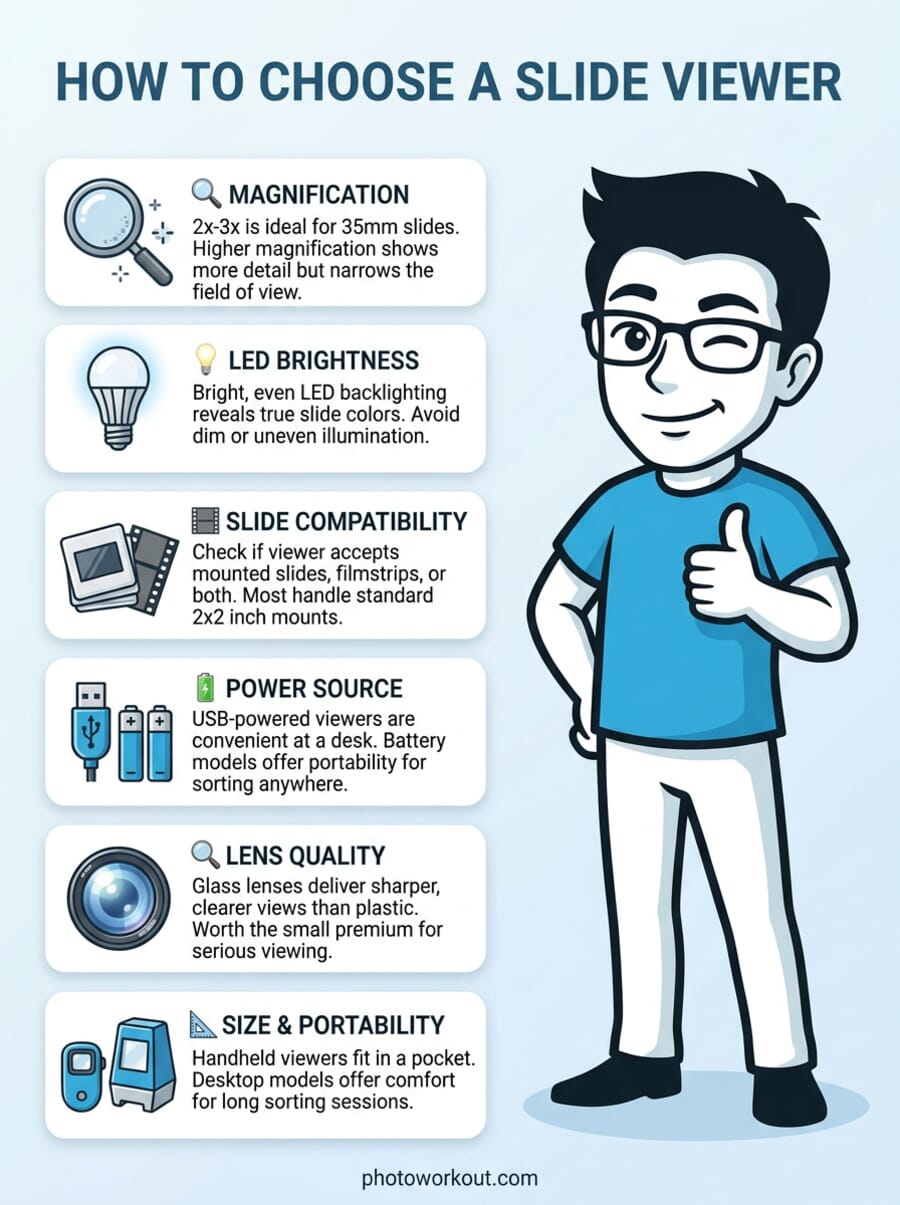
Introduction
There is something special about holding a 35mm slide up to the light and seeing a moment frozen in time. But squinting at tiny transparencies against a window is not exactly comfortable — and it does not do justice to the image quality captured on film.
A slide viewer solves that problem for just a few dollars. These simple devices use an LED backlight and a magnifying lens to enlarge your slides so you can actually see the detail, color, and composition. They are ideal for going through old family slide collections, sorting keepers from rejects, or simply enjoying the nostalgia of analog photography without setting up a full projector.
If you want to digitize your slides for sharing online or archiving, check out my guide to the best slide scanners instead. But if you just want to look at your slides the old-fashioned way — with better light and magnification — here are the best slide viewers you can buy in 2026.
When you buy through links on our site, we may earn a commission at no cost to you. We evaluate products independently. Commissions do not affect our evaluations. As an Amazon Associate, we earn from qualifying purchases.
Best Slide Viewers in 2026




Slide Viewer Comparison
| Specifications | ||||||||
|---|---|---|---|---|---|---|---|---|
| Price | 27.99 USD | 39.99 USD | 14.99 USD | 22.99 USD | 39.95 USD | 9.99 USD | 49.99 USD | 49.99 USD |
| Magnification | 3X | 3X | 2X | 3X | 3X | 1.8X | N/A (flat panel) | N/A (flat panel) |
| Power Source | USB / 4AA Batteries | 4AA Batteries | 2AAA Batteries | 4AA Batteries | USB / 4AA Batteries | 2AAA Batteries | USB | USB |
| Slide Types | 2×2 Mounted, 35mm Strip | 2×2 Mounted, 35mm Strip | 2×2 Mounted, 35mm Strip | 2×2 Mounted, 35mm Strip | 2×2 Mounted, 35mm Strip | 2×2 Mounted | All formats (flat surface) | All formats (flat surface) |
| Size | 7.9 x 6.6 x 4.5 in | 6.5 x 3 x 6 in | Palm-sized | 6.5 x 3 x 6 in | 6.5 x 3 x 6 in | 5.1 x 4.3 x 5.9 in | A4 (13.4 x 9.4 in) | 5.9 x 6.2 x 0.6 in |
| Weight | 1.57 lbs | 1 lb | 7 oz | 1.57 lbs | 1.54 lbs | 6 oz | 1.21 lbs | 1 lb |

DIGITNOW 35mm Slide and Film Viewer (USB)
Best overall for most people
- USB and battery dual power
- 3X magnification with bright LED
- Handles mounted slides and film strips
- Eject button for easy slide swapping
- Plastic build feels cheap for the price
- USB cable is short
The most versatile handheld slide viewer with USB power, 3X magnification, and a bright LED backlight. Handles both mounted slides and film strips with ease.
The DIGITNOW 35mm Slide Viewer (USB) is the best all-around slide viewer for most people. It combines 3X magnification, a bright LED backlight, and the flexibility of USB or battery power — which means you can use it plugged into a laptop at your desk or take it on the go with AA batteries.

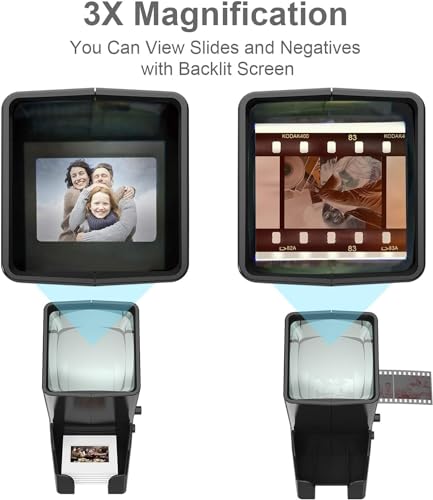
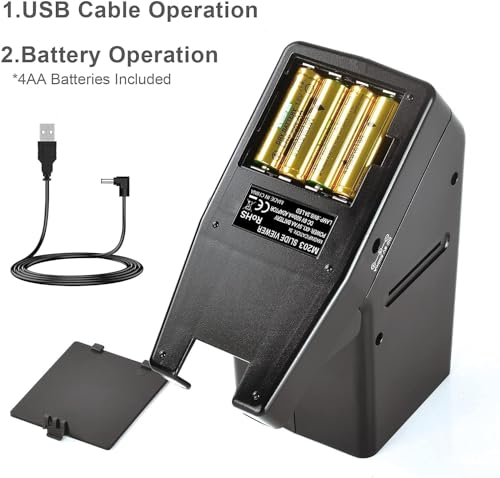
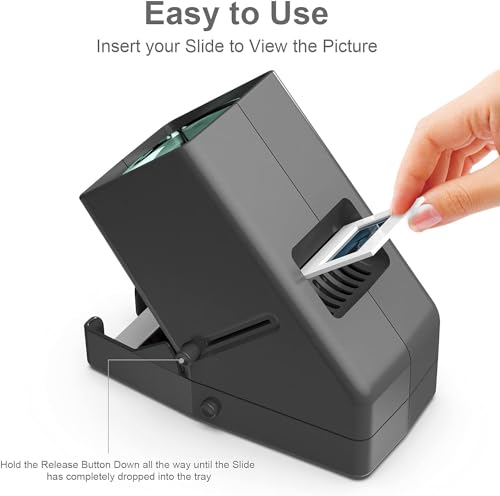
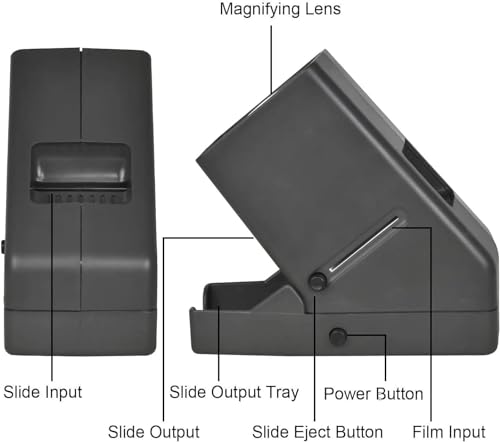
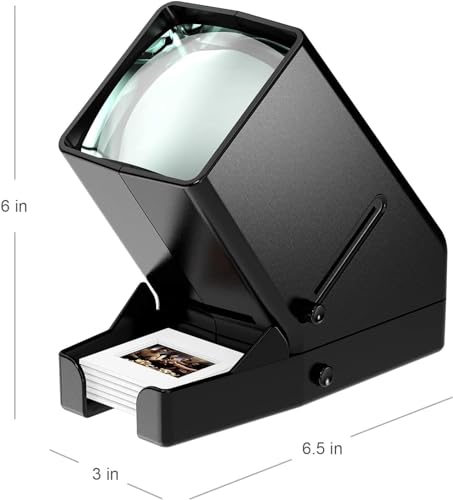
The sliding tray and eject button make it easy to flip through a stack of mounted slides quickly, and it also accepts 35mm film strips if you have unmounted negatives. The build quality is typical for this price range — functional plastic — but the optics are sharp and the LED provides bright, even illumination without color cast.
At around 28 dollars, the DIGITNOW viewer hits the sweet spot between price and features. If you only buy one slide viewer, make it this one.
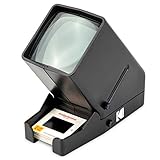
KODAK 35mm Slide and Film Viewer
Brand-name reliability seekers
- Trusted KODAK brand name
- 3X magnification with clear optics
- Lightweight at 1 pound
- Battery-only (no USB option)
- More expensive than similar generic models
The trusted KODAK name with solid 3X magnification and bright LED. Battery-only operation makes it portable but means no USB option.
The KODAK 35mm Slide and Film Viewer is the premium pick for anyone who values brand recognition and proven quality. KODAK has been synonymous with film for over a century, and while this viewer is certainly manufactured by a licensee, the build quality and optics are a step above the cheapest options.


It offers 3X magnification and a large viewing area with bright LED lighting. The dedicated slide slot and film input make loading easy. The main drawback is battery-only operation — there is no USB option, so you will go through AA batteries if you use it frequently.
At about 40 dollars, the KODAK viewer costs more than generic alternatives, but you are paying for the KODAK name and slightly better fit and finish.
DigitPro 35mm Slide Viewer (2X)
Budget shoppers wanting simplicity
- Extremely affordable
- Palm-sized and lightweight
- Highly rated (4.6 stars)
- Only 2X magnification
- Less-known brand
A palm-sized, ultra-affordable viewer that does the job. The 2X magnification is enough for casual viewing, and the compact size makes it easy to toss in a bag.
The DigitPro 2X Slide Viewer is my budget pick. At just 15 dollars, it is the cheapest viewer on this list that still delivers a good experience. The 2X magnification is lower than the 3X models above, but it is perfectly adequate for casual viewing — you can see the image clearly and appreciate the colors and composition.
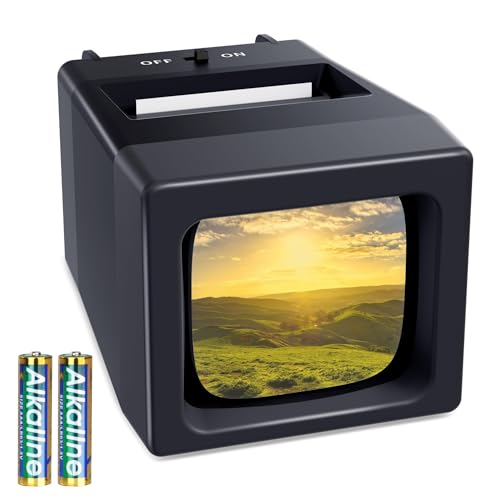
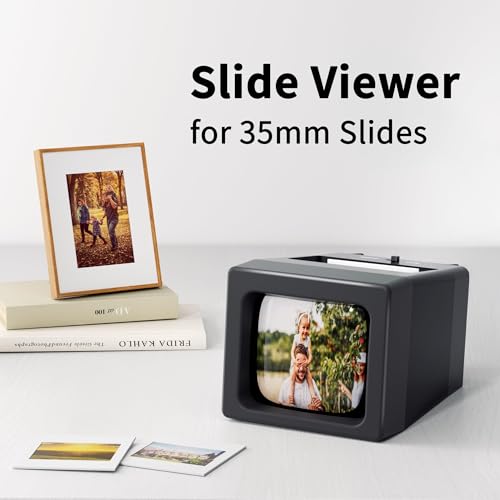
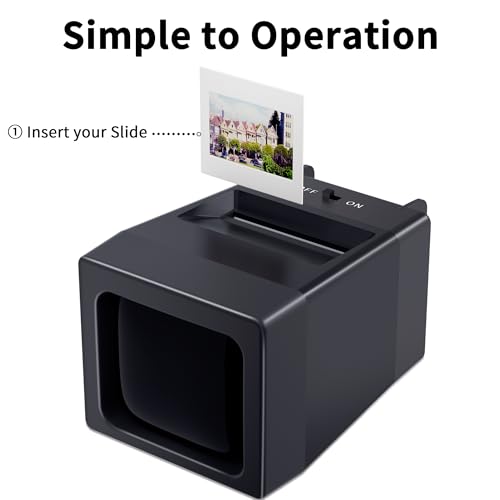
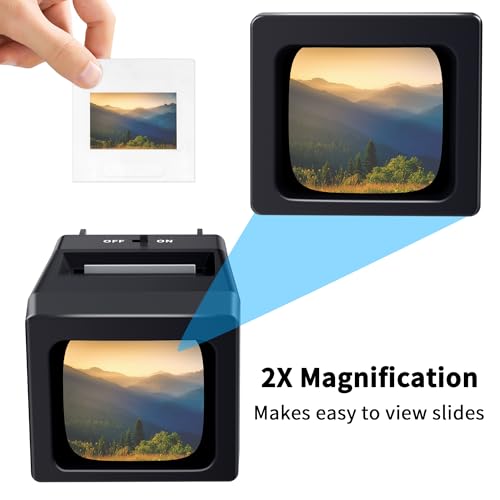
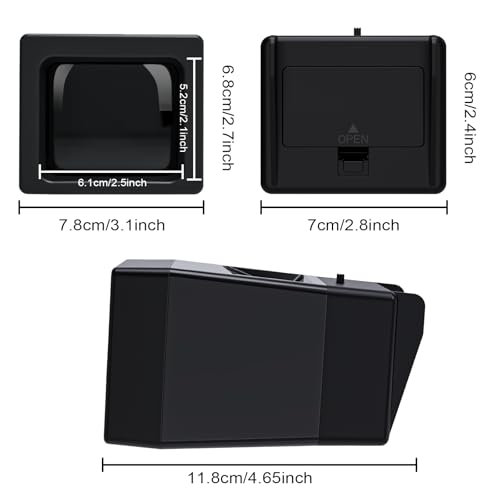
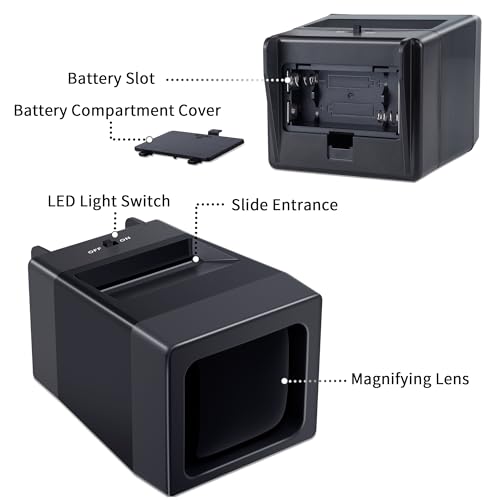
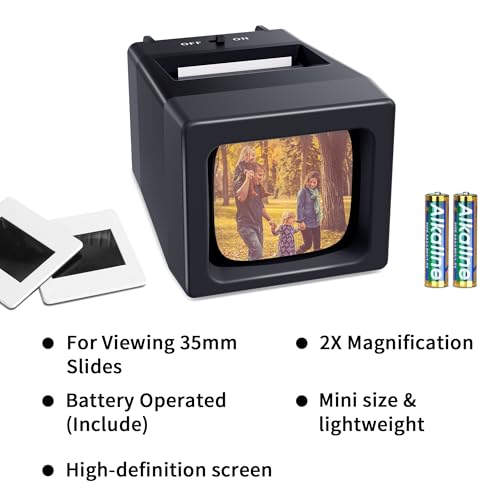
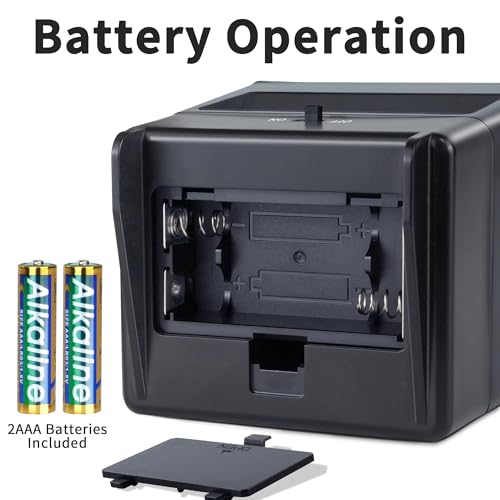
It is palm-sized, weighs just 7 ounces, and runs on two AAA batteries. With a 4.6-star rating from nearly 100 reviews, buyers consistently praise it for doing exactly what it promises. If you want a simple, cheap way to look at old slides, the DigitPro viewer is hard to beat.
DIGITNOW Desktop 35mm Slide Viewer
Extended viewing sessions at a desk
- 3X magnification at a low price
- Stable desktop design
- Eject button for quick slide changes
- Battery-only power
- Heavier than pocket models
A solid desktop viewer from DIGITNOW with 3X magnification and an eject button for easy slide swapping. Battery-powered and straightforward.
The DIGITNOW Desktop Slide Viewer is a straightforward desktop viewer that shares the same core design as the number-one pick but at a slightly lower price. It offers 3X magnification and a bright LED backlight with an eject button for quick slide changes.


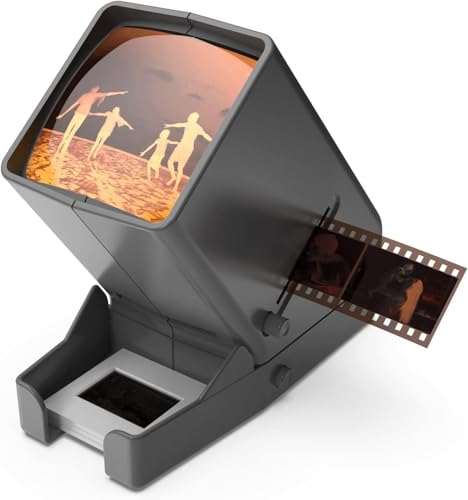
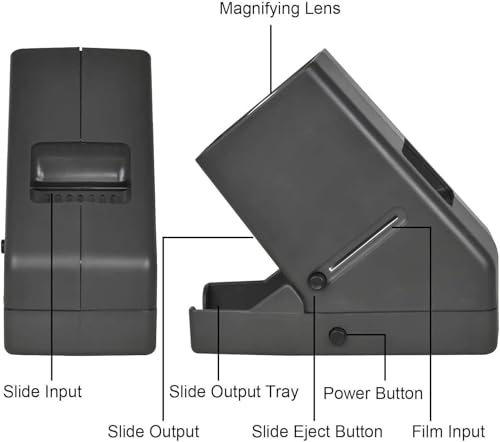
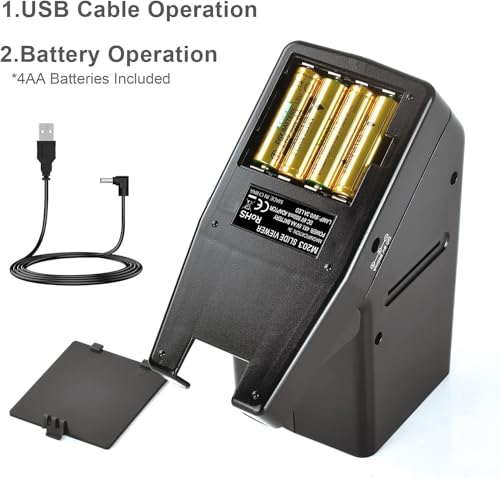
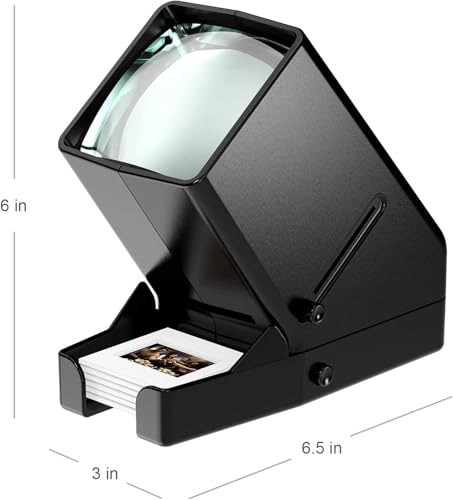
The main difference from the USB model is that this one is battery-only (4AA). If you plan to use it at a desk, the USB-powered model above is a better choice. But if you want a no-fuss desktop viewer for occasional use, the DIGITNOW Desktop viewer gets the job done at a good price.
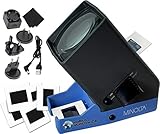
MINOLTA 35mm Desk Top LED Slide Viewer
Those who want a genuine glass lens
- Genuine 4-inch glass lens
- USB adapter included
- Premium MINOLTA branding
- Higher price point
- Mixed reviews on durability
Features a real 4-inch glass lens for superior clarity compared to plastic screens. Includes USB adapter in the box, so you get both power options right away.
The MINOLTA Desktop LED Slide Viewer stands out for one reason: it uses a genuine 4-inch glass lens instead of the plastic screens found on cheaper viewers. This makes a noticeable difference in clarity, especially for sharp slides with fine detail.

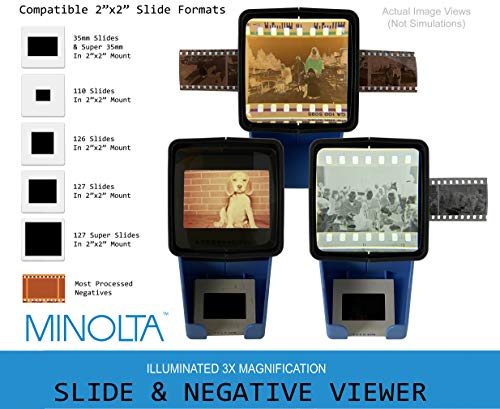
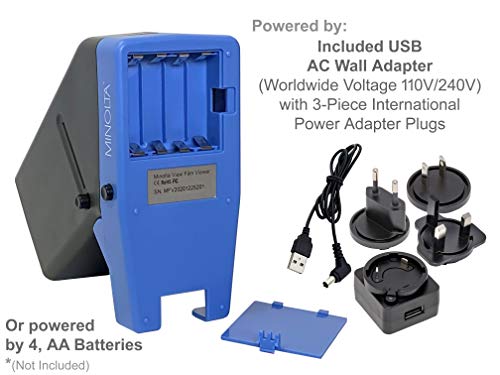
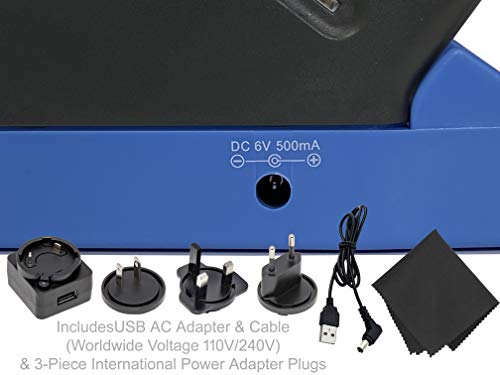
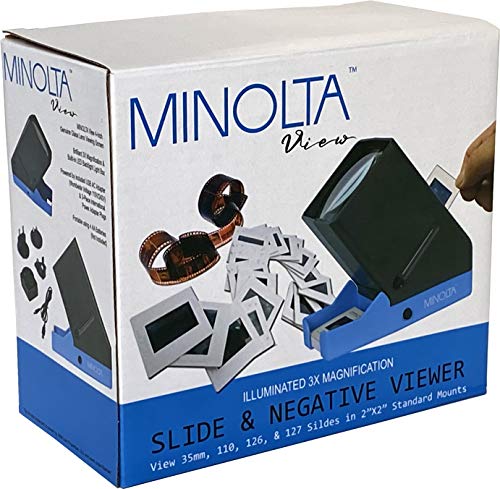
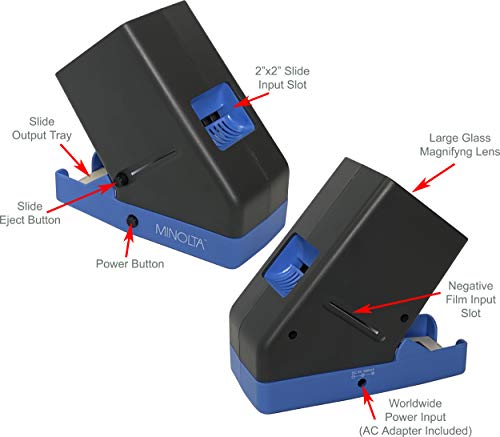
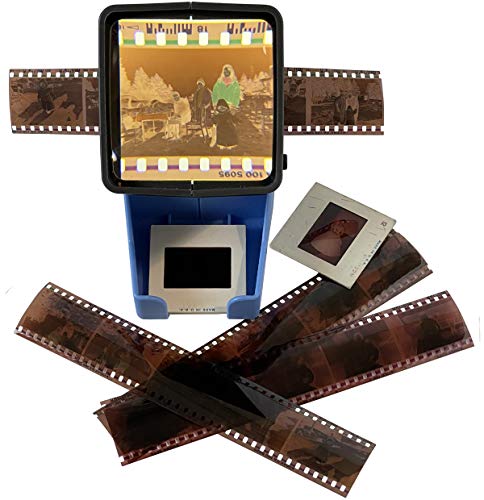
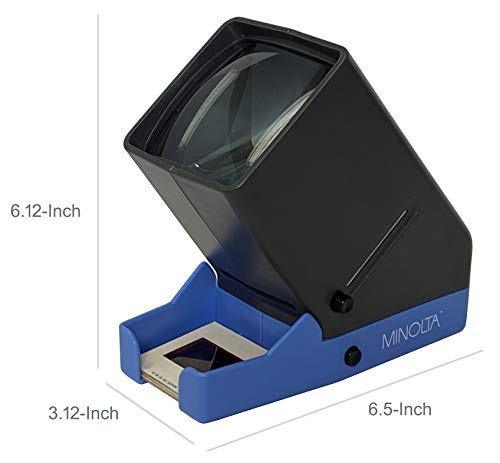
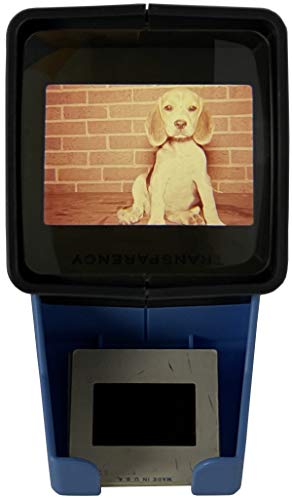
It comes with a USB AC adapter and cable included, so you get dual power options right out of the box. The MINOLTA branding adds credibility, though like the KODAK models, this is a licensed product. At around 40 dollars, it competes directly with the KODAK viewer — choose this one if glass optics matter to you, or the MINOLTA viewer if you prefer a recognized camera brand.
KODAK Compact 1.8x Magnifying Slide Viewer
Travelers and gift-givers on a budget
- Under 10 dollars
- KODAK brand reliability
- Ultra-compact and lightweight
- Only 1.8X magnification
- Mounted slides only
- No USB option
The cheapest name-brand option at under 10 dollars. Lower magnification and mounted-slides-only, but perfectly fine for a quick nostalgic look.
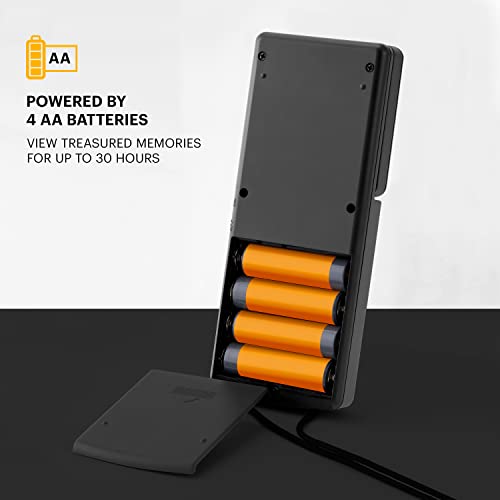
The KODAK Compact 1.8x Slide Viewer is the most affordable name-brand option at under 10 dollars. It is a compact, pocket-friendly viewer with 1.8X magnification and LED backlighting powered by two AAA batteries.


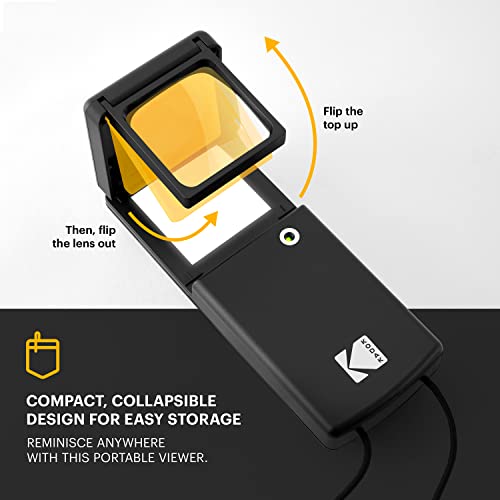
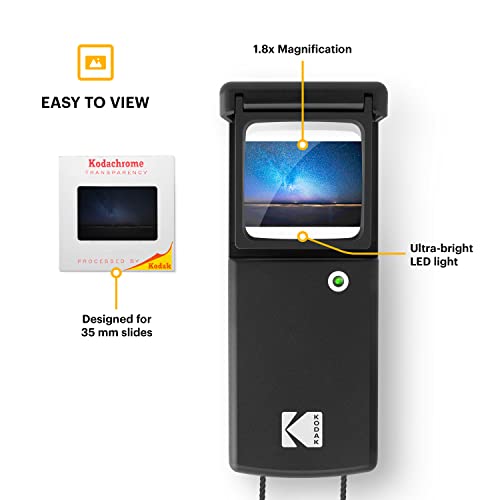
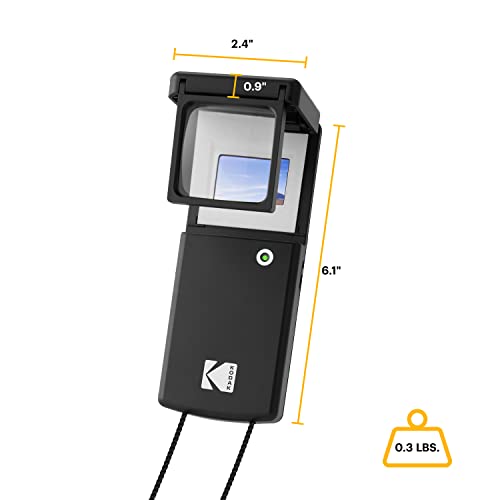
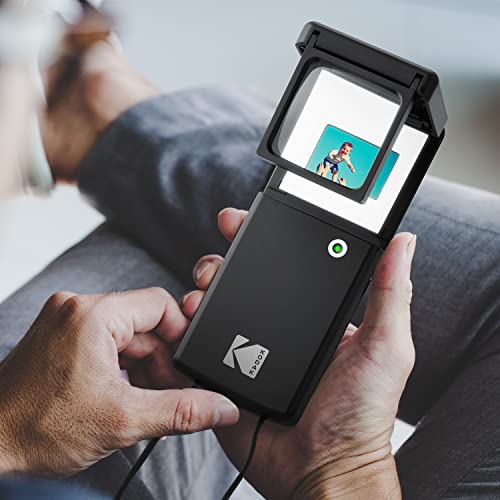
The trade-off for the low price is lower magnification and compatibility with mounted slides only (no film strips). It is best as a gift or a travel companion for looking through a small collection of family slides. For serious viewing, you will want the 3X models above — but for the price, the KODAK Compact viewer is a fun little gadget.
Photomyne A4 Slide Viewer Light Pad
Sorting large slide collections
- Large A4 surface for sorting many slides
- Bright, even LED illumination
- Works with all slide and film formats
- No magnification (flat panel)
- Need a separate loupe for detail
A large A4 light pad that lets you view dozens of slides at once. Perfect for sorting through boxes of old family slides before deciding which ones to scan.
The Photomyne A4 Light Pad is a completely different approach to slide viewing. Instead of magnifying one slide at a time, this A4-sized light panel lets you lay out dozens of slides across its surface and see them all at once — making it ideal for sorting through large collections.

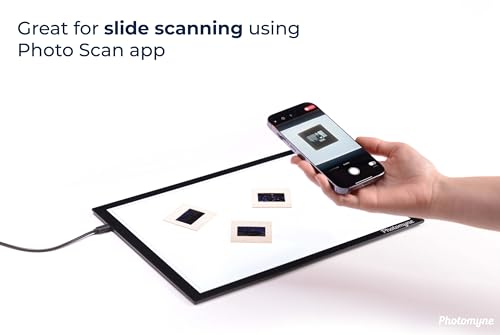
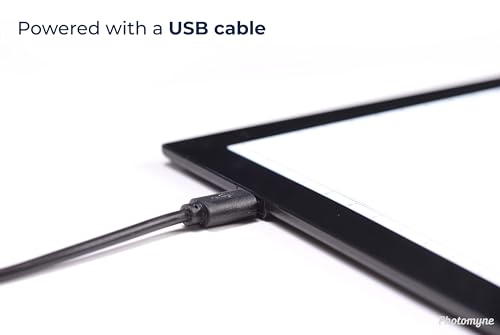
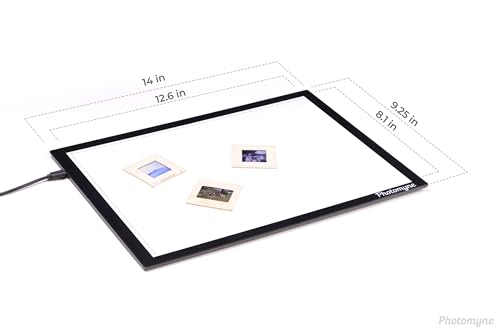
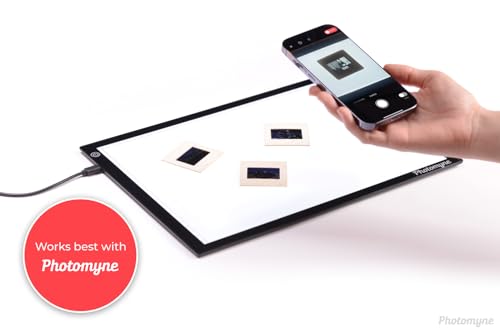
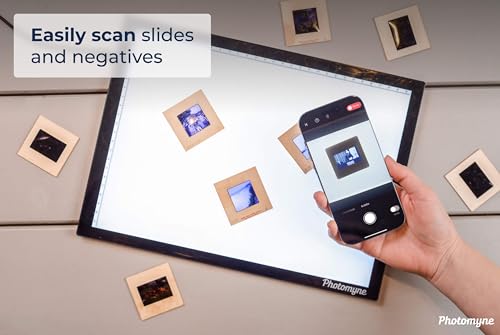
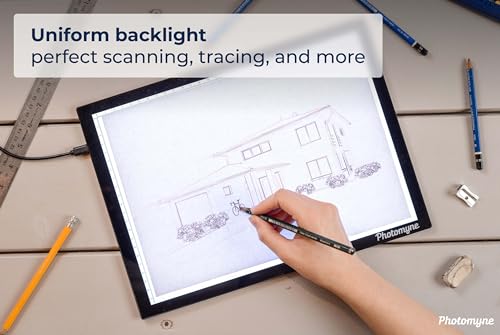
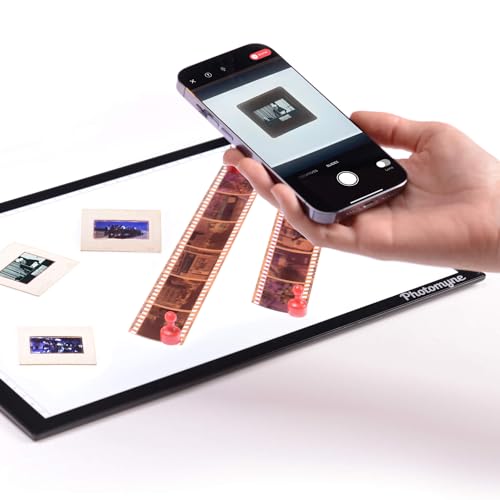
The bright, even LED illumination works with any format — mounted slides, film strips, medium format, you name it. Photomyne also makes a popular scanning app, so the light pad pairs well with their phone-based digitizing workflow. For detail, you will want a handheld loupe on top of this. But for the big-picture task of organizing and selecting slides, the Photomyne light pad is the best option.
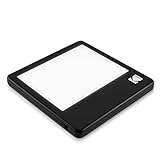
KODAK LED Light Box 5×4
Compact light panel for small batches
- 98 percent color accuracy
- KODAK brand quality
- Compact enough for a desk
- Small 5×4 viewing area
- No magnification built in
A compact, high-quality KODAK light panel with 98 percent color accuracy. Great for viewing a few slides at a time with true-to-life color.
The KODAK LED Light Box (5×4) is a compact alternative to the larger Photomyne panel. Its 5×4-inch viewing area is big enough for a few slides at a time, and KODAK claims 98 percent color accuracy — which matters if you are evaluating exposure and color balance.


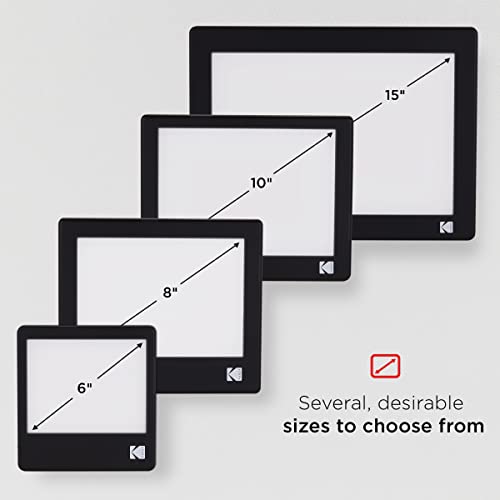

It is USB-powered, ultra-thin, and light enough to carry anywhere. The smaller size means less sorting capacity than the Photomyne A4 pad, but it is easier to fit on a crowded desk. If you want a compact, high-quality light panel from a trusted brand, the KODAK Light Box is a solid choice.
My Recommendations
DIGITNOW 35mm Slide Viewer (USB)
KODAK 35mm Slide and Film Viewer
DigitPro 2X Slide Viewer
Photomyne A4 Light Pad
Final Thoughts
Slide viewers are refreshingly simple products. There is no software to install, no learning curve, and no subscription. Just pop in a slide, turn on the light, and enjoy a moment from the past.
For most people, the DIGITNOW 35mm Slide Viewer is the best choice — it has the right balance of magnification, lighting, and price. If you are sorting through hundreds of slides and need an overview, pair it with the Photomyne A4 Light Pad for the ultimate analog slide workflow.
Once you have found your favorite slides, you might want to digitize them for sharing and safekeeping. Check out my guide to the best slide scanners for that next step, or browse the best photo scanners if you also have prints to scan. And if you are getting back into film photography, take a look at the best film cameras to start shooting new slides of your own.
Related Posts
Disclosure/Disclaimer: As an Amazon Associate, we earn from qualifying purchases. Certain content was provided "as is" from Amazon and is subject to change or removal at any time. Product prices and availability: Amazon prices are updated daily or are accurate as of the date/time indicated and are subject to change. Any price and availability information displayed on Amazon.com at the time of purchase will apply to the purchase of this product.