


- InPixio Photo Studio is a \u003cstrong\u003ebeginner-friendly photo editor\u003c/strong\u003e for Windows with AI-powered tools like \u003ca href=\u0022#background-removal-and-sky-replacement\u0022\u003ebackground removal\u003c/a\u003e, sky replacement, and one-click corrections.
- The desktop version (Photo Studio 12) costs around \u003ca href=\u0022#pricing-and-plans\u0022\u003e$49.99–$79.99/year\u003c/a\u003e, while a \u003ca href=\u0022#free-online-editor\u0022\u003efree online editor\u003c/a\u003e handles basic edits.
- Best for casual users and hobbyists — but \u003ca href=\u0022#inpixio-vs-the-competition\u0022\u003eserious photographers\u003c/a\u003e will outgrow it quickly due to limited RAW support and no file management.
- The affiliate program is discontinued, so this is a \u003cstrong\u003ehands-on, unbiased review\u003c/strong\u003e with no financial incentive to recommend it.
InPixio Photo Studio markets itself as the easy alternative to Photoshop and Lightroom. But does “easy” mean “good enough”?
After testing the desktop software and online editor extensively, here’s what InPixio actually delivers in 2026 — and where it falls short compared to the best AI photo editors available today.
When you buy through links on our site, we may earn a commission at no cost to you. We evaluate products independently. Commissions do not affect our evaluations.
What Is InPixio Photo Studio?
InPixio Photo Studio is a photo editing application available on Mac, Windows, web, and mobile built by Avanquest (part of the Claranova Group). It’s designed specifically for people who find traditional photo editors like Adobe Lightroom overwhelming.
The software focuses on three core tasks: removing objects from photos, cutting out subjects from backgrounds, and creating photomontages. It also includes basic color adjustments, filters, and AI-powered tools for sky replacement and automatic corrections.
The current desktop version is Photo Studio 12, which has been the latest release since 2022. InPixio has since shifted much of its development toward a free online photo editor and a mobile app, both powered by AI.
Who Is InPixio For?
InPixio targets a very specific audience: people who want quick, simple edits without learning complex software. Think of the photographer who just wants to remove a photobomber, swap a cloudy sky for a sunset, or create a greeting card collage.

If you shoot RAW files, need advanced color grading, or want a digital asset manager for thousands of photos, InPixio is not the right tool. It’s a photo editor — nothing more, nothing less.
Key Features
Background Removal and Sky Replacement
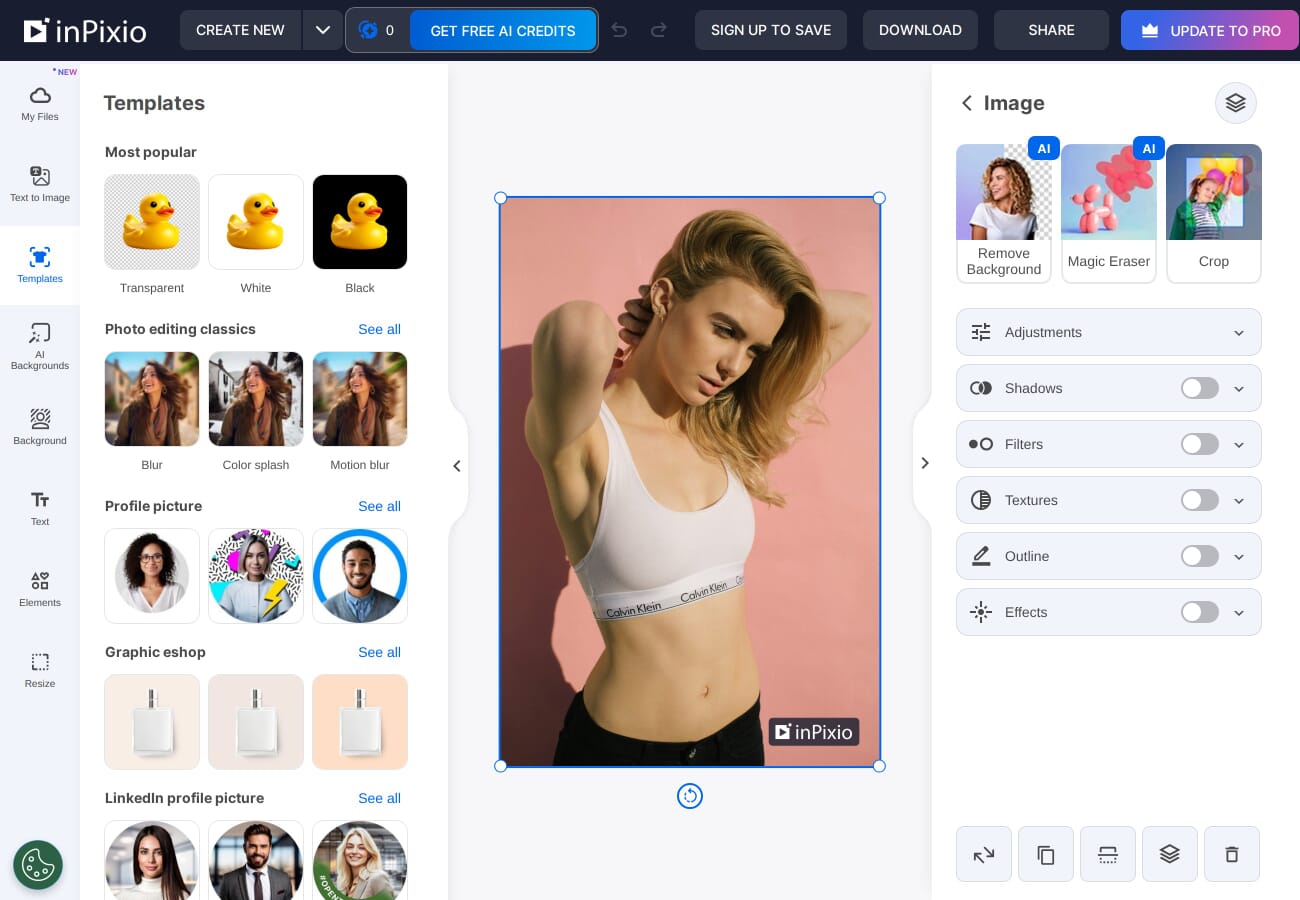
The standout feature is AI-powered background removal. You select the area to cut out, and the algorithm does the rest — including tricky edges like hair. The results are surprisingly good for simple compositions, though complex scenes with similar foreground/background colors can trip it up.
Sky replacement works similarly: the software detects the sky automatically and lets you swap it with preset options or your own images. It handles clean horizon lines well but struggles with trees, buildings, and other intricate edges against the sky.
Object Eraser
The Erase Objects tool uses content-aware fill to remove unwanted elements. Paint over a street sign, power line, or bystander, and InPixio fills the gap by sampling surrounding pixels. Small objects on uniform backgrounds work best. Large removals on textured surfaces (grass, brickwork) often leave visible artifacts.
One-Click AI Corrections
The Auto AI button applies automatic exposure, white balance, and color corrections in one click. For casual snapshots, it’s genuinely useful — often producing results that look “right” without any manual adjustment. For well-exposed photos, the effect is minimal.
Filters, Frames, and Textures
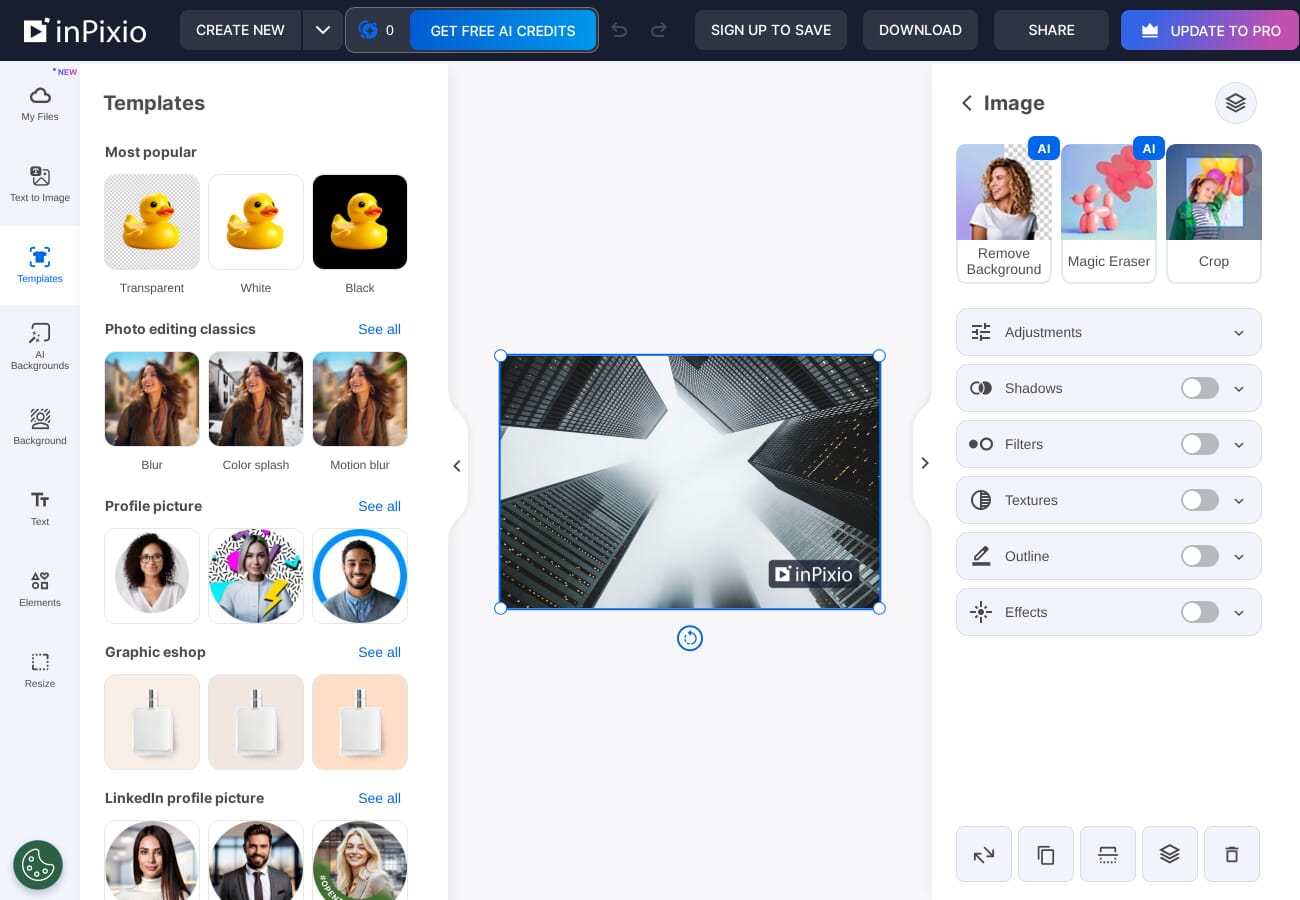
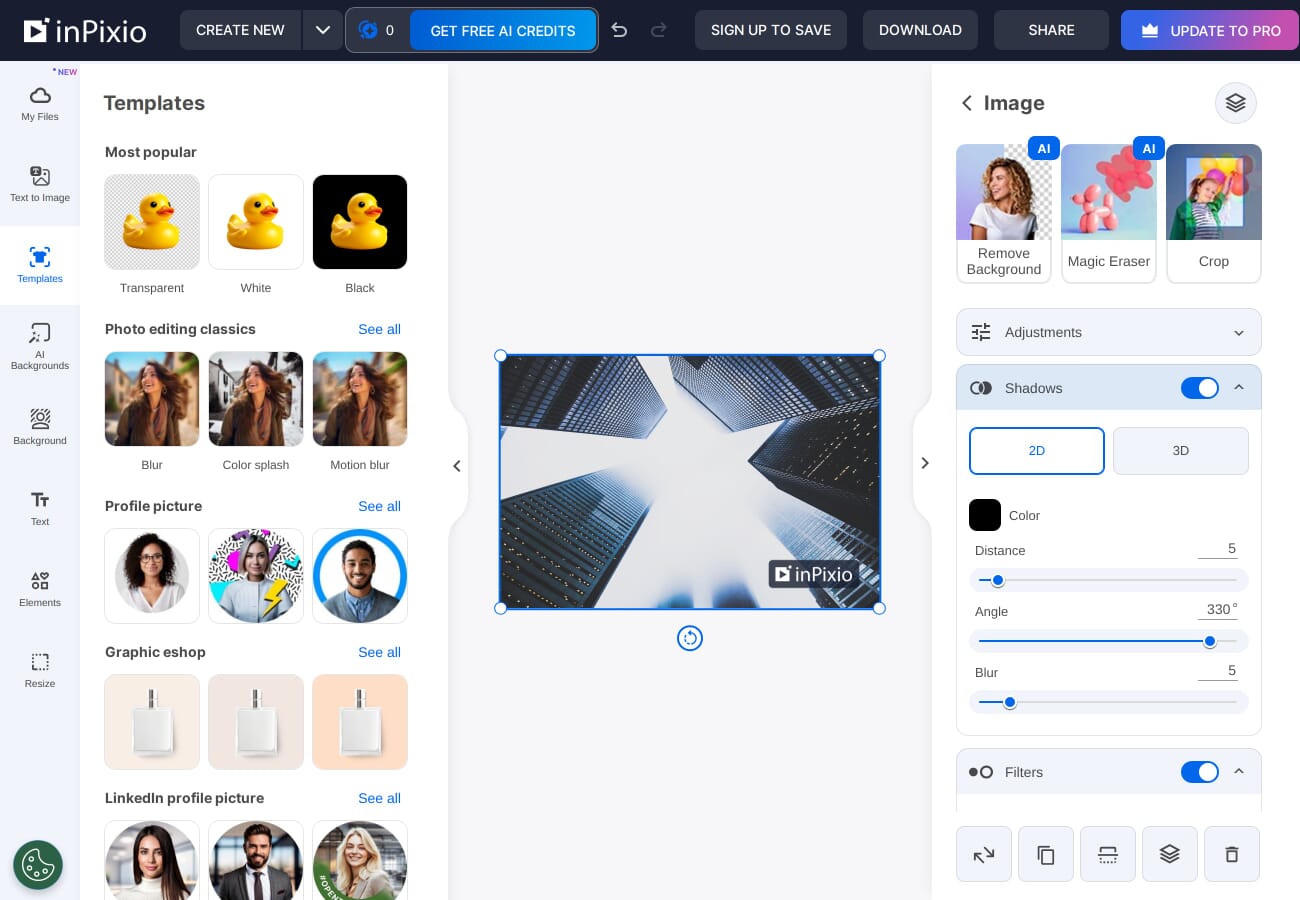
The Pro version includes 100+ filters (vintage, black & white, cinematic), 30+ frames, and 50+ textures. The filters are Instagram-grade — fine for social sharing but not for serious creative work. LUT support lets you import custom color profiles, which is a nice touch for a beginner tool.
Photomontage Creator
Combine cutout subjects with new backgrounds to create collages, greeting cards, or fun compositions. The edge smoothing helps blend subjects into new scenes, though results can look artificial if the lighting doesn’t match between source images.


Free Online Editor
InPixio now offers a free browser-based photo editor at inpixio.com that doesn’t require any download or account. It supports over 50 file formats (JPEG, PNG, TIFF, and some RAW files) and includes basic versions of the AI-powered features.
The online editor is surprisingly capable for quick tasks like background removal, basic adjustments, and adding text overlays. If you only need occasional edits, the free online tool may be all you need — making the paid desktop version harder to justify.
Pricing and Plans
InPixio uses a yearly subscription model for the desktop software:
- Standard — $29.99/year (regularly $49.99) — basic editing, object removal, cutout tools, and photomontage creation
- Pro — $39.99/year (regularly $79.99) — adds sky replacement, one-click AI correction, 100+ filters and effects, 30+ frames, and 50+ textures
- Ultimate — $59.99/year (regularly $89.99) — adds image sharpening/deblurring and photo enlargement up to 1,000%
- Free Online Editor — browser-based with AI background removal, filters, and basic editing — no download required
- Mobile App — available on iOS and Android with core features
All plans are yearly subscriptions with first-year discounts (prices above reflect the discounted rate). InPixio frequently runs promotional campaigns, so the exact amount may vary. A free trial is available for the desktop version, and InPixio offers a 15-day money-back guarantee on all purchases.

For context, Adobe Lightroom costs $9.99/month ($119.88/year) and includes 1TB cloud storage plus Photoshop for iPad. Luminar Neo offers a one-time purchase option starting around $79.
Interface and Usability
The Photo Studio 12 interface uses a clean, modern design with a dark theme and large, clearly labeled buttons. Tools are organized into logical tabs: Edit, Erase, Cut Out, and Photomontage. Each tab presents only the relevant tools, which prevents the overwhelming feeling you get opening Photoshop for the first time.
Interactive tutorials guide new users through each feature, which is a thoughtful touch. The learning curve is genuinely minimal — most users can produce their first edited photo within minutes of installation.
The downside? There’s no file browser or catalog system. You open one image at a time, edit it, save it, and close it. There’s no way to organize, tag, or batch-process photos. For anyone managing more than a handful of images, this becomes a significant limitation.
System Requirements
InPixio Photo Studio is available on Windows and Mac, plus a free online editor that works in any browser and mobile apps for iOS and Android.
- OS: Windows 10/11 or macOS
- RAM: 4 GB minimum (8 GB recommended)
- Storage: 2 GB free disk space
- Display: 1280 — 768 minimum resolution
- Internet: Required for activation and AI features
The requirements are modest. InPixio runs smoothly on budget laptops where Lightroom or Luminar might struggle with large files.
InPixio vs. the Competition
How does InPixio stack up against the main alternatives? Here’s a realistic comparison:
InPixio vs. Adobe Lightroom Classic: Lightroom is a professional-grade tool with full RAW support, advanced color grading, lens corrections, and a powerful catalog system. It’s harder to learn but infinitely more capable. If you’re serious about photography, Lightroom is worth the investment. If you just want to remove a photobomber, InPixio is simpler.
InPixio vs. Luminar Neo: Luminar Neo offers similar AI-powered features (sky replacement, object removal, portrait enhancement) but with far more advanced editing tools, layer support, and a one-time purchase option. It’s the closest competitor to InPixio in terms of ease-of-use, but significantly more powerful. For most users considering InPixio, Luminar Neo is the better choice.
InPixio vs. ON1 Photo RAW: ON1 combines Lightroom-style cataloging with Photoshop-style layer editing. It’s more complex than InPixio but offers a one-time purchase and works on both Windows and Mac. Overkill for casual users, but a better long-term investment for growing photographers.
Google Pomelli (Free): If you mainly need quick social media graphics and marketing visuals, Google’s Pomelli is worth a look. It’s a free AI tool from Google Labs that analyzes your website or brand, then generates on-brand social media campaigns and marketing assets automatically. It won’t replace a full photo editor, but for small businesses creating Instagram posts, ads, and promotional graphics, it’s a compelling free alternative that didn’t exist when InPixio launched.
InPixio vs. Canva: Canva is free and browser-based with basic AI editing tools, including background removal. For social media graphics and simple photo edits, Canva may be all you need — without paying anything. InPixio’s desktop tools are more precise for photo editing specifically, but Canva’s value proposition is hard to beat.
Pros and Cons
What We Like
- Genuinely easy to use — zero learning curve for basic tasks
- Effective background removal — AI handles simple compositions well
- Free online editor — capable enough for occasional edits
- Low system requirements — runs on modest hardware
- Interactive tutorials — built-in guidance for every feature
- Free trial available — try before you buy
What We Don’t Like
- Available on Windows, Mac, web, and mobile
- No file management — can’t organize, tag, or batch-process photos
- Limited RAW support — not suitable for serious RAW workflow
- Desktop version stagnant — still on version 12 since 2022, unclear update roadmap
- Subscription pricing — yearly fee for a limited feature set vs. competitors with one-time purchase options
- AI tools lag behind competitors — Luminar Neo and Lightroom offer more advanced AI capabilities
- Aggressive upselling — the installer and interface push upgrades
Should You Buy InPixio Photo Studio?
For absolute beginners who want a simple tool for basic edits, background removal, and photomontages — and who use Windows — InPixio Photo Studio does what it promises. The interface is genuinely intuitive, and the AI tools work well for straightforward tasks.
However, the value proposition has weakened since InPixio launched its free online editor. Many of the features that justified the desktop purchase are now available for free in your browser. Meanwhile, competitors like Luminar Neo offer significantly more power at a similar price point with one-time purchase options.
Our recommendation: try the free online editor first. If it meets your needs, save your money. If you want the full desktop experience, download the free trial before committing. And if you’re ready to invest in your photo editing journey, consider stepping up to Luminar Neo or Lightroom — you’ll outgrow InPixio quickly.


InPixio Photo Studio is a beginner-friendly photo editor for Windows, Mac, and web with AI-powered background removal, sky replacement, object erasing, and photomontage tools. Easy to use but limited in advanced features compared to Lightroom or Luminar Neo.
$49.99/year- Extremely easy to use
- Effective AI background removal
- Free online editor available
- Low system requirements
- Built-in tutorials
- Mac and Windows versions have different feature sets
- No file management or cataloging
- Limited RAW support
- Desktop version hasn’t been updated since 2022
- Subscription pricing for limited features
- AI tools behind competitors
We Tested the Free Online Editor
We put InPixio’s free online editor through its paces in February 2026. Here’s what we found.
The landing page is clean and inviting — you can drag and drop a photo or choose from AI-powered tools like background removal, magic eraser, and text-to-image generation.

Once you upload a photo, you get a Canva-style editor with a left sidebar for templates, text, and elements, plus a right panel for adjustments, filters, and AI tools. The interface is intuitive and beginner-friendly.
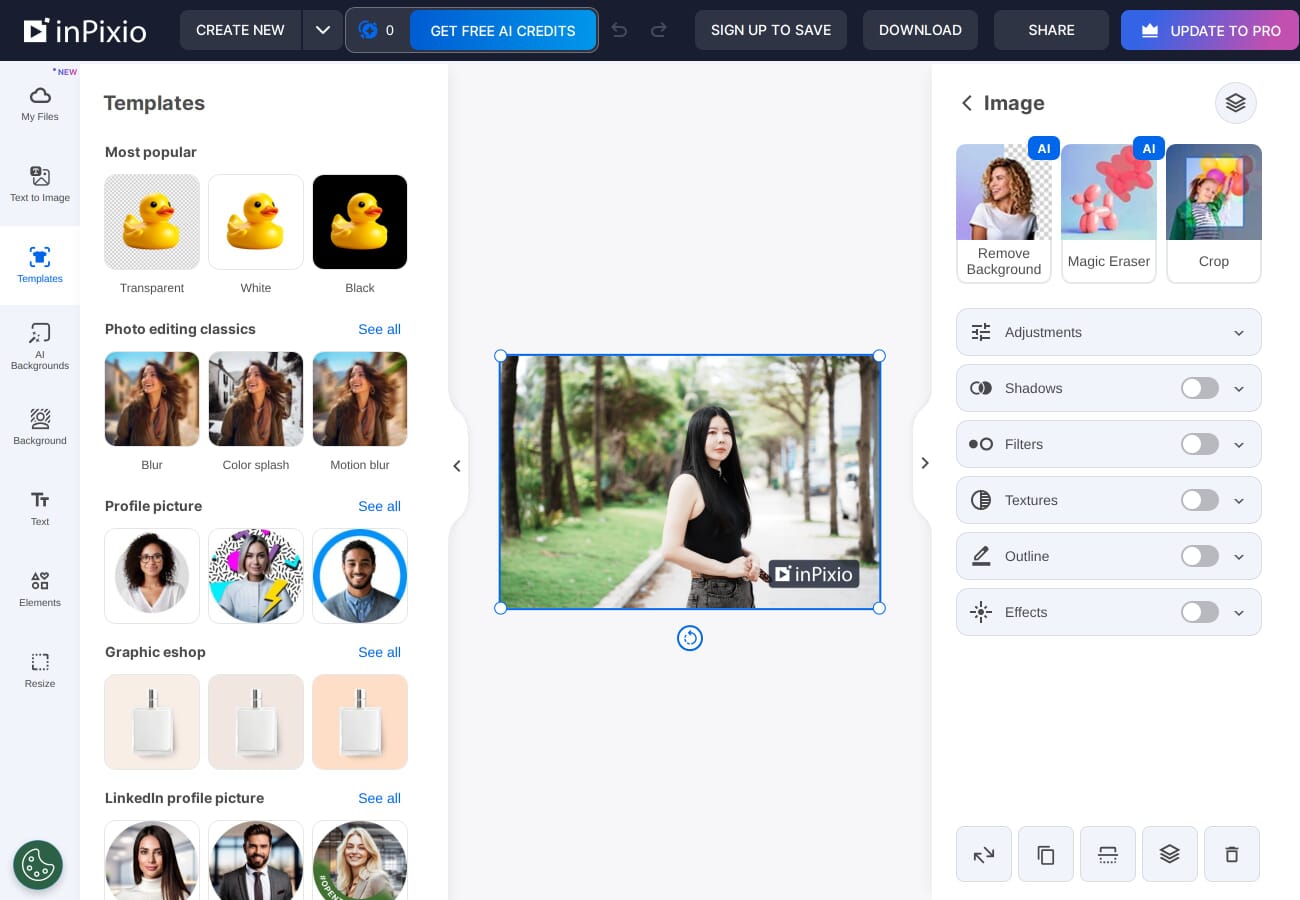
We tested the AI background removal — it worked, but with visible artifacts. The edges weren’t perfectly clean, and there was a greenish smudge where the background wasn’t fully removed. Decent for quick social media use, but not professional quality.

The catches: The free tier watermarks your exports, AI features require credits (you start with zero), and you need to create an account to save. There’s a constant push to upgrade to Pro. For a free online editor, Photopea and Canva offer more functionality without the friction.
Better Alternatives to InPixio in 2026
If InPixio doesn’t quite meet your needs, here are the best alternatives worth considering — each stronger in key areas where InPixio falls short.
Adobe Lightroom — The gold standard for photo editing and organization. AI-powered masking, excellent RAW support, cloud sync across devices, and a massive ecosystem of presets and tutorials.
Best for: anyone serious about photography. $9.99/month with the Adobe Photography Plan (includes Photoshop).
Luminar Neo — AI-first photo editor with one-click enhancements, sky replacement, and portrait retouching. Easier than Lightroom, more powerful than InPixio.
Best for: hobbyists who want AI editing without the learning curve. From $9.95/month or one-time purchase.
Photopea — Free browser-based editor that’s essentially Photoshop in your browser. Supports PSD files, layers, masks, and advanced editing.
Best for: anyone who wants Photoshop-level tools without paying.
Canva — Design-first platform with an excellent free tier. Background removal, templates, social media sizing, and team collaboration.
Best for: social media content creators and small businesses.
Pixlr — Free online editor with AI tools, filters, and a clean interface. A more capable free alternative to InPixio’s online editor.
Best for: quick edits without creating an account.
Featured image: Screenshot of InPixio Photo Studio online editor, captured February 2026.

