


- The Aura Carver is the best digital picture frame for most people: effortless app sharing, no subscription fees, and print-like image quality, at around $149.
- For a technophobe grandparent, the Skylight (about $100) is the easiest to use, with email-to-frame and a dead-simple touchscreen.
- Watch for subscriptions. Aura, Pix-Star, and most Frameo-based frames have no fees; some Skylight and Nixplay extras sit behind an optional paid tier.
- Want a big screen on a budget? The 15.6-inch Pastigio Frameo runs about $130, far less than a comparable 15-inch Aura Walden at $299.
- On a tight budget, the $50 Dragon Touch covers the essentials; for tech-savvy families running several frames, the fee-free Pix-Star LUX is the smart pick.
A good digital picture frame does something no phone or hard drive can: it puts your favorite photos back into daily life, cycling through them on a shelf where you actually see them. The category has matured fast, and the best frames now make it trivial for far-flung family to beam in new pictures. We researched the field and compared the frames worth your money, from a $50 budget pick to a 15-inch premium centerpiece, with a clear best choice for every situation.
As an Amazon Associate, PhotoWorkout earns from qualifying purchases. This does not affect our picks or your price.
When you buy through links on our site, we may earn a commission at no cost to you. We evaluate products independently. Commissions do not affect our evaluations.
How to Choose a Digital Picture Frame
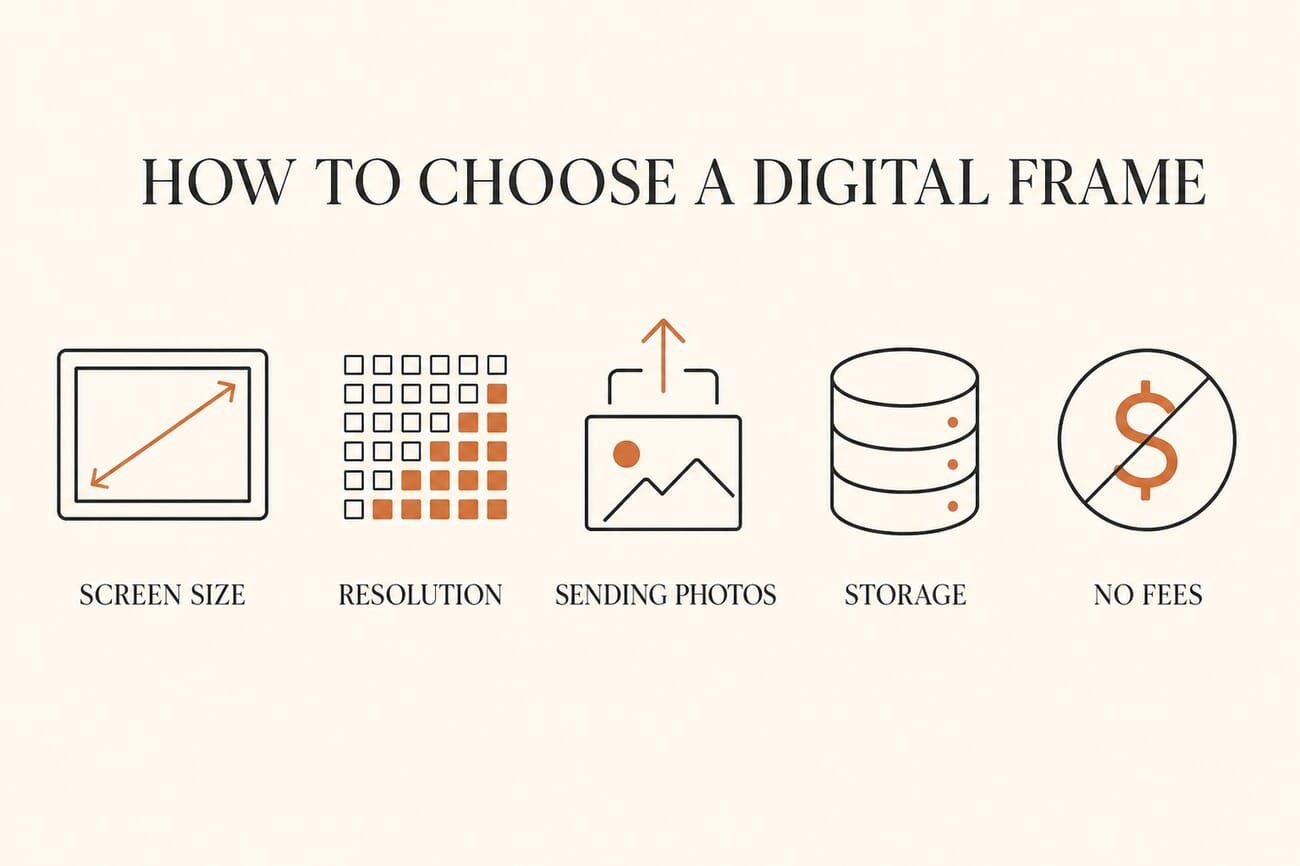
Five factors separate a frame you love from one that ends up in a drawer. Screen size sets the presence, from a discreet 10-inch shelf frame to a 15-inch statement piece. Resolution and panel quality decide whether photos look like prints or like a cheap tablet; IPS panels with anti-glare coatings are what you want. How you send photos is the make-or-break feature: the best frames accept pictures by app and email so any relative can contribute in seconds. Storage and, crucially, subscription fees vary widely, so confirm whether the features you want are free or locked behind a paid tier before you buy.
The Best Digital Picture Frames at a Glance
| Frame | Best For | Size | Price | Subscription? |
|---|---|---|---|---|
| Aura Carver | Best Overall | 10.1″ | $149 | No |
| Skylight Frame | Easiest to Use | 10″ | $100 | Optional |
| Nixplay 10.1″ | Best for Sharing | 10.1″ | $140 | Optional |
| Pix-Star LUX 10.4″ | Best for Tech-Savvy Families | 10.4″ | $140 | No |
| Aura Walden 15″ | Best Premium | 15″ | $299 | No |
| Pastigio Frameo 15.6″ | Best Big Screen for the Money | 15.6″ | $130 | No |
| Dragon Touch 10.1″ | Best Budget | 10.1″ | $50 | No |
| Nixplay Touch | Best Touchscreen | 10.1″ | $150 | Optional |
1. Aura Carver, Best Overall
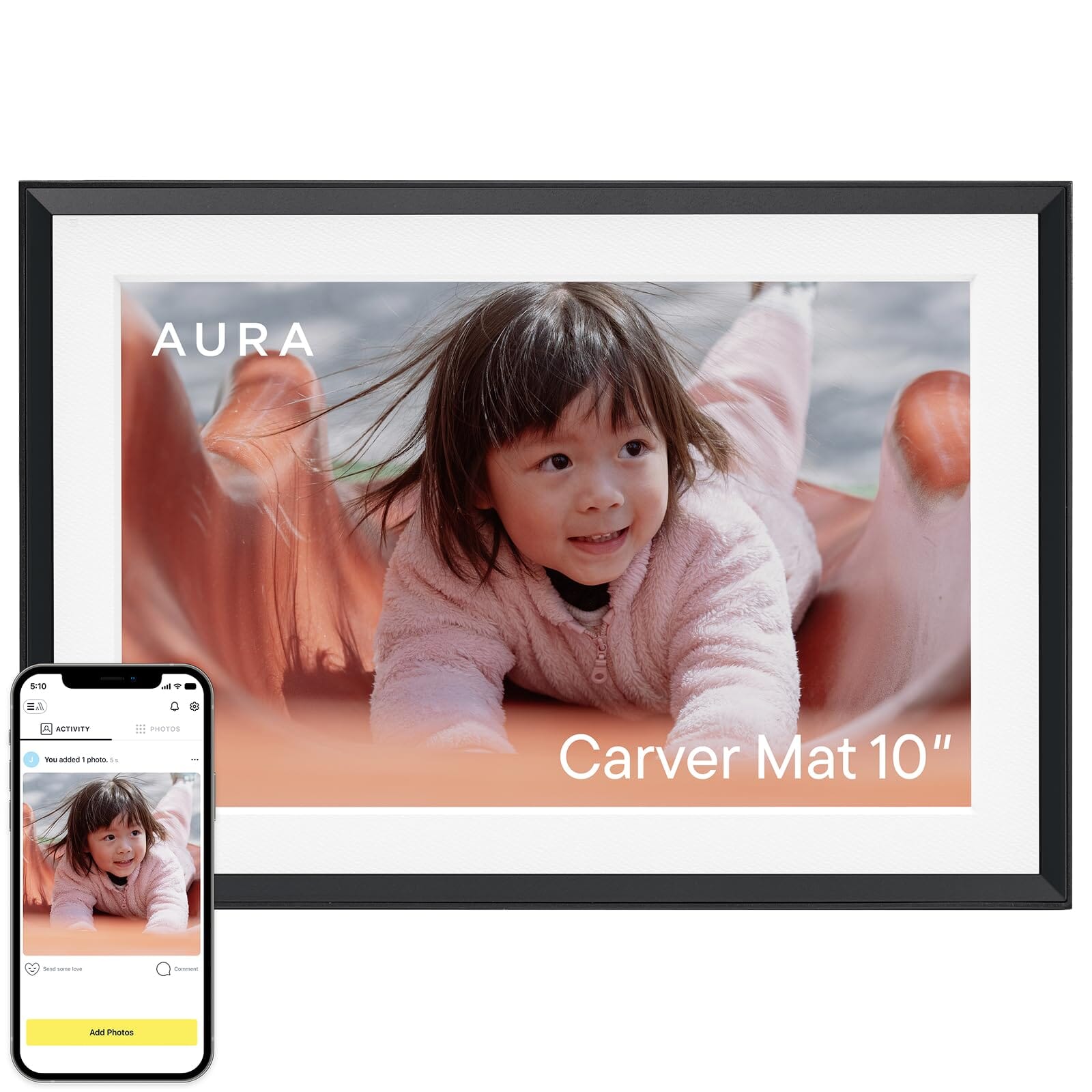
The Aura Carver is the digital frame most reviewers, including Wirecutter, name the best you can buy, and it earns it. Setup takes minutes, the app makes it effortless for family members to send photos and short videos straight to the frame, and there are no subscription fees or storage limits ever. The 10.1-inch display auto-adjusts brightness and color to look like a real print, and the whole thing just works, which matters more than any spec on a gift like this.
Price: around $149. Check price on Amazon.
2. Skylight Frame, Easiest to Use
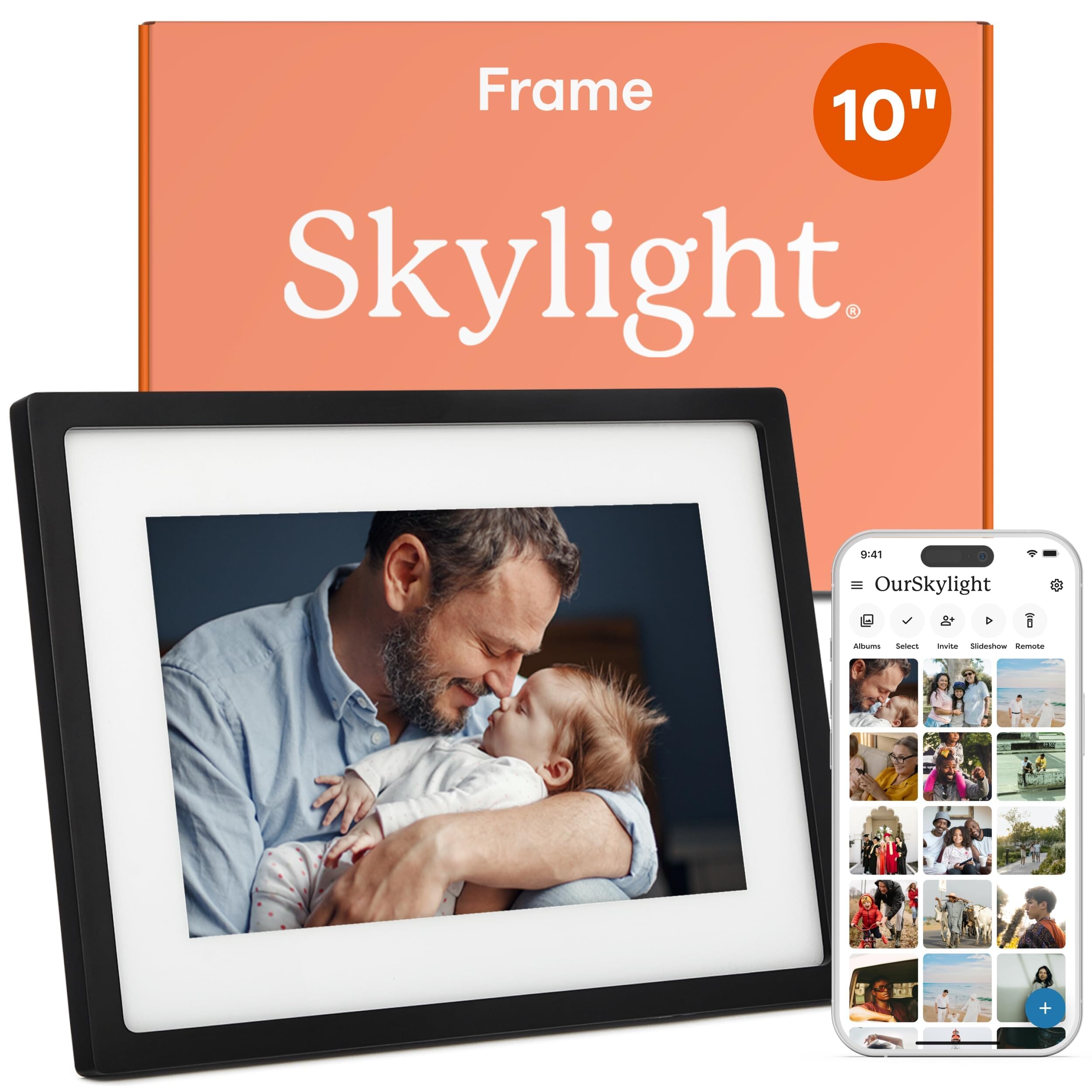
If the frame is going to a grandparent or anyone who dreads technology, the Skylight is the one to buy. Its touchscreen is dead simple, and family can email photos to a dedicated address that lands on the frame instantly, no app required on the recipient’s end. Core photo display is free; some extras like the calendar and longer videos live behind an optional Skylight Plus subscription, so it is worth checking what you actually need before buying.
Price: around $100. Check price on Amazon.
3. Nixplay 10.1″, Best for Sharing

Nixplay has been in this game longer than almost anyone, and its sharing tools show it. You can send photos by app or email, build playlists, and manage who can post to the frame, which makes it excellent for large, spread-out families. The base experience is free, with an optional Plus tier for extra cloud features. If a dozen relatives will all be adding photos, Nixplay’s ecosystem handles the chaos best.
Price: around $140. Check price on Amazon.
4. Pix-Star LUX 10.4″, Best for Tech-Savvy Families
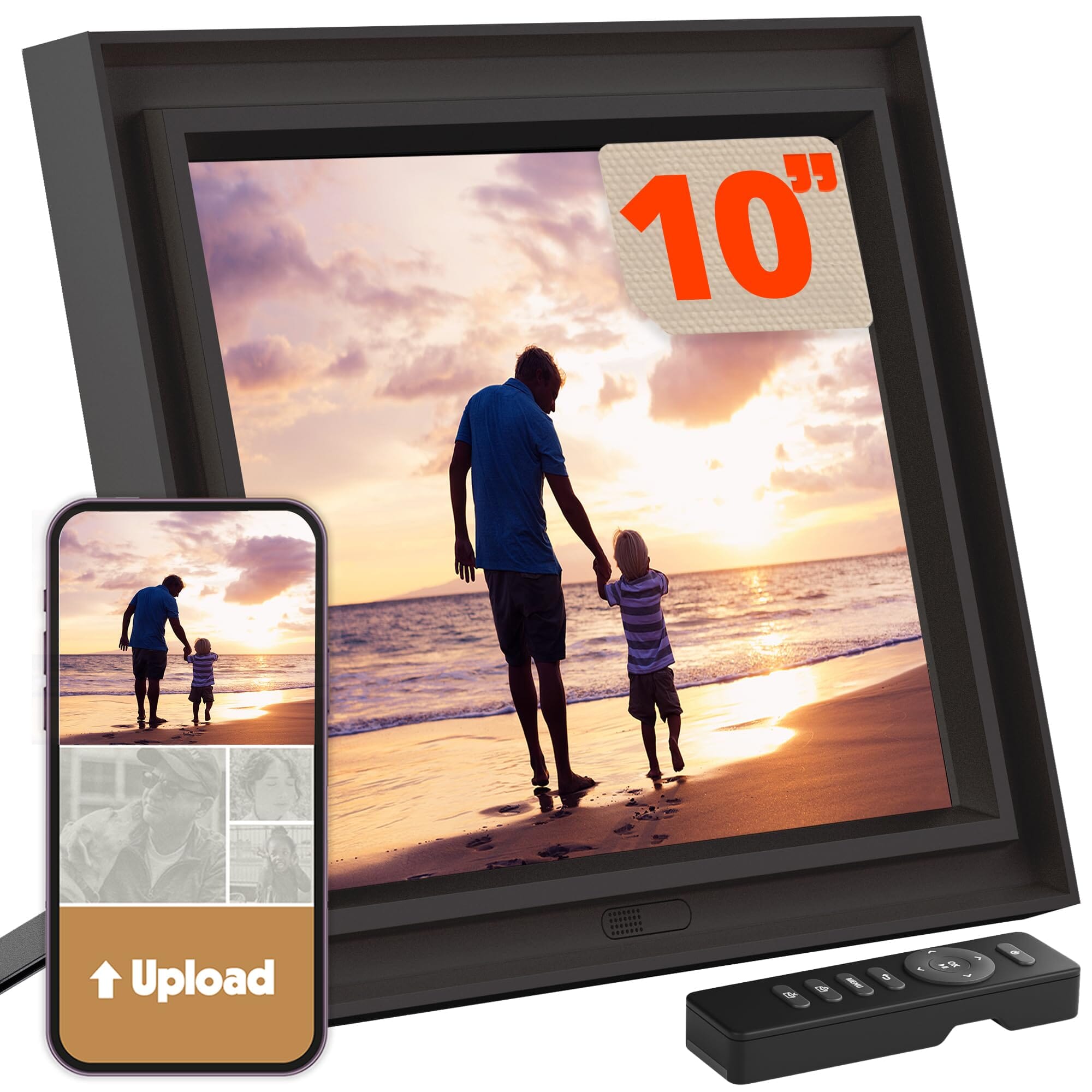
The Pix-Star LUX is the power user’s pick. It offers genuinely unlimited free cloud storage with no fees, email-to-frame, and, uniquely, the ability to control multiple Pix-Star frames from one account, so you can push a photo to Mom, Dad, and Grandma at once. The 10.4-inch 1024×768 no-glare IPS panel and new Wi-Fi 6 connectivity round out a frame built for people who want control, not hand-holding.
Price: around $140. Check price on Amazon.
5. Aura Walden 15″, Best Premium

When you want a digital frame that reads as a real piece of decor, the 15-inch Aura Walden delivers. It keeps everything that makes Aura great, the frictionless phone-to-frame sharing and zero fees, and scales it up to a large, gallery-like display that anchors a mantel or console. It is the most expensive frame here, but for a centerpiece gift or your own living room, the size and finish justify it.
Price: around $299. Check price on Amazon.
6. Pastigio Frameo 15.6″, Best Big Screen for the Money
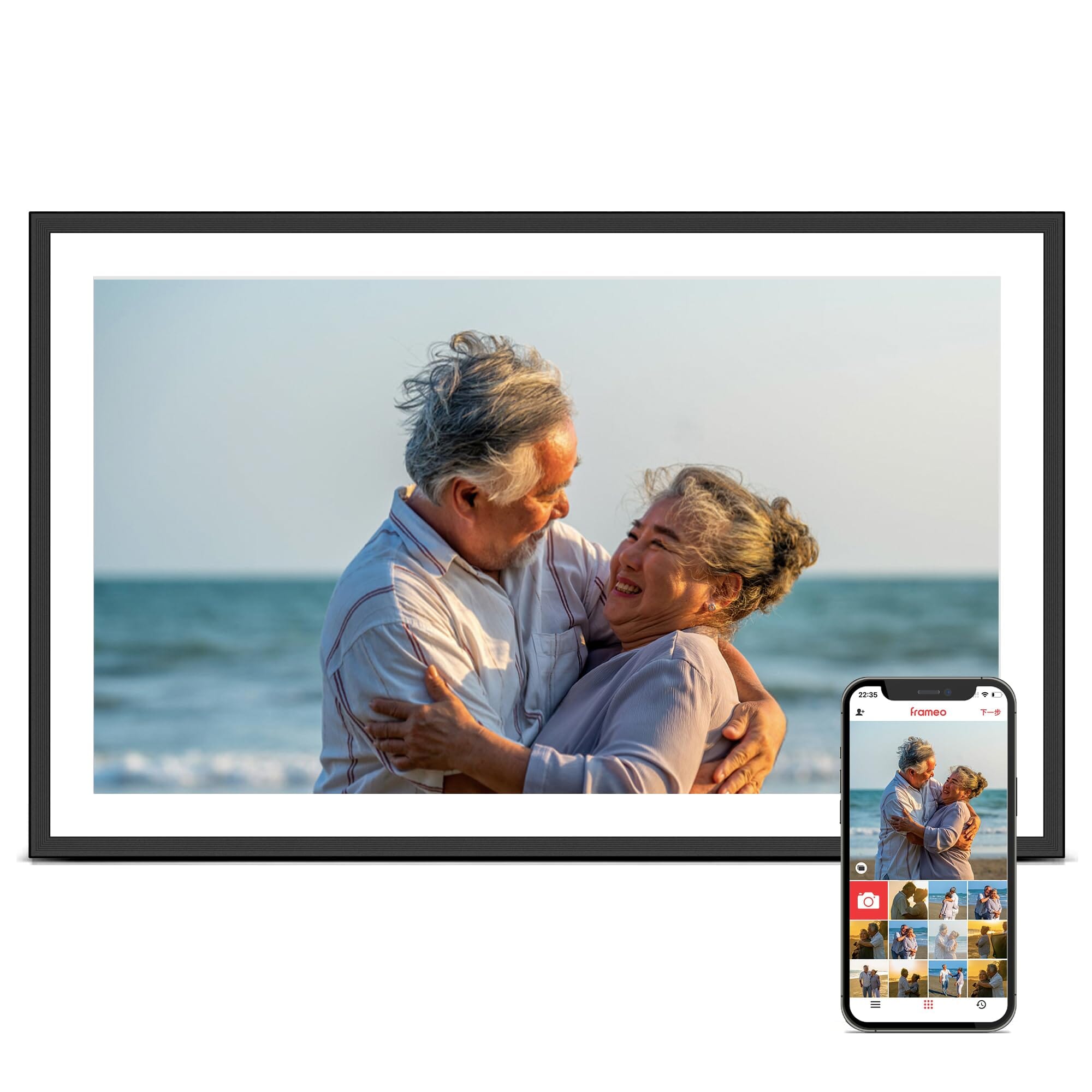
Want a big screen without the premium price? This Pastigio runs the popular Frameo app on a 15.6-inch Full-HD IPS touchscreen for well under half the price of a comparable Aura. Frameo’s app lets anyone you invite send photos and short videos in seconds, with no subscription. The build is not as refined as the pricier options, but for sheer screen size per dollar, nothing here beats it.
Price: around $130. Check price on Amazon.
7. Dragon Touch 10.1″, Best Budget

At around $50, the Dragon Touch proves a good digital frame no longer costs a fortune. You get a 10.1-inch 1280×800 IPS touchscreen, Wi-Fi, and Frameo-style app sharing with no fees. It will not match the color accuracy or polish of an Aura, but for a secondary frame, a dorm room, or a low-stakes gift, it covers the essentials for a fraction of the price.
Price: around $50. Check price on Amazon.
8. Nixplay Touch, Best Touchscreen
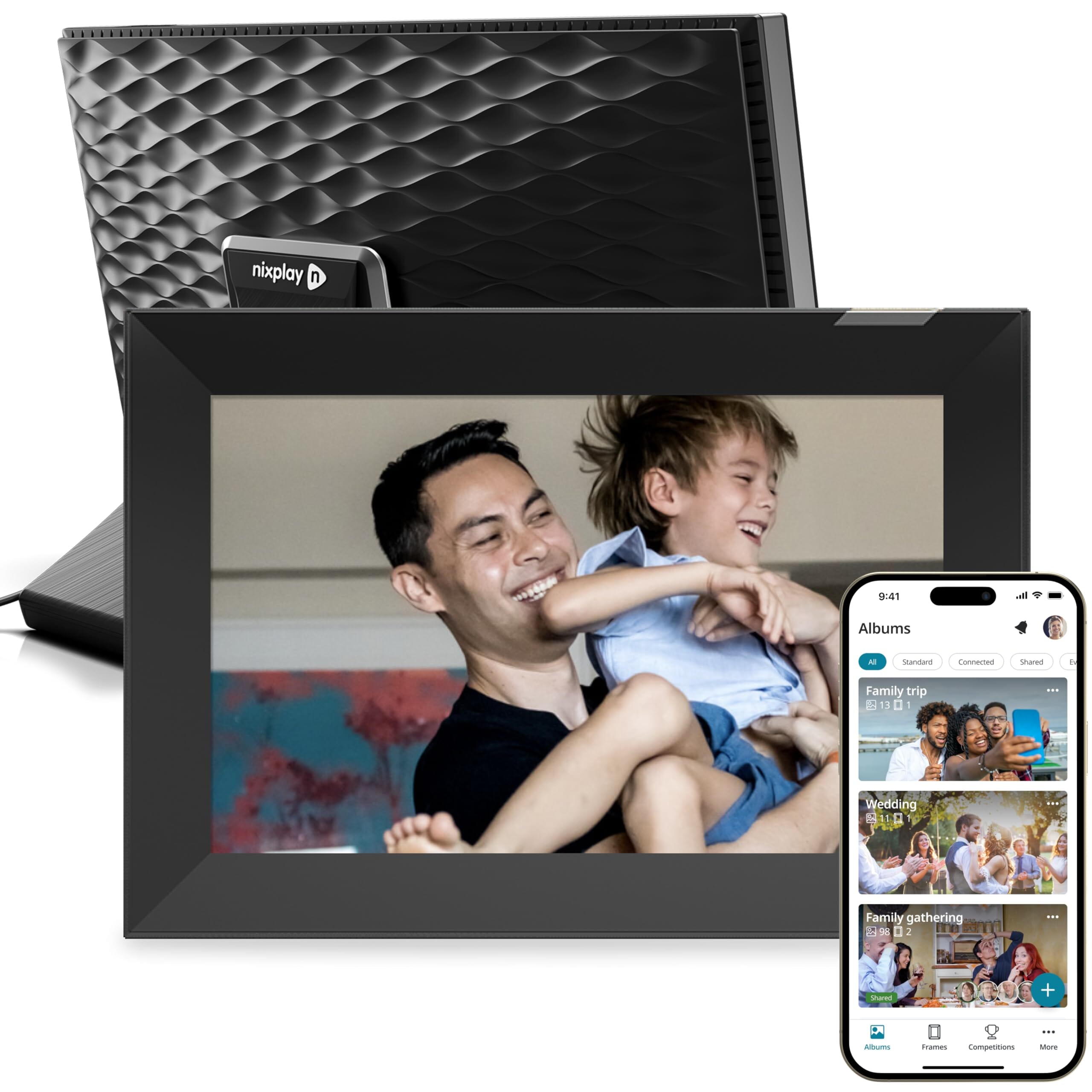
If you want to swipe, favorite, and manage photos right on the frame itself, Nixplay’s touchscreen model is the pick. It pairs the same reliable Nixplay sharing ecosystem with responsive on-device controls, and it ships ready to gift, preloaded with photos and a personal message if you set it up first. A good middle ground between a passive display and a full tablet.
Price: around $150. Check price on Amazon.
Frequently Asked Questions
What is the best digital picture frame overall?
The Aura Carver is the best for most people. It combines effortless app sharing, no subscription fees, unlimited storage, and print-like image quality, and it is the frame most expert reviewers rank first. At around $149 it hits the sweet spot of quality and value.
Do digital picture frames require a monthly subscription?
Not necessarily. Aura, Pix-Star, and most Frameo-based frames have no fees at all. A few brands, notably Skylight and Nixplay, keep core photo display free but put extras like calendars, longer videos, or additional cloud features behind an optional paid tier. Always check before you buy.
Which digital frame is easiest for grandparents?
The Skylight Frame. Its touchscreen is extremely simple, and family can email photos to a dedicated address that appears on the frame automatically, so the recipient never has to install or manage anything.
How do photos get onto a WiFi digital frame?
Most frames use a companion app: you and anyone you invite send photos and short videos from a phone, and they appear on the frame over WiFi in seconds. Many also accept photos by email, and some support cloud services. The frame stores images locally and in the cloud so they keep playing even offline.
What screen size should I get?
A 10-inch frame suits a desk, nightstand, or bookshelf and is the most popular size. Step up to 15 inches or larger for a living-room centerpiece where the frame is meant to be seen from across the room. Bigger screens cost more and benefit most from higher-resolution panels.
The Bottom Line
For most people, the Aura Carver is the frame to buy: it is beautiful, fee-free, and effortless to share with. Send it to a less tech-savvy relative and the Skylight is the safer bet, while the Dragon Touch covers a tight budget and the 15-inch Aura Walden anchors a room. Match the frame to the person, confirm there are no surprise fees, and a digital frame becomes one of the most-used gifts you will ever give.
Sources and further reading:
Image Sources
- Aura Carver product image – Product image via Amazon
- Skylight Frame product image – Product image via Amazon
- Nixplay 10.1" product image – Product image via Amazon
- Pix-Star LUX 10.4" product image – Product image via Amazon
- Aura Walden 15" product image – Product image via Amazon
- Pastigio Frameo 15.6" product image – Product image via Amazon
- Dragon Touch 10.1" product image – Product image via Amazon
- Nixplay Touch product image – Product image via Amazon
- How to choose a digital frame (infographic) – PhotoWorkout illustration
- Best digital picture frames (pin) – Stylized PhotoWorkout illustration
- Digital picture frame (featured) – Product image via Amazon
As an Amazon Associate, PhotoWorkout earns from qualifying purchases.