
Editor’s Key Takeaways: Best iPhone Filmmaking Courses in 2026
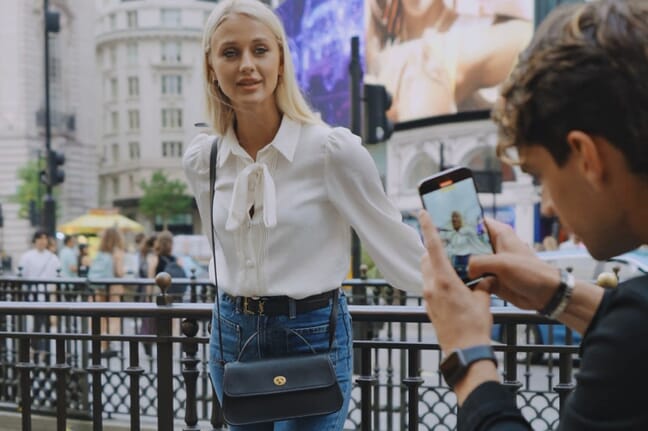
Your iPhone 16 (or any recent iPhone) is a legitimate filmmaking tool—Hollywood directors have shot entire films on iPhones. But knowing how to unlock its full potential requires learning proper techniques. Here are the best courses to master iPhone videography:
- iPhone Video Academy — Our top pick: 5+ hours of practical lessons by Simone Ferretti, covers everything from camera settings to editing for social media
- Mobile Filmmaking 101 (Domestika) — Best for documentary makers: Award-winning filmmaker Cassius Rayner teaches storytelling and professional techniques
- Introduction to Mobile Filmmaking (Domestika) — Best for creative projects: VFX expert Pete Majarich covers cinematic techniques and visual effects
- Free YouTube Tutorial — Best free option: 20-minute crash course covering manual camera apps, frame rates, and exposure
Pro tip: Download the free Blackmagic Camera app (4.8★, free) for professional-level controls including ProRes recording, shutter angle, and LOG profiles.
Why Learn iPhone Filmmaking in 2026?
The gap between smartphone and professional video has nearly closed. The iPhone 16 Pro shoots 4K at 120fps, records in ProRes and LOG formats, and includes features like Action Mode stabilization and Cinematic Mode with adjustable depth of field.
But having powerful hardware isn’t enough. The difference between amateur phone footage and professional-looking video comes down to technique: understanding lighting, composition, camera movement, audio, and editing. That’s what these courses teach.
Whether you’re creating content for social media, shooting a documentary, or just want to capture family moments beautifully, these courses will transform your iPhone videos.
1. iPhone Video Academy by Simone Ferretti
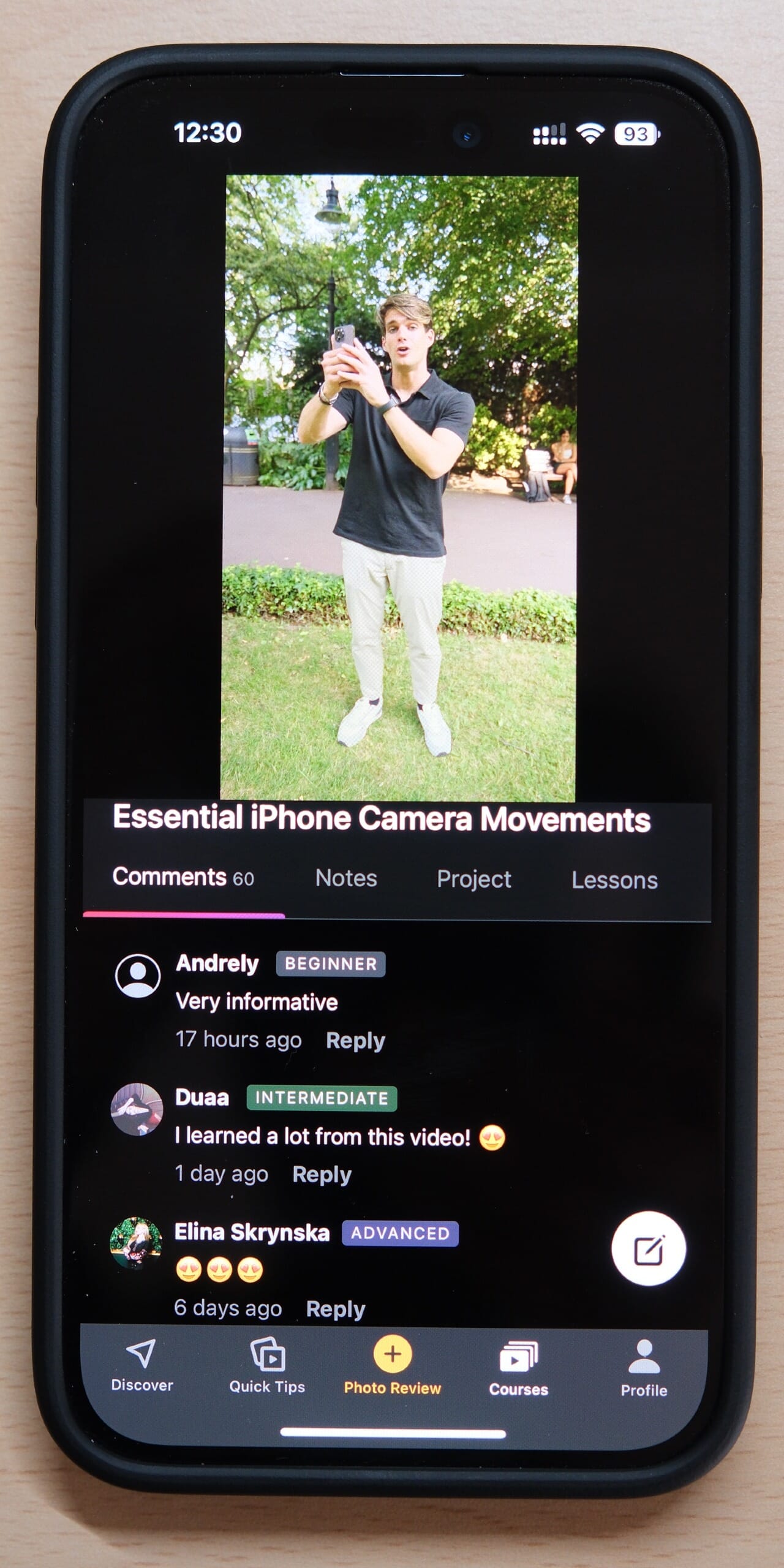
Comprehensive 5+ hour course covering camera settings, composition, shooting techniques, and editing. Perfect for beginners to intermediate creators wanting to level up their social media videos.
The iPhone Video Academy by Simone Ferretti is our top recommendation for anyone serious about iPhone videography. Unlike generic video courses, this one is built specifically around what makes iPhone filming unique—and how to exploit those strengths.
About Simone Ferretti
Simone built his entire career shooting videos exclusively on iPhone. He’s worked with brands like Apple, Adobe, and Samsung—companies that trusted him to showcase what’s possible with mobile filmmaking. His work has been featured in Apple’s official marketing, and he’s taught iPhone videography to thousands of students worldwide through iPhone Photography School.
What sets Simone apart is his practical approach: every technique he teaches is something he uses in his professional work. No theoretical fluff—just proven methods that produce results.
Complete Course Breakdown
The course spans 44 video lessons (374 minutes total) organized into focused modules:
Module 1: Camera Mastery
- Understanding every iPhone video setting and when to use each one
- Frame rates explained: 24fps for cinematic, 30fps for natural, 60fps for smooth motion
- Resolution choices and storage management
- Mastering Cinematic Mode for professional depth-of-field effects
- Action Mode and stabilization techniques
- Slow-motion and time-lapse best practices
Module 2: Composition & Visual Storytelling
- The rule of thirds and when to break it
- Leading lines and framing for visual interest
- Camera movement techniques: pans, tilts, tracking shots
- Creating depth in your shots
- B-roll strategies that elevate any video
Module 3: Lighting & Exposure
- Working with natural light (golden hour, overcast, harsh sun)
- Manual exposure control for consistent footage
- Low-light filming techniques
- Backlighting and silhouettes for dramatic effect
Module 4: Audio Essentials
- Why audio makes or breaks your video
- Built-in mic optimization
- External microphone recommendations and setup
- Recording clean dialogue in noisy environments
Module 5: Editing for Impact
- Mobile editing workflow using apps like CapCut and LumaFusion
- Cutting to the beat and pacing your edits
- Color correction basics
- Adding text, transitions, and effects tastefully
- Export settings for different platforms
Module 6: Platform-Specific Optimization
- TikTok: hooks, trends, and vertical video mastery
- Instagram Reels: the algorithm and what performs
- YouTube Shorts: standing out in a crowded feed
- Cross-posting strategies that save time
Bonus Content
Beyond the core curriculum, you get 6 bonus modules:
- Drone videography — Aerial shots that add production value
- Social media growth hacks — What actually moves the needle
- Guided video projects — Hands-on assignments with feedback
- Private community access — Connect with fellow students and get critiques
Why We Recommend It
After reviewing dozens of iPhone filmmaking courses, iPhone Video Academy stands out:
- Comprehensive — Full workflow from shooting to publishing
- Practical — Real examples you can use immediately
- Current — Updated for iPhone 16 features
- Supportive — Active community for feedback
- Risk-free — 30-day money-back guarantee
Who it’s for: Beginners to intermediate iPhone users who want to create better videos for social media, preserve memories beautifully, or start a video content career.
Available in 8 languages with lifetime access. Check current pricing.
2. Mobile Filmmaking 101: Capture Stories With Your Phone
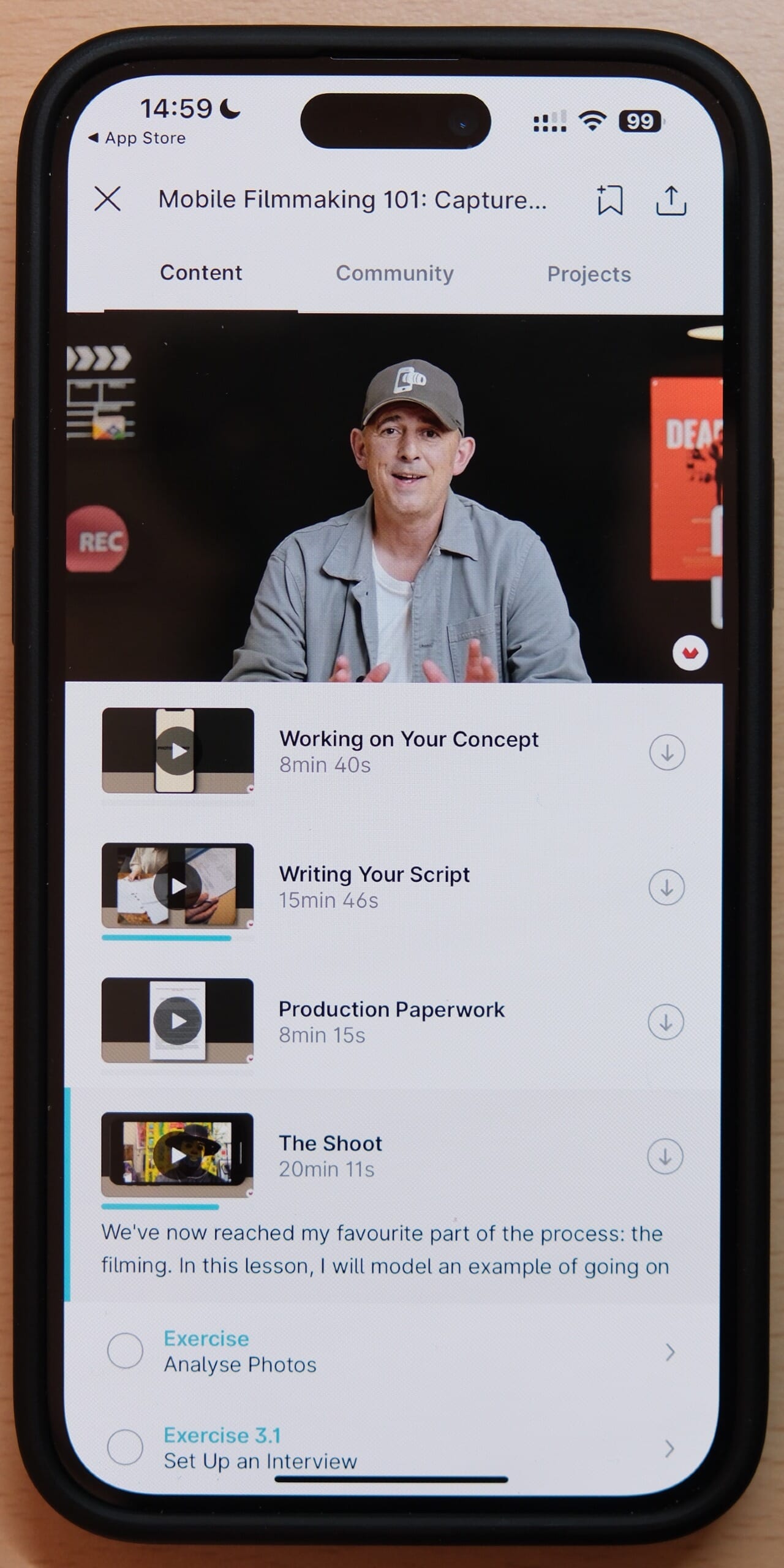
Learn to plan, shoot, and edit professional documentaries using just your smartphone. Taught by Cassius Rayner, who has won 14 international film awards shooting exclusively on iPhone.
Mobile Filmmaking 101 on Domestika is taught by Cassius Rayner, who spent 25 years in the film industry before switching to shooting exclusively on iPhone in 2014. Since then, he’s created documentaries for ABC, Sky, PBS, and BBC—and won 14 international film awards.
What you’ll learn:
- Pre-production — Planning and writing your documentary or video project
- Camera operation — Basic and advanced smartphone camera techniques
- Professional audio — Recording quality sound (often the biggest weakness in phone videos)
- Editing workflow — From footage transfer to final export
- Color grading — Making your footage look cinematic
The course project has you create a complete documentary from scratch, applying every technique you learn. This hands-on approach means you finish with a portfolio piece, not just theoretical knowledge.
Who it’s for: Aspiring documentary makers, journalists, and anyone interested in storytelling through video. If you want to create meaningful content beyond social media clips, this is the course for you.
No prior filmmaking experience required—just a smartphone and curiosity.
3. Introduction to Mobile Filmmaking by Pete Majarich
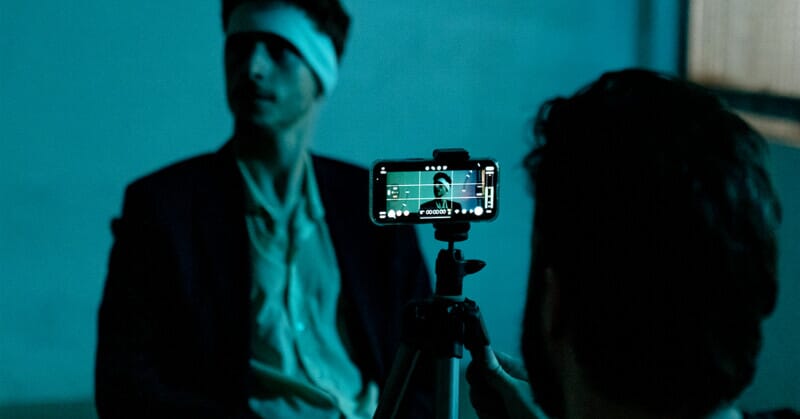
Learn to create visually stunning mobile videos with techniques from a designer and director who has worked with Nike, Google, and Coca-Cola. Includes VFX and creative storytelling approaches.
Introduction to Mobile Filmmaking by Pete Majarich brings a unique perspective to smartphone video. Pete is a designer and director from Sydney whose work spans VFX, advertising, and creative direction for brands like Nike, Google, Coca-Cola, and Universal Music.
His VFX work for the short film “Alien: Harvest” was featured by Adobe, Wired, and The Academy Awards’ official Twitter account—so he knows how to make footage look cinematic.
What makes this course different:
- Creative direction — How to conceptualize and plan visually striking videos
- VFX integration — Adding visual effects to mobile footage
- Brand-quality production — Techniques used in professional advertising
- Cinematic storytelling — Visual language that elevates your content
Who it’s for: Creators who already understand the basics and want to push into more creative, visually ambitious territory. If you’re interested in the artistic side of filmmaking—not just the technical—Pete’s advertising and VFX background offers valuable perspective.
4. Master Smartphone Filmmaking in 20 Minutes (Free)
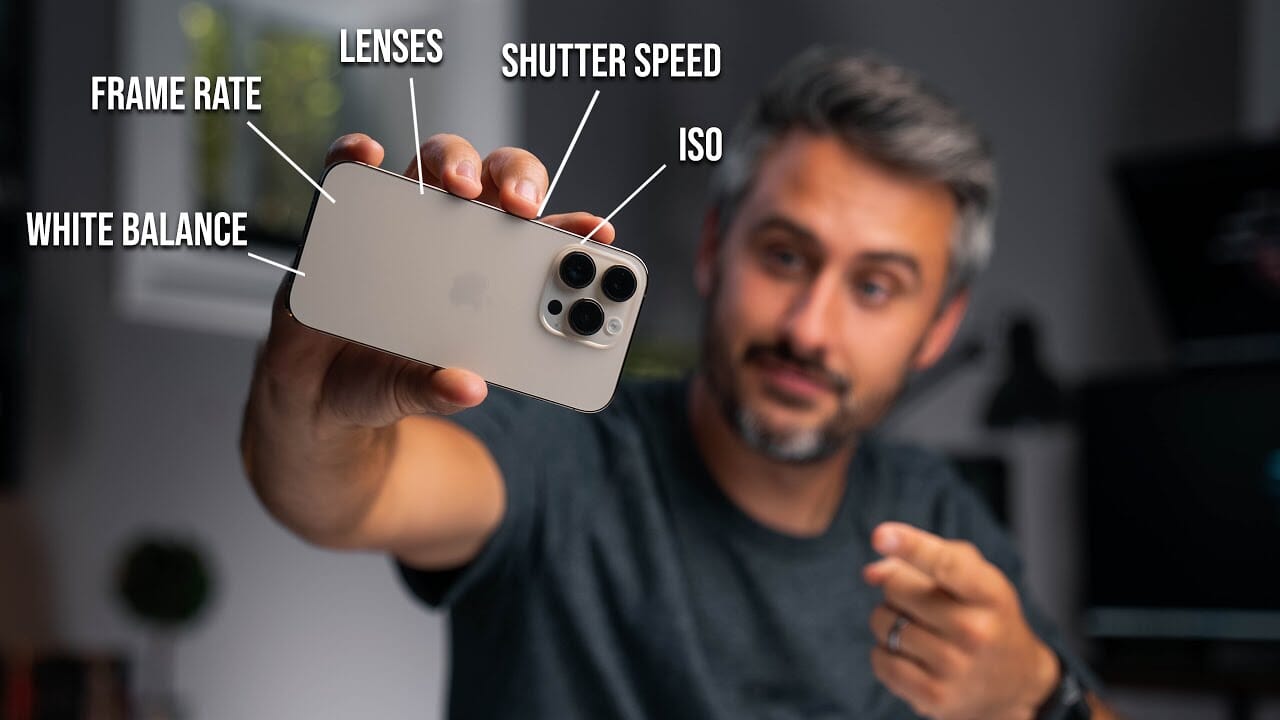
A concise, free introduction to smartphone filmmaking covering manual camera apps, frame rates, exposure, and white balance. Perfect for testing the waters before investing in a paid course.
Not ready to invest in a paid course? This free 20-minute YouTube tutorial by “Tomorrows Filmmakers” covers the fundamentals of smartphone videography.
Topics covered:
- Manual camera apps — Why you need more control than the default camera offers (try the free Blackmagic Camera app)
- Frame rate and bitrate — How these settings affect your video’s look
- Exposure control — Balancing ISO and shutter speed
- White balance — Getting accurate colors in different lighting
- ND filters — Managing exposure in bright conditions
The video has overwhelmingly positive comments, with viewers praising how it demystifies technical concepts for beginners.
Watch the free tutorial:
Who it’s for: Complete beginners who want to understand the basics before committing to a full course, or anyone looking for a quick refresher on smartphone camera fundamentals.
Essential Free Tools for iPhone Filmmaking
Before or alongside any course, download these free apps to unlock your iPhone’s full video potential:
- Blackmagic Camera (Free) — Professional camera controls including ProRes recording, shutter angle, LUTs, and direct upload to DaVinci Resolve. This replaced the discontinued Filmic Pro as the go-to pro camera app.
- CapCut (Free) — Powerful mobile video editor with professional features, templates, and effects. Used by millions of TikTok creators.
- DaVinci Resolve (Free on Mac/PC) — Industry-standard editing and color grading software, free version has nearly all features.
Which iPhone Filmmaking Course Should You Choose?
Here’s a quick decision guide:
- Want to create better social media videos? → iPhone Video Academy
- Interested in documentary filmmaking? → Mobile Filmmaking 101 (Cassius Rayner)
- Want creative/artistic video techniques? → Introduction to Mobile Filmmaking (Pete Majarich)
- Just want to learn the basics for free? → Free YouTube Tutorial
The best course depends on your goals. For most people starting out, the iPhone Video Academy offers the best combination of comprehensive content, practical focus, and community support. The 30-day guarantee means you can try it risk-free.
Whatever you choose, remember: your iPhone is already a powerful filmmaking tool. These courses simply teach you how to use it.
