

Editor’s Key Takeaways: Best iPhone Photography Courses 2026
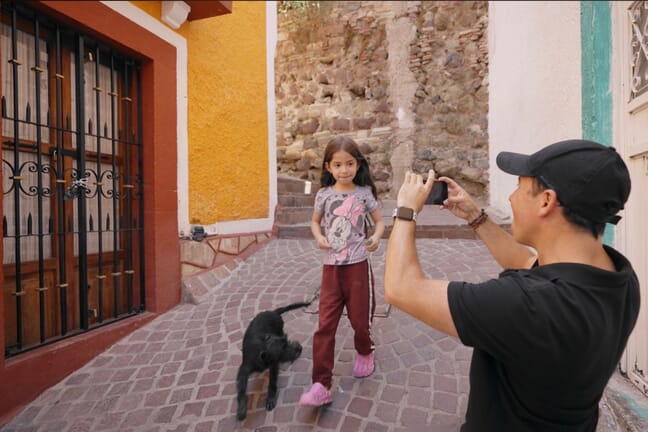
- Capture It All is our #1 pick – the most comprehensive iPhone photography course available, covering stills, video, timelapse, and drone photography across 63 lessons ($99).
- iPhone Photo Academy is the best beginner course – 44 lessons teaching camera basics, composition, and shooting techniques ($49).
- See our comparison table for a quick side-by-side look at all 8 iPhone Photography School courses, including pricing, skill levels, and ratings.
- We reviewed 7 specialized courses from iPhone Photography School (iPS), plus alternatives from Udemy, Skillshare, and LinkedIn Learning to find the best options at every price point.
- All iPS courses include lifetime access, a 30-day money-back guarantee, and an active student community with staff support.
Why Take an iPhone Photography Course in 2026?
Your iPhone is one of the most powerful cameras ever put in a pocket. The iPhone 16 and 17 series shoot 48MP photos, 4K video at 120fps, and even spatial video for the Apple Vision Pro. But hardware is only half the equation – knowing how to use it is what separates snapshots from stunning photographs.
That is exactly where a good course comes in. After spending weeks reviewing every major iPhone photography course available online, we found that iPhone Photography School (iPS) offers the most comprehensive and well-produced training by a significant margin. Their catalog of 7 specialized courses covers everything from absolute beginner basics to advanced drone photography, landscape masterclasses, and professional Lightroom editing.
But not every course is right for every photographer. Some focus on capturing, others on editing. Some assume you have never opened your camera app, while others expect you to know the basics already. Below, we break down each iPS course in detail – plus the best alternatives from Udemy, Skillshare, and LinkedIn Learning – so you can pick the right one for your level and goals.
Editor’s Note: We received hands-on access to all iPhone Photography School courses to write this review. This article contains affiliate links – if you purchase through our links, we earn a commission at no extra cost to you. This does not influence our ratings or recommendations.
iPhone Photography Courses: Quick Comparison
Here is a side-by-side look at every course we reviewed. Click any course name to jump to the full review below.
Capture It All
🏆 Most comprehensiveiPhone Photo Academy
👶 Best for beginnersiPhone Editing Academy
🎨 Photo editingiPhone Landscape Mastery
🏔️ Landscape photosUrban iPhone Photography
🏙️ City & streetLightroom Mobile Editing
📱 Lightroom MobileDigital Camera Mastery
📷 DSLR/mirrorlessDrone Mastery
🚁 Aerial photographyPrices shown are promotional/discounted rates. Regular prices range from $199-$495.
The 7 Best iPhone Photography School (iPS) Courses
iPhone Photography School is run by Emil Pakarklis and features courses taught by Emil himself and professional photographers Clifford Pickett (whose clients include National Geographic, Apple, and British Airways) and Mark Hemmings. Every course includes lifetime access, a 30-day money-back guarantee, and access to a private community with active staff support.
For a complete overview of the iPS platform itself, see our iPhone Photography School review.
1. Capture It All – Best Overall iPhone Photography Course
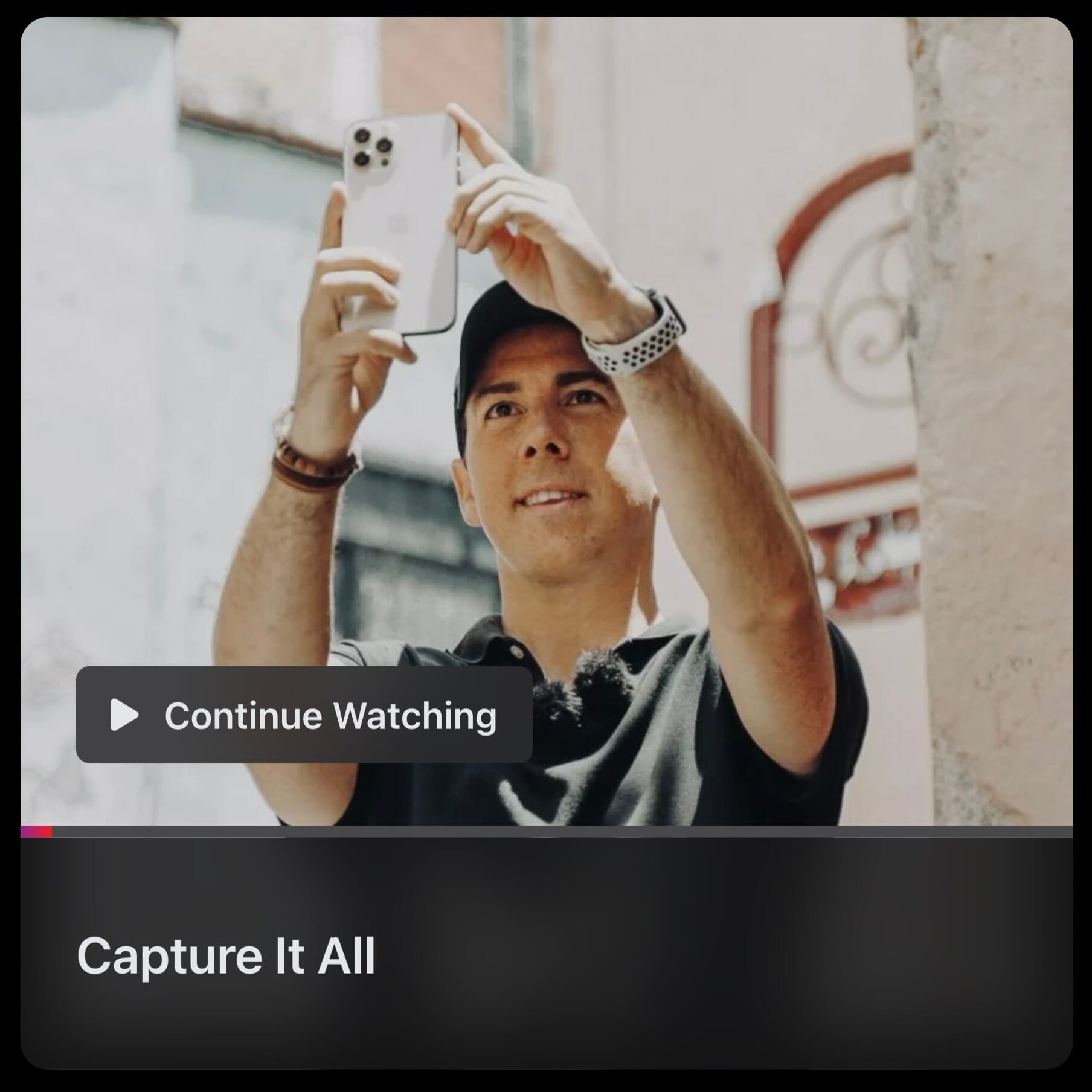
iPhone Photography School’s flagship advanced course covering stills, video, timelapse, hyperlapse, slo-mo, long exposure, night mode, panoramas, cinematic video, and drone photography. Shot on location in Mexico by Clifford Pickett.
80% off the regular price | 30-day money-back guarantee
Capture It All is the crown jewel of the iPS catalog and our #1 pick for iPhone photographers who want to master everything their phone can do. With 63 video lessons across 9 day-based modules, this course goes far beyond still photography to cover video, timelapse, hyperlapse, slo-mo, long exposure, night photography, panoramas, cinematic video, and even aerial drone footage.
Who It’s For
Intermediate iPhone photographers who already know the basics and want to push their creative boundaries. If you have been taking photos with your iPhone for a while and want to explore video, timelapse, or more advanced photography techniques, this is your course.
What You’ll Learn
- Advanced composition and lighting techniques across diverse Mexican landscapes
- Professional iPhone video recording and cinematic techniques
- Timelapse, hyperlapse, and slow-motion capture
- Night mode and long exposure photography
- Drone photography and videography fundamentals
- Using gimbals and accessories for stabilized shots
Pricing
Normally ~$495, currently available for ~$99. One-time payment with lifetime access and a 30-day money-back guarantee. This is the most expensive iPS course, but it is also the most ambitious in scope and production value.
2. iPhone Photo Academy – Best for Beginners
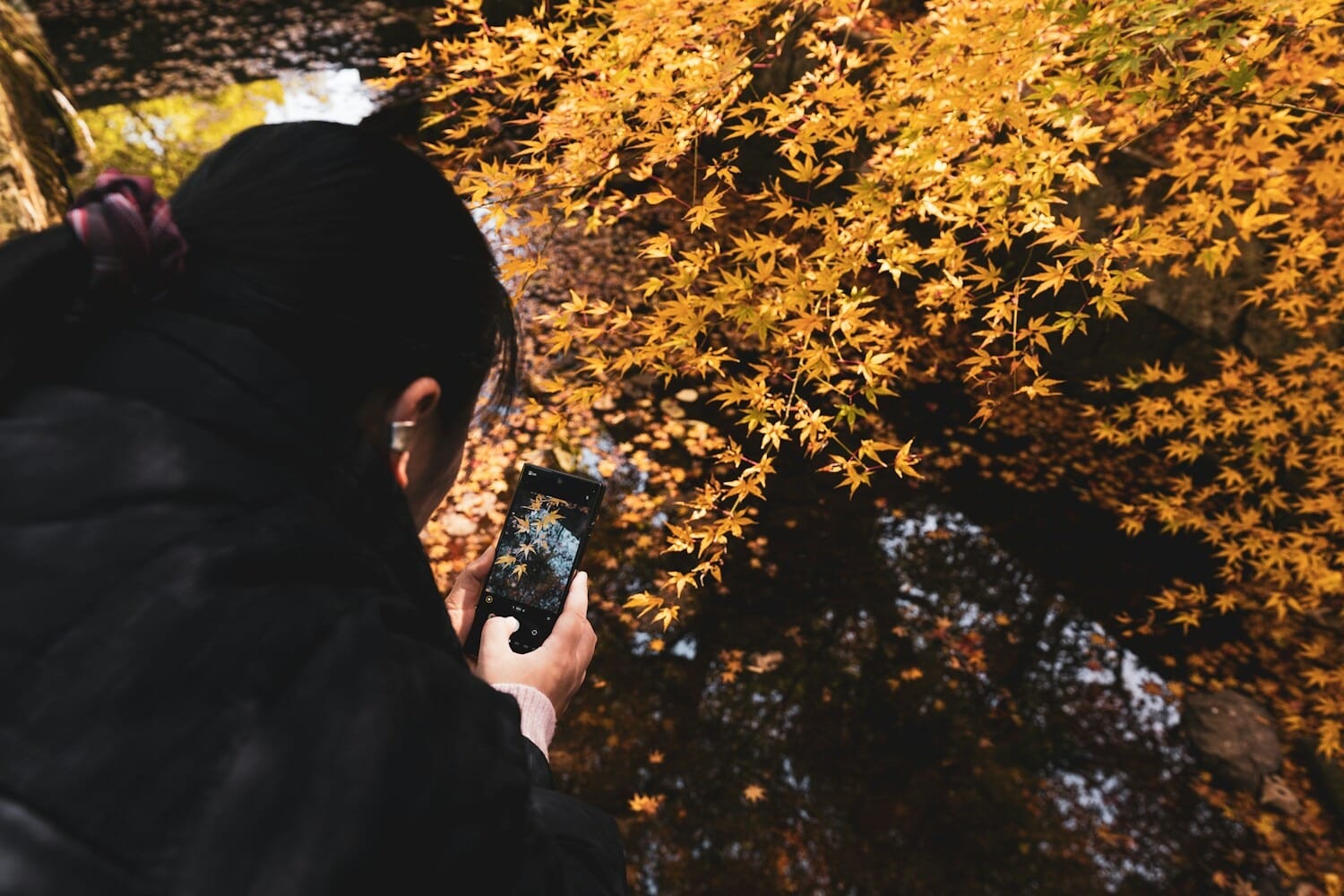
The entry-level course from iPS with 44 video lessons covering camera basics, composition, lighting, and genre-specific techniques. Taught by Emil Pakarklis. 647,000+ students enrolled.
Regular price: ~$249 | 30-day money-back guarantee
If you are brand new to iPhone photography, iPhone Photo Academy is the place to start. It is the platform’s bestselling course with over 647,000 enrolled students, and for good reason: founder Emil Pakarklis breaks everything down in a clear, jargon-free style that makes photography accessible to anyone.
Who It’s For
Complete beginners who want to stop guessing and start taking consistently better photos. If you have never explored beyond the default camera mode, this course fills real knowledge gaps.
What You’ll Learn
- Module 1: Mastering the camera in your pocket – camera app walkthrough, lens selection, proper holding technique
- Module 2: Pro features – focus/exposure lock, HDR, burst mode, Live Photos
- Module 3: Composition techniques – rule of thirds, leading lines, framing, symmetry
- Module 4: Lighting and impactful images – golden hour, shadows, backlight, silhouettes
- Module 5: Genre-specific techniques – landscape, street, portrait, night, macro
- Bonus: New camera features of iPhone 16 and 17
Pricing
Normally ~$249, currently available for ~$49. Includes lifetime access, 8 bonus sections, AI photo review tool, and community access. The best value beginner course in the iPS catalog.
Get iPhone Photo Academy – $49
3. iPhone Editing Academy – Best for Photo Editing
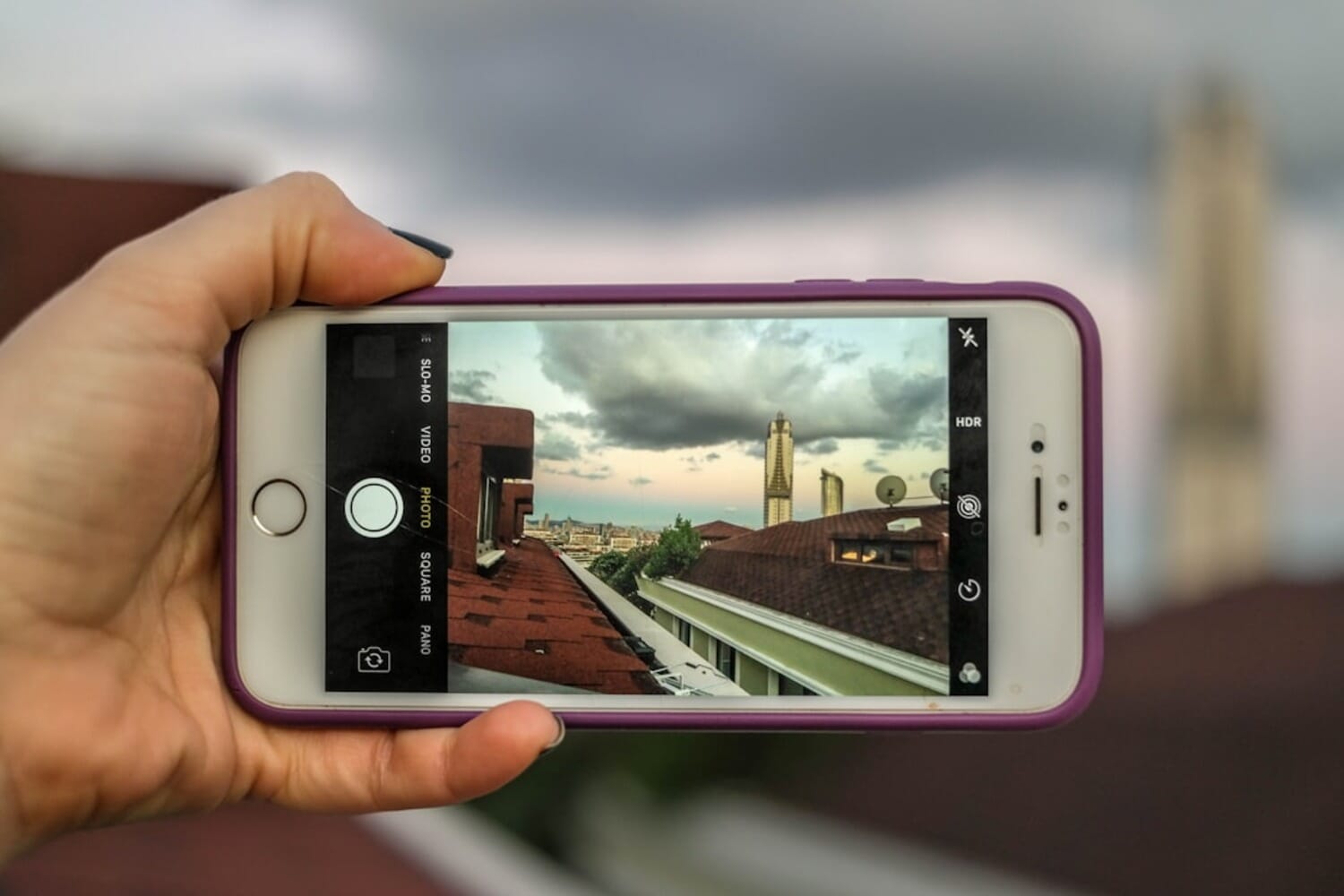
A dedicated photo editing course covering the native Photos app and Adobe Lightroom. 40 video lessons (369 minutes) with downloadable practice photos and a Visual Roadmap editing framework.
Regular price: ~$299 | 30-day money-back guarantee
Taking great photos is only half the battle – editing is where good shots become great ones. The iPhone Editing Academy picks up where iPhone Photo Academy leaves off, teaching you how to transform raw captures into polished images using the native Photos app and Adobe Lightroom.
Who It’s For
iPhone photographers who want to learn editing but feel overwhelmed by the number of apps and options. Perfect as a companion to iPhone Photo Academy.
What You’ll Learn
- Basic color correction and exposure adjustments in the Photos app
- Advanced selective editing with masks in Lightroom
- Tone curves, color grading, and preset creation
- 19 step-by-step editing projects with before/after examples
- Video editing basics and landscape editing secrets
Pricing
Normally ~$299, currently available for ~$49. Note: The second half of the course requires a Lightroom Premium subscription ($4.99/month), which is an additional ongoing cost to factor in.
Get iPhone Editing Academy – $49
4. iPhone Landscape Mastery – Best for Nature Photography
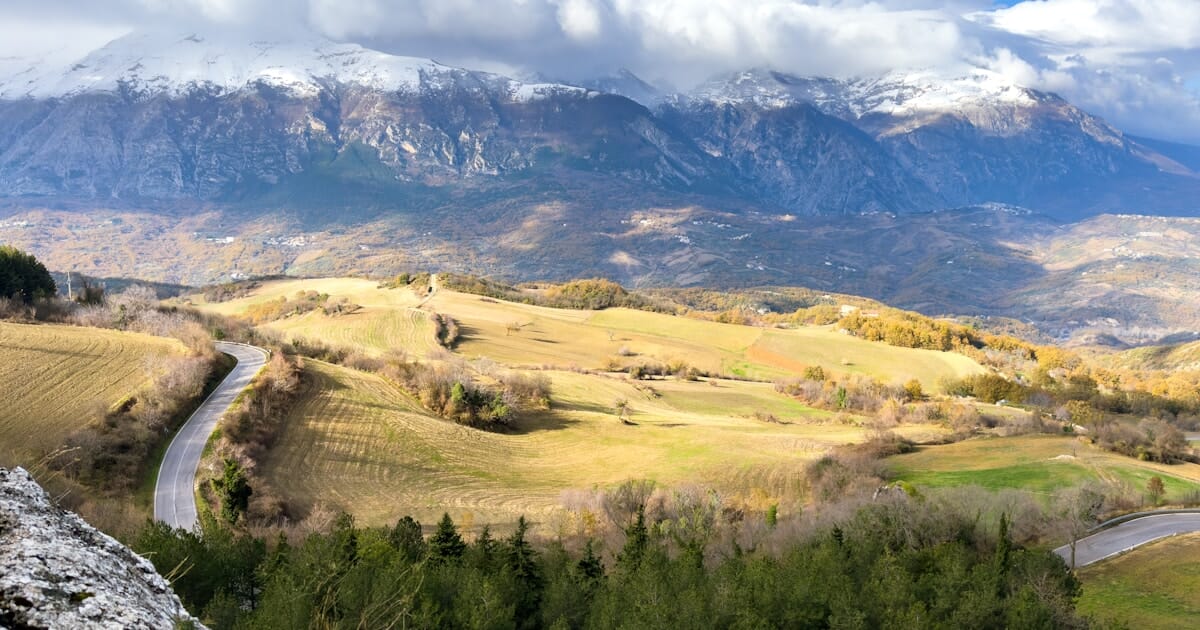
A dedicated landscape course filmed in Italy’s Dolomite mountains. 83 lessons covering composition and lighting across 7 landscape types: fields, villages, mountains, rivers, lakes, forests, and sunsets. Taught by Clifford Pickett.
80% off the regular price | 30-day money-back guarantee
If you love the outdoors and want to capture stunning scenery with your iPhone, iPhone Landscape Mastery is a game-changer. Filmed over three weeks during fall foliage in Italy’s Dolomite mountains, this course follows Clifford Pickett as he scouts compositions, waits for the right light, and captures images that genuinely look like they came from a DSLR.
Who It’s For
iPhone owners who love the outdoors and want to dramatically improve their landscape photos. Intermediate level – you should already know the basics of your iPhone camera.
What You’ll Learn
- Composition techniques specific to 7 landscape types: fields, villages, mountains, rivers, lakes, forests, and sunsets
- How to read and work with natural light for dramatic landscape shots
- Scouting locations and timing your shoots for golden hour and blue hour
- Lightroom editing techniques tailored for landscape photographs
- Using foreground interest, leading lines, and depth to create impactful images
Pricing
Normally ~$495, currently available for ~$99. Includes a landscape photography eBook, AI photo feedback tool, and bonus editing lessons.
Get iPhone Landscape Mastery – $99
5. Urban iPhone Photography – Best for City Photography
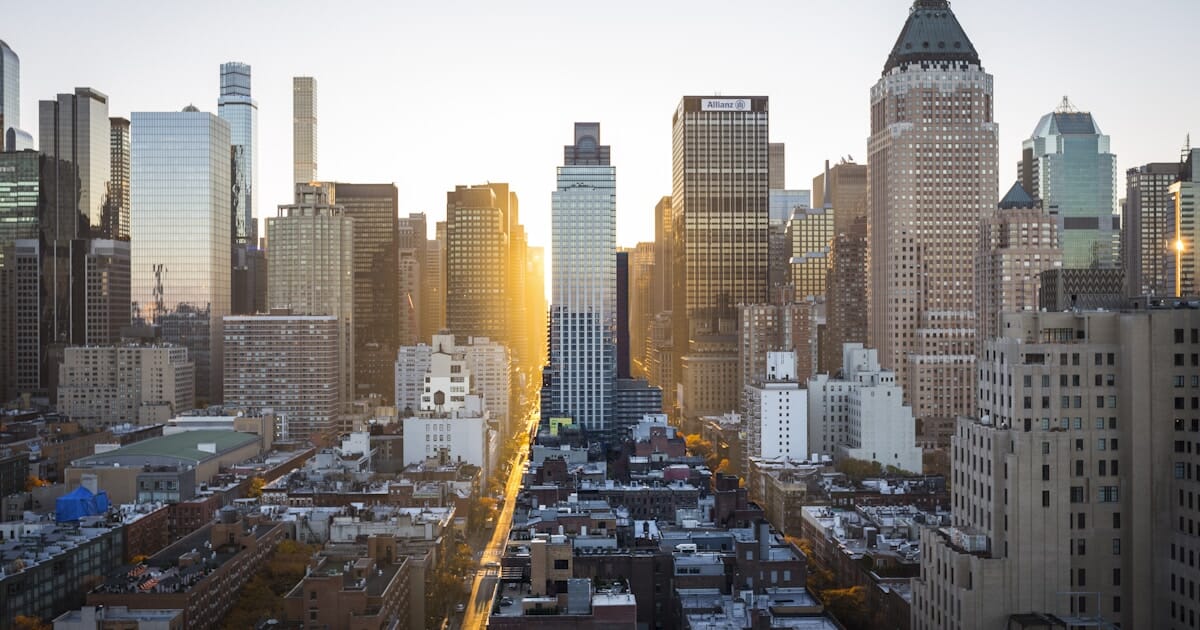
A comprehensive city photography course filmed in New York City. 66 lessons covering cityscapes, architecture, street scenes, and street photography/portraits. Taught by Clifford Pickett.
Regular price: ~$199 | 30-day money-back guarantee
The urban counterpart to Landscape Mastery, Urban iPhone Photography was filmed entirely in New York City and covers four distinct genres: cityscapes, architecture, street scenes, and street photography with portraits. If you live in or frequently visit cities, this course will transform how you see and capture urban environments.
Who It’s For
City dwellers and travelers who want to capture stunning urban photos. Intermediate level, with some content (like approaching strangers for portraits) that even experienced photographers will find valuable.
What You’ll Learn
- Golden hour and blue hour cityscape techniques
- Architectural photography – geometry, symmetry, leading lines in buildings
- Street scenes with long exposure, reflections, and silhouettes
- Street photography ethics and approaching strangers for portraits
- Night mode and low-light urban photography
Pricing
Normally ~$199, discounted to ~$49-$99. Includes a B&W photography eBook and photoshoot planning bonus.
6. Digital Camera Mastery – Best for DSLR/Mirrorless Owners
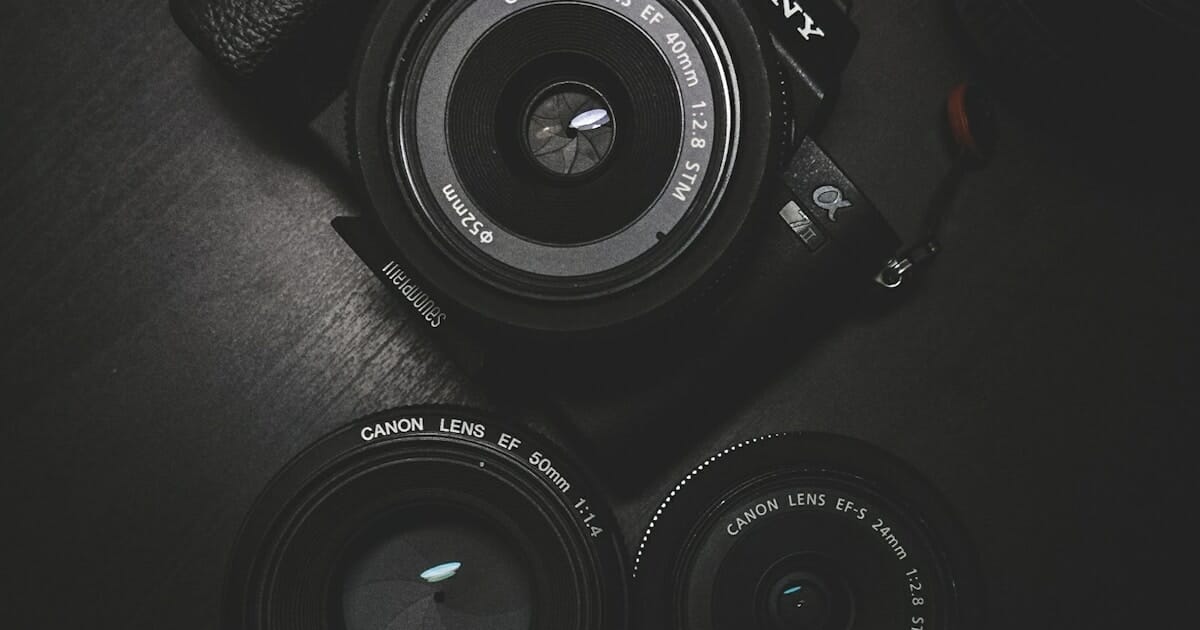
The only non-iPhone course in the iPS catalog. 62 lessons (8h 49m) covering manual mode, aperture, shutter speed, ISO, composition, lighting, and Lightroom editing for DSLR and mirrorless cameras. Taught by Mark Hemmings.
Regular price: ~$199 | Hosted on photographypro.com
Digital Camera Mastery breaks the iPhone-only mold. Hosted on the sister site photographypro.com (but included in the iPS All-Access Pass), it is designed for anyone who owns a DSLR or mirrorless camera and wants to move beyond Auto mode.
Who It’s For
DSLR or mirrorless camera owners who want a structured, beginner-friendly course to master their camera. Also great for iPhone photographers who are upgrading to a dedicated camera.
What You’ll Learn
- Manual mode, aperture, shutter speed, and ISO explained
- Focus techniques and depth of field control
- White balance, metering, and exposure compensation
- Composition techniques and creative use of light
- Lightroom editing fundamentals for desktop
- Storytelling and abstract photography
Pricing
Normally ~$199, discounted to ~$49-$99. Also included in the iPS All-Access Pass.
7. Drone Mastery – Best for Aerial Photography
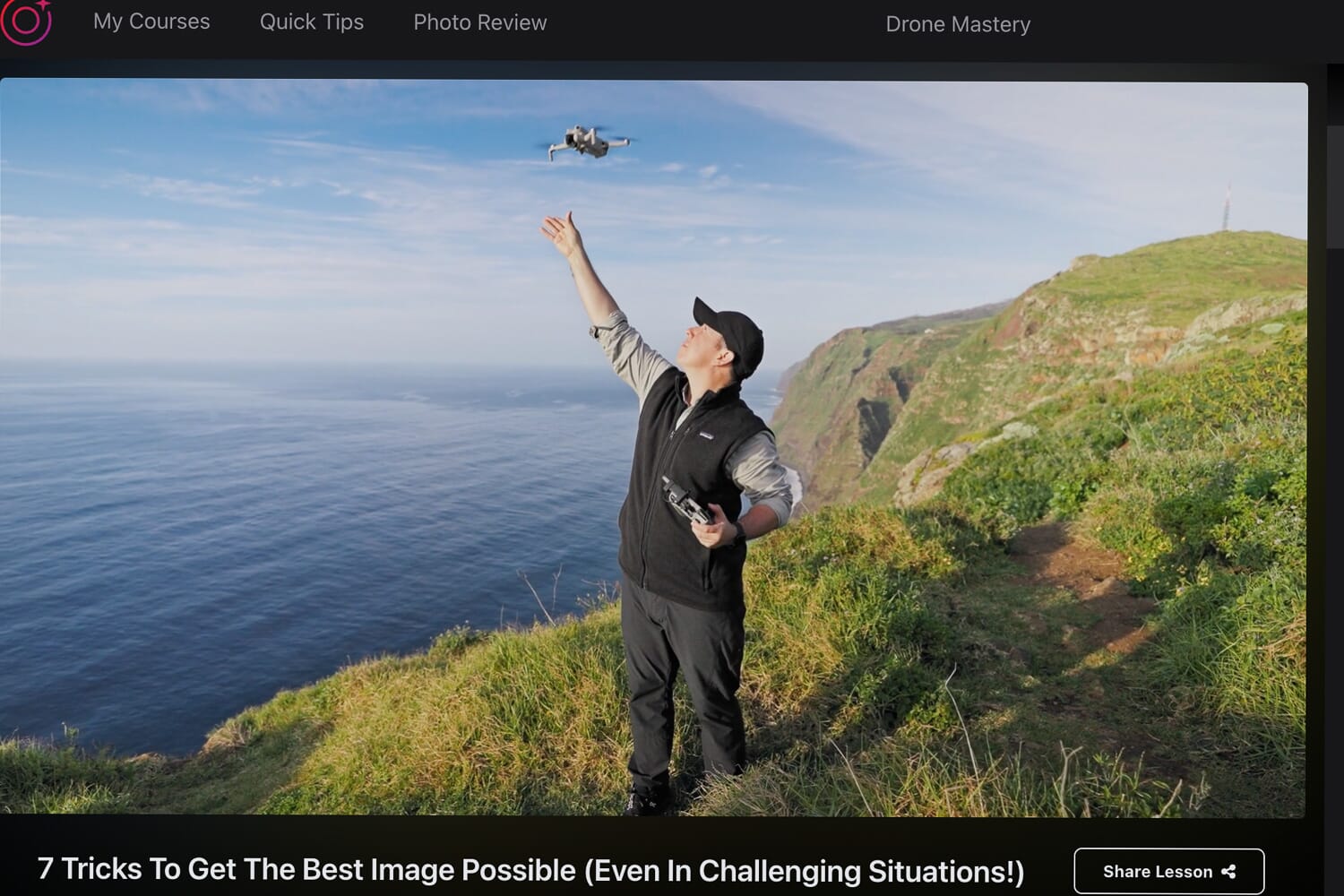
A comprehensive drone course covering aerial photography, cinematic videography, and FPV flying with the DJI Mavic 3 Pro and DJI Avata. 3 core modules plus 6 bonus sections including regulations, maintenance, and video editing. Taught by Clifford Pickett.
80% off the regular price | 30-day money-back guarantee
Drone Mastery is the newest addition to the iPS catalog, covering aerial photography, cinematic videography, and even FPV (first-person view) flying. Taught by Clifford Pickett using the DJI Mavic 3 Pro and DJI Avata, it is one of the most comprehensive drone photography courses available online.
Who It’s For
Beginner to intermediate drone pilots who want to level up their aerial shots and videos. You need to own (or plan to buy) a DJI drone to get the most from this course.
What You’ll Learn
- Aerial photography composition and techniques
- Cinematic drone video moves and sequences
- FPV flying with the DJI Avata
- Drone regulations and safety
- Drone maintenance and care
- Basic video editing for drone footage
Pricing
Normally ~$495, currently available for ~$99. One-time payment with lifetime access.
iPhone Photography School Courses: Visual Comparison
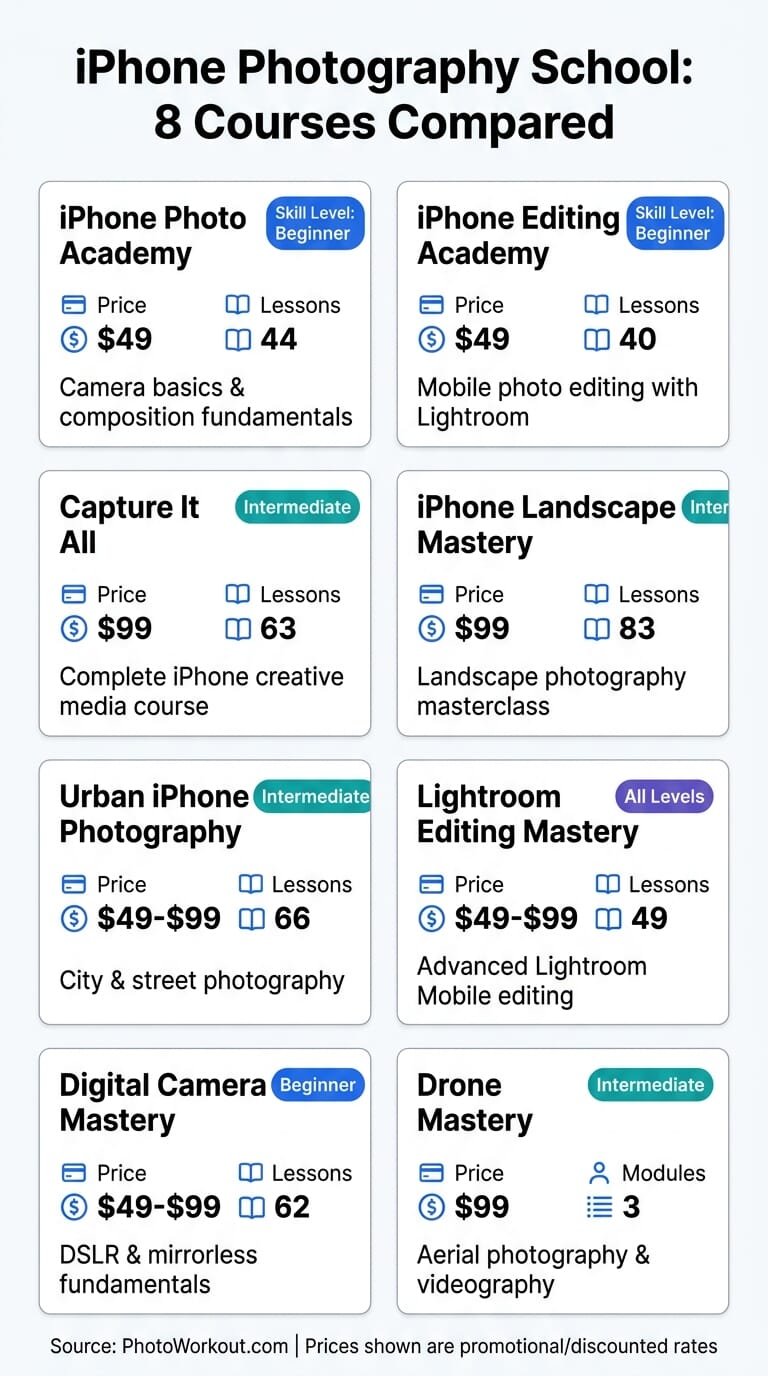
Here is a visual overview of all 8 iPS courses to help you quickly compare what each one covers:
Top Alternatives: Non-iPS iPhone Photography Courses
While iPS dominates the dedicated iPhone photography course space, several alternatives on platforms like Udemy, Skillshare, and LinkedIn Learning offer solid training at different price points. Here are the best options:
iPhone Photography: Take Professional Photos On Your iPhone (Udemy)
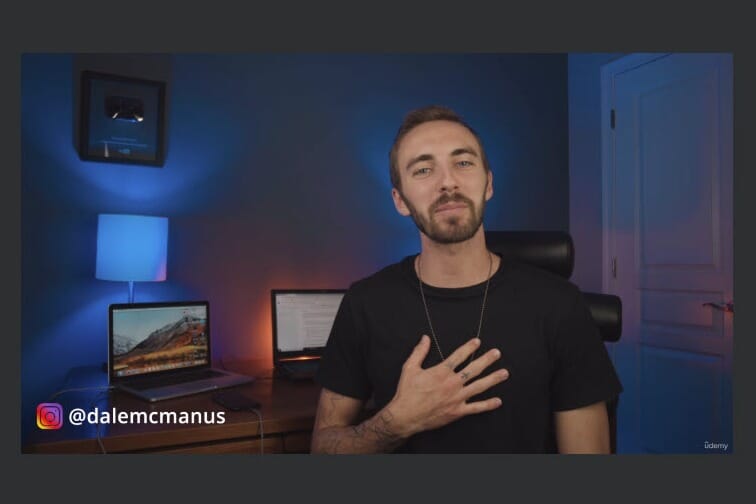
Dale McManus’s course delivers tips and lessons in a fun, easy-to-follow manner. 1 hour 22 minutes across 27 videos covering composition, camera settings, and photography styles.
Price: $36 US (as of Jan 2026)
iPhone Photography Crash Course (Udemy)
2 hours 24 minutes of content covering camera features, tools, and composition. Tailored tips for iPhones from the 16 all the way down to the XS/XS Max.
$10.99 (88% discounted) as of Jan 2026
iPhone Photography: Capturing and Editing RAW Photos (LinkedIn Learning)
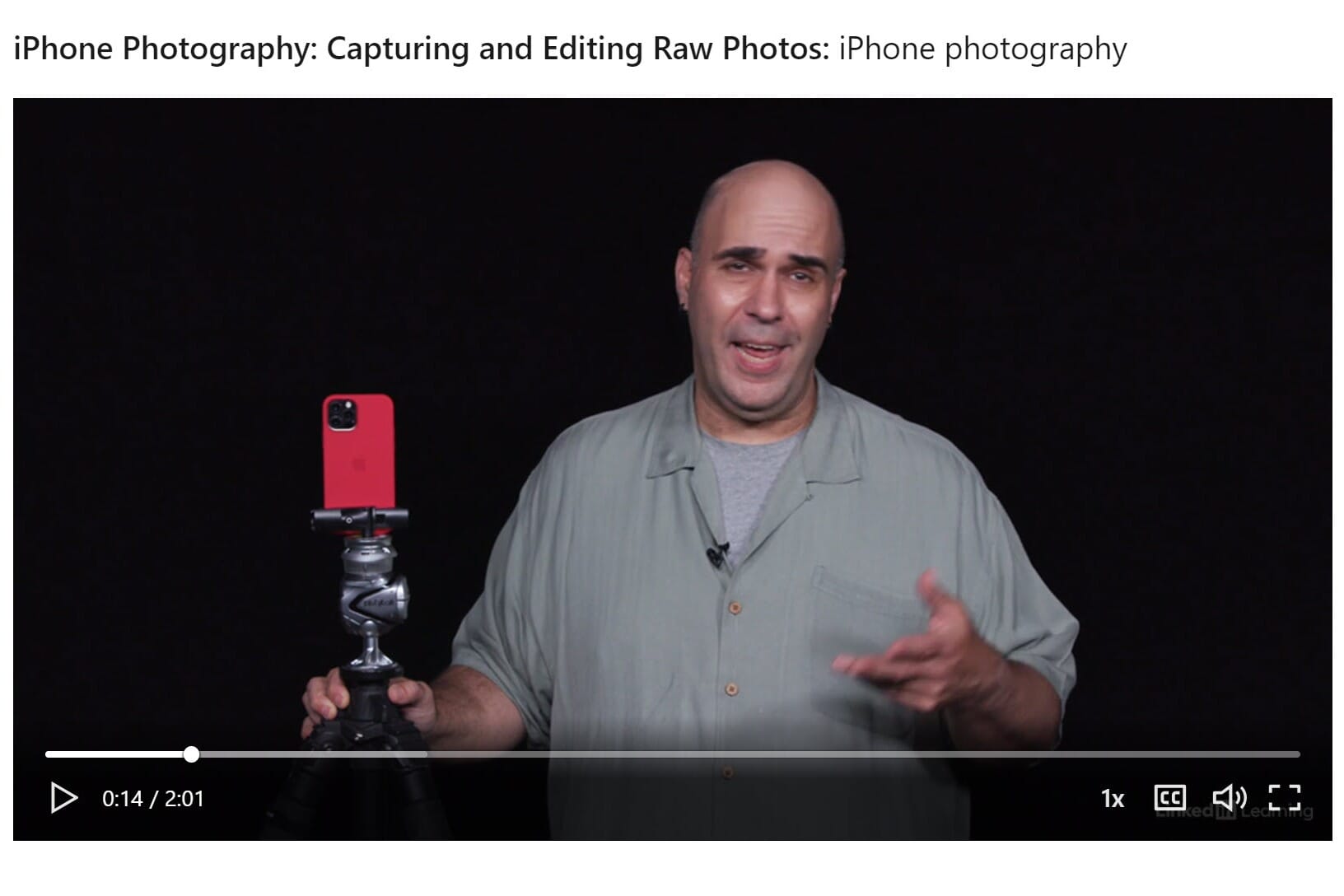
1 hour 39 minutes focused on RAW photography with your iPhone, including Apple ProRAW features and editing techniques on both mobile and desktop.
$34.99 as of Jan 2026
How to Choose the Right iPhone Photography Course
With so many options available, picking the right iPhone photography course comes down to four key factors: your current skill level, what you want to shoot, how you prefer to learn, and your budget.
Your Skill Level
This is the most important factor. A course that’s too advanced will frustrate you, while one that’s too basic will bore you.
- Never explored your iPhone camera settings? Start with iPhone Photo Academy ($49). It assumes zero knowledge and builds from there — composition, lighting, camera controls, simple edits.
- Already know the basics but want to level up? Capture It All ($99) covers fundamentals and advanced techniques. Even if some early modules feel familiar, the editing and genre-specific sections add real depth.
- Comfortable shooting but weak at editing? iPhone Editing Academy focuses entirely on post-processing — Lightroom, Snapseed, and the native Photos app. Note: the second half requires a Lightroom Premium subscription.
What You Want to Shoot
General-purpose courses (Capture It All, iPhone Photo Academy) work for most people. But if you know you’re drawn to a specific genre, a specialized course gets you there faster:
- Landscapes and nature: iPhone Landscape Mastery — covers golden hour timing, long exposures, and composing scenes that are wider than your phone screen suggests.
- Street and urban: Urban iPhone Photography — candid shooting techniques, working with harsh city light, and turning everyday scenes into compelling images.
- Aerial photography: Drone Mastery — if you own or plan to buy a drone, this covers both the flying skills and the compositional thinking that makes aerial shots work.
Learning Style and Time Commitment
Not everyone learns the same way. Consider how much time you can realistically commit:
- Structured, self-paced learner: iPS courses work best here. They’re organized into clear modules with assignments, and you keep lifetime access. Most people finish a course in 2–4 weeks at 15–20 minutes per day.
- Want quick tips, not a full program: Udemy’s shorter courses (3–5 hours total) cover the basics without the commitment. Good for testing the water before investing more.
- Prefer variety and exploration: Skillshare’s subscription model lets you sample multiple instructors. The trade-off: individual courses tend to be shorter and less structured.
Budget
Here’s how the pricing breaks down:
- Under $20: Udemy courses on sale ($10–$16). Solid for beginners who want the basics without risk.
- $49–$99: Individual iPS courses. Best value per course for focused learning with lifetime access and community support.
- Best overall deal: The iPS All-Access Pass bundles everything. If you plan to take more than 2–3 courses, the bundle saves significant money — especially with the ongoing 80% off offer.
- Subscription model: Skillshare and CreativeLive charge monthly. Good for exploring, but you lose access if you cancel.
Our recommendation: If you’re serious about improving your iPhone photography, start with Capture It All — it covers the widest ground and gives you a clear foundation to decide if you want to specialize later. If budget is tight, iPhone Photo Academy at $49 is the best starting point.
Final Verdict: Start Capturing Amazing iPhone Photos
After reviewing every major iPhone photography course available, our top recommendation is clear: Capture It All is the best overall iPhone photography course for its unmatched breadth and production quality. For beginners, iPhone Photo Academy is the ideal starting point at just $49.
What sets iPS apart from competitors on Udemy and Skillshare is the depth, production quality, and the practical in-the-field teaching approach. Watching Clifford Pickett compose shots in the Dolomites or on the streets of New York feels like having a private photography mentor – not just watching tutorials.
Every iPS course comes with lifetime access and a 30-day money-back guarantee, so there is zero risk in trying one out. Whichever course you choose, the investment in learning will pay off every time you pull out your iPhone to capture a moment.


Sources and references for this article:
Course Platforms
- iPhone Photography School – iPS Official Website
- Capture It All Course – iPS Flagship Course
- iPhone Photo Academy – iPS Beginner Course
- iPhone Editing Academy – iPS Editing Course
Alternative Platforms
- Udemy iPhone Photography Courses – Udemy
- LinkedIn Learning Photography – LinkedIn Learning
- Skillshare Photography Classes – Skillshare

