


- SanDisk 256GB Creator Phone Drive is the top pick (87/100) — dual Lightning + USB-C, automatic backups, and a polished SanDisk app.
- SanDisk 256GB Phone Drive is the runner-up (84/100) — same dual-connector convenience with ~90 MB/s reads and a lower price.
- Techkey MFi 256GB 3-in-1 is the best value (82/100) — three connectors at $40 with 9,500+ reviews.
- Lexar D40E 256GB is the best USB-C pick (79/100) — 100 MB/s speeds, metal build, 256-bit encryption, from a trusted brand.
- All 11 picks compared by capacity, connectors, speed, app quality, and price — plus a buying guide to match the right stick to your workflow.
When “Storage Full” blocks your next shot, monthly iCloud fees start looking like a tax on memories. Photo sticks solve it: plug in, move files, keep shooting — no iTunes, no Wi-Fi, no subscription. This guide is for iPhone owners who need immediate storage relief, prefer offline backups they control, and want a simple way to move photos and videos to a Mac or PC.
This roundup compares 11 photo sticks and flash drives tested against transfer speed, app usability, connector compatibility, build quality, and cross-device flexibility. The picks cover USB-C iPhones (15, 16, and newer), older Lightning models, and budget-to-premium price points from $27 to $93. Whether clearing space before a trip or archiving years of family photos before a trade-in, one of these drives fits the job.
When you buy through links on our site, we may earn a commission at no cost to you. We evaluate products independently. Commissions do not affect our evaluations. As an Amazon Associate, we earn from qualifying purchases.
Top Picks


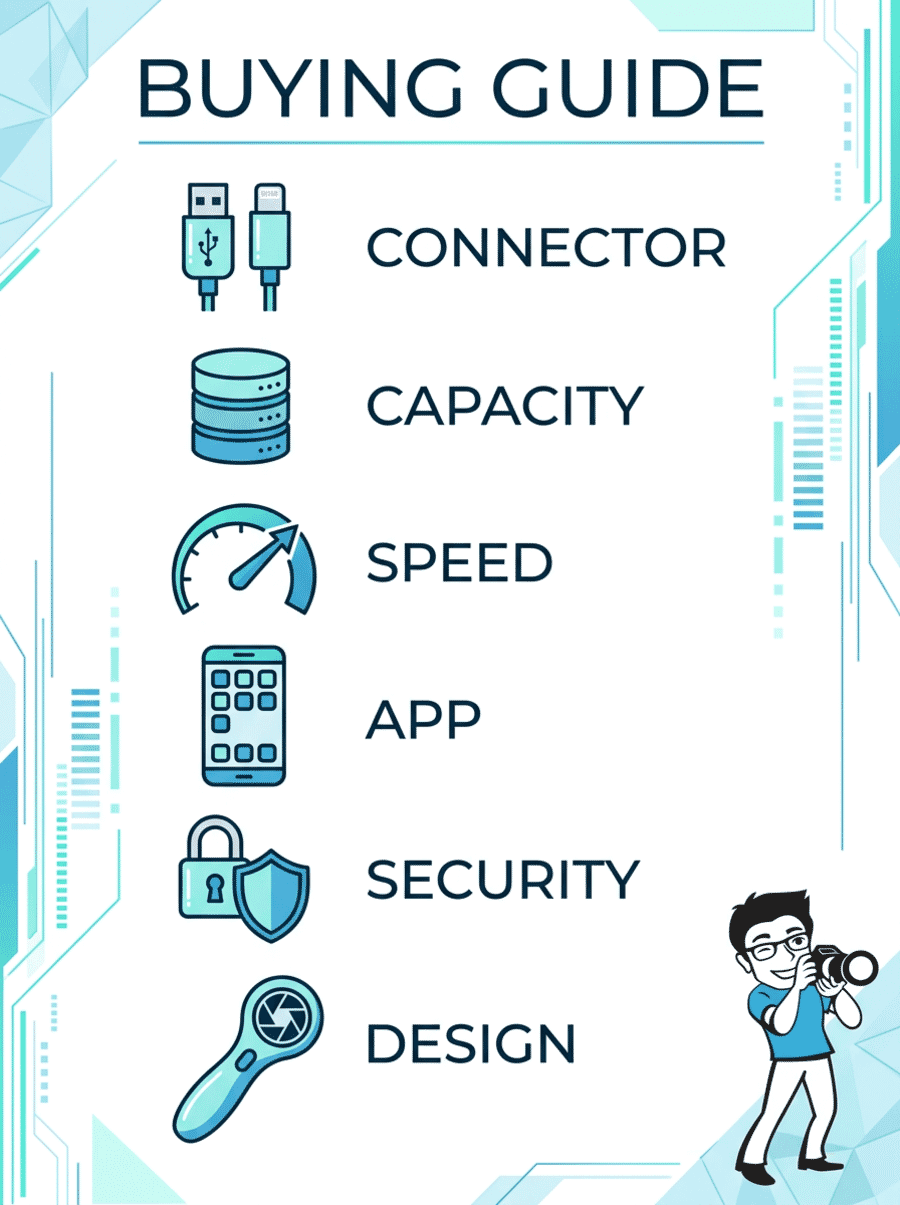
How to Choose a Photo Stick for iPhone
The right photo stick depends on which iPhone port the device has, how much media needs to move, and how often backups happen. Here is what matters most when picking one.
11 Best Photo Sticks for iPhone Compared
| Specifications | |||||||||||
|---|---|---|---|---|---|---|---|---|---|---|---|
| Score | 87/100 | 84/100 | 82/100 | 82/100 | 80/100 | 79/100 | 78/100 | 76/100 | 75/100 | 73/100 | 72/100 |
| Capacity | 256 GB | 256 GB | 256 GB | 256 GB | 512 GB | 256 GB | 128 GB | 512 GB | 256 GB | 256 GB | 256 GB |
| iPhone Connector | Lightning + USB-C | Lightning + USB-C | Lightning only | Lightning + USB-C | Lightning + USB-C | USB-C only | Lightning + USB-C | USB-A + USB-C | Lightning + USB-C + USB-A | Lightning + USB-C + USB-A | Lightning + USB-C + USB-A |
| Computer Port | USB-C | USB-C | USB-A | USB-A | USB-A | USB-A + USB-C | USB-C | USB-A + USB-C | USB-A | USB-A | USB-A |
| MFi Certified | No | Yes | Yes | Yes | Yes | N/A | No | Yes | Yes | Yes | Yes |
| Read Speed | ~80 MB/s | ~90 MB/s | ~45 MB/s | ~80 MB/s | ~80 MB/s | 100 MB/s | ~80 MB/s | ~80 MB/s | ~80 MB/s | ~80 MB/s | ~80 MB/s |
| Reviews | 181 | 438 | 24,846 | 9,519 | 64 | 6,920 | 181 | 550 | 2,937 | 226 | 121 |


SanDisk 256GB Creator Phone Drive
iPhone owners who want the most polished backup experience with dual-connector convenience, automatic backups, and trusted SanDisk reliability.
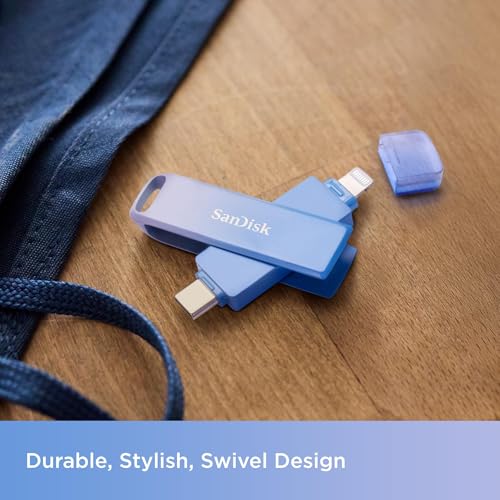
- Dual Lightning + USB-C connectors cover every iPhone generation without adapters
- SanDisk Memory Zone app provides one-tap automatic backups with clear progress
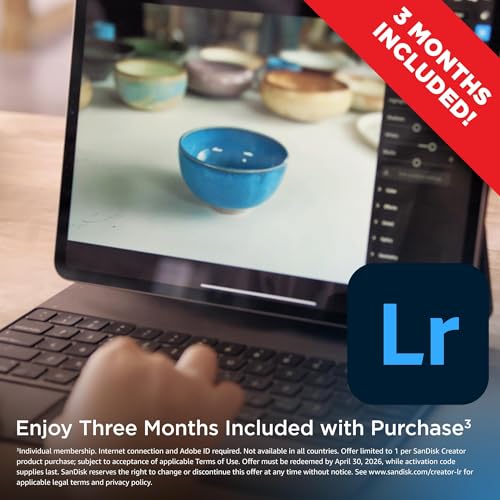
- Includes 3 months of Adobe Lightroom for post-backup editing
- Trusted brand with strong reliability track record and durable metal body
- Higher price than budget alternatives — $93 for 256 GB
- Requires SanDisk Memory Zone app (iOS 15+) for the best experience
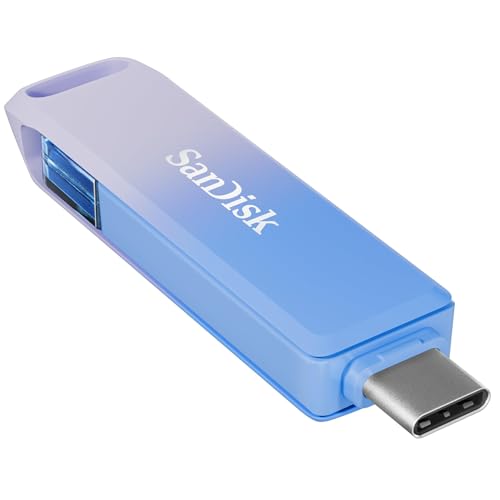
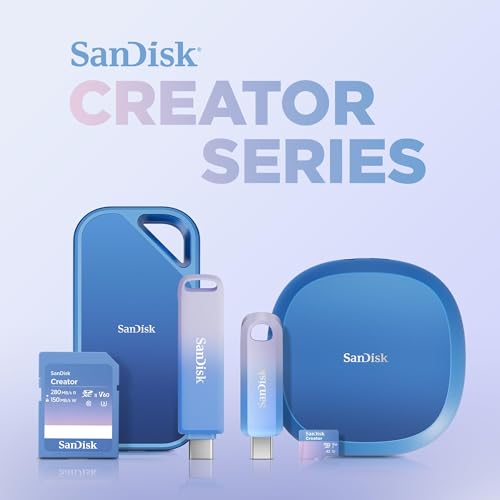
The SanDisk Creator Phone Drive is the most complete photo stick in this roundup. Plug it into any iPhone — Lightning or USB-C — run the SanDisk app, and watch your camera roll back up automatically. Then plug the USB-C end into a Mac or PC to archive everything. The premium price buys genuine SanDisk reliability, a polished app, and a Lightroom subscription to edit those photos once they are safe.
Overview: The SanDisk 256GB Creator Phone Drive is a compact dual-connector flash drive designed to free iPhone storage and transfer media to a computer in minutes. It earns the #1 spot with an 87/100 for its unmatched combination of ease, reliability, and ecosystem perks. The dual Lightning + USB-C design means it works with every iPhone from the iPhone 5s to the iPhone 16 Pro Max — no adapters, no guessing.


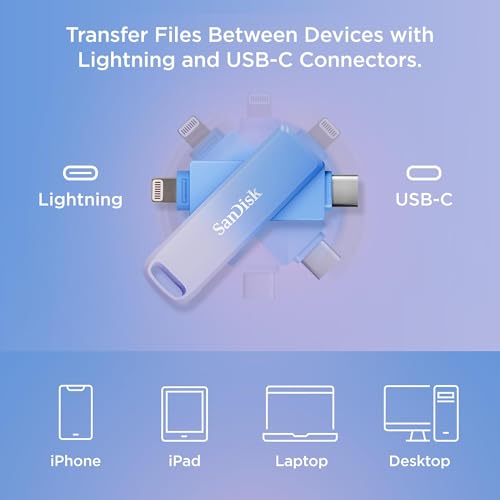
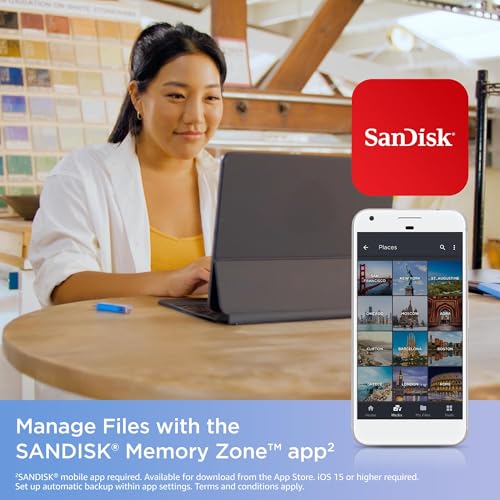
Speed and Capacity: With 256 GB of storage, the Creator Phone Drive holds roughly 50,000 12-megapixel photos or 25+ hours of 1080p video. The SanDisk Memory Zone app handles one-tap backups, incremental syncs, and file management. Transfer speeds are adequate for batch photo offloads, though sustained write rates are not publicly specified — expect typical flash drive performance around 30-50 MB/s when writing from an iPhone.
Who It Is For: This drive is ideal for iPhone owners who want a premium, set-and-forget backup tool. Parents archiving years of kid photos before a trade-in, travelers clearing space before a trip, and creators who want a Lightroom workflow built right into the backup process will all appreciate the polished experience. The higher price is justified by the SanDisk brand guarantee and the included 3 months of Adobe Lightroom.
Pricing & Where to Buy
The SanDisk 256GB Creator Phone Drive is priced at $92.99 (as of March 2026). The 128 GB version is available for $64.99 and the 512 GB for around $130. SanDisk software and firmware updates are free.
- Buy on Amazon — Prime shipping available
- Check price at B&H Photo
- SanDisk official store
SanDisk 256GB Phone Drive
iPhone users who want SanDisk reliability with dual connectors and faster read speeds at a slightly lower price than the Creator edition.
- ~90 MB/s read speed for fast transfers to Mac or PC
- Dual Lightning + USB-C covers all iPhone generations
- 438 reviews with 4.3-star rating — well-established and proven
- Lower price than the Creator edition while keeping core backup features
- No Adobe Lightroom bundle included
- Requires SanDisk Memory Zone app (iOS 15+) for managed backups
Nearly identical to the Creator Phone Drive in hardware, minus the Lightroom subscription and the premium packaging. If the app-driven backup workflow is what matters most and the Lightroom bundle is not needed, this drive saves money while delivering the same SanDisk build quality and dual-connector flexibility.
Overview: The SanDisk 256GB Phone Drive is the practical sibling of the Creator edition — same dual-connector hardware, same Memory Zone app, same SanDisk reliability, but without the Lightroom subscription and at a lower price. It scores 84/100 and earns the #2 spot for its balance of speed, compatibility, and value.
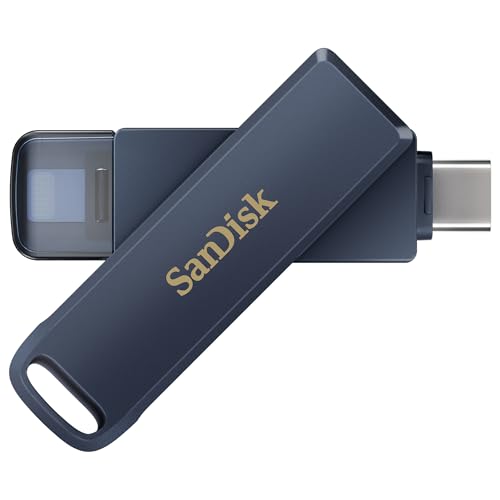
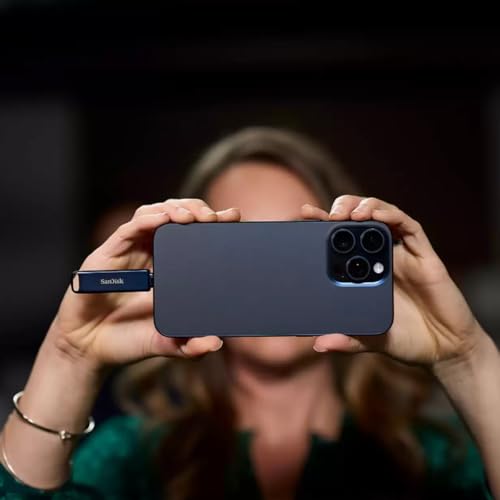
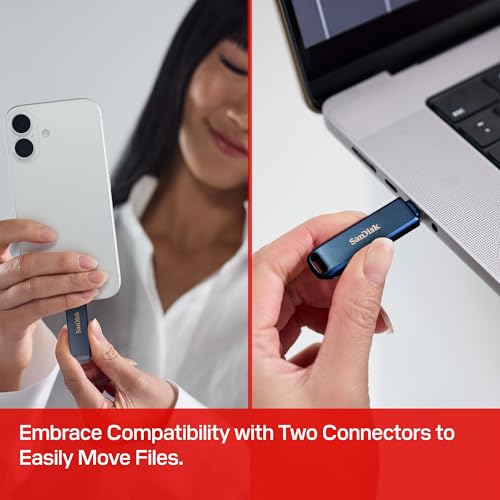
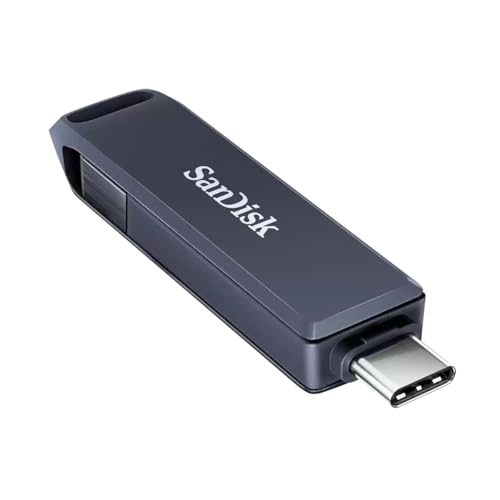
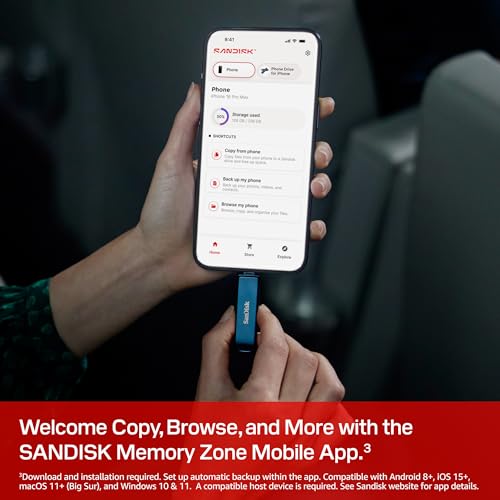
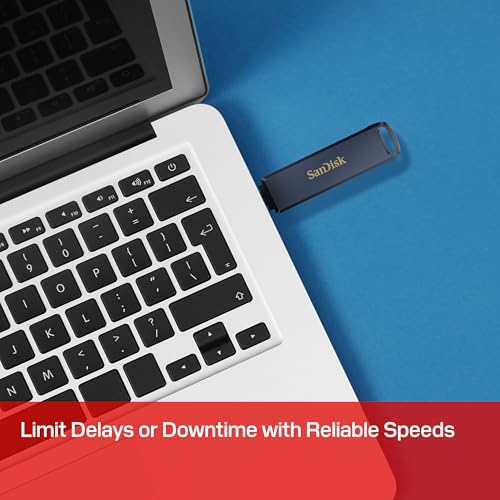
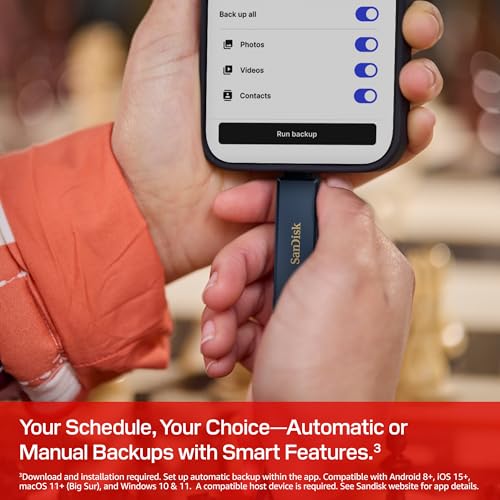
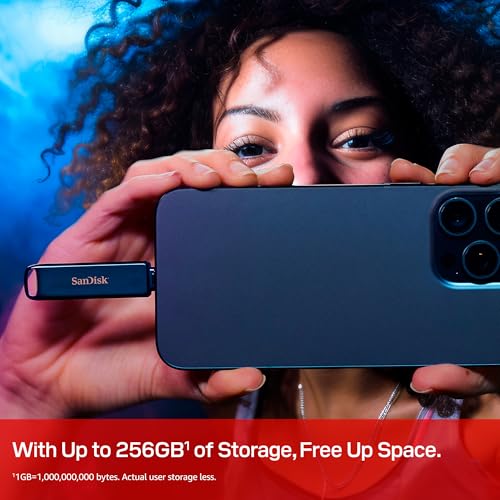
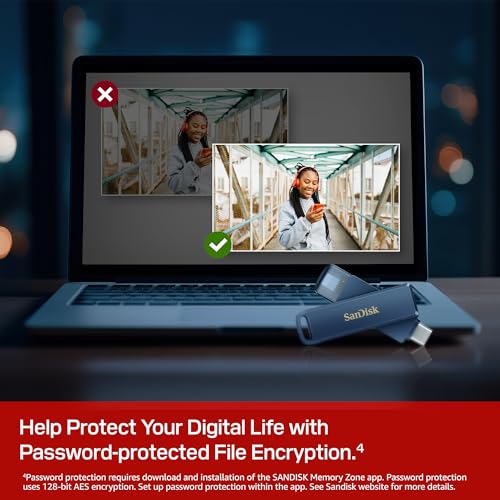
Speed and Capacity: With rated read speeds around 90 MB/s, moving a full backup to a computer is noticeably faster than budget alternatives. The 256 GB capacity handles large photo libraries and multi-gigabyte 4K video files comfortably. Lightning iPhones will still be limited to ~30 MB/s by the port itself, but USB-C transfers take full advantage of the drive’s speed.
Who It Is For: Families with a mix of old and new iPhones benefit the most — one drive works everywhere. The SanDisk 256GB Phone Drive is also a strong pick for anyone who already owns Lightroom and does not need the bundled subscription. It handles the core job — free space, back up, transfer — with SanDisk polish at a friendlier price.
Pricing & Where to Buy
The SanDisk 256GB Phone Drive is priced at $87.99 (as of March 2026). Also available in 64 GB (~$40) and 128 GB (~$60) versions.
- Buy on Amazon — Prime shipping available
- Check price at B&H Photo
- SanDisk official store
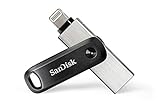
SanDisk 256GB iXpand Flash Drive Go
Owners of Lightning iPhones (iPhone 14 and older) who want the most proven, heavily reviewed photo stick available with SanDisk reliability.
- 24,846 reviews with 4.3 stars — the most battle-tested iPhone photo stick on the market
- Swivel design with keyring hole protects connectors during travel
- Password protection for files across iPhone, PC, and Mac
- SanDisk Memory Zone app with automatic backup and restore
- Lightning only on the phone side — does not work with USB-C iPhones (iPhone 15+) without an adapter
- USB-A on the computer side — newer Macs need a USB-C adapter
- Moderate read speed (~45 MB/s) compared to newer USB 3.2 drives
The iXpand Flash Drive Go is the photo stick that started the category for many iPhone users. With nearly 25,000 reviews, it is one of the most proven backup solutions for Lightning iPhones. The swivel design protects both connectors, and password protection adds security. The tradeoff: it only works natively with Lightning iPhones and USB-A computers, so iPhone 15+ owners should look at the newer SanDisk models above.
Overview: The SanDisk 256GB iXpand Flash Drive Go is the most reviewed photo stick in this roundup with nearly 25,000 ratings and a 4.3-star average. That kind of track record speaks for itself. It scores 82/100 at #3, penalized only for its Lightning-only design in a market shifting to USB-C.
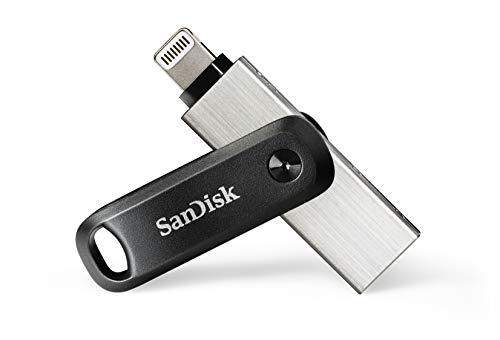
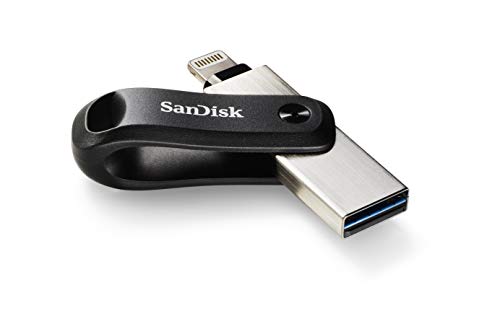
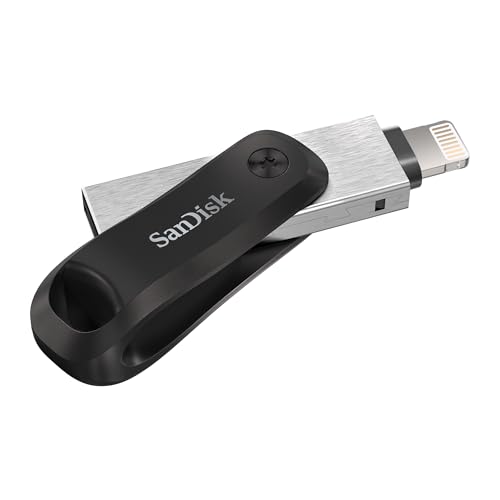
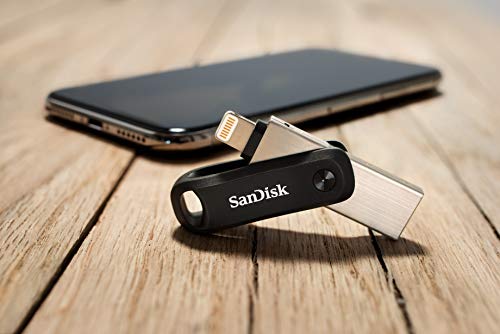

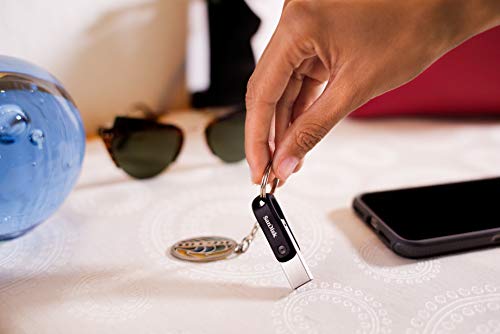
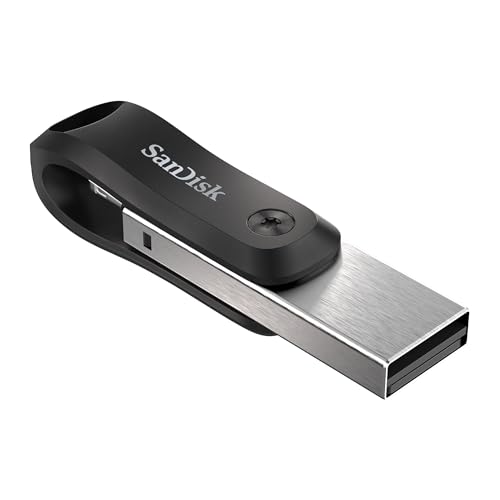
Speed and Capacity: Read speeds top out around 45 MB/s — respectable for Lightning transfers but slower than USB 3.2 Gen 1 drives. The 256 GB capacity is generous enough for thousands of photos and hours of video. The swivel design keeps both the Lightning and USB-A connectors protected when the drive lives on a keyring or in a travel pouch.
Who It Is For: Anyone still using an iPhone 14, 13, 12, or older Lightning model will find this the easiest, most reliable backup tool available. The iXpand Flash Drive Go also works well for users who transfer files to older Windows PCs with USB-A ports. It is not the right pick for USB-C iPhone owners — those users should consider the SanDisk Creator or Phone Drive instead.
Pricing & Where to Buy
The SanDisk 256GB iXpand Flash Drive Go is priced at $81.99 (as of March 2026). Also available in 64 GB (~$30) and 128 GB (~$50).
- Buy on Amazon — Prime shipping available
- Check price at B&H Photo
- SanDisk official store
Techkey MFi Certified USB 3.0 Flash Drive 256GB
Budget-conscious iPhone owners who want MFi-certified backups with maximum connector flexibility at under $45.
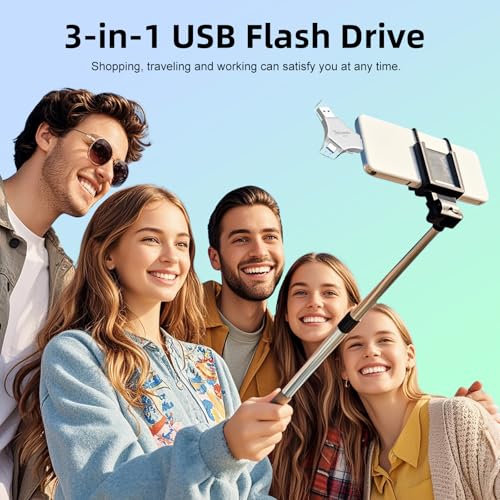
- 3-in-1 connectors (Lightning + USB-C + USB-A) work with every iPhone, iPad, Android, and computer
- 9,519 reviews at 4.3 stars — massive user base confirming real-world reliability
- MFi certified for stable iOS connections
- One-click backup, encryption, and on-the-go playback via companion app
- Requires the U-Disk companion app for iOS backups — not plug-and-play without it
- Sustained write speeds not specified — large 4K video batches may be slower than SanDisk drives
The Techkey 3-in-1 is the value champion of this roundup. At $40 for 256 GB with MFi certification and nearly 10,000 reviews, it delivers reliable backups across every connector type. The tradeoff is reliance on the U-Disk app and potentially slower write speeds for large video files — but for most photo-heavy users, it handles the job well at half the price of the SanDisk options.
Overview: The Techkey MFi 256GB 3-in-1 packs three connectors into a single stick: Lightning for older iPhones, USB-C for newer ones, and USB-A for computers. With 9,519 reviews and a 4.3-star rating, it is one of the most popular third-party photo sticks on Amazon. It earns 82/100 and the #4 spot for outstanding value and broad compatibility.
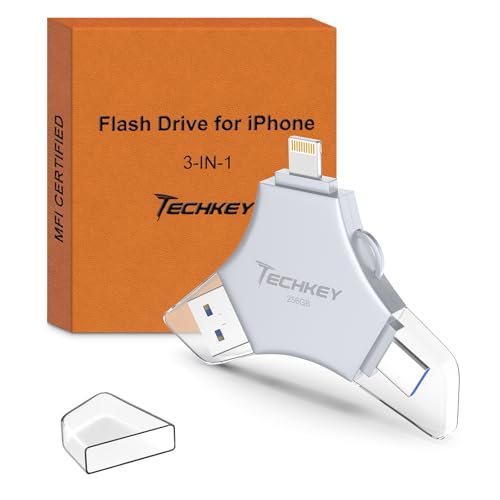
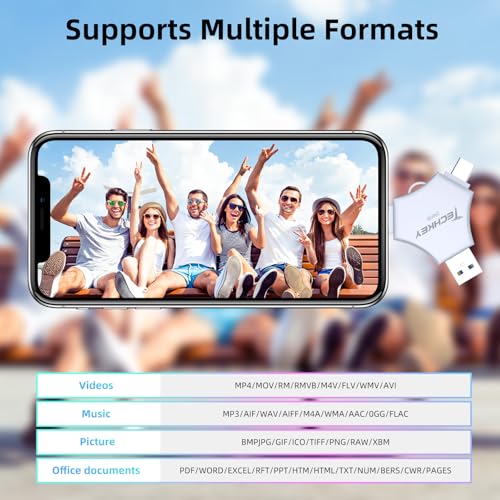
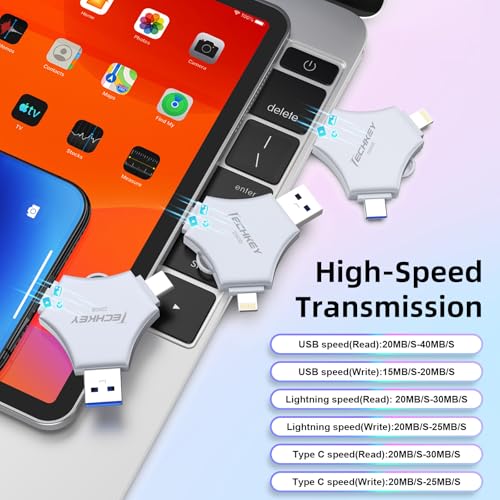
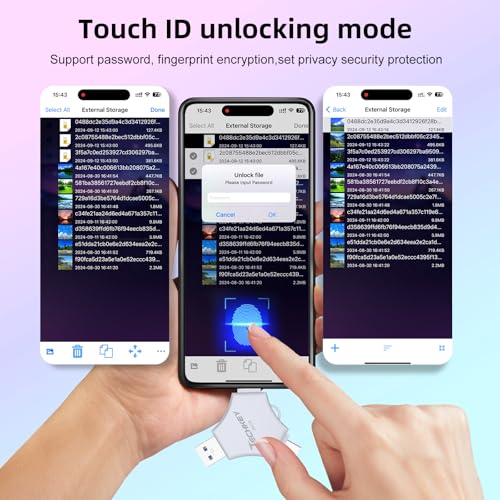

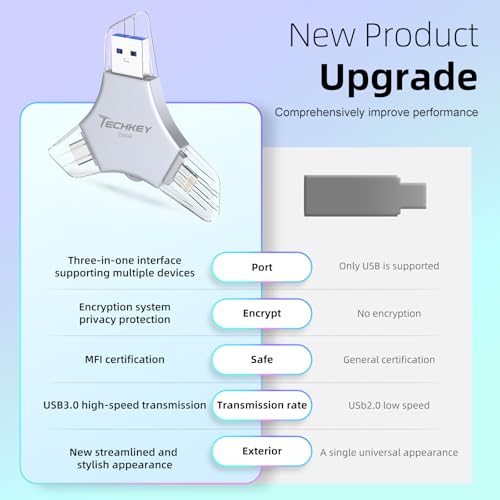

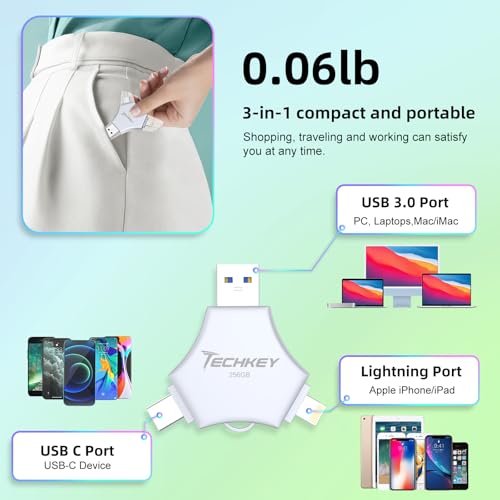
Speed and Capacity: The 256 GB capacity clears large camera rolls in one session. Read speeds reach approximately 80 MB/s via USB 3.0, and the companion app supports one-click backup with encryption and on-the-go media playback. Automatic storage saves photos taken within the app directly to the drive, keeping iPhone storage untouched.
Who It Is For: The Techkey 3-in-1 is the go-to for users who want one drive that works with everything — old iPhone, new iPhone, Android tablet, Windows laptop, MacBook. At $40, it is less than half the price of the SanDisk Creator while covering more device types.
Pricing & Where to Buy
The Techkey MFi 256GB 3-in-1 Flash Drive is priced at $40.49 (as of March 2026). A 128 GB version is available for around $20.
- Buy on Amazon — Prime shipping available
Qemoa MFi Certified 512GB Flash Drive Photo Stick
Travelers and families who shoot lots of 4K video and want maximum capacity in a single backup drive.
- 512 GB (~484 GB usable) provides ample room for large photo and video libraries
- Triple connectors (Lightning + USB-C + USB-A) work with all iPhones and computers
- MFi certified with one-tap backup app and basic encryption
- Competitive pricing for the capacity — $60 for 512 GB
- Write speed (~40 MB/s) makes large 4K video transfers noticeably slower than premium drives
- 64 reviews — less proven than established competitors
The Qemoa 512 GB is the capacity king of this roundup. At $60, it offers twice the storage of most competitors for a modest premium. The write speed is not the fastest, so transferring a 50 GB video archive will take time — but for users who simply want the most room to offload before worrying about computer transfers, it delivers.
Overview: The Qemoa 512GB Photo Stick stands out for raw capacity. With approximately 484 GB of usable space, it can hold roughly 100,000 photos or 50+ hours of 1080p video. Ranked #5 at 80/100, it is the right pick when storage headroom matters more than transfer speed.
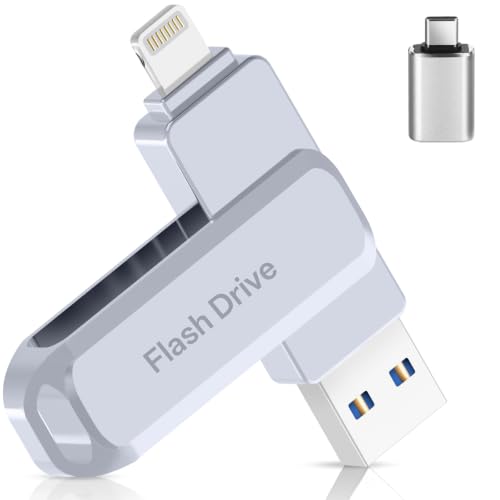
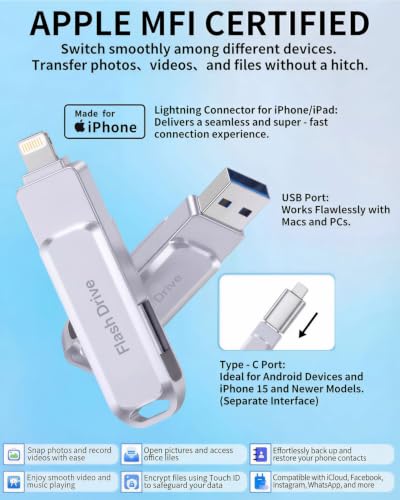
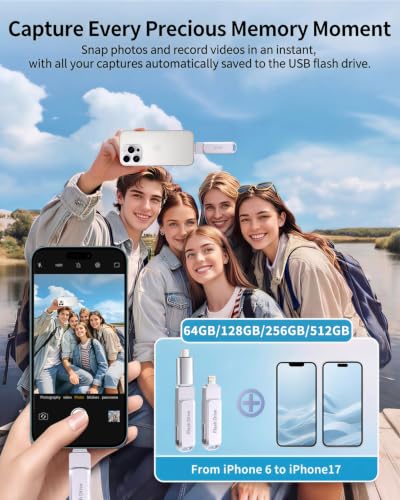
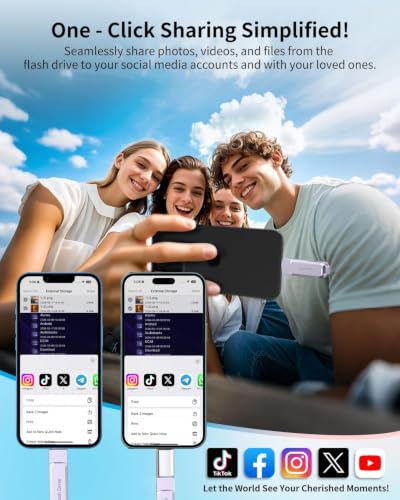
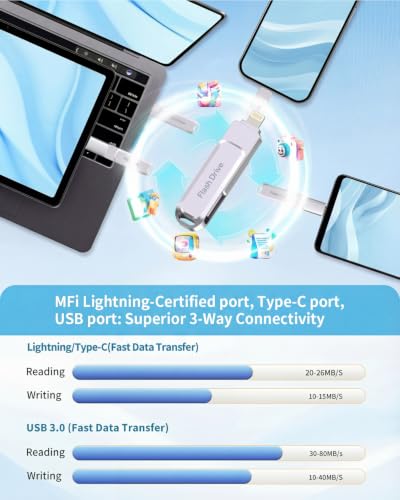
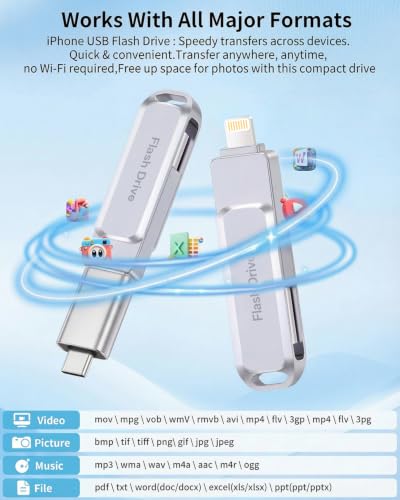
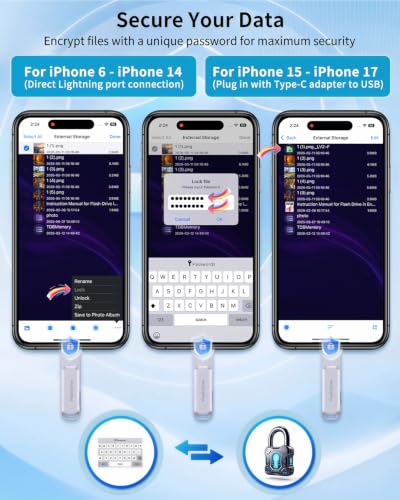
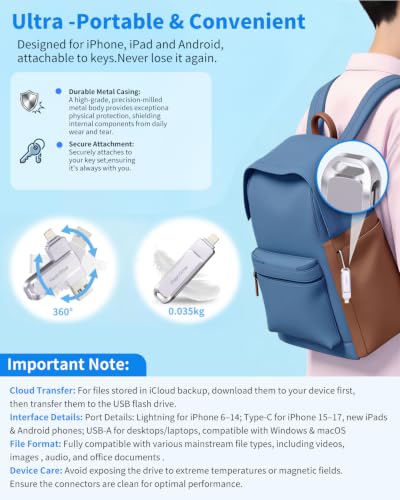
Speed and Capacity: Read speeds reach approximately 80 MB/s, while writes settle around 40 MB/s. For photo-heavy users, this is perfectly adequate — a 10 GB camera roll backs up in under five minutes. For users with 100+ GB of 4K video, patience is required. The triple-connector design (Lightning + USB-C + USB-A) and one-tap backup via the Qemoa app keep the workflow simple.
Who It Is For: The Qemoa 512GB is ideal for long-trip travelers, parents archiving years of family memories, and anyone who has put off clearing their phone because they needed more than 256 GB of backup space. The metal keychain design makes it pocketable and durable.
Pricing & Where to Buy
The Qemoa MFi 512GB Photo Stick is priced at $59.99 (as of March 2026). A 256 GB version is available for around $35.
- Buy on Amazon — Prime shipping available
Lexar D40E 256GB Dual USB 3.2 Gen 1 Type-C Jump Drive
iPhone 15/16 owners who want a fast, premium USB-C drive from a trusted memory brand with real encryption and durable build quality.
- 100 MB/s read speed — fastest in this roundup for computer transfers
- 256-bit AES encryption via Lexar security software
- Premium metal housing with swivel design and compact form factor
- 6,920 reviews at 4.5 stars from a trusted memory brand
- No Lightning connector — does not work with iPhone 14 or older without an adapter
- No dedicated iOS backup app — relies on the iOS Files app for transfers
The Lexar D40E is the quality pick for iPhone 15 and 16 owners who want a fast, well-built USB-C drive. No Lightning means it skips older iPhones entirely, but the tradeoff is genuine Lexar build quality, 100 MB/s speeds, real AES-256 encryption, and a 3-year warranty. It doubles as a general-purpose USB-C flash drive for laptops and tablets.
Overview: The Lexar D40E 256GB is the only drive in this roundup from a dedicated memory brand that focuses purely on USB-C. It scores 79/100 at #6 — the Lightning omission limits its audience, but for USB-C iPhone owners, it is the fastest and best-built option here.


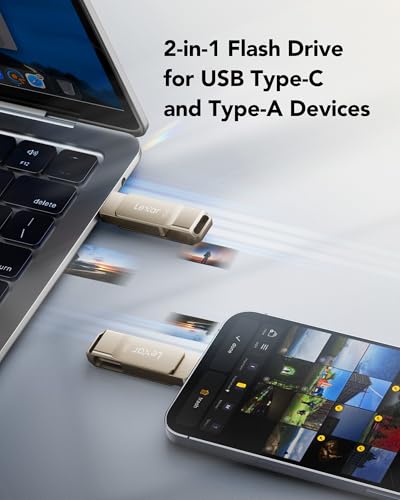
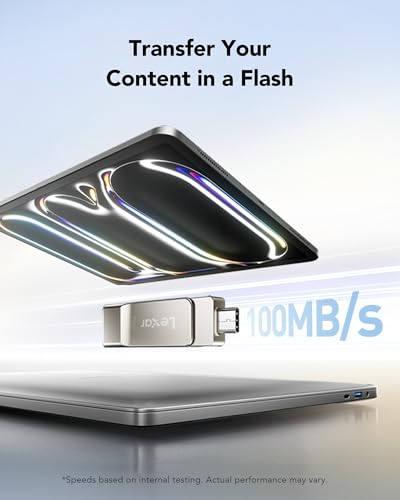
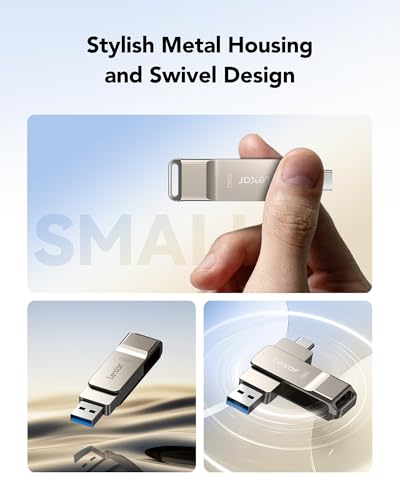

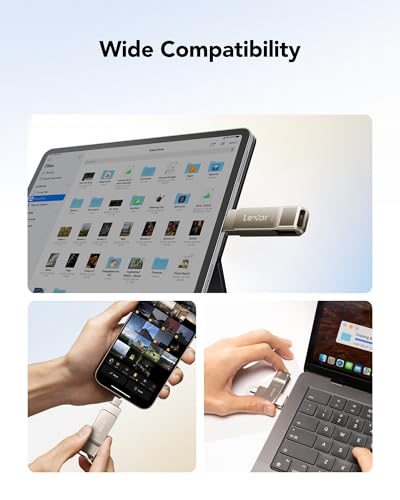
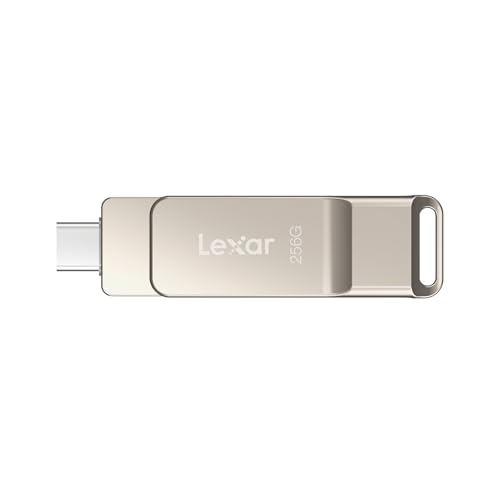
Speed and Capacity: At 100 MB/s read speed (USB 3.2 Gen 1), the Lexar D40E transfers a 10 GB batch in under two minutes. The metal housing dissipates heat during extended writes, and the swivel mechanism protects both connectors when not in use. The Lexar DataShield security software provides 256-bit AES encryption for sensitive files.
Who It Is For: This drive is ideal for iPhone 15 and 16 owners who also want a premium flash drive for their MacBook, iPad Pro, or Windows laptop. The Lexar D40E lacks a vendor backup app — iPhone transfers happen through the Files app — but users comfortable with drag-and-drop file management will appreciate the no-bloatware approach.
Pricing & Where to Buy
The Lexar D40E 256GB is priced at $40.99 (as of March 2026). Also available in 64 GB (~$12), 128 GB (~$18), 512 GB (~$60), and 1 TB (~$100).
- Buy on Amazon — Prime shipping available
- Check price at B&H Photo
- Lexar official store
SanDisk 128GB Creator Phone Drive
Casual iPhone photographers who want SanDisk quality at a lower entry price and do not need more than 128 GB of backup space.
- Same dual Lightning + USB-C connectors and SanDisk app as the 256 GB version
- Includes 3 months of Adobe Lightroom
- Lower price entry point into the SanDisk Creator ecosystem
- Compact metal body with durable build
- 128 GB fills up quickly for 4K video shooters — may need frequent transfers
- Higher per-gigabyte cost compared to 256 GB and budget alternatives
The 128 GB Creator Phone Drive is the right-size SanDisk for users who primarily shoot photos and short videos. It is the same hardware as the #1 pick in a smaller capacity — same app, same connectors, same Lightroom bundle. The lower price makes it approachable, but frequent video shooters should step up to 256 GB to avoid running out of drive space mid-trip.
Overview: The SanDisk 128GB Creator Phone Drive is the entry point into SanDisk’s Creator lineup. It scores 78/100 at #7 — the same excellent hardware and app experience as the #1 pick, just in a smaller package. For users with modest backup needs, it is a smart way to get SanDisk polish without paying for capacity they will not use.
Speed and Capacity: 128 GB holds approximately 25,000 photos or 12 hours of 1080p video. Dual connectors (Lightning + USB-C) work with any iPhone, and the Memory Zone app handles automatic incremental backups. Transfer to a computer via USB-C completes quickly for typical photo batches.
Who It Is For: Users who primarily take photos (not heavy video) and back up regularly will find 128 GB more than sufficient. The included Adobe Lightroom subscription adds editing value that budget sticks cannot match. Consider this for a grandparent, a light-use family member, or as a dedicated travel backup drive.
Pricing & Where to Buy
The SanDisk 128GB Creator Phone Drive is priced at $64.99 (as of March 2026).
- Buy on Amazon — Prime shipping available
- Check price at B&H Photo
Kcsbaui Apple MFi Certified 512GB Photo Stick
Budget-minded users who need 512 GB of backup space and cross-platform transfers without paying SanDisk prices.
- 512 GB capacity at $58 — strong value for high-capacity needs
- 550 reviews at 4.3 stars — decent real-world validation
- MFi certified with Touch ID/password encryption via iExtend+ app
- USB-A and USB-C connectors for computer transfers
- Lightning support is ambiguous — listing mentions iPhone but only shows USB-A and USB-C hardware connectors
- Companion app (iExtend+) required for iOS transfers — not native Files app integration
The Kcsbaui 512 GB offers big capacity at a budget price. With 550 reviews and MFi certification, it has decent credibility. The main concern is connector clarity — double-check compatibility with your specific iPhone model before purchasing. For users who need the space and are comfortable using a companion app, it delivers solid value.
Overview: The Kcsbaui 512GB Photo Stick delivers half a terabyte of backup space at under $60 — roughly the same price as the SanDisk 128 GB. It scores 76/100 at #8, offering excellent storage-per-dollar with the caveat of a less polished ecosystem.

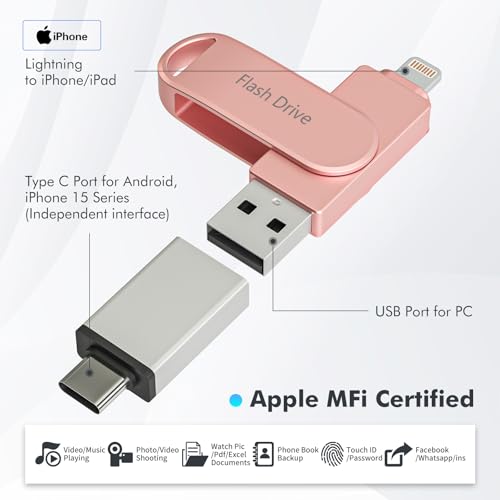
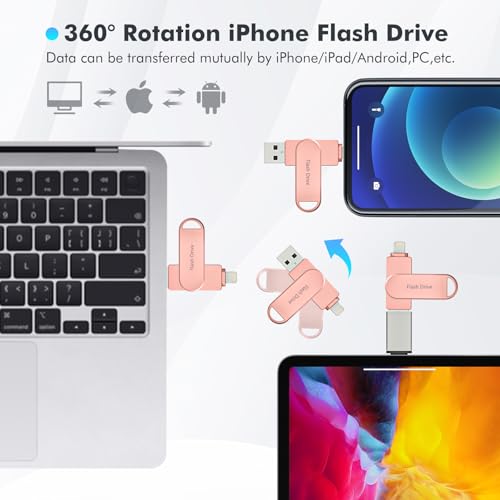
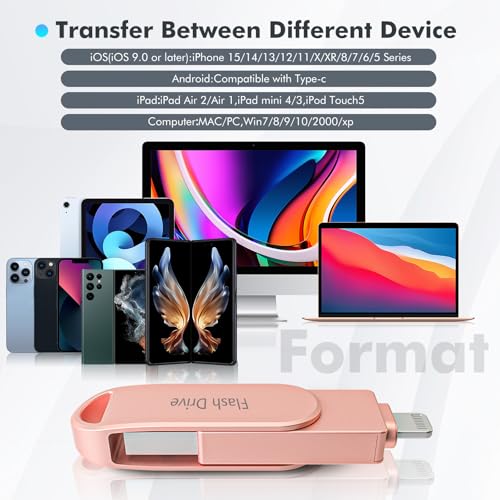
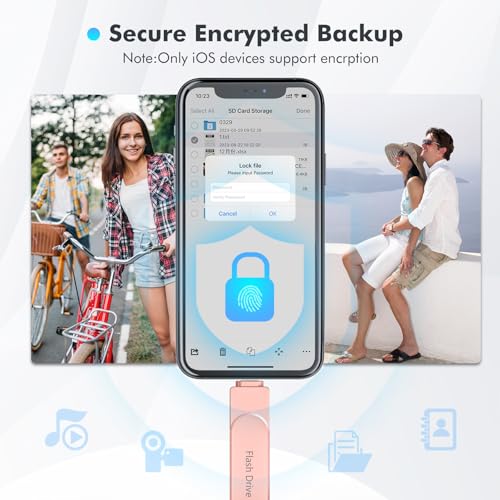
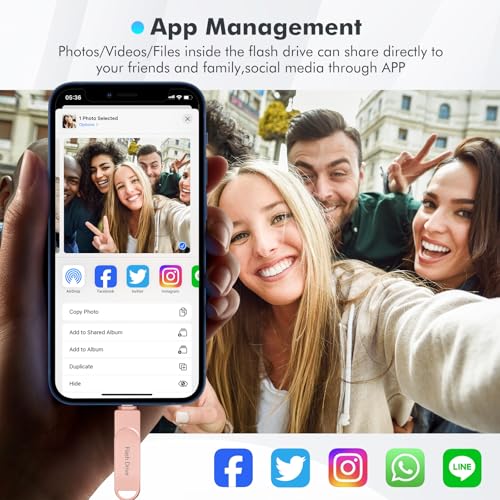
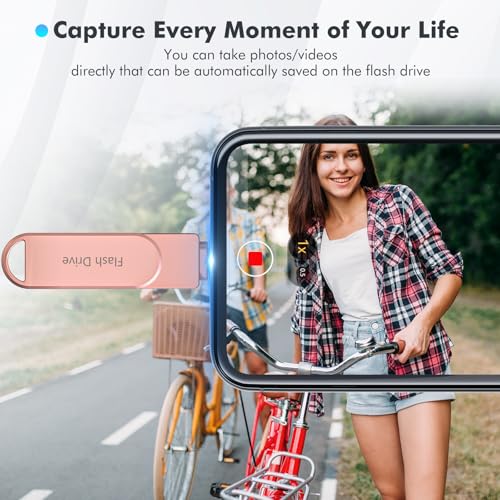
Speed and Capacity: The 512 GB capacity handles even the most packed camera rolls. Rated write speeds around 80 MB/s and the iExtend+ app provide one-tap backups with encryption. Three color options (Silver, Pink, Black) are cosmetic differences only — internals are identical.
Who It Is For: Users who prioritize capacity over brand name and are comfortable verifying connector compatibility. The Kcsbaui 512GB is a solid choice for archiving before a phone trade-in when a massive one-time backup is needed.
Pricing & Where to Buy
The Kcsbaui MFi 512GB Photo Stick is priced at $58.40 (as of March 2026).
- Buy on Amazon — Prime shipping available
JSL JDTDC 256GB Apple MFi Certified 3-in-1 Photo Stick
iPhone owners who want a well-established 3-in-1 drive with nearly 3,000 reviews and proven long-term reliability.
- 2,937 reviews at 4.3 stars — years of proven reliability
- True 3-in-1 (Lightning + USB-C + USB-A) with Apple MFi certification
- JD Memory app with one-click backup, encryption, and direct media playback
- USB 3.0 reads up to ~80 MB/s
- Lightning transfers limited to ~10-15 MB/s — large video offloads are slow on older iPhones
- Companion app interface feels dated compared to newer competitors
The JSL JDTDC is a veteran in the iPhone photo stick category with nearly 3,000 reviews spanning several years. That longevity is its main selling point — real users have validated its reliability across multiple iPhone generations. The Lightning port speed limitation is a hardware constraint shared by all Lightning drives, not a flaw specific to this model.
Overview: The JSL JDTDC 256GB 3-in-1 has been on the market since 2020 and has accumulated nearly 3,000 reviews with a 4.3-star average. It scores 75/100 at #9 — a proven, reliable choice that has not changed much because it does not need to.
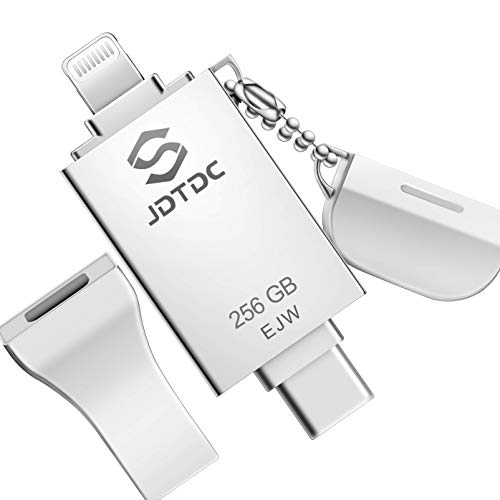
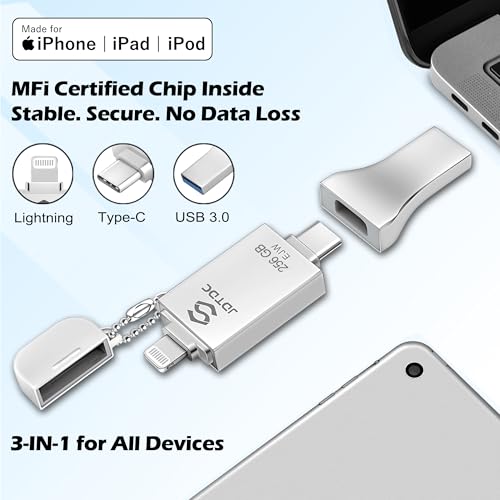
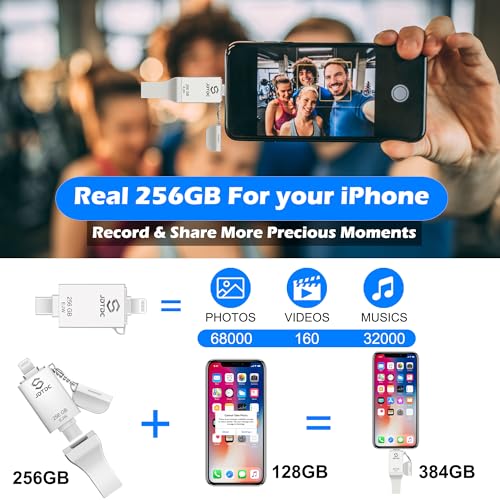

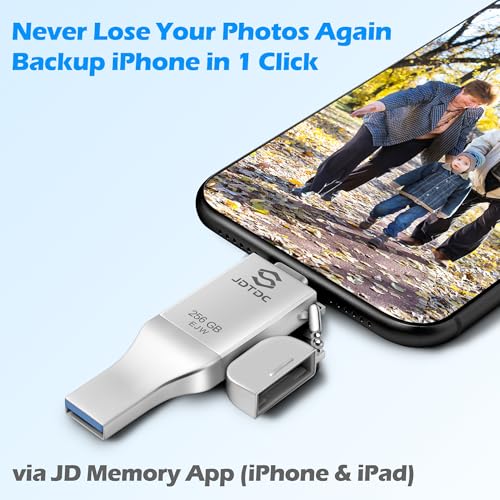
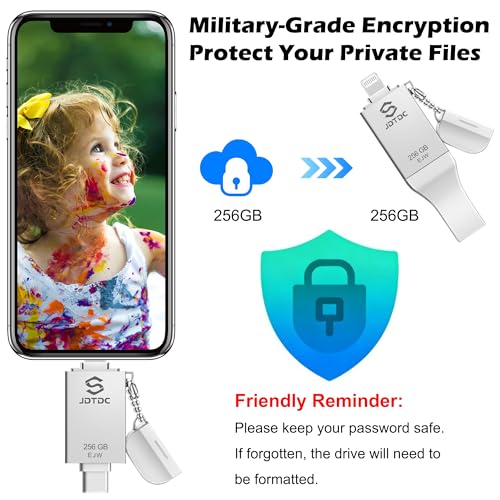

Speed and Capacity: USB 3.0 reads reach ~80 MB/s on computers, while Lightning writes hover around 10-15 MB/s — a hardware limitation of the Lightning protocol, not the drive. The 256 GB capacity handles large camera rolls comfortably. The JD Memory app supports one-click backup, hardware encryption, and shoot-to-drive capture that saves new photos directly to the stick.
Who It Is For: Users who value proven track records over bleeding-edge features. The JSL JDTDC 256GB is also a solid gift option for family members who need a simple, well-documented backup solution — the app has years of updates behind it.
Pricing & Where to Buy
The JSL JDTDC 256GB MFi 3-in-1 is priced at $53.99 (as of March 2026). Available in 128 GB and 512 GB versions as well.
- Buy on Amazon — Prime shipping available
Techkey USB 3.0 Flash Drive for iPhone 256GB
Budget-first buyers who want MFi-certified backups with 3-in-1 flexibility at the lowest possible Techkey price.
- 256 GB with MFi certification at under $30 — among the cheapest certified options
- 3-in-1 connectors (Lightning + USB-C + USB-A) for universal compatibility
- One-click backup with in-app encryption and Touch ID support
- Only 226 reviews — less proven than the higher-ranked Techkey model
- Write speeds unspecified — likely modest for large video transfers
This is the budget Techkey option — same connector design and MFi certification as the #4 pick, but at a lower price with fewer reviews to validate long-term reliability. For users who want the cheapest certified 3-in-1 backup possible and are willing to accept a smaller review base, it is a reasonable gamble at under $30.
Overview: The Techkey 256GB 3-in-1 (Budget) offers the same 3-in-1 connector flexibility as the #4-ranked Techkey at an even lower price. It scores 73/100 at #10 — the lower ranking reflects its smaller review base (226 vs. 9,519) rather than a fundamental quality difference.
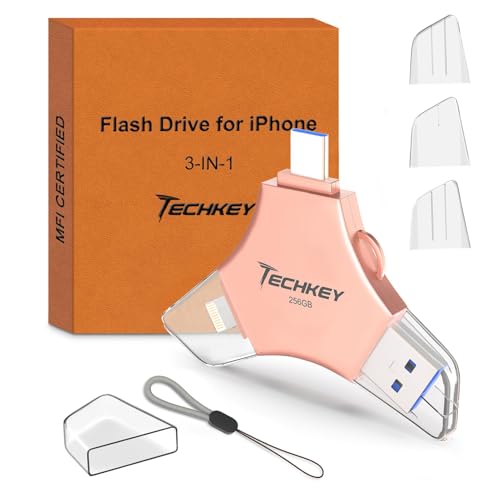

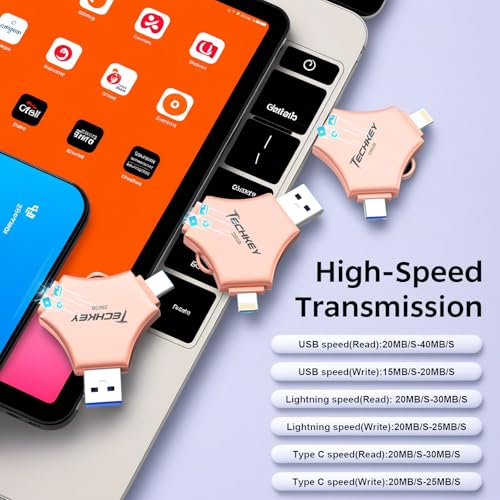
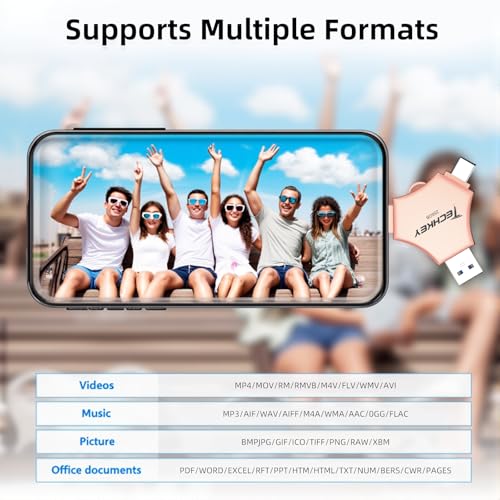
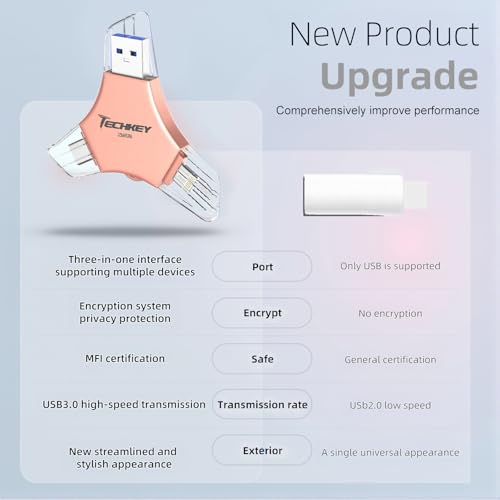
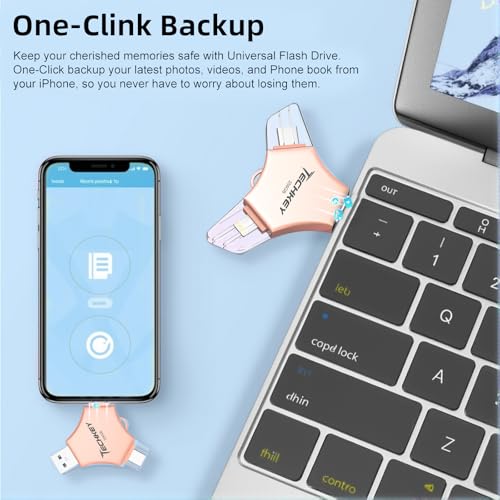
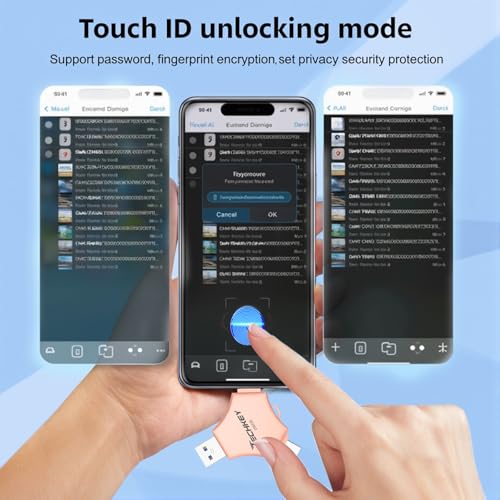

Speed and Capacity: 256 GB provides solid backup room for most users. USB 3.0 connectivity enables reasonable transfer speeds to computers, and the companion app handles one-click backup with encryption support. The Pink colorway makes it easy to identify in a bag or drawer.
Who It Is For: Users who want the absolute lowest price for a certified, triple-connector backup drive. The Techkey Budget 256GB is also a practical option for buying multiple drives — one for each family member — without a large total spend.
Pricing & Where to Buy
The Techkey 256GB 3-in-1 Flash Drive is priced at $29.94 (as of March 2026).
- Buy on Amazon — Prime shipping available
BLANBOK+ MFi Certified 256GB iPhone Photo Stick
Price-sensitive users who want the cheapest MFi-certified photo stick with triple connectors for occasional backups.
- Lowest price in the roundup at $26.99 for 256 GB
- MFi certified with Lightning + USB-C + USB-A connectors
- LuxSync PRO app with one-tap backup and encryption
- Only 121 reviews — limited real-world validation
- App quality and long-term reliability less proven than established brands
The BLANBOK+ is the ultra-budget option for users who need basic photo stick functionality without spending much. MFi certification provides baseline quality assurance, but the small review count means there is less community validation. Best suited for occasional one-time backups rather than daily use — for example, emptying a phone before selling it.
Overview: The BLANBOK+ 256GB Photo Stick rounds out the list at #11 with a 72/100 score. At $26.99, it is the most affordable MFi-certified photo stick in this comparison — a practical choice when the goal is a one-time backup without a significant investment.
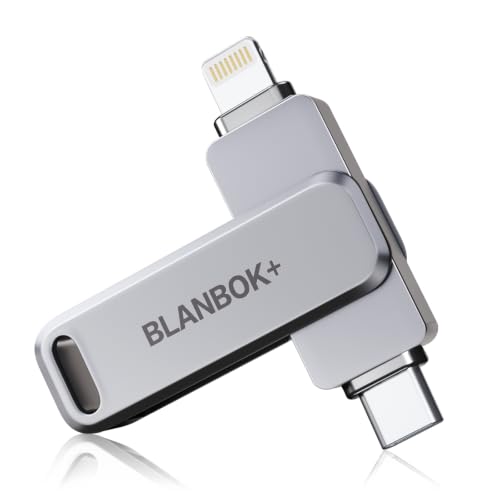
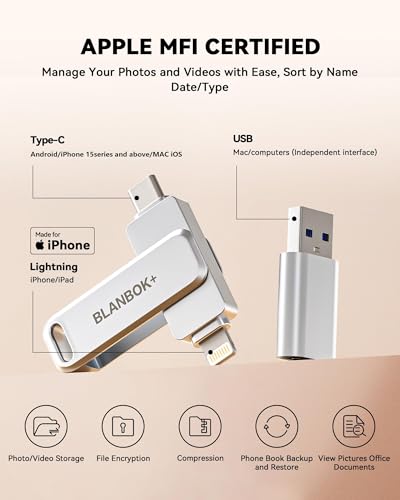
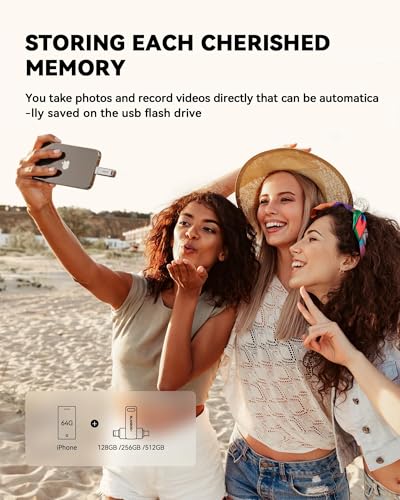
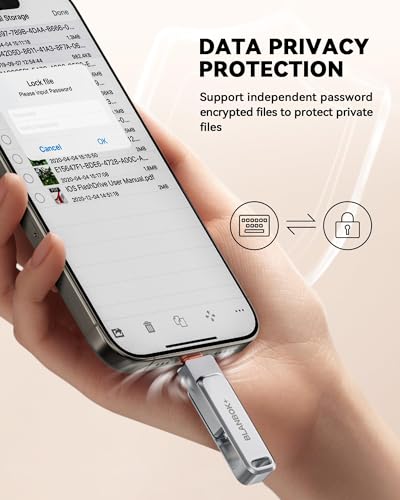
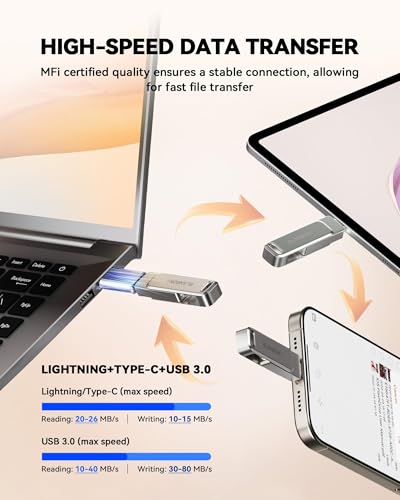

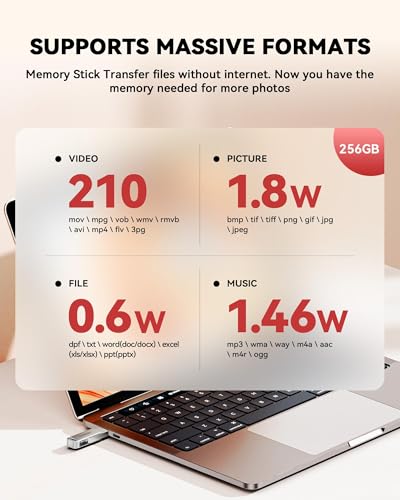
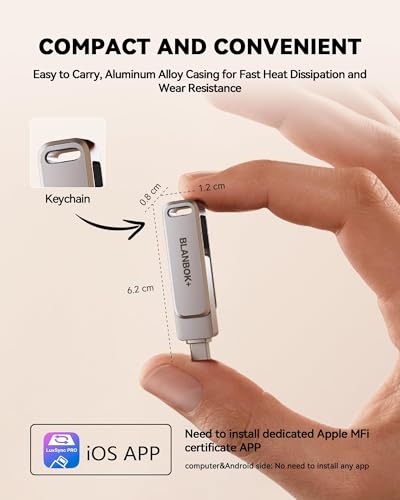
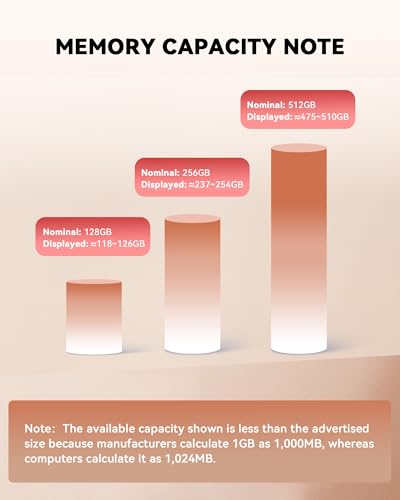
Speed and Capacity: 256 GB of storage and rated reads around 80 MB/s make it capable for standard photo and video offloads. The LuxSync PRO app handles one-tap backup and folder encryption. The rugged, keychain-friendly metal body is surprisingly sturdy for the price point.
Who It Is For: Users on a tight budget who need to clear their camera roll once or twice — before a trade-in, after a vacation, or as a gift for a family member who keeps ignoring the “Storage Full” warning. The BLANBOK+ 256GB is not the drive for daily professional use, but it handles occasional backup tasks competently at a fraction of the SanDisk price.
Pricing & Where to Buy
The BLANBOK+ MFi 256GB Photo Stick is priced at $26.99 (as of March 2026). A 512 GB version is available for around $40.
- Buy on Amazon — Prime shipping available
Choose the Best Photo Stick for Your iPhone
The best photo stick depends on the specific iPhone, budget, and how much media needs to move. For the most polished, worry-free experience, the SanDisk 256GB Creator Phone Drive (87/100) handles every iPhone generation with a single drive and backs up automatically through the SanDisk app. For the best value with maximum connector flexibility, the Techkey MFi 256GB 3-in-1 (82/100) covers Lightning, USB-C, and USB-A at $40.
iPhone 15 and 16 owners who prefer a premium USB-C drive from a trusted brand should consider the Lexar D40E 256GB (79/100) for its 100 MB/s speeds and AES-256 encryption. For users still on Lightning iPhones, the SanDisk iXpand Flash Drive Go (82/100) has nearly 25,000 reviews of proven reliability. And for maximum capacity at the best price, the Qemoa 512GB (80/100) packs half a terabyte at $60.
For long-term photo management beyond flash drives, consider pairing a photo stick with an external hard drive or SSD for permanent archiving. And if the photos need organizing once they are backed up, tools like those covered in our best SD card readers guide help move media efficiently across devices.
Related Articles
Final Picks: Best iPhone Photo Stick by Use Case
SanDisk 256GB Creator Phone Drive
Techkey MFi 256GB 3-in-1
SanDisk 256GB iXpand Flash Drive Go
Lexar D40E 256GB
Qemoa MFi 512GB Photo Stick
Disclosure/Disclaimer: As an Amazon Associate, we earn from qualifying purchases. Certain content was provided "as is" from Amazon and is subject to change or removal at any time. Product prices and availability: Amazon prices are updated daily or are accurate as of the date/time indicated and are subject to change. Any price and availability information displayed on Amazon.com at the time of purchase will apply to the purchase of this product.

