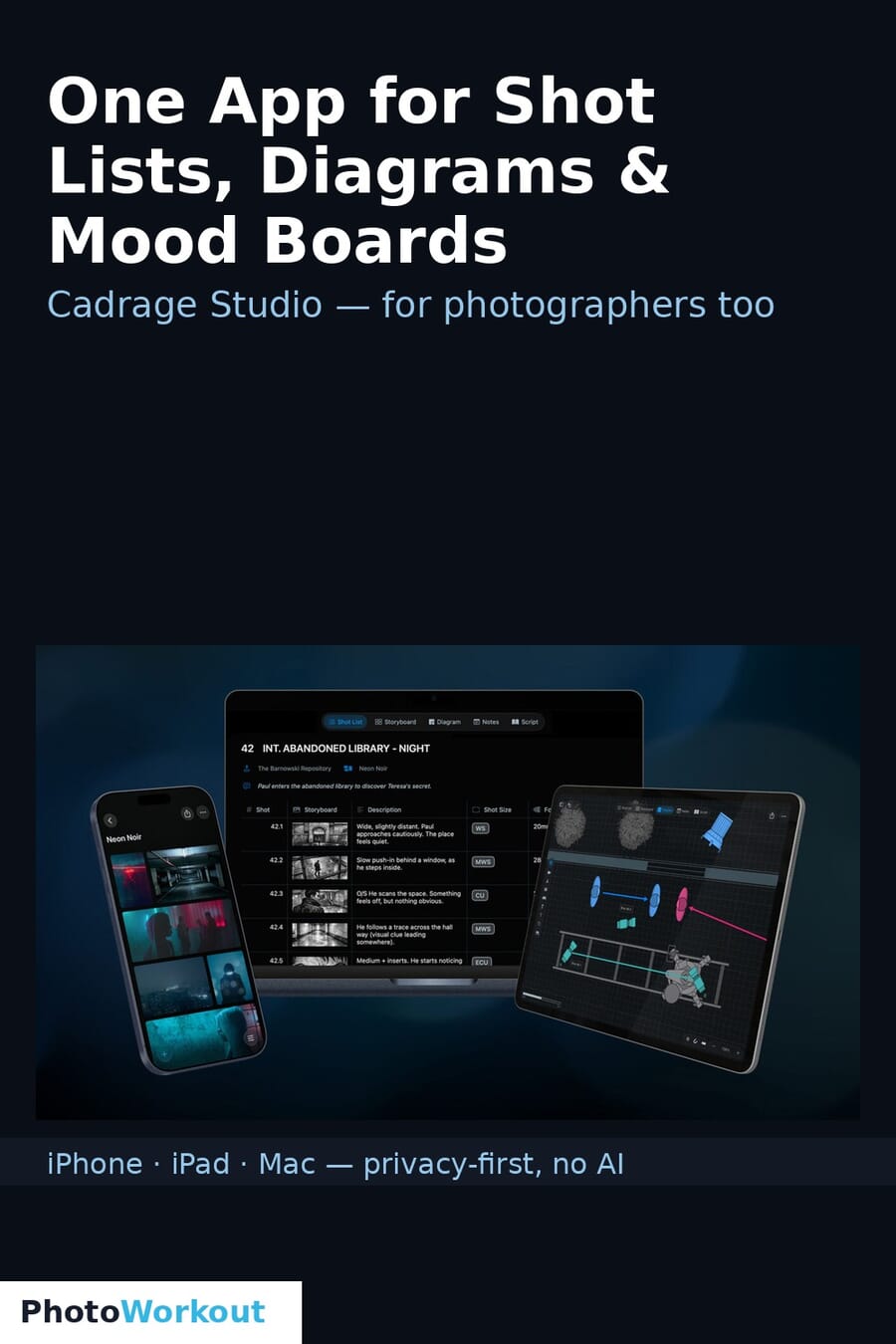
- Cadrage Studio is a new pre-production app for iPhone, iPad and Mac that pulls script, shot lists, camera diagrams, mood boards and locations into one connected workspace.
- It’s from Cadrage GmbH — the Vienna studio behind the director’s viewfinder app used by 100,000+ filmmakers — so it comes with real craft credibility, not startup hype.
- Standout features: automatic scene and character detection, LiDAR room scans for location scouting, and a strict privacy-by-design, no-AI stance — everything stays on your own device.
- It’s film-first, but the discipline is pure photography too: anyone who plans portrait, commercial, wedding or hybrid shoots juggles the same scattered pile of PDFs, screenshots and single-purpose apps this replaces.
- It’s in early access and free to use now (sign-up at cadragestudio.com); the full App Store release will require a subscription.
Pre-production is where good shoots are won, and it’s almost always a mess — a scattered pile of shared folders, PDF exports, screenshot threads, and a handful of single-purpose apps that don’t talk to each other. CineD reports that Cadrage GmbH, the Vienna studio behind the director’s viewfinder app used by more than 100,000 filmmakers, just launched Cadrage Studio to fix exactly that: one native iPhone, iPad and Mac app that holds your script, shot lists, camera diagrams, mood boards and locations in a single connected workspace. It’s pitched at filmmakers — but the planning discipline behind it is something photographers have quietly needed for years.
When you buy through links on our site, we may earn a commission at no cost to you. We evaluate products independently. Commissions do not affect our evaluations.
What Cadrage Studio Does
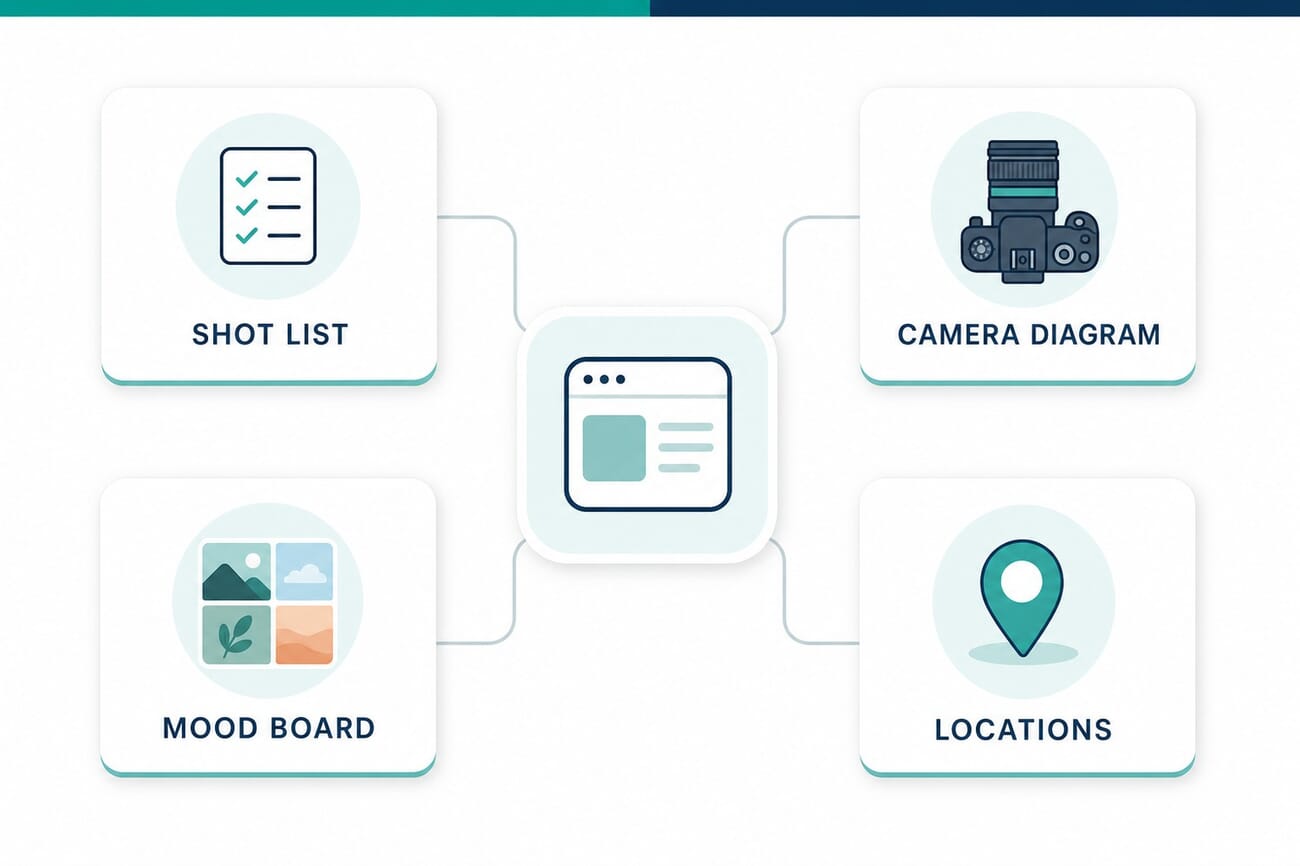
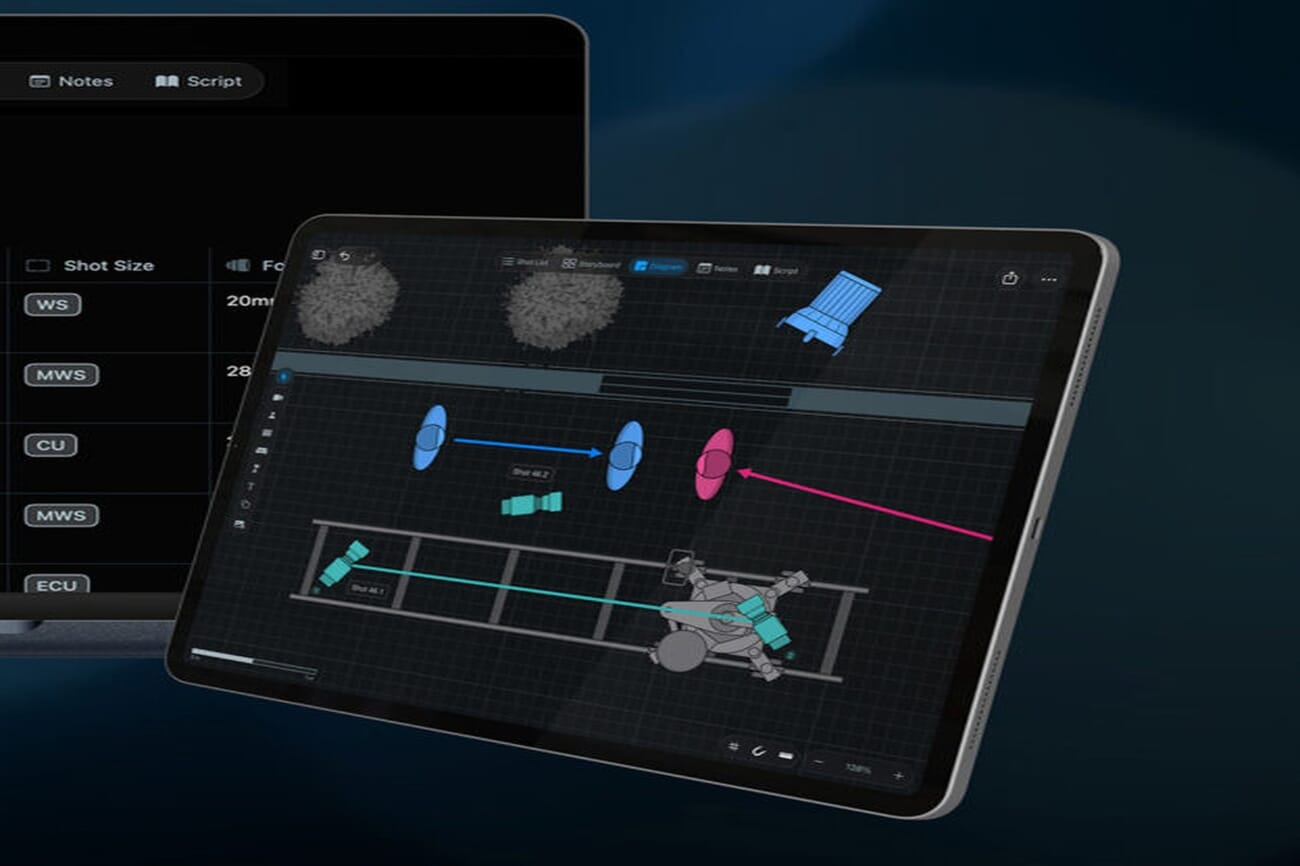
At its core, Studio connects the documents that usually live in five different places. You build shot lists against your script, lay out camera diagrams that map exactly where the camera, lenses and subjects sit, assemble mood boards for the look, and file locations with reference photos — all cross-referenced in one project. Cadrage adds some genuinely useful automation: it can detect scenes and characters from a script automatically, and it uses LiDAR room scans (on supported devices) to capture a real space for accurate location and blocking diagrams. Because it’s native across iPhone, iPad and Mac, the workspace stays in sync as you move between them — scout and capture references on the phone, then lay out diagrams and shot lists on the larger screen, without exporting a single PDF or emailing yourself a screenshot.
The Anti-AI Pitch
In a year when every app is racing to bolt on a chatbot, Cadrage is going the other way. Studio is built privacy-by-design with no AI — your scripts, shot lists and location photos stay on your own device rather than being uploaded to a cloud model. For working professionals handling unreleased projects, client briefs and private locations, that’s not a gimmick; it’s a real selling point. It’s a notable counter-position to the wave of AI-assisted planning tools — Cadrage is betting that for sensitive pre-production work, on-device and private beats clever and cloud-based.
Why Photographers Should Care
Yes, it’s built for film and TV. But strip away the script-detection and what’s left is exactly what a planning-minded photographer does before any serious shoot. A commercial or portrait photographer works from shot lists and lighting diagrams. A wedding shooter scouts and times locations. An editorial or product photographer builds mood boards to align with a client. Right now most of us cobble that together from Notes, Pinterest, Google Maps and a folder of screenshots — the same fragmentation Cadrage is consolidating. A camera diagram tool that maps lens and subject positions is just as useful for a studio portrait as for a film scene, and keeping a shoot’s references organized in one place is a workflow win regardless of whether you shoot stills or motion. Pre-production tooling is genuinely underserved for photographers, and this is a serious entry.
Availability
Cadrage Studio is in early access now, free to use during the early-access period, with sign-up open at cadragestudio.com. The company hasn’t set full-release pricing yet but has confirmed the App Store version will require a subscription. If you plan shoots — especially ambitious ones with {inter(‘new-york-photo-tour’,’multiple locations’)} and a specific look to hit — it’s worth trying while it’s free.
Frequently Asked Questions
What is Cadrage Studio?
A native iPhone, iPad and Mac pre-production app that combines script, shot lists, camera diagrams, mood boards and location scouting into one connected workspace. It’s made by Cadrage GmbH, the team behind the popular director’s viewfinder app.
Does Cadrage Studio use AI?
No. It’s built privacy-by-design with no AI — your scripts, shot lists and location data stay on your own device rather than being processed in the cloud. It does include non-AI automation like scene/character detection and LiDAR room scans.
Is it useful for photographers, not just filmmakers?
Yes. While it’s built for film and TV, the same tools — shot lists, camera/lighting diagrams, mood boards and location scouting — map directly onto planning portrait, commercial, wedding and hybrid photo shoots.
How much does Cadrage Studio cost?
It’s free to use during the current early-access period. Full-release pricing hasn’t been announced, but the company has confirmed the App Store version will require a subscription.
What platforms does it run on?
It’s a native app for iPhone, iPad and Mac, with sign-up available at cadragestudio.com.
The Bottom Line
Cadrage Studio is built for filmmakers, but it lands on a gap photographers know well: pre-production is scattered across too many apps, and almost nothing pulls it together. Coming from a team with a decade of craft credibility — and taking a deliberate no-AI, on-device stance — it’s a serious tool for anyone who plans shoots rather than winging them. It’s free to try right now, which makes it an easy thing to put in front of your next ambitious shoot.
Primary Coverage
- CineD — Cadrage Studio launches in early access – Features, the no-AI stance, pricing and availability
- Cadrage Studio — official site – Early-access sign-up and feature details
Image Sources
- Cadrage — product screenshots – The featured image and camera-diagram screenshot are Cadrage’s official product imagery; the workflow infographic is an original PhotoWorkout illustration