


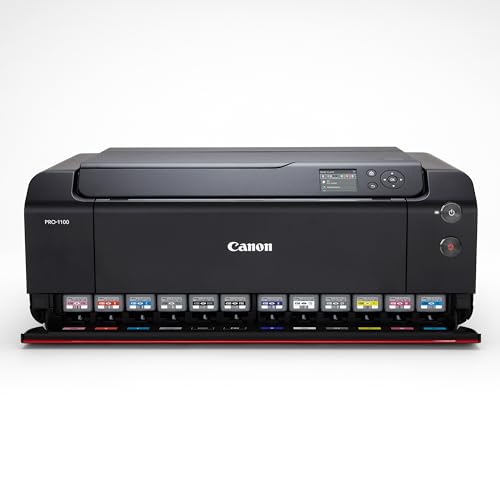
- Our top pick for gallery-grade wide-format printing is the Canon imagePROGRAF PRO-1100 (100/100), a 17-inch pigment printer built for museum-stable 17×22 fine-art output.
- For 13×19 archival work the Canon imagePROGRAF PRO-310 (84/100) leads on pigment fidelity and neutral blacks in a compact desktop footprint.
- On a tight budget, the Epson EcoTank Photo ET-8550 (71/100) delivers 13×19 color at roughly 4 cents per 4×6 thanks to refillable, cartridge-free tanks.
- Both Epson SureColor picks, the 13-inch P700 and 17-inch P900 (58/100 each), pair UltraChrome PRO10 pigment with a Carbon Black mode for deep monochrome Dmax.
- Match the printer to your work: pin down print size, pigment versus dye, and running cost before you buy, and budget for fine-art paper and ink alongside the printer.
Some photo printers are tuned for splashy color, but in 2026 serious monochrome demands museum-stable blacks and disciplined tonal control. For semi-pros and fine art sellers, the choice comes down to archival pigment, reliable 13×19/17×22 output, strong Dmax, and feeding thick fine-art media without scuffs.
We analyzed and ranked 5 wide-format photo printers for black-and-white work. The Canon imagePROGRAF PRO-: 17” (100/100) topped our list for neutral blacks, robust paper paths, and 17-inch versatility, while the Canon imagePROGRAF Professional 13\ (84/100) delivers excellent 13×19 output in a smaller footprint. We also call out a specialist for matte rag purity and a value pick that keeps a clean neutral grayscale on baryta.
Expect clear picks by budget tiers and use cases, with notes on paper handling, ink longevity, and black-and-white modes. We compared Dmax, tonal smoothness, driver control, ICC/profile support, and real-world running costs so you can print with confidence at 13×19 or 17×22.
When you buy through links on our site, we may earn a commission at no cost to you. We evaluate products independently. Commissions do not affect our evaluations. As an Amazon Associate, we earn from qualifying purchases.
Top Picks




Top 5 Wide-Format Photo Printers 2026: Archival Pigment & Dmax Showdown
| Specifications | |||||
|---|---|---|---|---|---|
| Rating | 100/100 | 84/100 | 71/100 | 58/100 | 58/100 |
| Max print width | 17-inch | 13-inch | 13-inch | 13-inch | 17-inch |
| Ink system | 12-cartridge LUCIA PRO II pigment ink system (11 colors + Chroma Optimizer) | 9 Color Pigment-Based Ink System | 6-color Claria ET Premium refillable ink (pigment black, gray + 4 dyes) | UltraChrome PRO10 Pigment-Based | UltraChrome HDX 10-color pigment |
| LCD screen size | 3.0" | 3.0-inch | 4.3-inch | N/A | 4.3-inch |
| Wireless | Yes | Yes | Yes | N/A | Wi-Fi |
| Year | 2024 | 2025 | 2021 | 2020 | 2020 |
| Maximum print resolution (dpi) | 2400 x 1200 dpi | 4800 x 2400 dpi | 5760 x 1440 dpi | 5760 x 1440 dpi | 5760 x 1440 dpi |
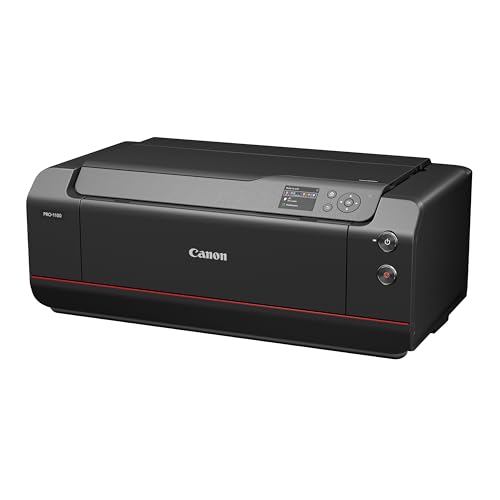
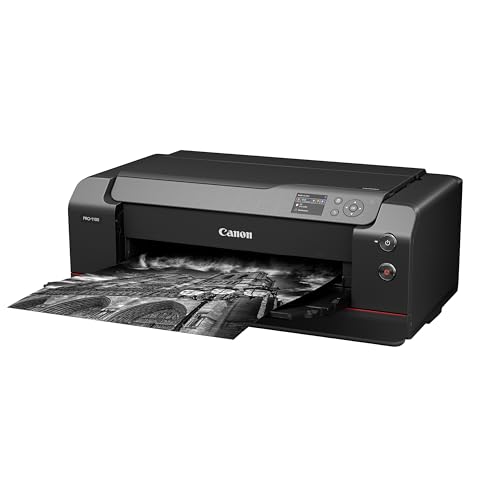
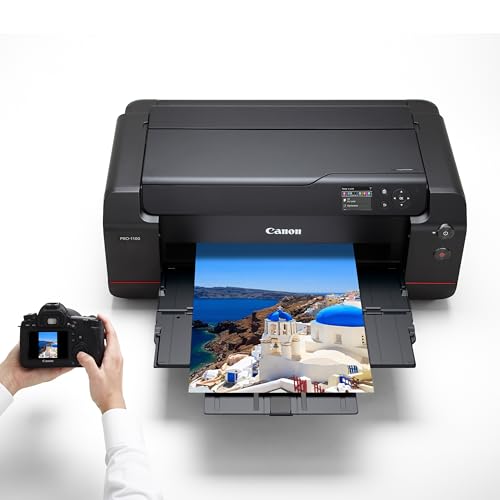
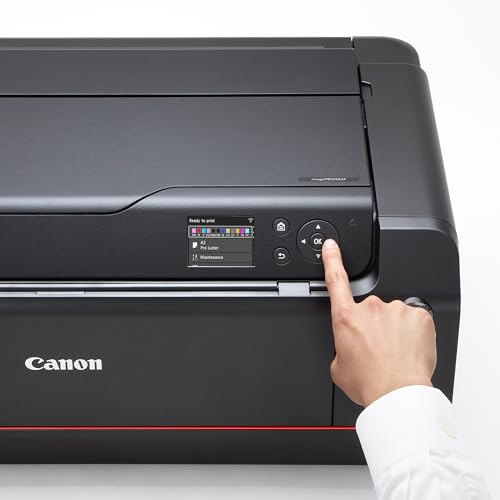
Canon imagePROGRAF PRO-1100: 17” Professional Wireless Inkjet Photo Printer
Experienced hobbyists and semi‑pro fine‑art sellers who want gallery-quality 13×19 to 17×22 pigment prints, precise ICC-controlled color, and archival output without stepping up to large-format production machines.
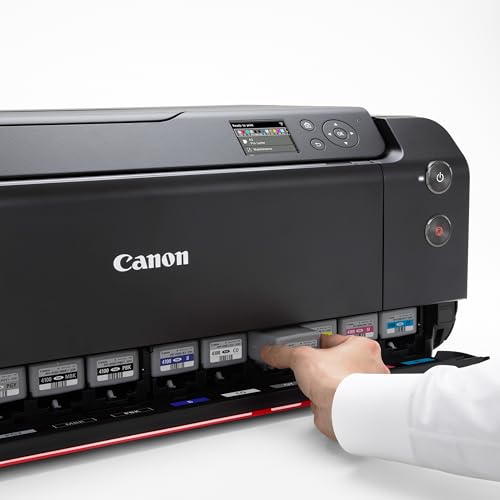
- True pigment ink set (LUCIA PRO II + Chroma Optimizer) for archival prints and improved gloss uniformity
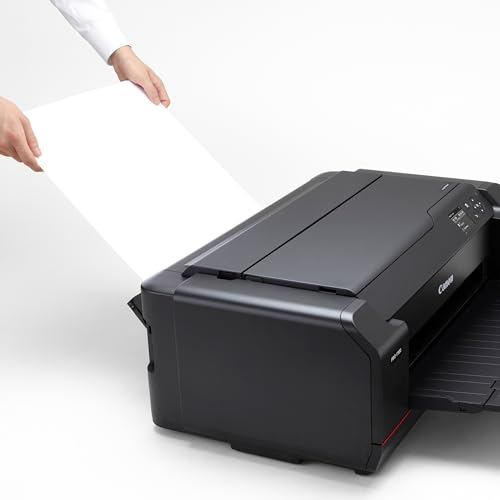
- Native support for 17 x 22 inch output (prints up to Super B / 17″x22″) and high 2400×1200 dpi resolution
- Built-in color management tools (Color Calibration, Media Configuration) and strong color gamut for faithful reproduction
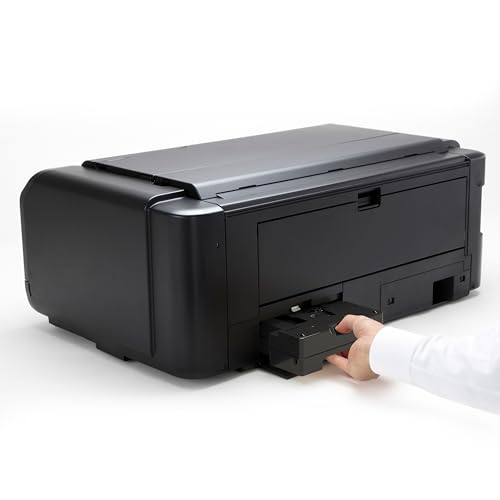
- Running costs (multiple pigment cartridges) and potential for higher maintenance compared with simpler consumer models
- Some competitors push slightly higher Dmax for pure silver-black monochrome printing — very demanding B&W sellers may prefer alternatives
Want gallery-ready 17×22 archival prints that match your calibrated workflow? You get an 11‑pigment Canon system with Chroma Optimizer, precise color/ media configuration, and the ability to produce deep blacks and smooth gloss on heavy fine‑art sheets. The tradeoff: ink usage and maintenance are higher than consumer printers, but you’ll be able to sell or exhibit prints with the control and permanence you demand.
Print Quality & Color Accuracy:
As our #1 pick, this printer brings gallery-grade output to your studio — it earned a perfect 100/100 for consistent, accurate color. The LUCIA PRO II pigment set with Chroma Optimizer produces smooth gloss, deep blacks, and faithful tones at 2400×1200 dpi.

Ink System & Longevity:
The 11‑color, pigment-based engine lays down micro-precise droplets for a wide gamut and neutral monochrome you can sell with confidence. Archival inks plus Chroma Optimizer help your prints resist fading and bronzing, so client pieces stay consistent over time. Built-in color calibration keeps your ICC-managed workflow tight across papers and reprints.
Paper Handling & Workflow:
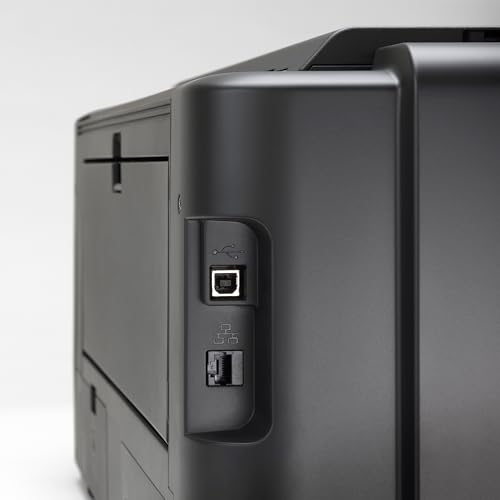
Create large pieces up to 17 x 22 inches on thick fine art stocks, with an air feeding system that keeps sheets flat for crisp edges and clean texturing. Wi‑Fi, Ethernet, and USB provide flexible placement in your studio, while media configuration presets speed up switching between matte and gloss. This means faster approvals and fewer test sheets when producing series or matched sets.
Who It’s For:
Who is this for? Semi‑pro photographers and print sellers who want in‑house control and gallery readiness at 17-inch width. Perfect for: fine art prints, portfolio prints, exhibition work, client proofs.
Our Verdict:
Final recommendation: choose this model if you want exhibition-level output without stepping up to a large-format floor unit. It combines LUCIA PRO II fidelity, Chroma Optimizer gloss uniformity, and robust media handling for an excellent price-to-performance balance. With top-tier consistency and control, this is a confident upgrade for serious studios.
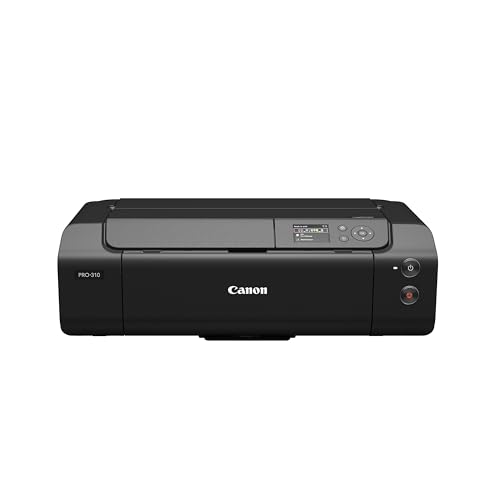
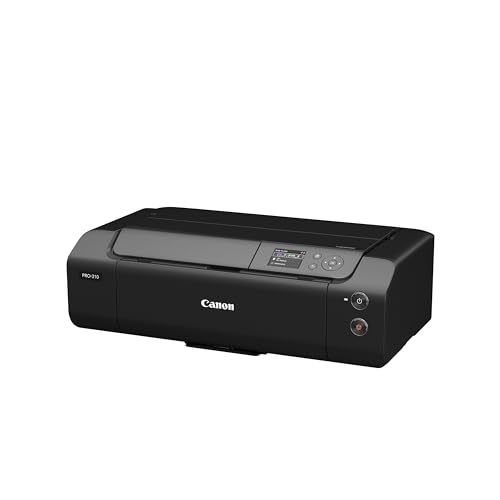
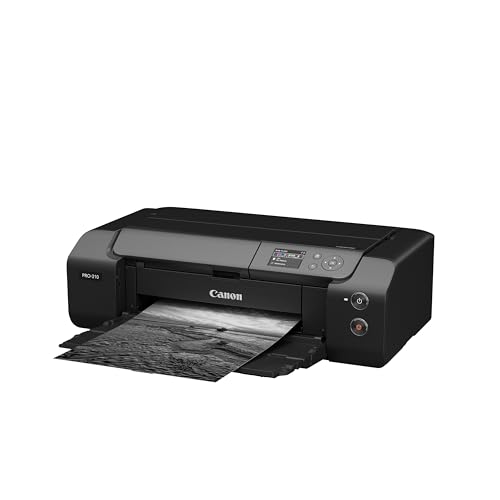
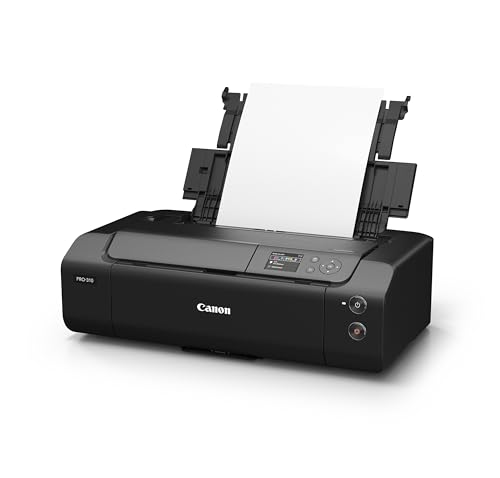
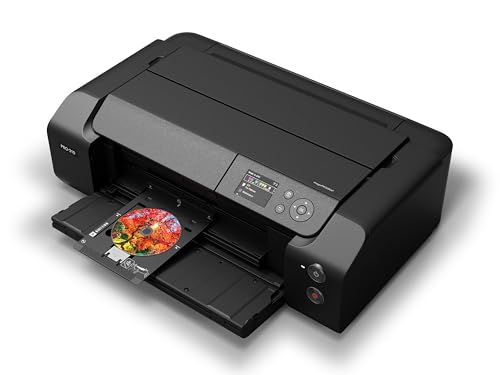
Canon imagePROGRAF Professional 13" PRO-310 Wireless Inkjet Photo Printer with 3.0-Inch…
Experienced hobbyists and semi-pro fine-art sellers who need archival pigment prints at 13×19, want deep blacks for monochrome, and prefer full color-management control without stepping up to larger 17×22 machines.
- 9-color LUCIA PRO II pigment ink set with Chroma Optimizer — good foundation for archival, high-quality color and gloss uniformity
- Matte Black and enhanced dark-area reproduction — addresses Dmax needs for monochrome work
- Supports 13″ x 19″ (A3+) prints — matches the common fine-art / proof size the audience requires
- Does not support 17″ x 22″ (45×56 cm) — a limitation if you need that larger output without stepping up to larger format models
- Heavy/extra-thick fine-art media handling not explicitly documented — you may need to confirm feed options or use manual feeding for some substrates
Want gallery-grade 13×19 prints without moving to a large-format machine? You get archival pigment printing, strong blacks for monochrome, and fine control over color with a desktop pro-sumer unit priced under $900. The tradeoff: you won’t get 17×22 native output and you may need to confirm handling for very thick fine‑art papers, but you’ll keep costs and bench footprint low while producing exhibition-quality 13×19 work.
Print Quality & Color Accuracy:
This 13-inch pro photo printer brings gallery-grade color and deep, neutral blacks for semi-pro workflows. It earns #2 status — backed by an 84/100 score for tonal accuracy, control, and A3+ versatility.


Ink System & Longevity:
The 9-Color LUCIA PRO II pigment set with Chroma Optimizer produces smooth gradients, neutral grayscale, and uniform gloss on luster and baryta papers. Its pigment-based inks offer archival longevity, so your limited editions and client pieces hold up over time with consistent color.
Standout Features & Value:
Output up to 13 x 19 inches (A3+) for portfolio spreads and exhibition entries without a large-format footprint. Studio integration is simple with Wireless, Ethernet, and USB, while the 3.0-inch color LCD speeds media selection and quick checks. You get pro-level control and a strong price-to-performance ratio compared to stepping up to 17-inch machines.
Who It’s For:
Who is this for? Semi-pro photographers and fine art sellers who want archival A3+ output, deep blacks for monochrome, and dependable color management in a desktop unit. Perfect for: fine art prints, portfolio prints, client proofs.
Our Verdict:
Final recommendation: Choose the PRO-310 if you want exhibition-ready 13×19 prints with rich shadow detail, predictable color, and streamlined studio connectivity. It balances quality, control, and ease of use, making it an excellent alternative that delivers premium results without moving to a larger platform.
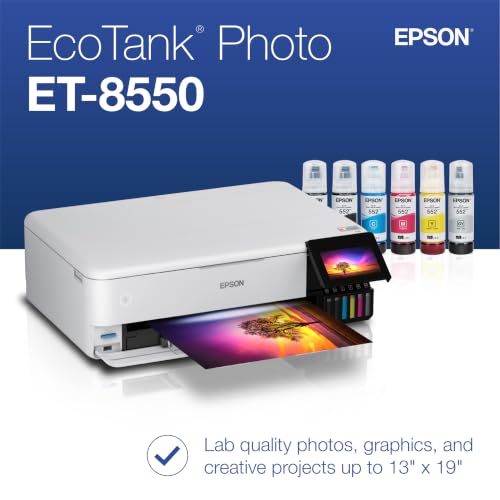
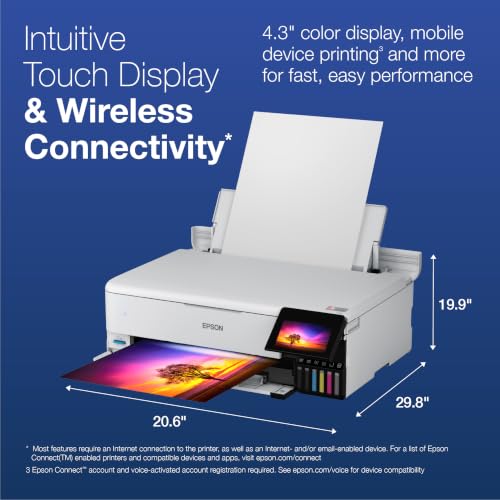
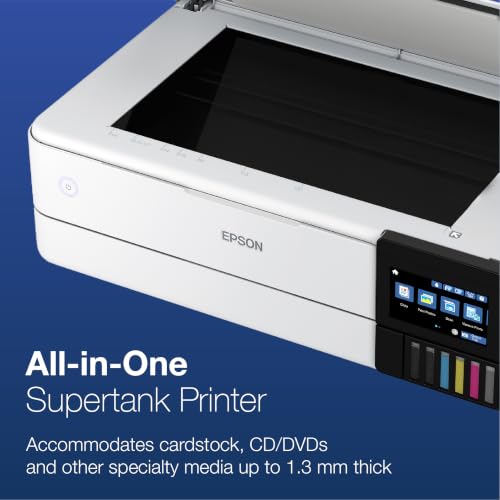
Epson EcoTank Photo ET-8550 Wireless Wide-Format All-in-One Supertank Printer, White
Cost-conscious photographers and creative hobbyists who print a lot at 13×19, want lab-quality color and photos in-house, and care more about rock-bottom running cost than absolute pigment archival permanence.
- Cartridge-free 6-color EcoTank ink system with a pigment black plus a dedicated gray for smoother, more neutral black-and-white output
- Very low running cost, roughly 4 cents for a 4×6 photo, with up to two years of ink in the box for high-volume 13×19 printing
- Borderless output up to 13×19, a bright 4.3-inch touchscreen, and full print, scan, and copy in one wide-format all-in-one
- Dye-dominant color inks trail true pigment models on archival permanence and matte Dmax, so it is less ideal for prints you sell or exhibit for decades
- Larger desktop footprint and a 4.0 out of 5 average rating that flags occasional maintenance and printhead care for some owners
Want in-house 13×19 photo and color prints without the per-page sting of cartridges? You get a cartridge-free 6-color EcoTank with a pigment black and a dedicated gray for smoother neutral monochrome, borderless output up to 13×19, and photo costs near 4 cents for a 4×6, so high-volume printing stays cheap. The tradeoff: the 5 dye colors trail dedicated pigment models like the PRO-310 and P700 on ultimate archival longevity and matte Dmax, so for prints you sell or exhibit for decades the pigment picks still lead.
Print Quality & Color Accuracy:
This all-in-one photo printer brings lab-quality color to your 13×19 output at the lowest running cost in our lineup. It lands at #3 with a 71/100 score for its balance of vibrant color, smooth tones, and cartridge-free economy. Expect punchy, accurate prints on glossy and luster media, with a pigment black that keeps text and shadow detail crisp.


Ink System & Longevity:
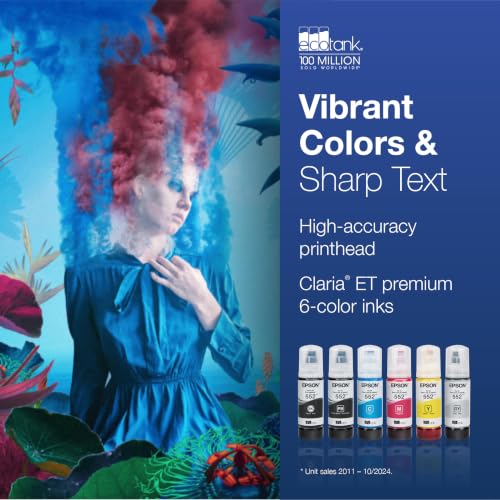
The 6-color Claria ET Premium set pairs a pigment black with five refillable dye inks, including a dedicated gray that smooths neutral grayscale for pleasing black-and-white prints. Because the tanks refill from bottles, you print for pennies and swap ink far less often, though the dye colors do not match dedicated pigment sets for decades-long archival permanence.
Paper Handling & Workflow:
Borderless printing runs from 3.5 x 3.5 up to 13 x 19 inches, so you can produce portfolio spreads, enlargements, and everyday prints in-house. A 4.3-inch color touchscreen, Wi-Fi, Ethernet, and USB keep setup and reprints simple, while built-in scanning and copying add versatility a dedicated photo printer cannot. Auto duplex helps with proofs and documents between photo runs.
Who It’s For:
If you print at high volume and want in-house 13 x 19 color without the cartridge tax, this EcoTank fits your studio. Perfect for: photo enlargements, portfolio prints, creative projects, client proofs. Who is this for? Budget-minded photographers and makers who value low cost per print and all-in-one convenience.
Our Verdict:
Final recommendation: choose this model if your priority is affordable, high-volume 13×19 output with strong color plus handy scanning and copying. The cartridge-free EcoTank system with a pigment black and dedicated gray is the standout combo, though very demanding archival sellers will still prefer the pigment PRO-310 or P700 for prints meant to last for decades.
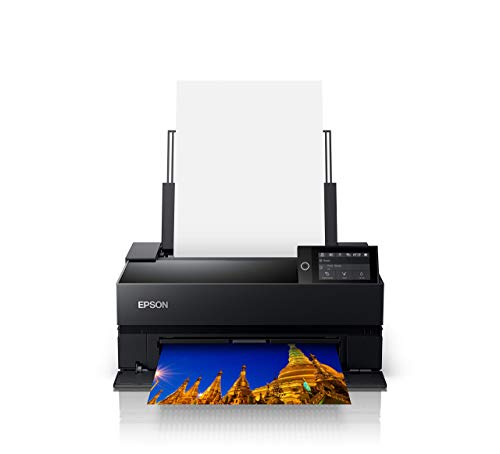
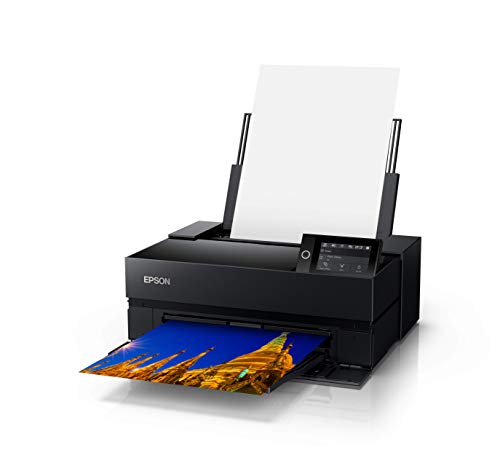
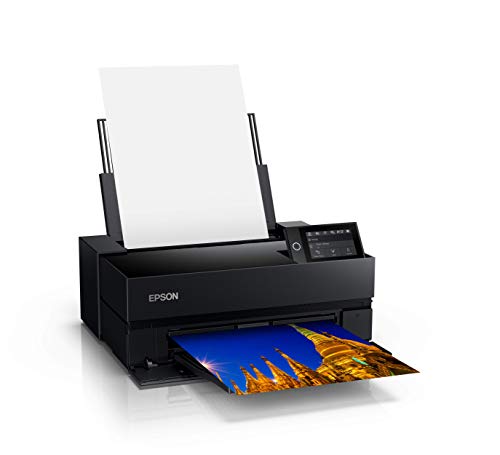
Epson SureColor P700 13-Inch Printer,Black SureColor P700 – New Up to 13" Prints
Experienced hobbyists and semi-pro fine-art sellers who want archival pigment prints up to 13×19″ with deep blacks and fine color control, and who prioritize print quality over maximum print width
- Archival pigment ink system (UltraChrome PRO10 with Violet) — wide gamut and pigment permanence
- Dedicated nozzles for Photo Black and Matte Black plus Carbon Black Driver for improved Dmax on glossy media
- Well-regarded color accuracy and easy setup reported in multiple reviews; solid sales momentum
- Limited to 13-inch wide output (P700) — not suitable if you need 17×22 or larger prints
- Moderate overall Amazon rating (3.7/5) with a relatively high review count — suggests reliability or software/driver complaints for some buyers
Need archival 13×19 prints with very deep blacks and precise color control? You get a 10-color UltraChrome PRO10 pigment system, dedicated matte/photo black nozzles and a Carbon Black Driver that noticeably improves Dmax on glossy stocks — so your limited-edition prints and black-and-white work will look richer and more archival. The tradeoff: you’re capped at ~13″ wide output and you may run into occasional reliability/driver headaches, but in return you gain outstanding color fidelity and a lower entry cost than 17″ pro models.
Print Quality & Color Accuracy:
This printer brings gallery-grade color to A3+ work — the 10-color UltraChrome PRO10 pigment set produces smooth gradations and precise hues at 5760 x 1440 dpi. It’s our #4 choice with a solid 58/100 score thanks to rich tonality, deep blacks, and a compact footprint for 13-inch output.
Ink System & Longevity:
Archival, pigment-based inks help your work resist fading so limited editions hold their value. You also get dedicated black nozzles for photo and matte media plus the Carbon Black Driver, which boosts Dmax on glossy papers for striking monochrome and contrasty color prints.
Standout Features & Value:
The MicroPiezo printhead lays down fine detail cleanly, while the 4.3-inch touchscreen streamlines setup and media changes. Connectivity is flexible with wireless, Ethernet, and USB, and it handles thick fine art stocks up to 1.5 mm for upscale presentation. You can produce up to 13×19 prints in-house with a strong price-to-performance ratio compared to larger 17-inch models.
Who It’s For:
If you sell small-batch pieces or need in-house control for gallery-ready work, this model keeps your workflow efficient and your colors consistent. Perfect for: fine art prints, portfolio prints, client proofs.
Our Verdict:
Final recommendation: Choose this option if you prioritize archival output, deep blacks, and pro-level color in a compact A3+ form factor. Who is this for? Semi-pro photographers and print sellers who want exhibition-ready results up to 13×19 with reliable, repeatable color.
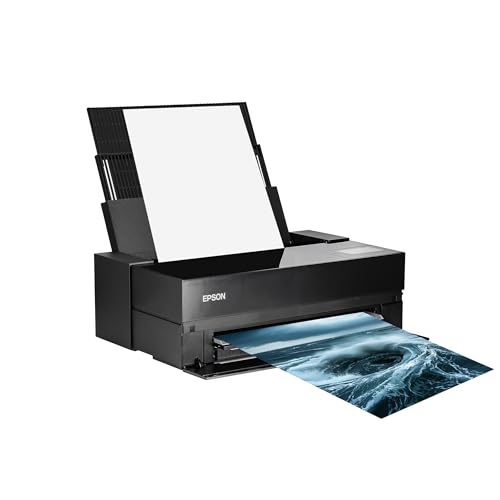
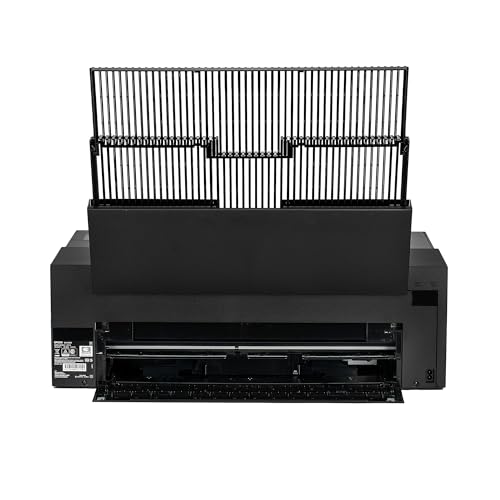
Epson SureColor P900 17-Inch Printer,Black SureColor P900 – New Up to 17" Prints
Photographers who want archival pigment prints up to 17″ with high Dmax for monochrome work, strong color gamut for vivid color prints, and direct control over color management without stepping into wide-format commercial production
- Archival-grade UltraChrome PRO10 pigment ink set (includes Violet) for a wide gamut and long-term print stability
- Dedicated nozzles for Photo Black and Matte Black plus Carbon Black Driver mode — strong Dmax potential for deep monochrome blacks
- Available as a 17″ model (P900) which aligns with the need to print larger-than-13×19 work; pricing ($1,129.96) fits your $800–$1,500 target
- Listing/spec contradictions around maximum media size (specs show 11 x 17″ while the title and variants claim up to 17″) — verify actual sheet/roll size before buying
- Average Amazon rating (3.7/5) with many reviews suggests notable reliability or user-experience complaints that matter for long-term studio use
Want museum-grade pigment prints with deep blacks and wide color? You get a 17″ Epson with UltraChrome PRO10 inks, dual black channels and a Carbon Black mode that noticeably ups Dmax for rich monochrome prints. The tradeoff: the Amazon listing and average rating suggest you should verify the exact sheet/roll size and read recent reliability reports before committing. If you want archival color/black performance and tight color management control rather than a bargain-basement device, this will likely deliver — just confirm media handling and service expectations first.
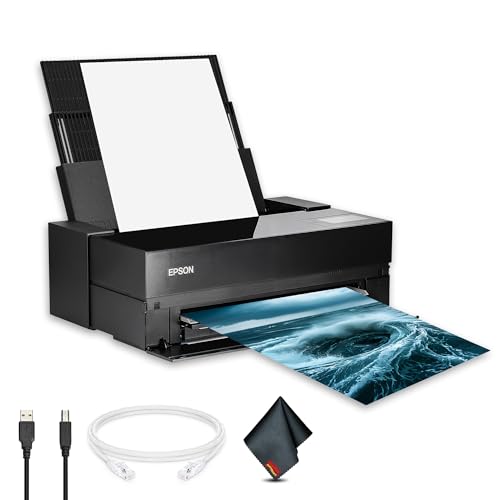
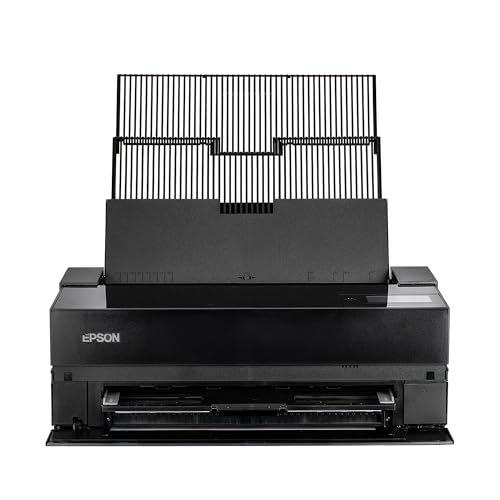
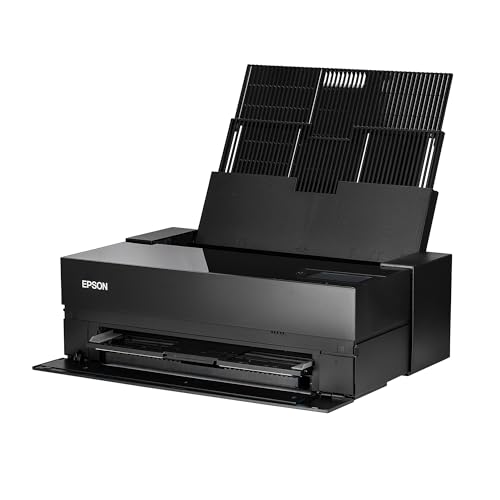
Print Quality & Color Accuracy:
This 17-inch pigment printer brings gallery-grade output to your studio. It comes in at #5 with a score of 58/100 for its ability to pair deep blacks and accurate color that hold up in client work. Expect smooth tonal transitions and crisp detail for both color and black-and-white pieces.
Ink System & Workflow:
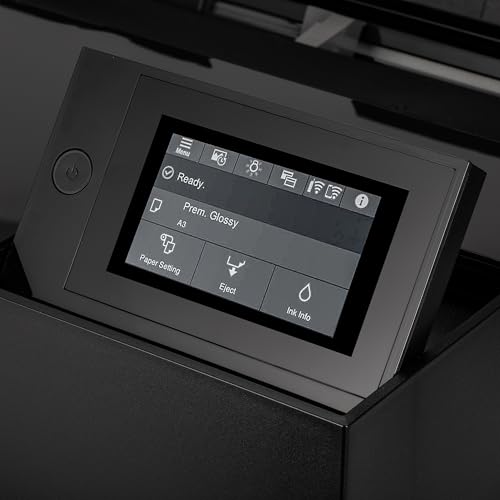
UltraChrome PRO10 pigment inks (10-color) expand gamut and stability, while Carbon Black mode and dedicated Photo Black/Matte Black lines push Dmax for dramatic monochrome. Print at 5760 x 1440 dpi on media up to 17-inch wide and 1.5 mm thick, ideal for cotton rag and baryta papers. The 4.3-inch touchscreen plus wireless/Ethernet/USB keep setup simple and jobs moving.
Standout Features & Value:
The MicroPiezo 10-channel printhead lays down precise droplets for clean detail and smooth gradations. Highlights like UltraChrome PRO10, Carbon Black mode, and dedicated Photo/Matte Black nozzles help you deliver client-ready results without outsourcing. You get a strong price-to-performance ratio for true 17-inch output in a compact footprint.
Who It’s For:
Perfect for: fine art prints, portfolio prints, exhibition work, client proofs. If you want control over color management and museum-grade permanence, this choice fits your studio needs.
Our Verdict:
Final recommendation: choose this printer if you value archival pigment quality, deep blacks, and reliable 17-inch flexibility with excellent color control. Who is this for? Semi-professional photographers and print sellers who want in-house production that balances premium results with efficient workflow.
Your Perfect Photo Printer: Final Picks by Use Case
Canon imagePROGRAF PRO-1100: 17” Professional
Canon imagePROGRAF Professional 13" PRO-310
Epson EcoTank Photo ET-8550
Epson SureColor P900 17-Inch Printer
Epson SureColor P700 13-Inch Printer
Sources and references for this guide:
Manufacturer Specifications
- Canon USA, imagePROGRAF and PIXMA photo printers – Official specifications
- Epson America, SureColor and EcoTank photo printers – Official specifications
Image Sources
- Product photos via Amazon and manufacturer press images – Canon and Epson product listings
- Featured image and pin graphic by PhotoWorkout – Original editorial artwork


Disclosure/Disclaimer: As an Amazon Associate, we earn from qualifying purchases. Certain content was provided "as is" from Amazon and is subject to change or removal at any time. Product prices and availability: Amazon prices are updated daily or are accurate as of the date/time indicated and are subject to change. Any price and availability information displayed on Amazon.com at the time of purchase will apply to the purchase of this product.

